
PDF Reader - PDF Editor
Edit PDF, Reader & Converter
Designed for iPhone, iPad, iPod touch
Free · In-app purchases
- Age rating4+
- CategoryBusiness
- DeveloperGames Wing
- LanguagesEnglish+ 19 more
- Size84.5 MB
Links to the official App Store page
Download.org hosts no file of PDF Reader - PDF Editor. The button opens its official App Store page, published by Games Wing. Listing last checked on Nov 20, 2026.
Screenshots




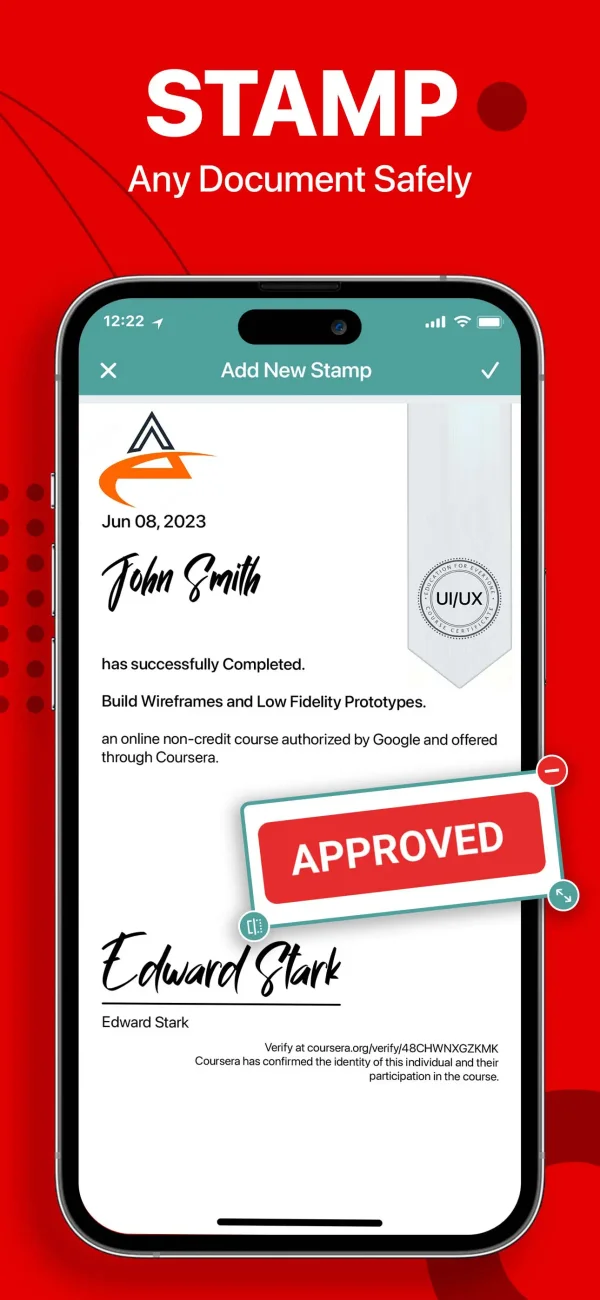
About
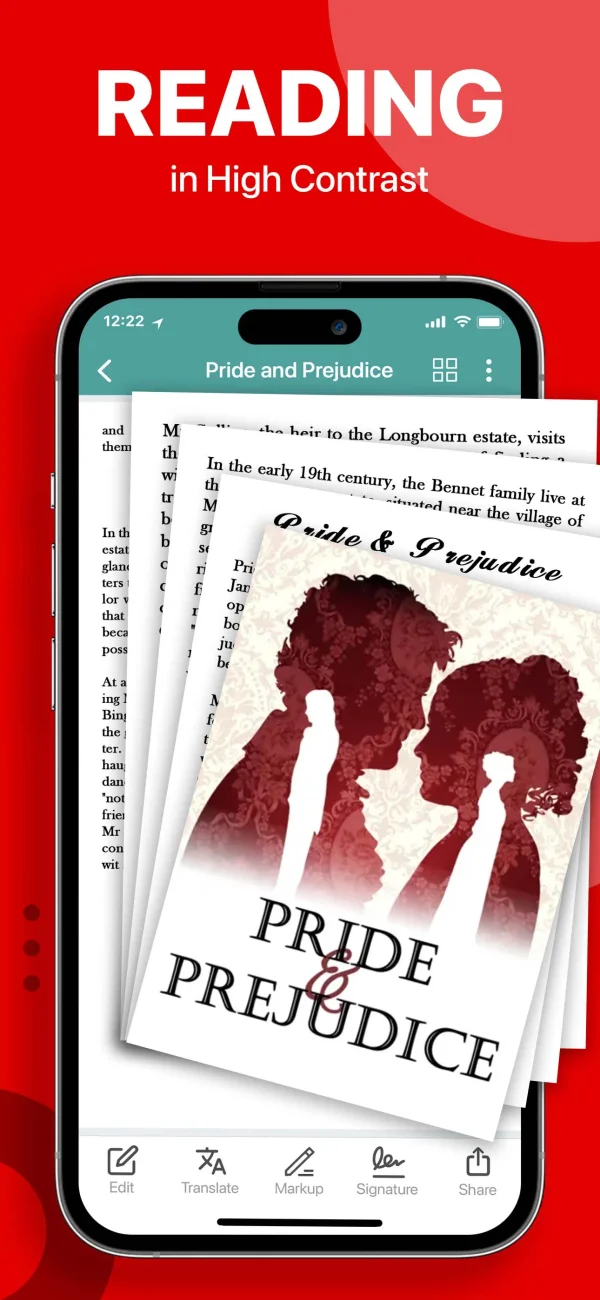
PDF Reader - PDF Editor is an all-in-one tool for reading and editing PDFs. With PDF Reader, you can easily view, annotate, scan, fill, sign, and share PDF files. You can create forms, convert images to PDF, and add your signature to shared documents. It makes working with PDFs really simple.
Key Features:
View and Annotate PDFs:
• Read PDFs with PDF Reader.
• Add notes, highlight, underline, and cross out text.
• Easily find text in your PDFs.
• Bookmark pages for later reference.
Convert PDFs:
• PDF Converter that converts photos to PDF.
• Turn images into new PDFs.
Manage Files:
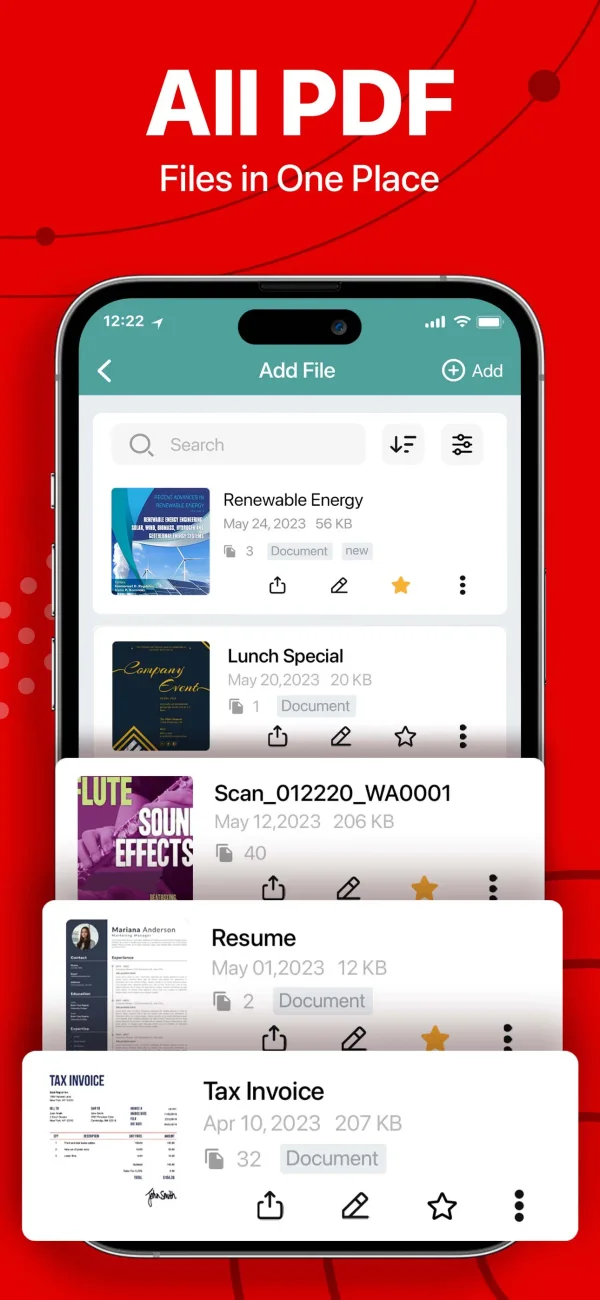
• Organize, rename, copy, move, or delete PDFs.
• Access files from your Drive.
Edit Text and Images:
• Directly edit text and images in PDFs.
• Merge, split, reorder pages, and rotate images.
• Draw on PDFs.
Fill and Sign PDFs:
• Easily complete, save, and send PDF forms.
• Sign PDFs from anywhere.
Scan Documents:
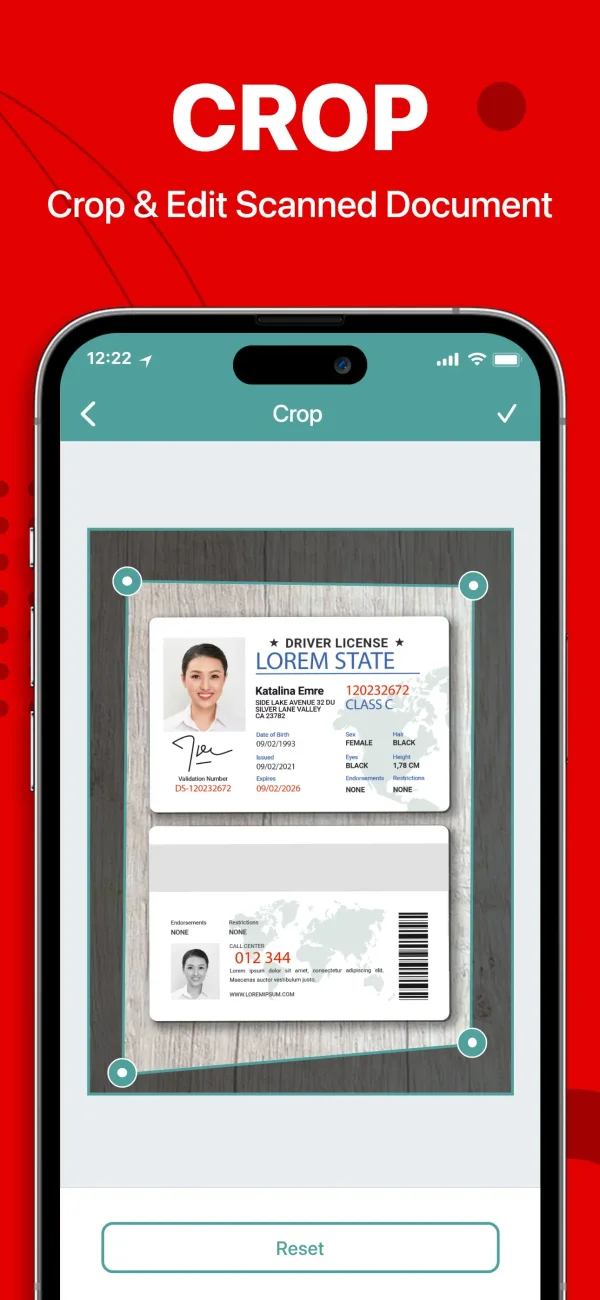
• Quickly scan various documents.
• Improve scan quality for clarity.
Making PDF tasks even better is our goal, and your suggestions help us to achieve it. We value your input! If you have ideas to improve, please share your feedback with us.
Terms of Use: https://www.apple.com/legal/internet-services/itunes/dev/stdeula/
Privacy Policy: https://www.freeprivacypolicy.com/privacy/view/50c5621471755f1548917ebbe5e90160
What’s new
Version 1.5.1 · Oct 9, 2026
- Sign, stamp, and reorder pages as you scan — get everything just the way you want it.
- Find any file in a tap with the new tab bar and instant search.
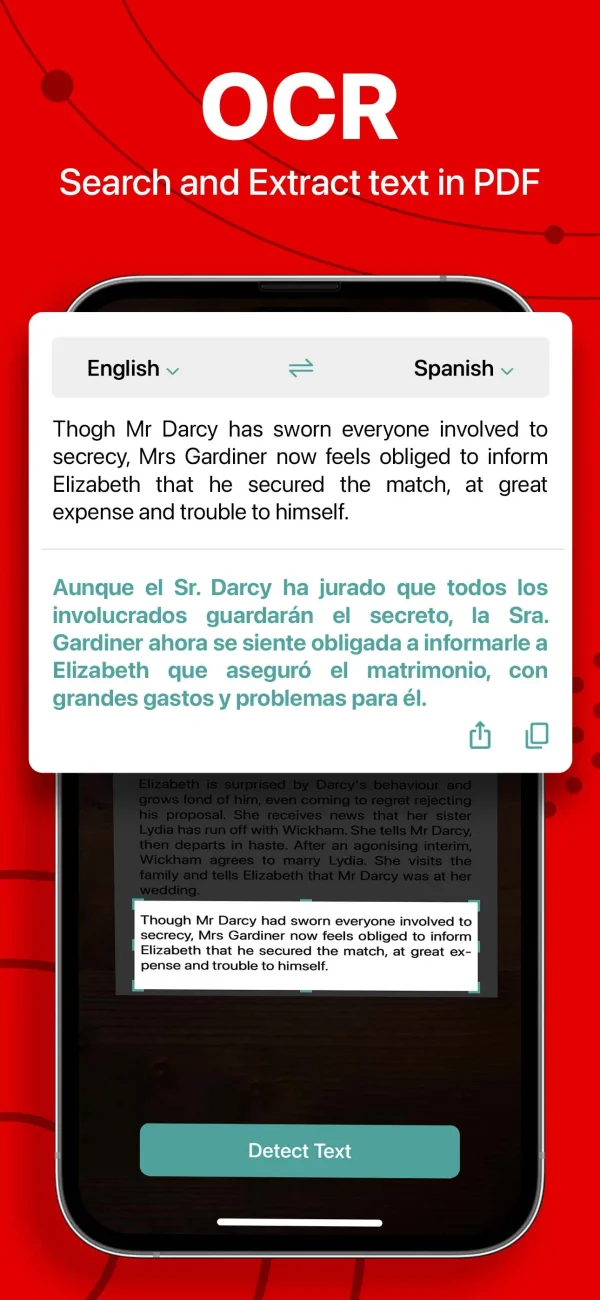
- A faster, smoother experience across OCR, folders, merging, and more.
App privacy
What Games Wing declares on the App Store about how this app handles data.
-
Data used to track you
May be used to track you across apps and websites owned by other companies.
- Location
- Identifiers
- Usage data
- Diagnostics
-
Data linked to you
May be collected and linked to your identity.
- Location
- Identifiers
- Usage data
- Diagnostics
-
Data not linked to you
May be collected but is not linked to your identity.
- Diagnostics
Privacy practices may vary, for example with the features you use or your age.
Information
- Seller
- Games Wing
- Category
- Business
- Version
- 1.5.1
- Updated
- Oct 9, 2026
- Released
- Jan 26, 2023
- Size
- 84.5 MB
- Requires
- iOS 15.5 or later
- Age rating
- 4+
- Price
- Free
- In-app purchases
- Yes
- Languages
- English, Arabic, Bengali, Dutch, French, German, Hindi, Indonesian, Italian, Japanese, Korean, Malay + 8 more
- Copyright
- © Apps Wing Studio
You might also like
-
 PDF Reader & PDF EditorRead, Edit, Sign PDF Files
-
 Image to PDF Converter · EditScan & Convert Image to PDF
-
 PDF Converter - PDF Editor・Scan, Convert to PDF Photo
-
 PDF Editor ®Edit, Reader Converter Maker 7
-
 PDF Pro - Reader Editor FormsEdit, annotate, view documents
-
 PDF Converter, Image to PDFPDF Maker - Picture to PDF
-
 PDF Converter・Scanner・Editor・Scan Documents・Convert & Edit
-
 PDF Editor ©PDF Edit, Convert, Scan, Make
-
 QR Code Reader & PDF ScannerDocs & Barcode: Scаn and Share
-
 Convert Image To PDF toolsImage to Pdf Convert