ProScan - PDF Scanner & Editor
Scan Edit Sign and Protect PDF
Designed for iPhone, iPad, iPod touch
In-app purchases
- Age rating4+
- CategoryProductivity
- DeveloperPawel Lukasz
- LanguagesEnglish
- Size100.5 MB
Links to the official App Store page
Download.org hosts no file of ProScan - PDF Scanner & Editor. The button opens its official App Store page, published by Pawel Lukasz. Listing last checked on Nov 26, 2026.
Screenshots

About
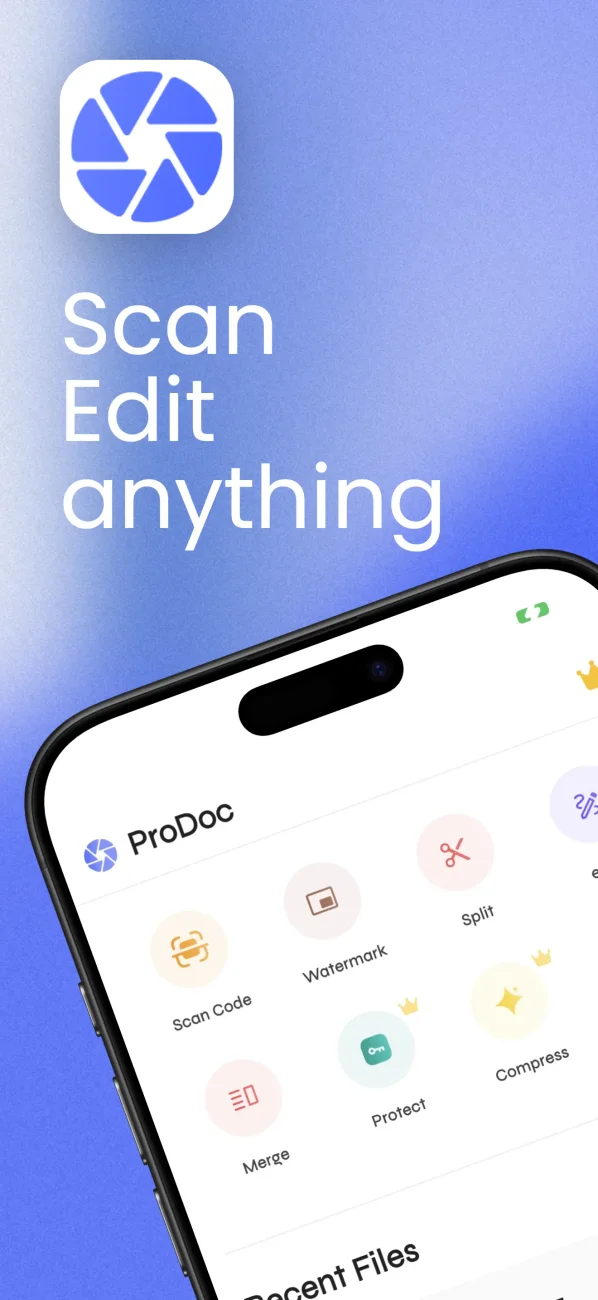
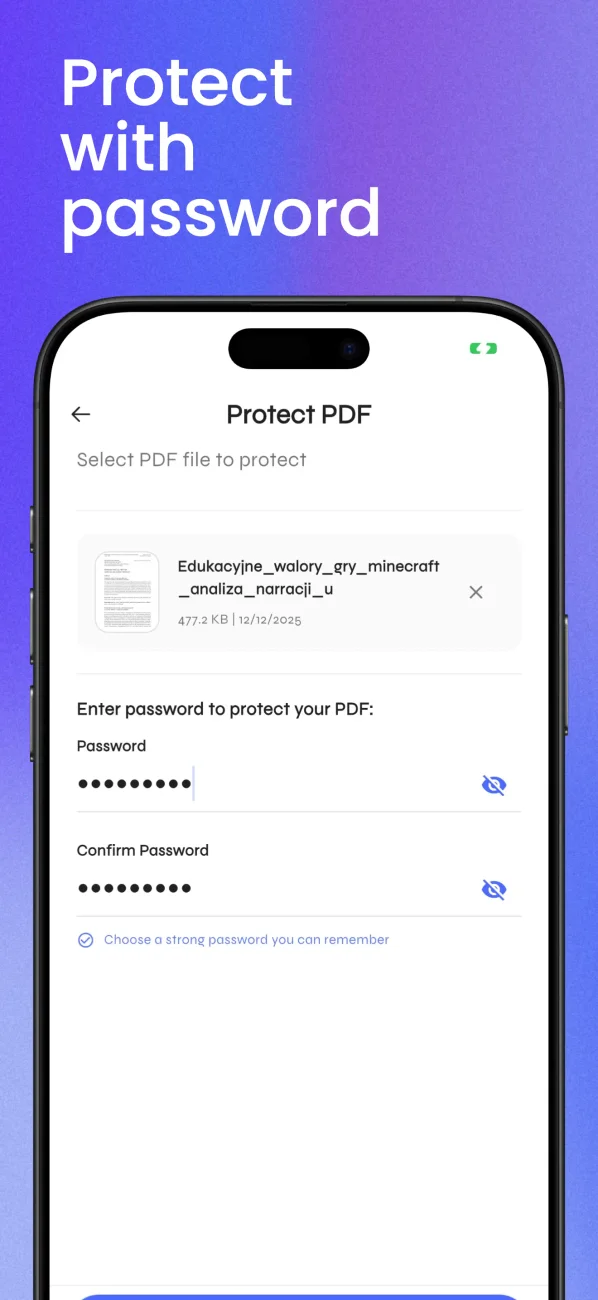
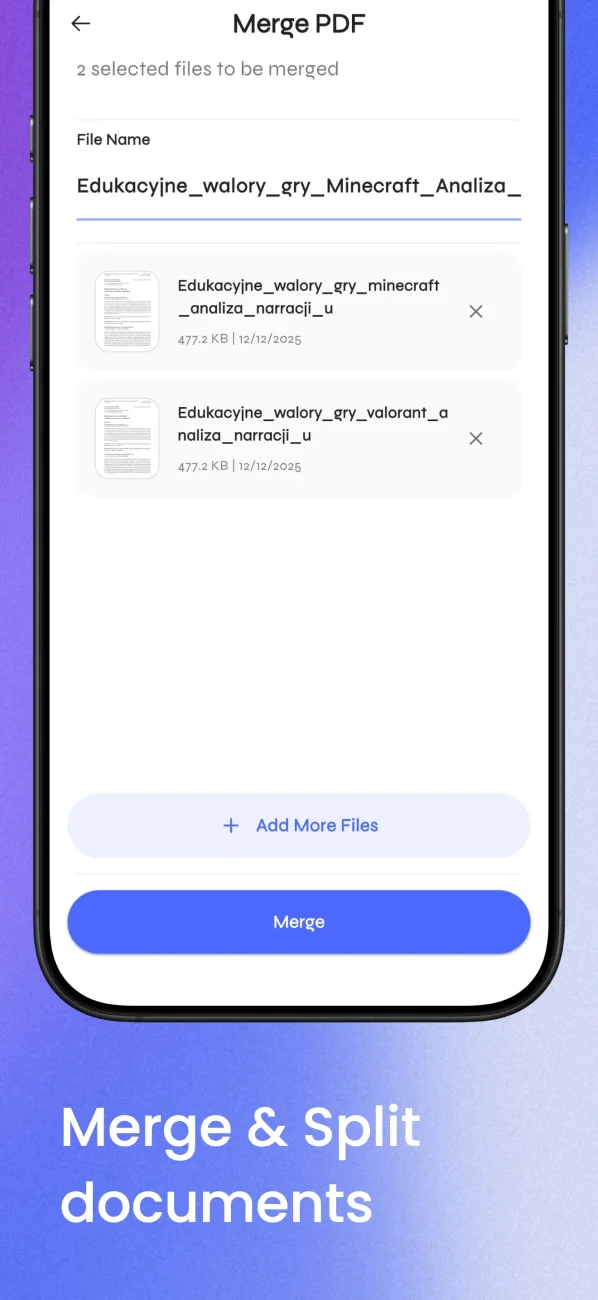
ProScan is a document scanner and PDF editor in one app. Scan documents to PDF with your camera, edit the text of a PDF, sign it, redact private data, and then merge, split, compress or protect the file with a password. Everything runs on your iPhone and iPad. No account, no registration, no cloud.
DOCUMENT SCANNER
Scan documents, receipts, invoices, contracts, notes and ID cards to PDF.
Automatic edge detection, perspective correction and sharp, straight pages.
Multipage scans with crop, rotate and reorder.
Import PDF files and photos from your device.
PDF EDITOR
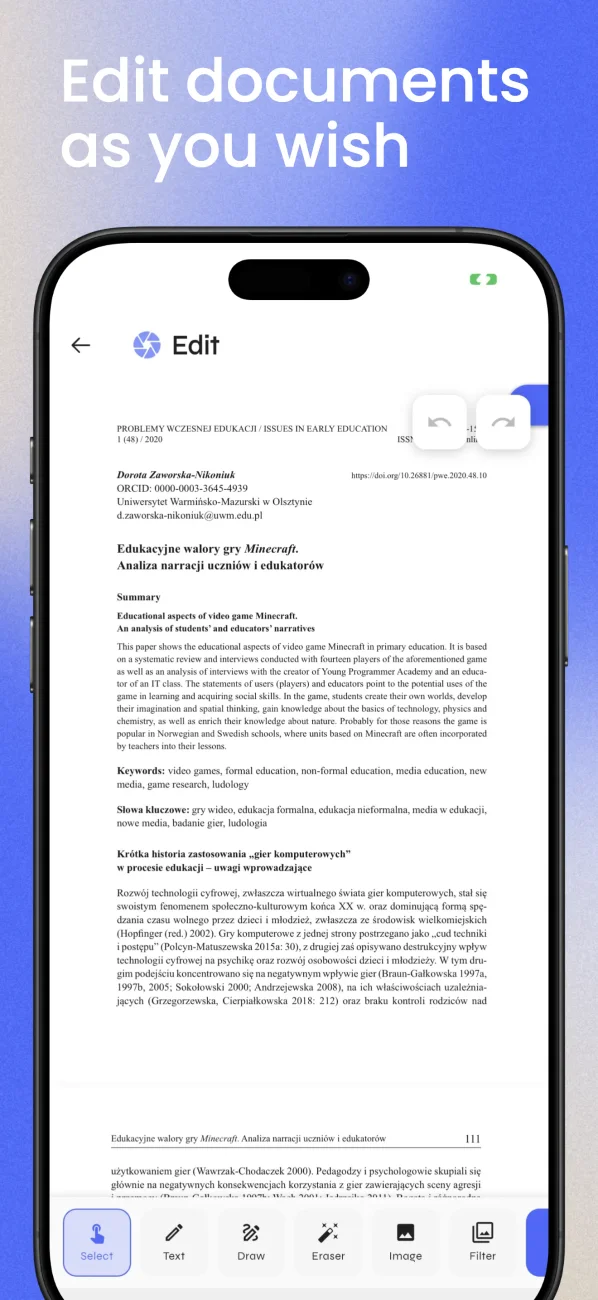
Edit PDF text directly. Change words, fonts, size and color.
Draw and annotate with a pen or highlighter. Add shapes and arrows.
Insert images and logos and remove their background inside the app.
Sign PDF documents with your finger or with a saved signature.
Redact PDF content with a black bar, blur or pixelation. Redacted content is removed from the file, not just covered.
PDF TOOLS
Merge several PDF files into one document and reorder the pages.
Split a PDF into page ranges or into separate files.
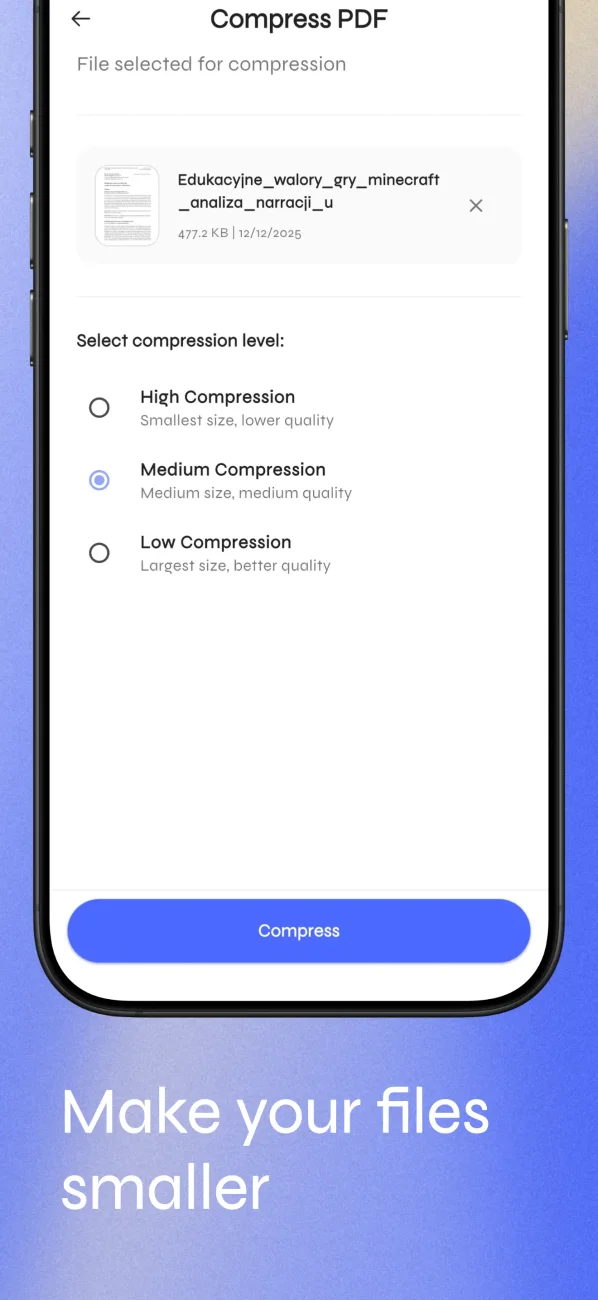
Compress PDF files to make them smaller before sharing.
Protect PDF files with AES 256 encryption and lock printing, copying and editing.
Add a text or logo watermark with opacity, angle and position.
PRIVACY BY DESIGN
No registration and no account.
Scans and PDF files are processed on your device and stay there.
You share only when you choose to.
Light and dark mode. Layouts for iPhone and iPad.
PROSCAN PREMIUM
ProScan is free to use. Premium unlocks the full set of tools and is offered as a monthly or yearly subscription that renews automatically. Payment will be charged to your Apple ID account at confirmation of purchase. The price is shown before you buy. Subscriptions renew automatically unless renewal is turned off at least 24 hours before the end of the current period. Your account will be charged for renewal within 24 hours before the end of the current period. You can manage or cancel your subscription at any time in your Apple ID settings, and you keep access until the period ends. A free trial, where offered, converts to a paid subscription unless cancelled before it ends.
Get ProScan, the PDF scanner that also edits, signs and protects your documents.
Privacy Policy
https://mobilepablo.org/proscan/privacypolicy
Terms of Use
https://mobilepablo.org/proscan/tos
What’s new
Version 1.1.0 · Nov 25, 2026
The new ProScan is here.
What is new
- Fixed editing. Scanned pages are inserted in place, and password protected PDF files are locked from changes.
- Landscape mode support on iPhone.
- iPad support with a layout built for larger screens.
- New design with a floating navigation bar.
Update ProScan and enjoy easier document management.
App privacy
What Pawel Lukasz declares on the App Store about how this app handles data.
-
Data linked to you
May be collected and linked to your identity.
- Purchases
- Contact info
- Identifiers
- Usage data
-
Data not linked to you
May be collected but is not linked to your identity.
- User content
- Usage data
- Diagnostics
Privacy practices may vary, for example with the features you use or your age.
Information
- Seller
- Pawel Lukasz
- Category
- Productivity
- Version
- 1.1.0
- Updated
- Nov 25, 2026
- Released
- Dec 25, 2025
- Size
- 100.5 MB
- Requires
- iOS 15.6 or later
- Age rating
- 4+
- In-app purchases
- Yes
- Languages
- English
- Copyright
- © Paweł Łukasz - Mobile Developer
You might also like
-
 PDF Reader & Document ViewerPDF Editor & AI Tools - Vonoto
-
 SumSheet XLSX EditorOpen and edit Excel workbooks
-
 All Files Reader and ViewerPDF, Word, Excel, PPT Office
-
 EasyScan: PDF ScannerScan Documents, Sign & Editor
-
 AI Checker For StudentsAI Content Percentage in text
-
 Slide AI: PPTX & PDF MakerAI presentations and PDF tools
-
 PDF Converter & PDF ReaderPDF Maker : Document Converter
-
 AI Presentation Maker, ai pptPresentation AI, slides ai
-
 Document Reader : PDF ReaderPDF, PPT, Excel, Word, Text
-
 XLSX Reader & EditorOpen and Edit XLSX Files