PDF Scan: Document Scanner OCR
Signature, Text Copy, QR Codes
Designed for iPhone
In-app purchases
- Age rating4+
- CategoryProductivity
- DeveloperPhuc Pham
- LanguagesEnglish
- Size6.1 MB
Links to the official App Store page
Download.org hosts no file of PDF Scan: Document Scanner OCR. The button opens its official App Store page, published by Phuc Pham. Listing last checked on Nov 10, 2026.
Screenshots



About
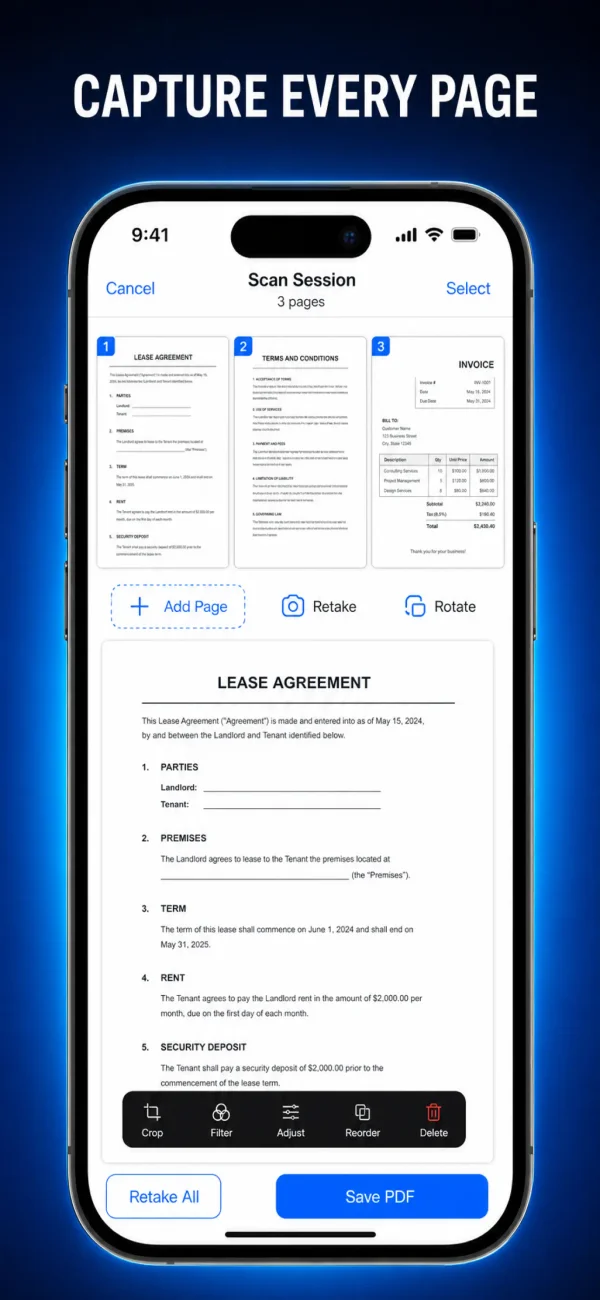
Turn your iPhone into a pocket document scanner: point the camera at any paper page and get a clean, perfectly squared multi-page PDF in seconds — then pull out the words, add your signature, and share it without ever leaving the app.
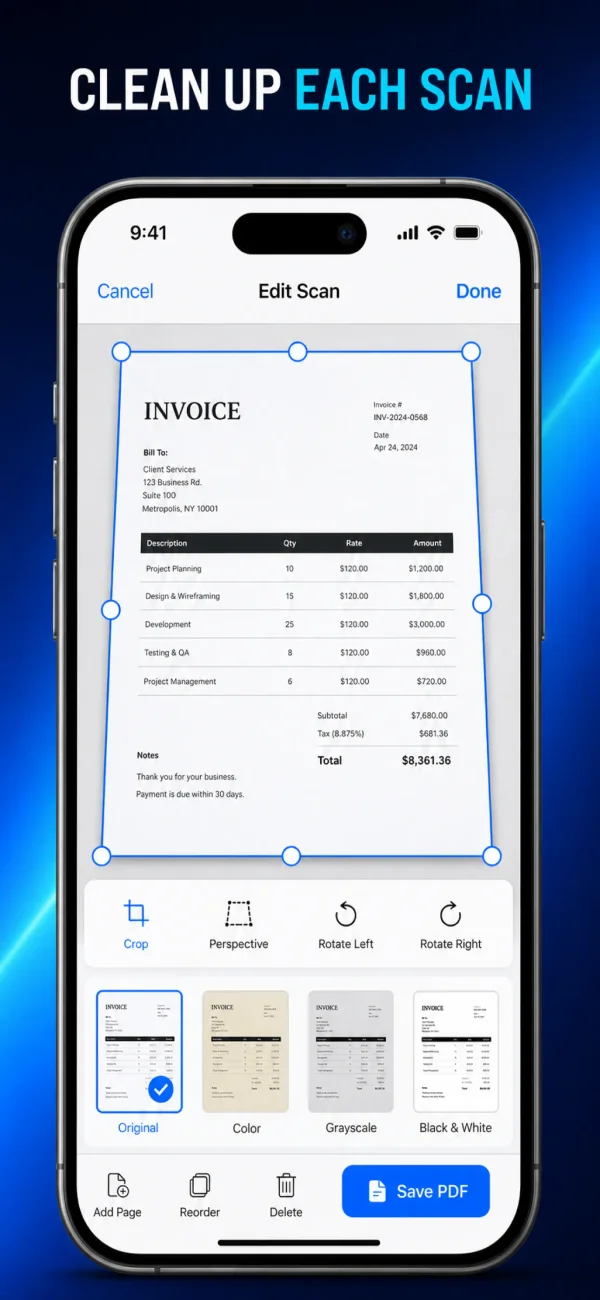
Most scanner apps stop at the capture. This one finishes the job entirely on your device: automatic page detection straightens and crops the paper, on-device text recognition pulls words you can search and copy, and your handwritten signature goes straight onto the page. No account, no upload, no internet connection needed at any step.
WHAT YOU GET
- Clean multi-page PDFs straight from the camera, with automatic page detection and perspective correction
- Searchable, copyable text extracted from any scan using on-device recognition, page by page, exported as TXT or PDF
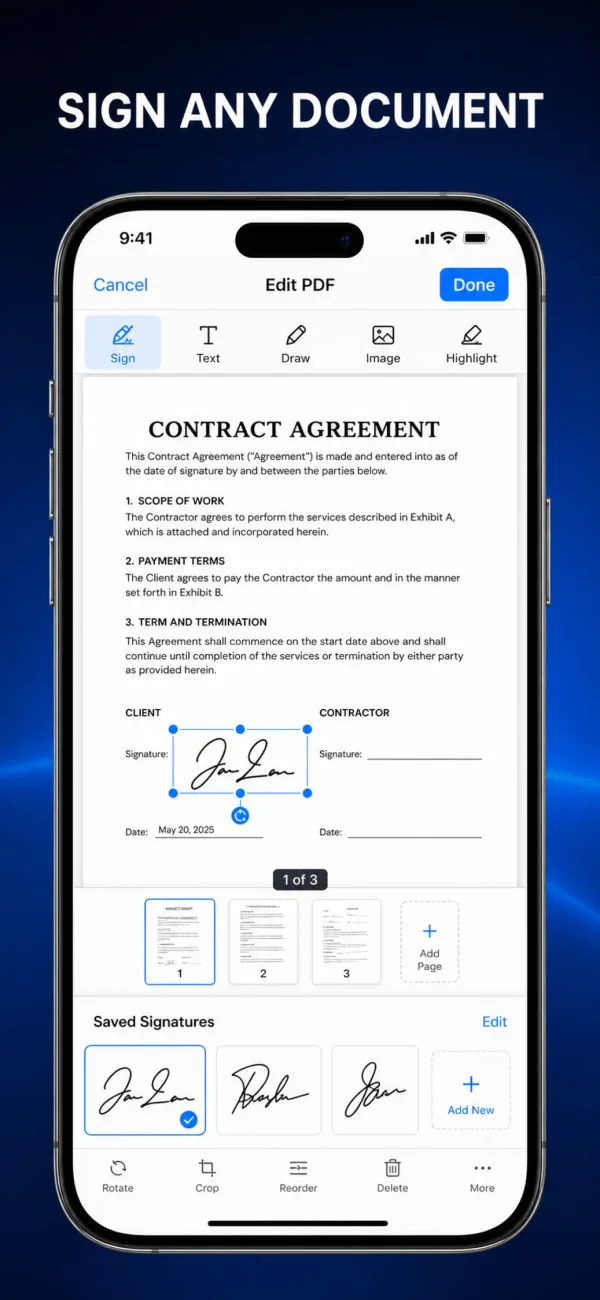
- Your handwritten signature drawn once, saved, then placed on any page and written back into the document
- A business card reader that pulls out name, email and phone, and a receipt reader for merchant, date, total and line items
- A QR and barcode reader, plus converters that turn photos from your library or typed text into a PDF
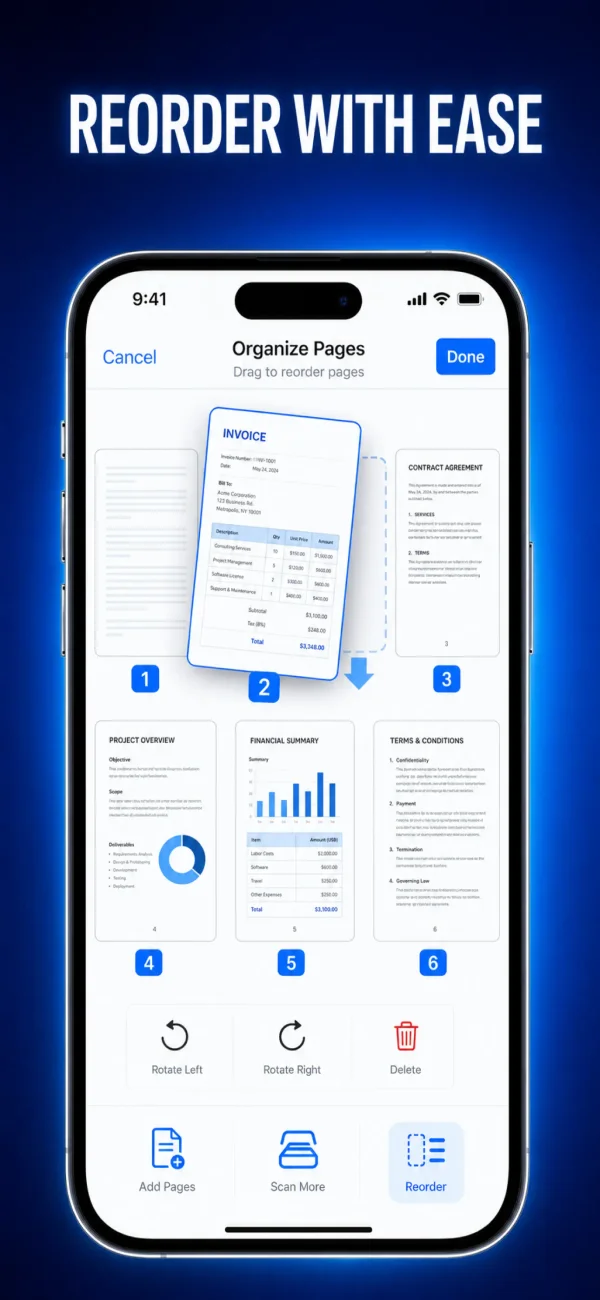
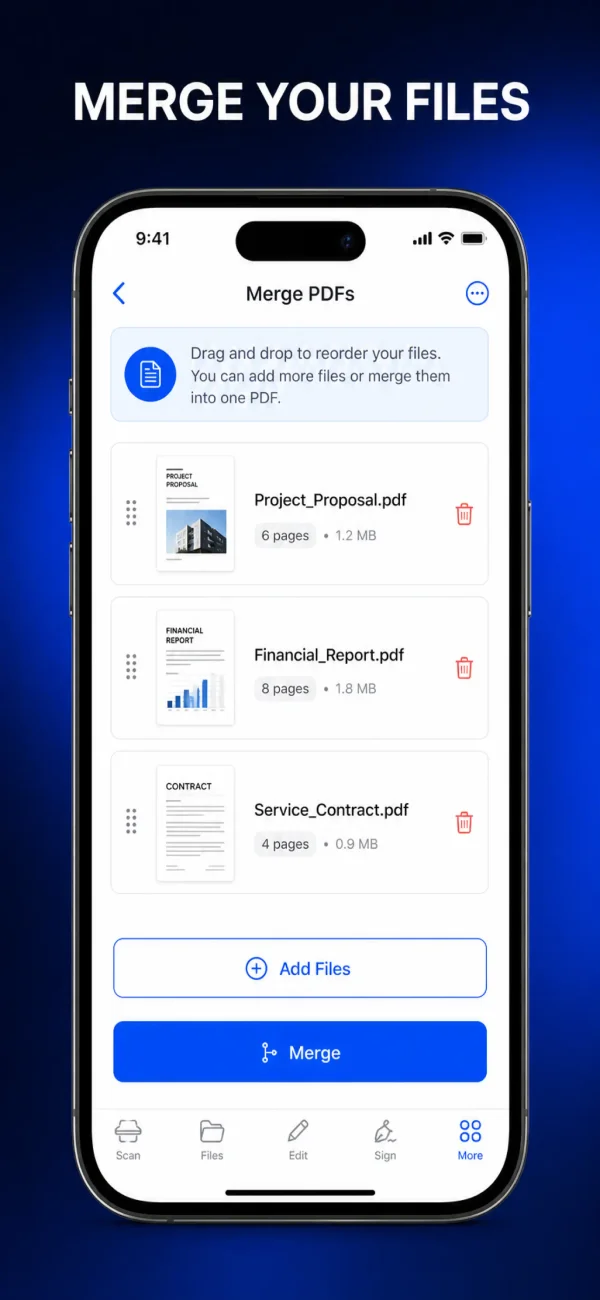
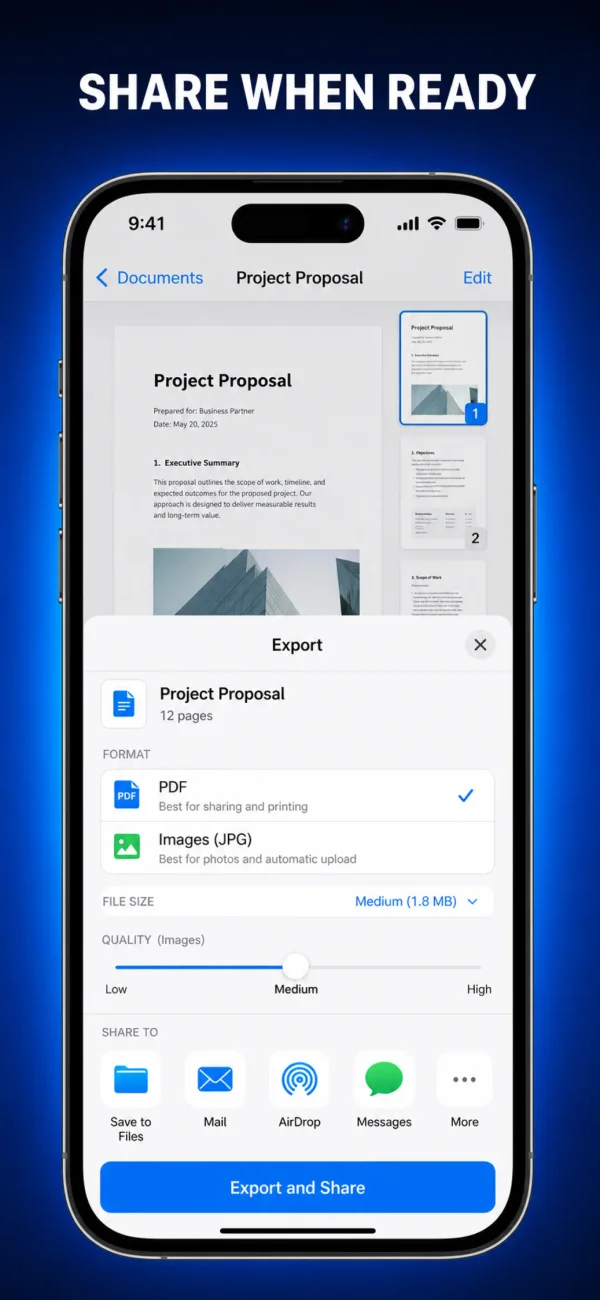
- A tidy library: folders, favourites, search, sorting, rename, page reorder, rotate and delete, then share or AirDrop as PDF
PERFECT FOR
- Freelancers and small businesses turning contracts and invoices into signed PDFs
- Students digitising lecture notes, handouts, and printed chapters
- Anyone filing receipts, ID documents, and paperwork for tax returns or personal records
- Remote workers who need to scan, sign, and send a document from their phone
WHY NOT JUST PHOTOGRAPH THE PAPER?
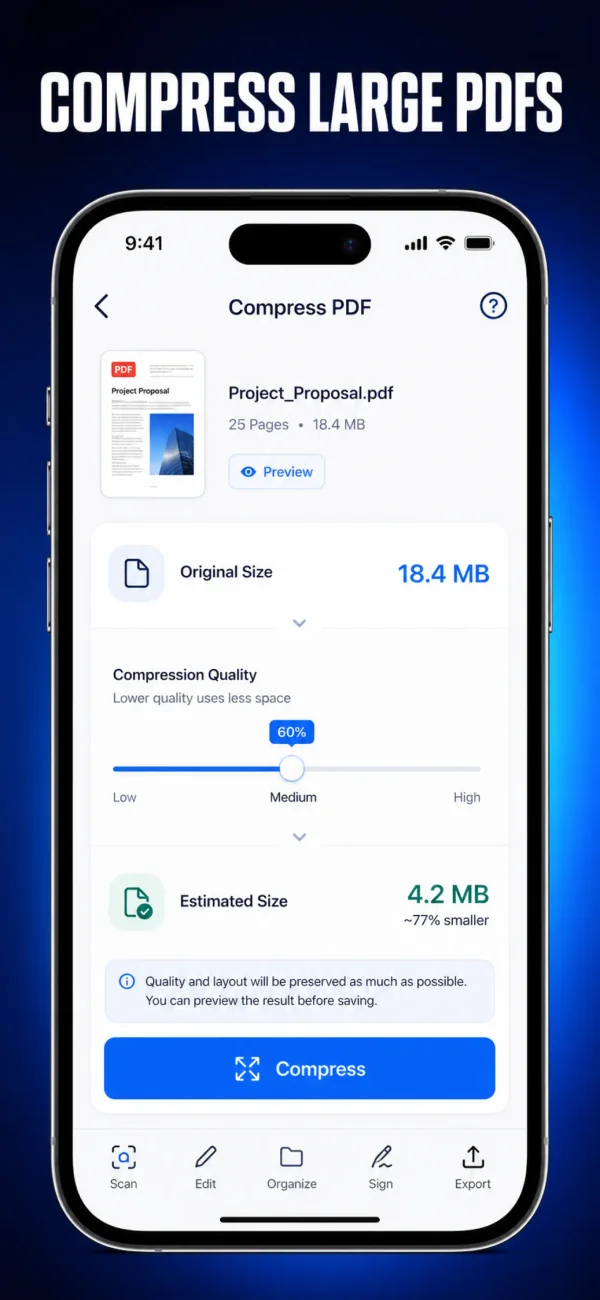
A camera photo is crooked, shadowed, oversized, and buried in your camera roll. This app squares the page, builds a proper multi-page PDF, makes the words searchable, lets you sign it, and hands you one file you can actually email.
PRIVACY
No account, no sign-up, no cloud upload, no tracking. Every scan, every text recognition pass, and every PDF is created and stored locally on your device, and the app works with no internet connection at all.
FULL ACCESS
The free version gives you 5 scans per day plus the QR and barcode reader and the photo-to-PDF and text-to-PDF converters. Full Access removes the daily scan limit and unlocks text extraction from your scans, saved signatures and document signing, and the business card and receipt readers. Choose a weekly plan, a yearly plan, or a one-time lifetime purchase you pay once and keep forever.
Scan your first page in the next 30 seconds — open the app and tap Scan.
Terms of Use (EULA): https://web-levi.web.app/terms
Privacy Policy: https://web-levi.web.app/privacy-policy
Questions? tphuc.work@gmail.com
What’s new
Version 1.1 · Aug 19, 2026
Bug fixes and performance improvements.
App privacy
What Phuc Pham declares on the App Store about how this app handles data.
-
Data not collected
The developer does not collect any data from this app.
Privacy practices may vary, for example with the features you use or your age.
Information
- Seller
- Phuc Pham
- Category
- Productivity
- Version
- 1.1
- Updated
- Aug 19, 2026
- Released
- Jul 22, 2026
- Size
- 6.1 MB
- Requires
- iOS 18.0 or later
- Age rating
- 4+
- In-app purchases
- Yes
- Languages
- English
- Copyright
- © 2026 Phuc Pham
You might also like
-
 Scanbox: PDF Doc ScannerOn-device PDF & doc scanner
-
 Folio: Scanner ID & PDF EditorScan, edit & sign documents
-
 Scanner App Scan PDF & DocsScan, sign & share documents
-
 Scan PDF: Document Scanner OCRConvert Photo to Word & JPG
-
 ScanPro: PDF Scanner & QR CodeFast Scan to PDF & Image
-
 Scanify: PDF & OCR ScannerScan, OCR & Share Documents
-
 Kiwi PDF: Editor & ScannerEasy Launcher PDF, Reader, OCR
-
 Print 2 ShipCrop & print shipping labels
-
 Duplicate Photo Cleaner 2026Free Up iPhone Storage Photos
-
 Text to Handwriting: ElyazHandwritten letters & cards