Folio: Scanner ID & PDF Editor
Scan, edit & sign documents
Designed for iPhone, iPad
Free
- Age rating4+
- CategoryProductivity
- Developerali tavakolbakhoda
- LanguagesEnglish
- Size8.4 MB
Links to the official App Store page
Download.org hosts no file of Folio: Scanner ID & PDF Editor. The button opens its official App Store page, published by ali tavakolbakhoda. Listing last checked on Nov 17, 2026.
Screenshots
About
Scan a document, edit the PDF, sign it and share it — without creating an account, and without a single page ever leaving your iPhone.
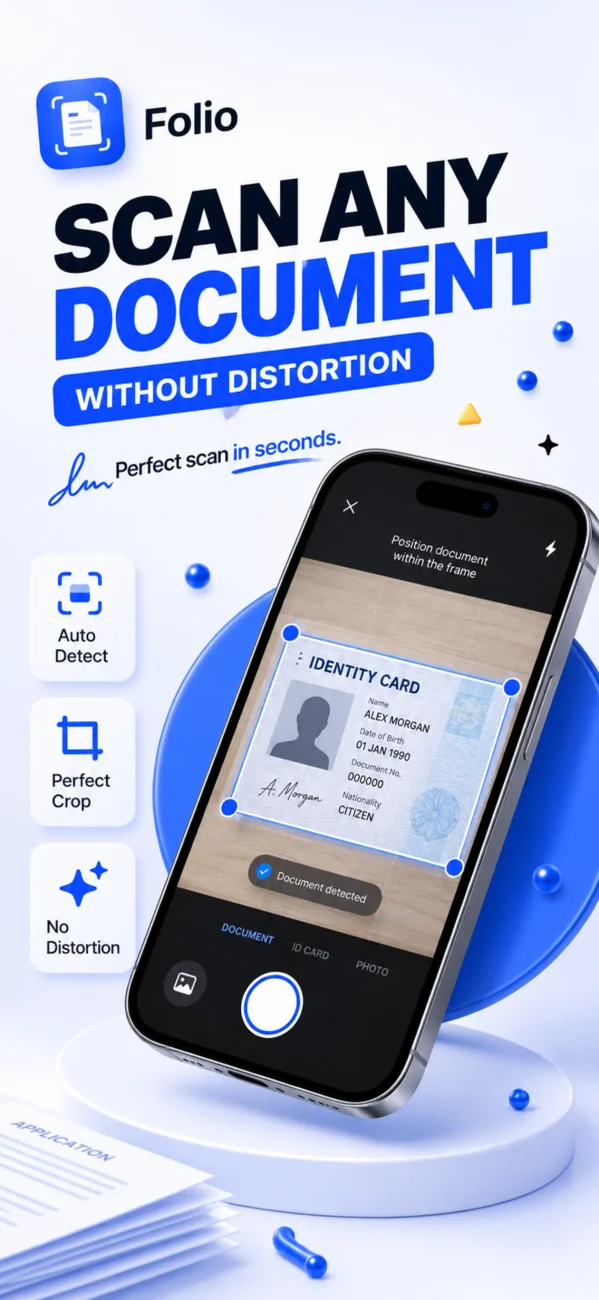
Point your camera and Folio finds the page edges, straightens it, and captures automatically. Every scan is read on your device, so you can search your documents by the words inside them, and new scans even name themselves.
PRIVATE BY DESIGN
Most scanner apps make you sign in before you can scan a single page, then quietly sync your documents to their servers. Folio has no servers.
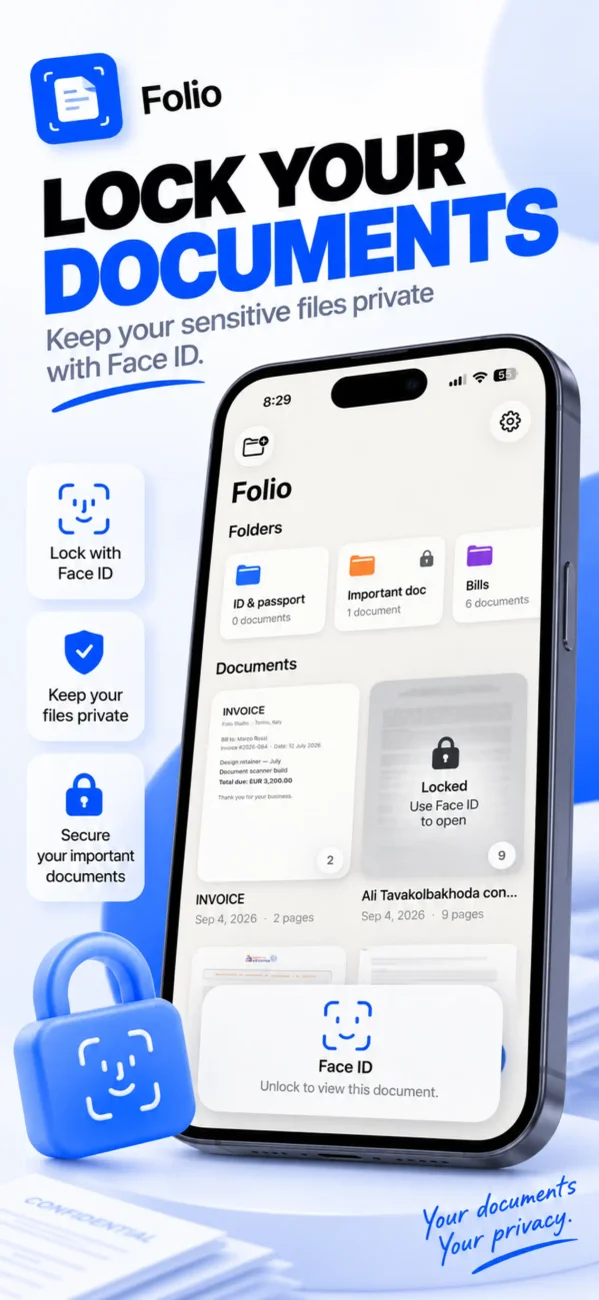
• Your documents never leave your iPhone
• No account, no sign-up, nothing to upload
• Even the text recognition runs on-device
• Lock the whole app behind Face ID
SCAN ANYTHING
• Automatic edge detection, perspective correction and auto-capture
• Multi-page scanning in one go
• Import photos or existing PDFs — crop and straighten them with adjustable corners
FIND IT INSTANTLY
• On-device text recognition makes every scan searchable
• Search across titles AND the text inside your documents
• Scans auto-name themselves from their contents
A REAL PDF EDITOR (without wrecking the file)
Most editors mangle a PDF the moment you touch it. Folio doesn't. Your original pages stay untouched — edits are layered only where you tap.
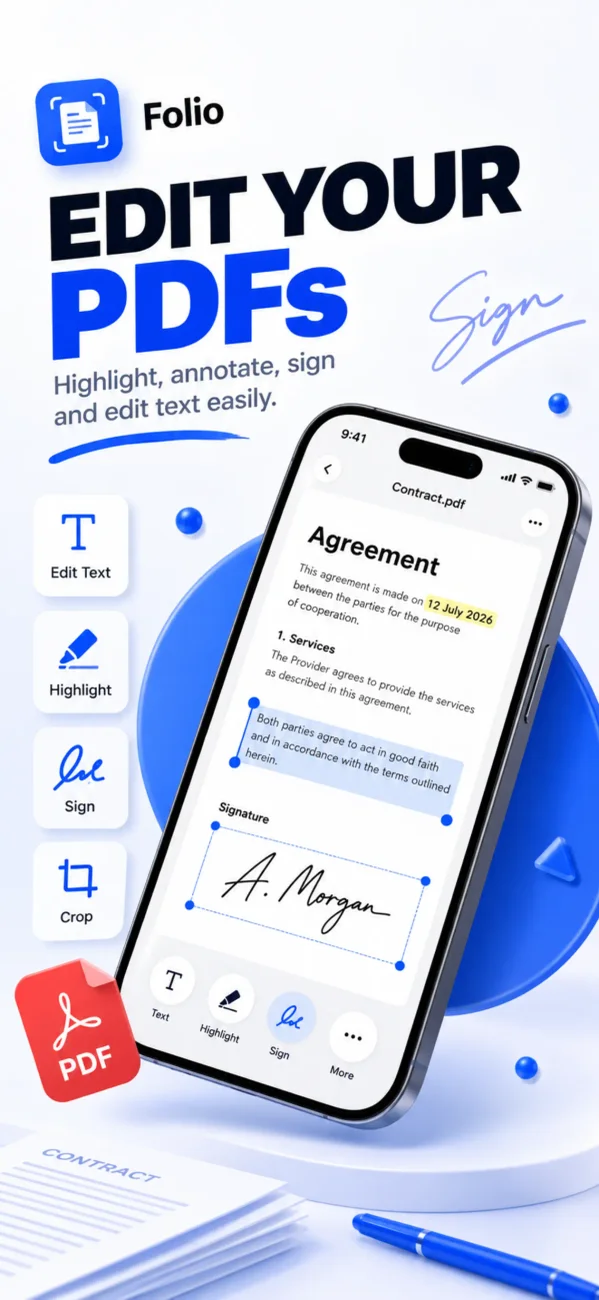
• Edit text in place, matched to the original font, size and colour
• Add text anywhere, highlight, and whiteout
• Sign and draw with your finger
• Everything stays sharp and true to the original
ORGANISE EFFORTLESSLY
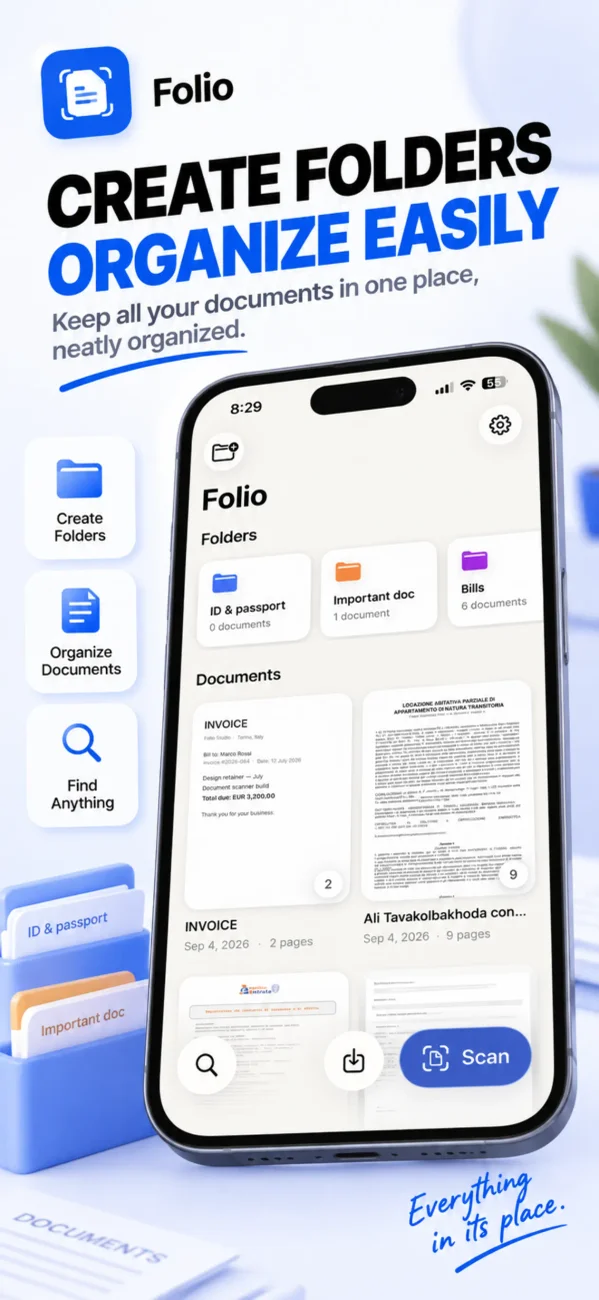
• Colour-tinted folders — just drag a document in to file it
• Favourites, rename, reorder and delete pages
• A clean, beautiful library
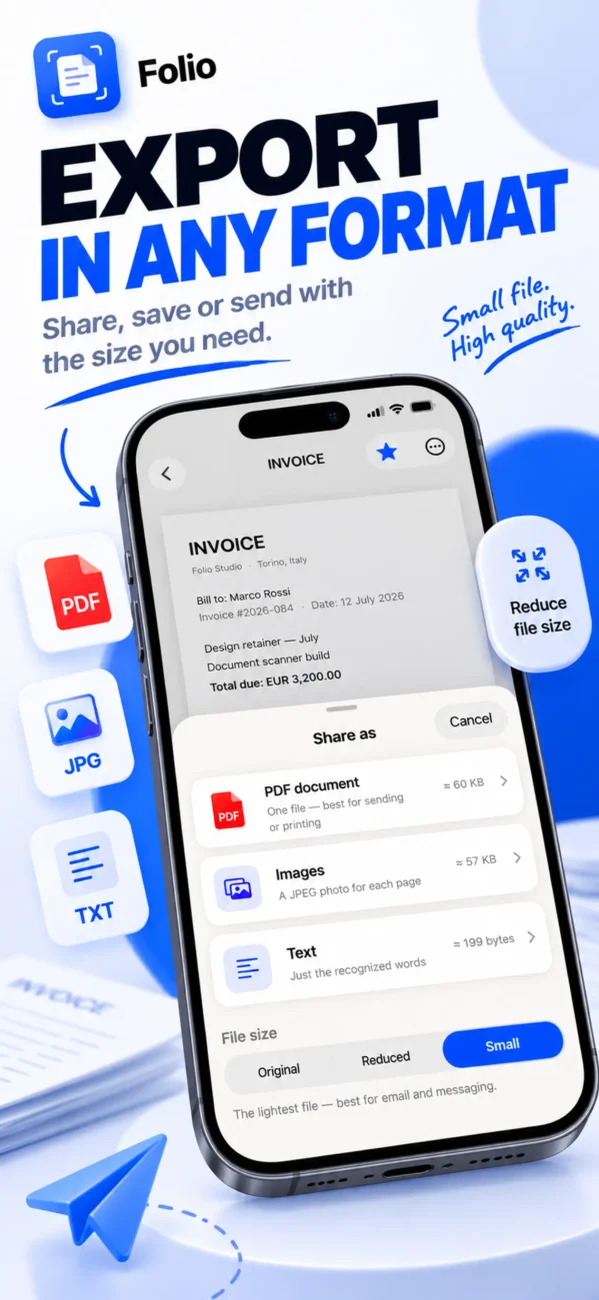
SHARE YOUR WAY
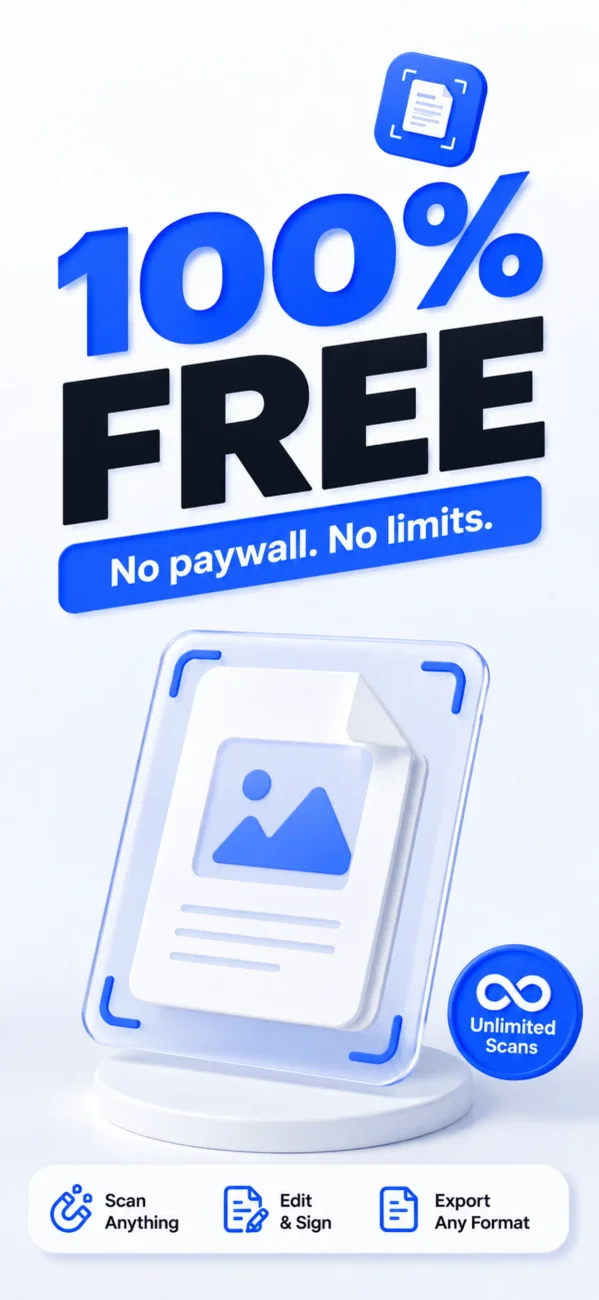
• Export as a PDF, as images, or as plain text
• Send to any app in a tap
MADE FOR
Receipts and expense claims. Contracts you need to sign and send back today. ID cards and passports. Whiteboards before someone wipes them. Book pages, lecture notes, forms and homework. Anything you would rather not hand to a cloud service you have never heard of.
Beautifully designed for the latest iPhone, Folio feels fast, light and effortless.
Free to download. Scan smarter today.
What’s new
Version 2 · Sep 5, 2026
. Multi-File Document Creation: You can now combine multiple files directly into a single, unified document with just a few taps.
. Smart Share Sizes: Choose from three tailored file sizes when sharing documents to match email attachments, quick messaging, or high-resolution archiving.
. Performance & Stability: Fixed lingering bugs and optimized background performance for a smoother, faster workflow.
App privacy
What ali tavakolbakhoda declares on the App Store about how this app handles data.
-
Data used to track you
May be used to track you across apps and websites owned by other companies.
- Location
- Identifiers
- Usage data
-
Data not linked to you
May be collected but is not linked to your identity.
- Location
- Identifiers
- Usage data
- Diagnostics
Privacy practices may vary, for example with the features you use or your age.
Information
- Seller
- ali tavakolbakhoda
- Category
- Productivity
- Version
- 2
- Updated
- Sep 5, 2026
- Released
- Jul 22, 2026
- Size
- 8.4 MB
- Requires
- iOS 26.0 or later
- Age rating
- 4+
- Price
- Free
- Languages
- English
- Copyright
- © Ali Tavakolbakhoda 2026
You might also like
-
 Scanbox: PDF Doc ScannerOn-device PDF & doc scanner
-
 Folio: Private PDF ToolsOn-Device PDF Editor & Scanner
-
 PDF Scan: Document Scanner OCRSignature, Text Copy, QR Codes
-
 PDF Scanner AI: OCR & SignCompress, Merge & Edit PDFs
-
 ScanNest: PDF Scanner & OCRSmart PDF Scanner & OCR Tool
-
 PDF Editor - No Ads, Read Scanpdf converter merger sign
-
 PDF Pro AIPDF Converter, Editor, AI
-
 Fax App – Send & Receive FaxesFax Documents, PDFs & Forms
-
 PDF Editor ConverterPDF Toolbox
-
 Scanner App Scan PDF & DocsScan, sign & share documents