PDF Scan Editor - Local Only
Remove Images, Keep Only Text
Designed for iPhone
Free · In-app purchases
- Age rating4+
- CategoryProductivity
- Developer宏伟 刘
- LanguagesEnglish+ 7 more
- Size4.1 MB
Links to the official App Store page
Download.org hosts no file of PDF Scan Editor - Local Only. The button opens its official App Store page, published by 宏伟 刘. Listing last checked on Nov 17, 2026.
Screenshots
About
PDF Scan Editor is a fast, privacy-first PDF editor for iPhone and iPad. Scan paper documents, import PDFs and photos, recognize text, and edit everything directly on your device. Its signature feature: strip every image out of a PDF and keep only the clean, readable text.
EDIT & SCAN PDFs
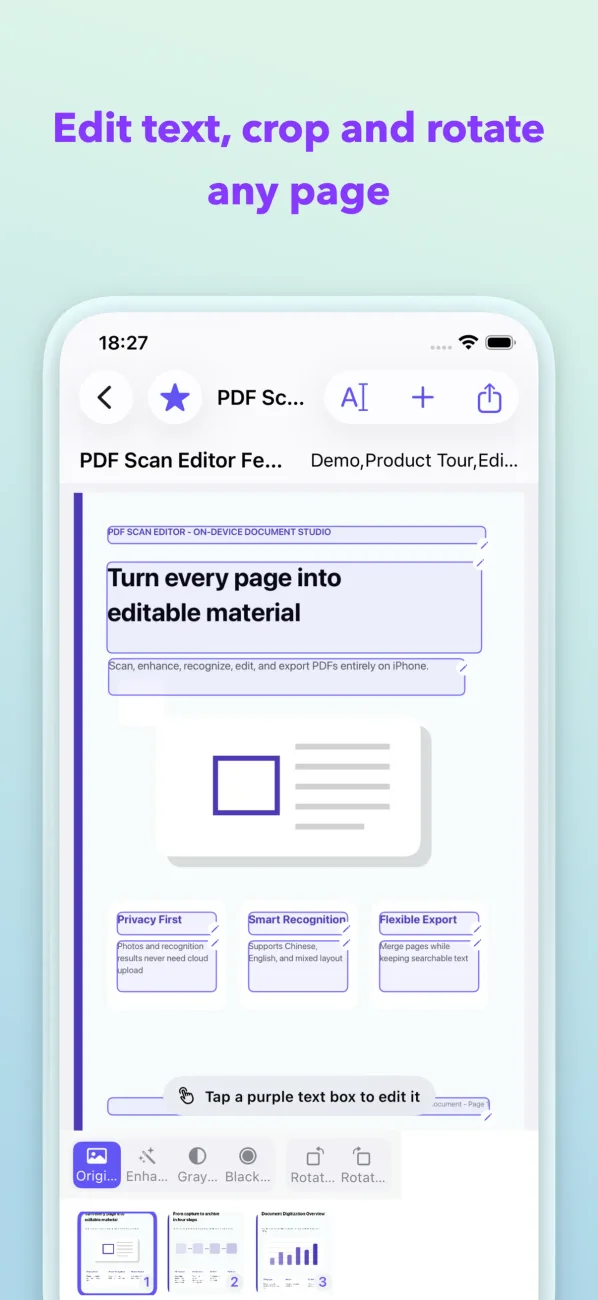
Scan documents with the camera, import existing PDFs, or select photos to build a new PDF. Crop, reorder, rotate, and rename pages in a clean, native editor built with SwiftUI.
REMOVE IMAGES, KEEP ONLY TEXT
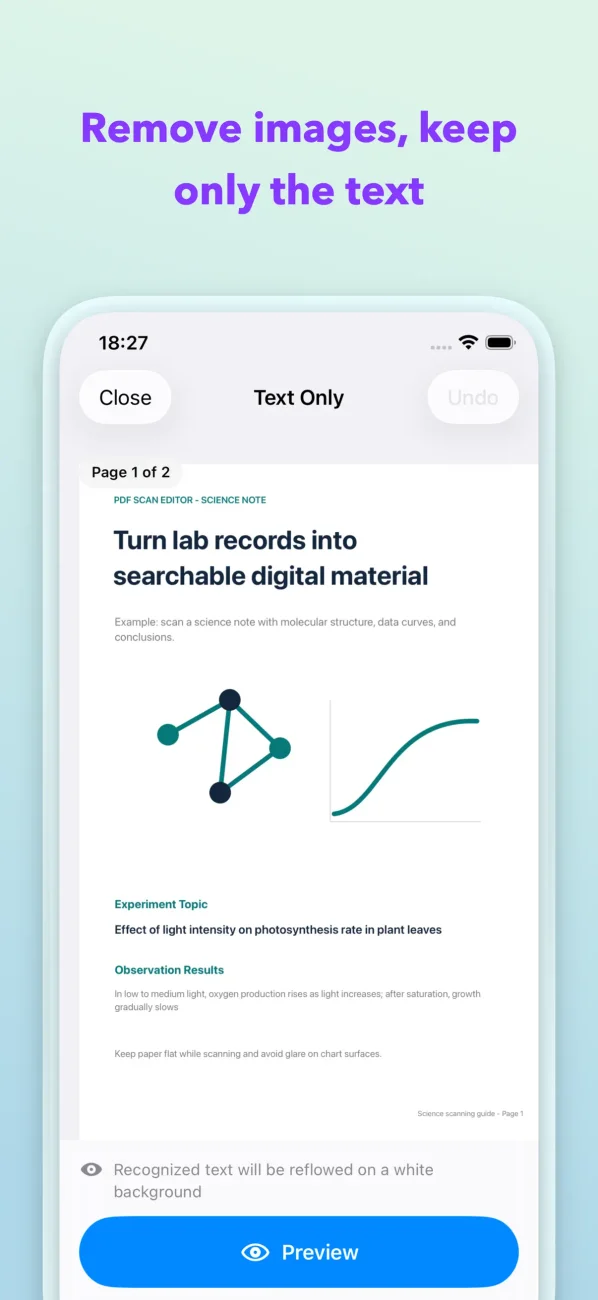
One tap turns a heavy scanned PDF into a lightweight text-only document. Every image, photo, and background is removed while the recognized text stays fully readable, copyable, and searchable. Perfect for shrinking file size, cleaning up scans, and turning picture-based PDFs into plain text.
ON-DEVICE TEXT RECOGNITION
Built-in OCR recognizes text in your scans and imports instantly. Search across titles, tags, and recognized content, then copy or share the text you need. Everything is processed locally on your device.
ORGANIZE YOUR LIBRARY
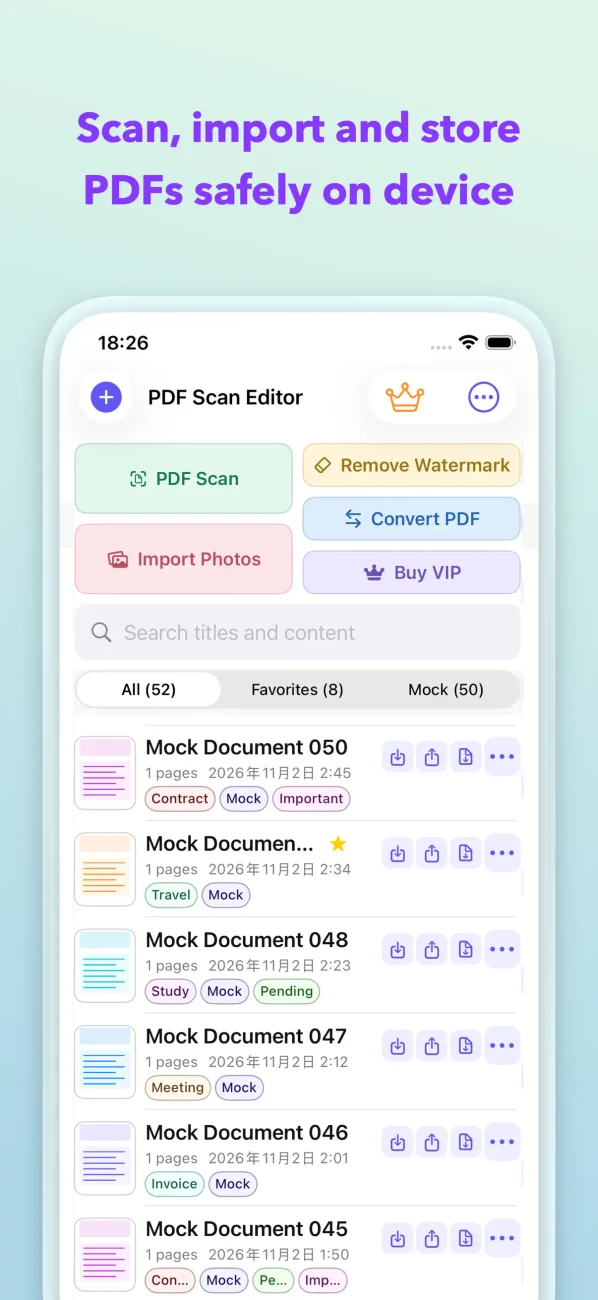
Tag, favorite, search, duplicate, and rename documents. A fast, filterable library keeps every scan and import in one place.
PRIVATE BY DESIGN
No account, no cloud, no tracking. Your documents never leave your device — scanning, recognition, and editing are 100% on-device.
GO PRO
PDF Scan Editor Pro unlocks unlimited documents, batch text-only conversion, advanced export options, and every premium tool.
Built for students, researchers, and professionals who want clean, lightweight, text-only PDFs — without giving up their privacy.
Privacy Policy
https://raw.githubusercontent.com/bosseye-app/PdfScan/refs/heads/main/doc/en/privacy-policy.md
Terms of Service
https://raw.githubusercontent.com/bosseye-app/PdfScan/refs/heads/main/doc/en/terms-of-service.md
What’s new
Version 1.1 · Nov 3, 2026
New: PDF Scan, PDF Import Photos, PDF Convert and PDF Remove Watermark.
App privacy
What 宏伟 刘 declares on the App Store about how this app handles data.
-
Data not collected
The developer does not collect any data from this app.
Privacy practices may vary, for example with the features you use or your age.
Information
- Seller
- 宏伟 刘
- Category
- Productivity
- Version
- 1.1
- Updated
- Nov 3, 2026
- Released
- Oct 22, 2026
- Size
- 4.1 MB
- Requires
- iOS 18.0 or later
- Age rating
- 4+
- Price
- Free
- In-app purchases
- Yes
- Languages
- English, French, German, Japanese, Korean, Simplified Chinese, Spanish, Traditional Chinese
- Copyright
- © PDF Scan Editor Converter
You might also like
-
 PDF Compressor - size compressCompress pdf size reduce size
-
 Serious NotebookPrivate digital notebook
-
 All Email Login: Inbox AppAccess Multiple Mail Accounts
-
 PumpSniperpump.fun tracker & risk radar
-
 Mail – Organized EmailEmail - Fast & Secure Mail
-
 Photo to PDF, PDF ConverterPhoto to pdf converter offline
-
 Email for Hotmail App: MailflyUnified inbox for Outlook mail
-
 FreeEdit, PDF EditorProductivity
-
 PDF Compressor-Compress PDFReduce PDF Size & Keep Quality
-
 Shadow PCShadow PC mobile access