Serious Notebook
Private digital notebook
Designed for iPhone, iPad
Free · In-app purchases
- Age rating4+
- CategoryProductivity
- DeveloperBILGESU KADAN
- LanguagesEnglish+ 4 more
- Size6.1 MB
Links to the official App Store page
Download.org hosts no file of Serious Notebook. The button opens its official App Store page, published by BILGESU KADAN. Listing last checked on Nov 20, 2026.
Screenshots
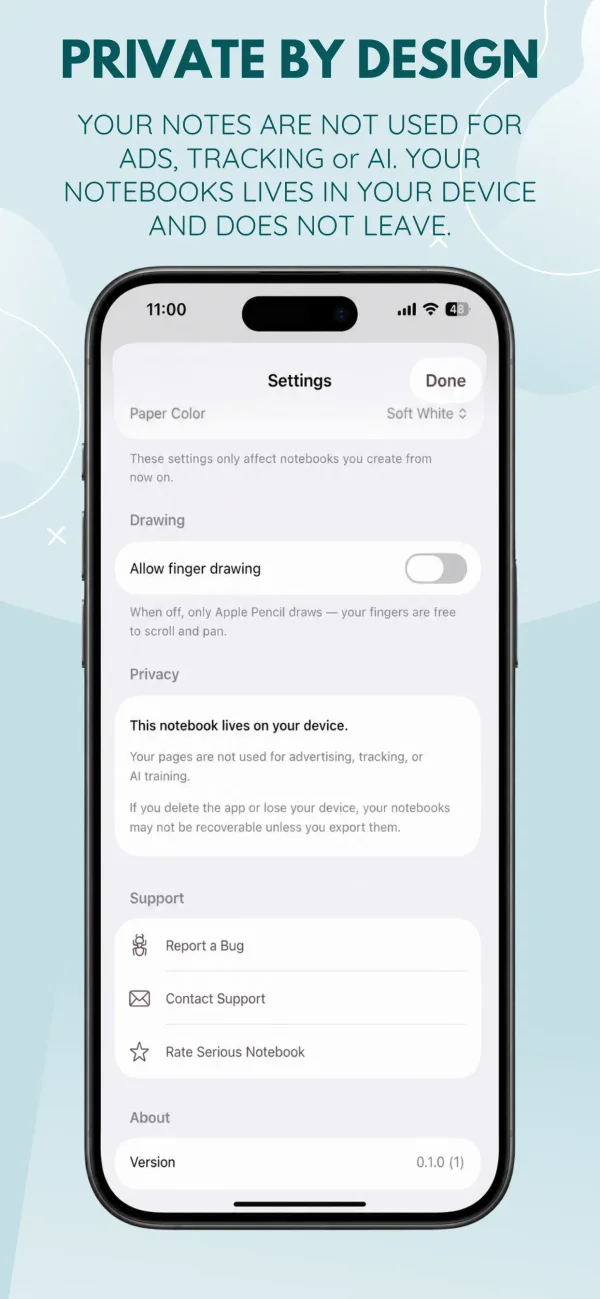

About
Your handwriting, PDFs, and ideas. A quieter place to think.
Write naturally with Apple Pencil on iPad. Type notes and highlight pages on iPhone. Import a PDF planner, annotate a worksheet, or scan paper into a notebook you can keep working in. Serious Notebook keeps your work on your device, with no account, ads, tracking, or subscription.
WRITE, STUDY, AND PLAN
• Handwrite and sketch on iPad with pen, pencil, highlighter, and eraser tools. Apple Pencil works on compatible iPads.
• Type notes and highlight with your finger on iPhone.
• Choose blank, ruled, grid, or dot-grid paper in soft white or cream.
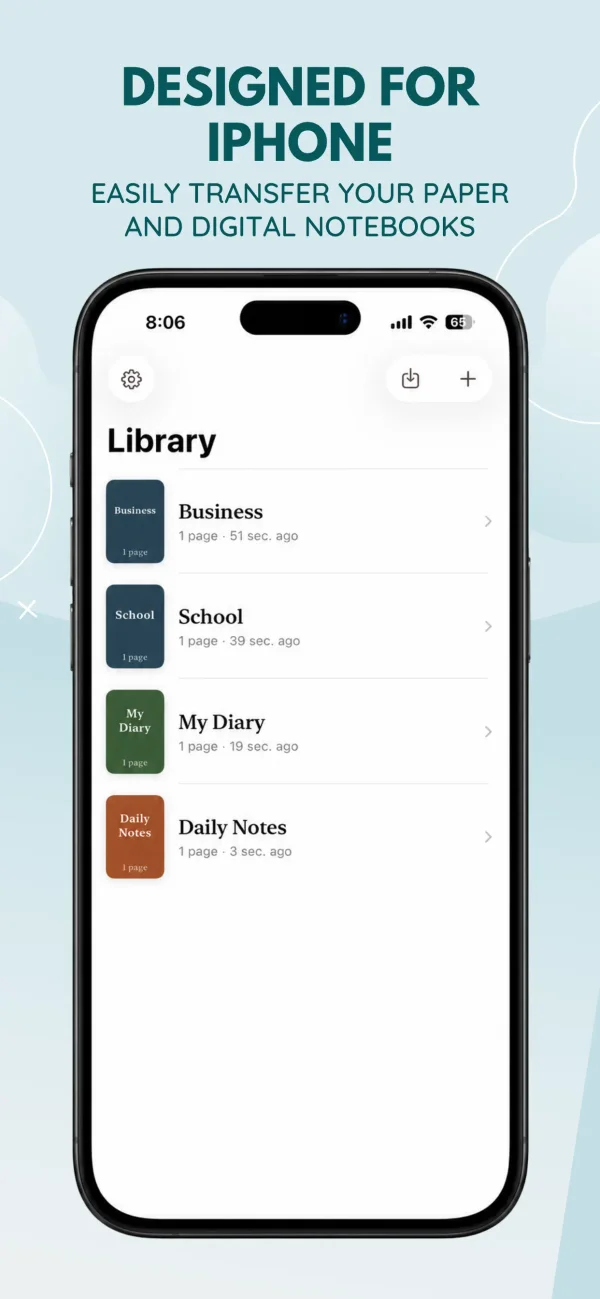
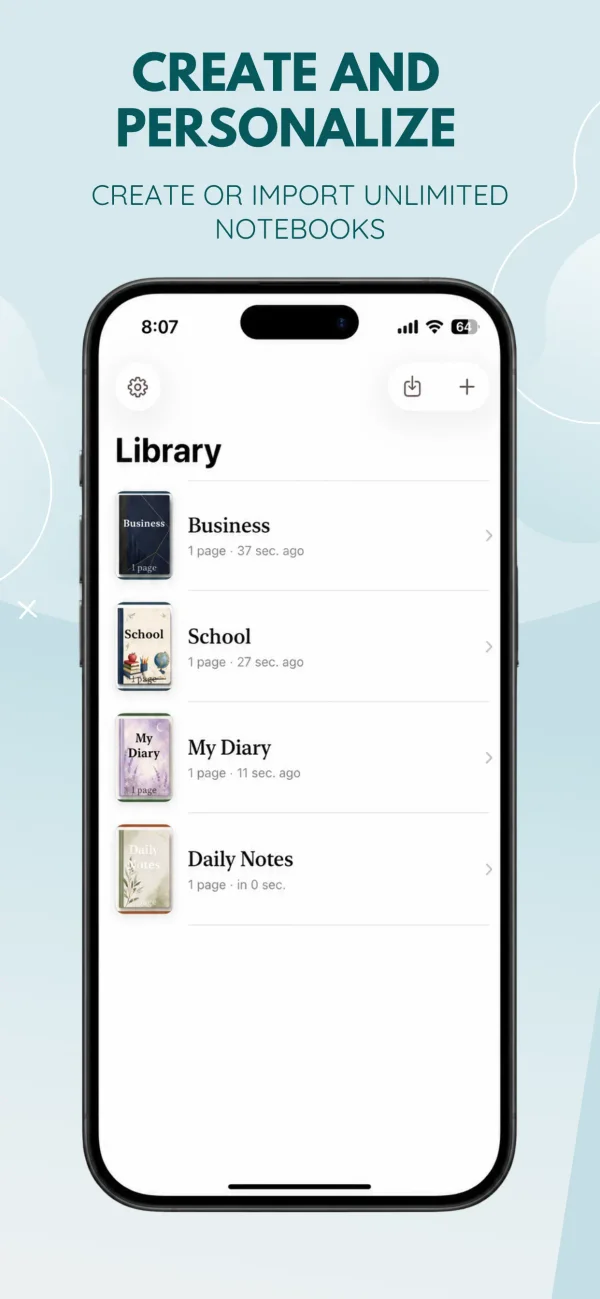
• Give each notebook its own title and cover.
MAKE DOCUMENTS YOUR OWN
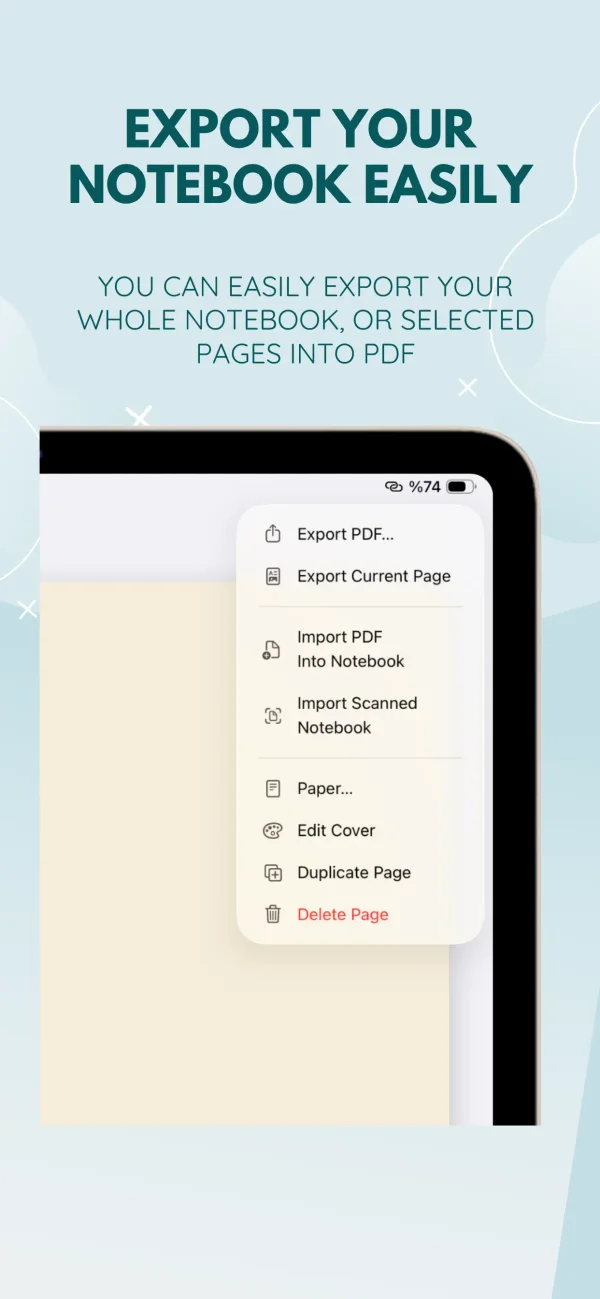
• Import PDFs as notebooks and annotate their pages.
• Scan paper on supported camera-equipped devices, review the pages, then start writing.
• Add text boxes and sticky notes. With lifetime access, insert photos, PDF pages, and scans into your notes.
• Move, resize, and rotate inserted objects.
• Export a notebook or selected pages as PDF to save or share.
NEW IN 3.0
Scan several pages straight into your open notebook as movable objects with lifetime access. Take multiple photos, review them, and add them together. On iPad, a clearer top toolbar leaves more room to write.
TRY YOUR OWN NOTES
The free workspace includes one handwritten notebook plus one separate PDF or scan notebook, up to 10 pages each. Try the included example without using either allowance.
ONE LIFETIME PURCHASE
Unlock unlimited notebooks, pages, PDF imports, camera scans, and photo insertion with a single non-consumable purchase. No recurring payments. Existing lifetime customers and eligible original paid-app customers keep access. Restore Purchases is available in Settings.
PRIVATE, ON YOUR DEVICE
Notes, imported documents, photos, and scans stay on the device where you create them. No app account or document upload is required. Notebooks do not automatically sync between devices. Export PDFs regularly to keep a copy of your work. Purchase and restoration use Apple's App Store services.
For class notes, project ideas, PDF planners, and everyday thinking on iPhone and iPad.
What’s new
Version 3.0 · Oct 12, 2026
More room to write. More ways to bring paper into your notes.
• Scan directly into an open notebook with lifetime access. Each scan becomes an object you can move, resize, and rotate. Capture several pages in one session.
• Take multiple photos, review them, and add them to the current page together with lifetime access.
• On iPad, drawing tools and notebook actions now share the top toolbar. Tools collapse into a menu when the library is open.
• Long notebook titles wrap so you can read the full name.
• Improved scan display after switching pages and clearer pen-width controls.
• Start writing immediately or try the included example. Try one handwritten notebook and one separate PDF or scan notebook, up to 10 pages each.
Scanning from the library creates a new notebook. No subscription, ads, or tracking.
App privacy
What BILGESU KADAN declares on the App Store about how this app handles data.
-
Data not collected
The developer does not collect any data from this app.
Privacy practices may vary, for example with the features you use or your age.
Information
- Seller
- BILGESU KADAN
- Category
- Productivity
- Version
- 3.0
- Updated
- Oct 12, 2026
- Released
- May 18, 2026
- Size
- 6.1 MB
- Requires
- iOS 17.0 or later
- Age rating
- 4+
- Price
- Free
- In-app purchases
- Yes
- Languages
- English, French, German, Spanish, Turkish
- Copyright
- © 2026, Bilgesu Kadan
You might also like
-
 Libreta: A NoteBook AppYour notes, as real books
-
 Simplify Notes: PDF NotebookHandwriting, Notes & Study
-
 PaperPad - Handwritten NotesDigital Notebook & Notepad
-
 Scriptum - Notebook CreatorCustom Covers, Paper & Writing
-
 ScribblePad: Notes & PDFHandwriting notes & PDF markup
-
 Cosy NotesBeautiful handwritten notes
-
 GlowNote - Notes & NotebookNotes, Journal & Notebook
-
 My Smart Notebooknotability
-
 Perenne Note. Digital NotebookA notebook that feels real.
-
 Notes - Notepad, NotebookProductivity