- Age rating4+
- CategoryProductivity
- DeveloperShio
- LanguagesEnglish+ 10 more
- Size38.4 MB
Links to the official App Store page
Download.org hosts no file of PDF Scanner:. The button opens its official App Store page, published by Shio. Listing last checked on Nov 9, 2026.
Screenshots

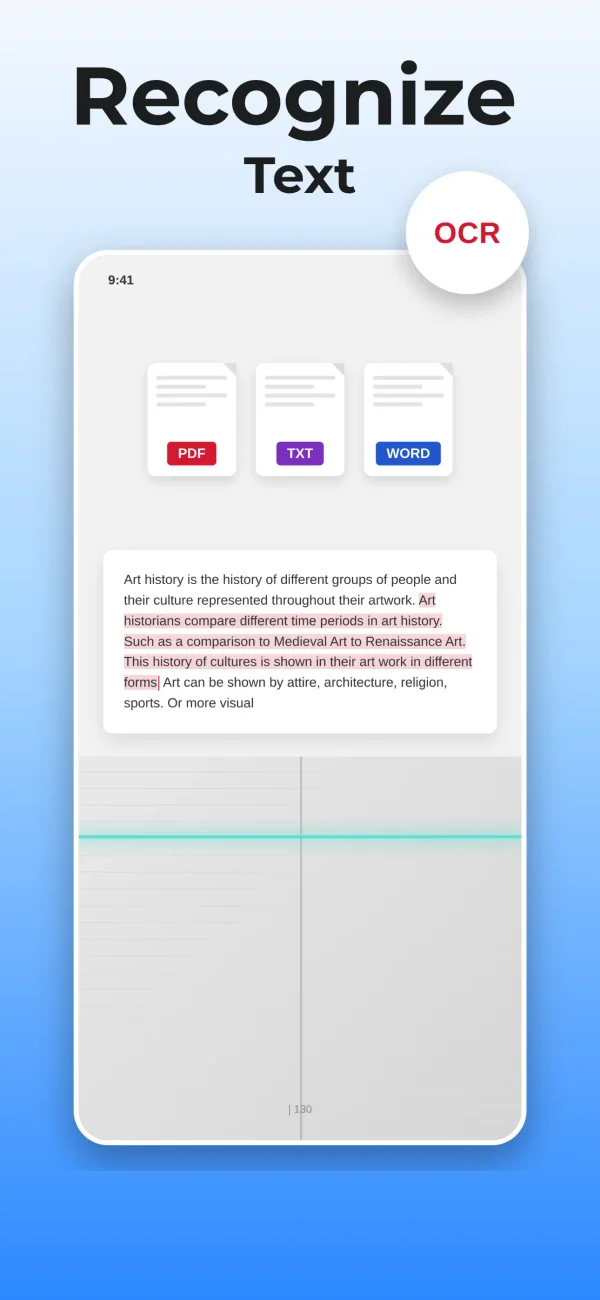
About
PDF Scanner – Scan Documents, Receipts & Photos
Turn your iPhone into a powerful PDF Scanner.
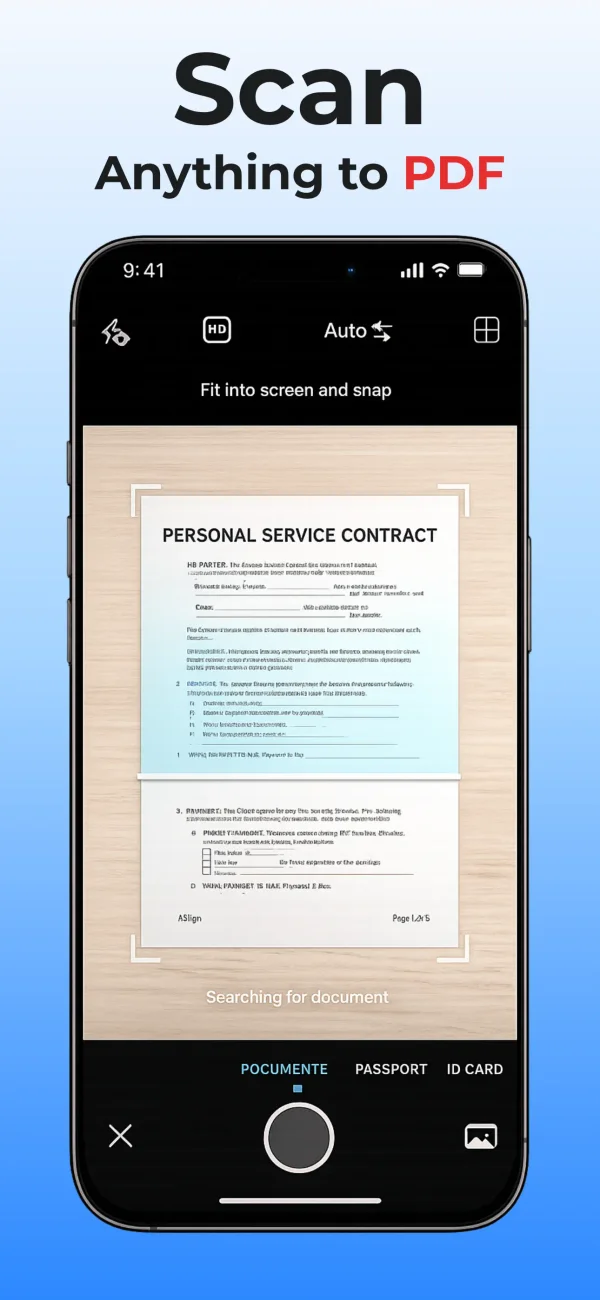
Scan documents, receipts, invoices, contracts, notes, books, IDs, passports, forms, business cards, whiteboards, and photos into high-quality PDF files in seconds.
PDF Scanner makes document scanning fast, simple, and reliable with smart auto-cropping, edge detection, OCR text recognition, document editing, and PDF sharing—all in one easy-to-use app.
SCAN DOCUMENTS TO PDF:
• Scan documents instantly
• Create high-quality PDF files
• Smart edge detection
• Automatic cropping
• Multiple scan modes
• Scan receipts, contracts, invoices, notes, books, IDs, passports, business cards, and forms
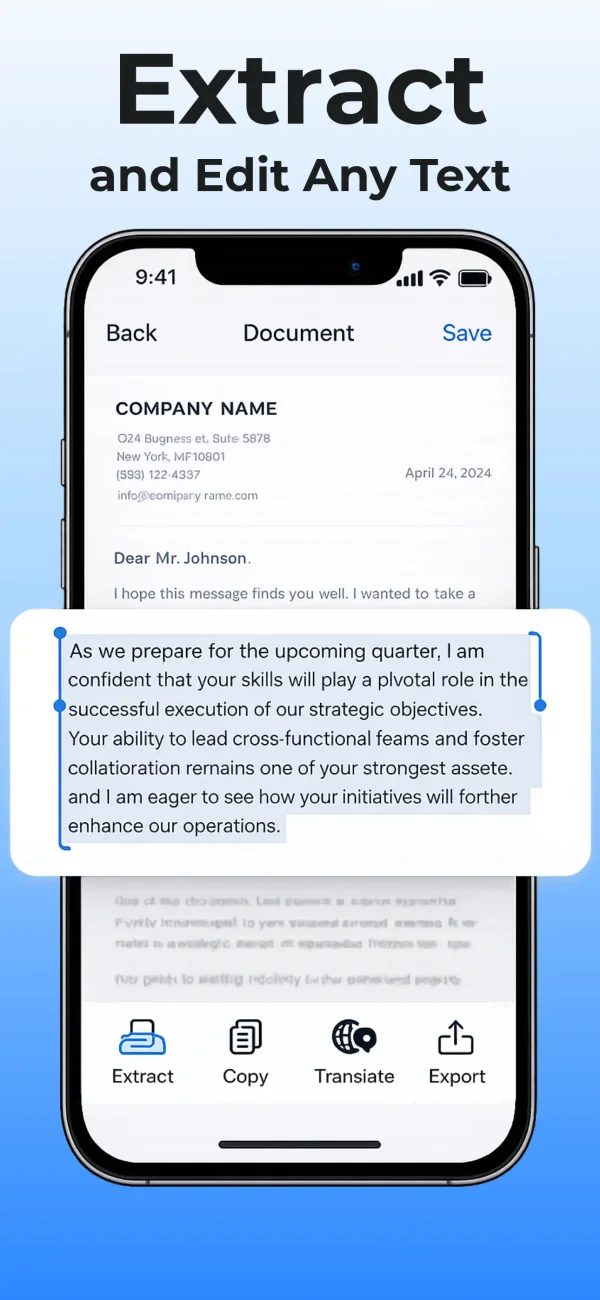
OCR TEXT RECOGNITION:
• Convert scanned documents into editable text
• Extract text from images
• Copy text instantly
• Search scanned documents
EDIT & ORGANIZE
• Rename documents
• Organize folders
• Rotate pages
• Rearrange pages
• Delete pages
• Sign PDF documents
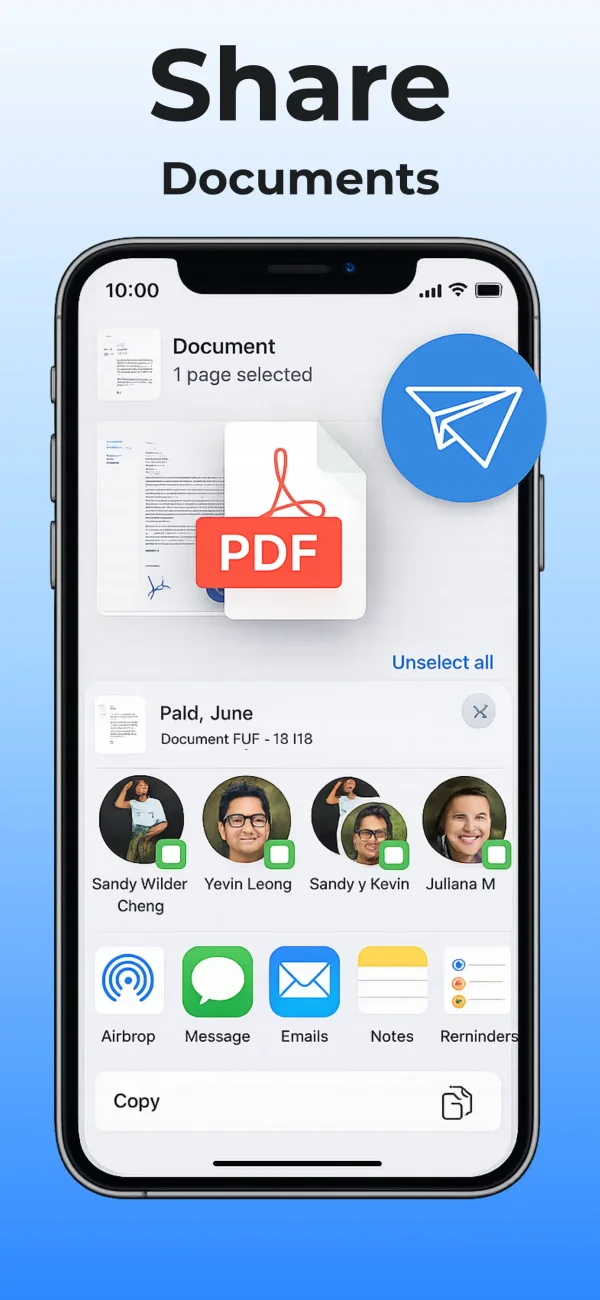
SHARE ANYWHERE
• Share PDFs instantly
• Email scanned documents
• Export PDF files
• Print documents
• Save to Files
PERFECT FOR:
• Students
• Teachers
• Business professionals
• Small businesses
• Remote work
• Office use
• Everyday document scanning
Whether you're scanning receipts, invoices, homework, contracts, notes, tax documents, business paperwork, or personal files, PDF Scanner helps you stay organized anywhere.
Download PDF Scanner today and turn your iPhone into a portable document scanner.
Subscription:
Weekly: $12.99
Yearly: $49.99
Payment will be charged to your Apple Account after purchase confirmation. Subscriptions automatically renew unless cancelled at least 24 hours before the end of the current billing period. You can manage or cancel your subscription anytime in your App Store account settings.
Please note: An active subscription is required to access premium features.
Privacy Policy:
https://shio.se/apps/privacy-policy/
Terms of Use:
https://shio.se/apps/terms-of-use/
What’s new
Version 1.10 · Sep 21, 2026
General improvement and update.
App privacy
What Shio declares on the App Store about how this app handles data.
-
Data used to track you
May be used to track you across apps and websites owned by other companies.
- Purchases
- Identifiers
- Usage data
-
Data linked to you
May be collected and linked to your identity.
- Purchases
- Identifiers
- Usage data
Privacy practices may vary, for example with the features you use or your age.
Information
- Seller
- Shio
- Category
- Productivity
- Version
- 1.10
- Updated
- Sep 21, 2026
- Released
- Jun 5, 2026
- Size
- 38.4 MB
- Requires
- iOS 17 or later
- Age rating
- 4+
- In-app purchases
- Yes
- Languages
- English, French, German, Italian, Japanese, Korean, Portuguese, Simplified Chinese, Spanish, Traditional Chinese, Vietnamese
- Copyright
- © 2025 SHIO
You might also like
-
 PDF Aide - Edit & ConvertEdit, Convert & Scanner PDF
-
 PDF to Word: Converter & OCRTurn PDFs into editable DOCX
-
 Scanovo: QR & PDF ScannerScan, Create QR & PDF
-
 VoicePDF: Scan and RecordCapture, export, free up space
-
 Documents Editor: DocProEdit DOCX with AI Summaries
-
 Simple Scan - PDF ScannerDocument Scan & Sign · No Ads
-
 PDF To Word – Doc ConverterConvert PDF to Word & Compress
-
 GlazioScanner- pdf scanner appScan a document to PDF
-
 Doculy: PDF Scanner, Photo PDFScan, Merge & Split Documents
-
 Doc Scanner ·Scan Every PDF Documents Easy