Simple Scan - PDF Scanner
Document Scan & Sign · No Ads
Designed for iPhone, iPad, iPod touch
Free · In-app purchases
- Age rating4+
- CategoryProductivity
- DeveloperAlliops LLC
- LanguagesEnglish
- Size49.2 MB
Links to the official App Store page
Download.org hosts no file of Simple Scan - PDF Scanner. The button opens its official App Store page, published by Alliops LLC. Listing last checked on Nov 16, 2026.
Screenshots



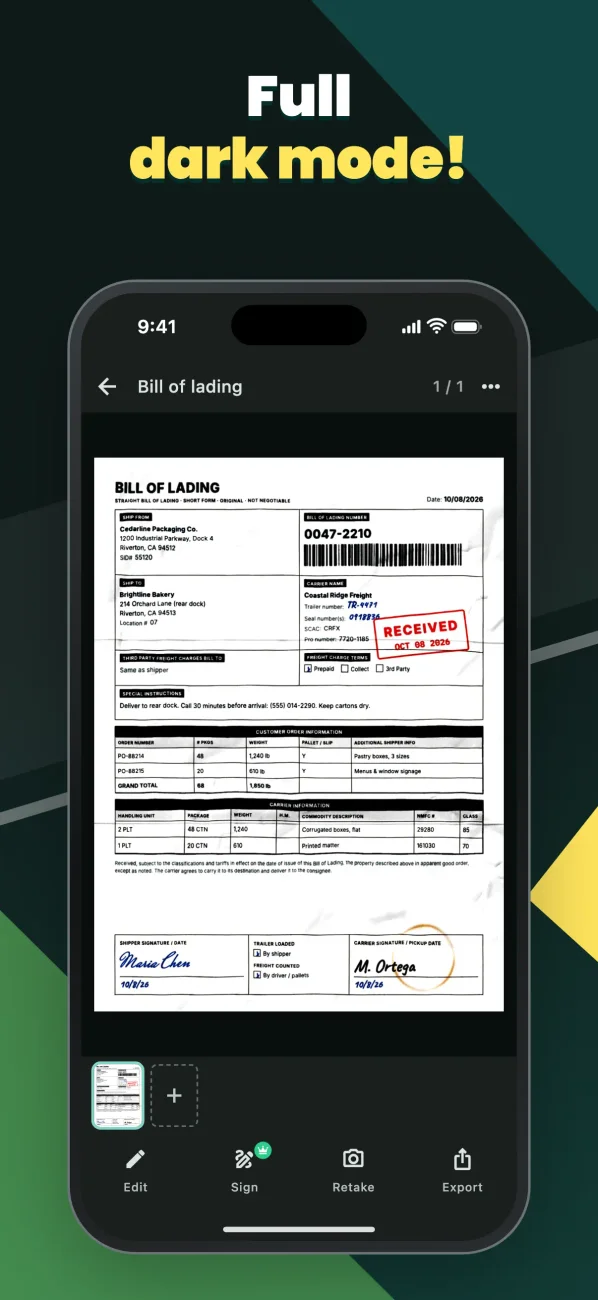
About
Simply scan anything. See zero ads.
Simple Scan turns your device into a fast, clean document scanner without the clutter. No ads, ever. No account. No pop-ups between you and your paperwork. Point, scan, and share a sharp PDF in seconds.
No ads. Not in the free version, not in Pro, not ever.
Simple Scan turns paper into clean, sharp PDFs in seconds. No pop-ups between pages, no "watch a video to export", no account to create. Point, scan, share.
NO ADS, EVER
• No banners, no video ads, no ad breaks while you work
• No sign-up or account needed
• Scans are processed on your device and never uploaded to our servers
• Scan, edit and export with no internet connection
SCANS THAT LOOK SCANNED, NOT PHOTOGRAPHED
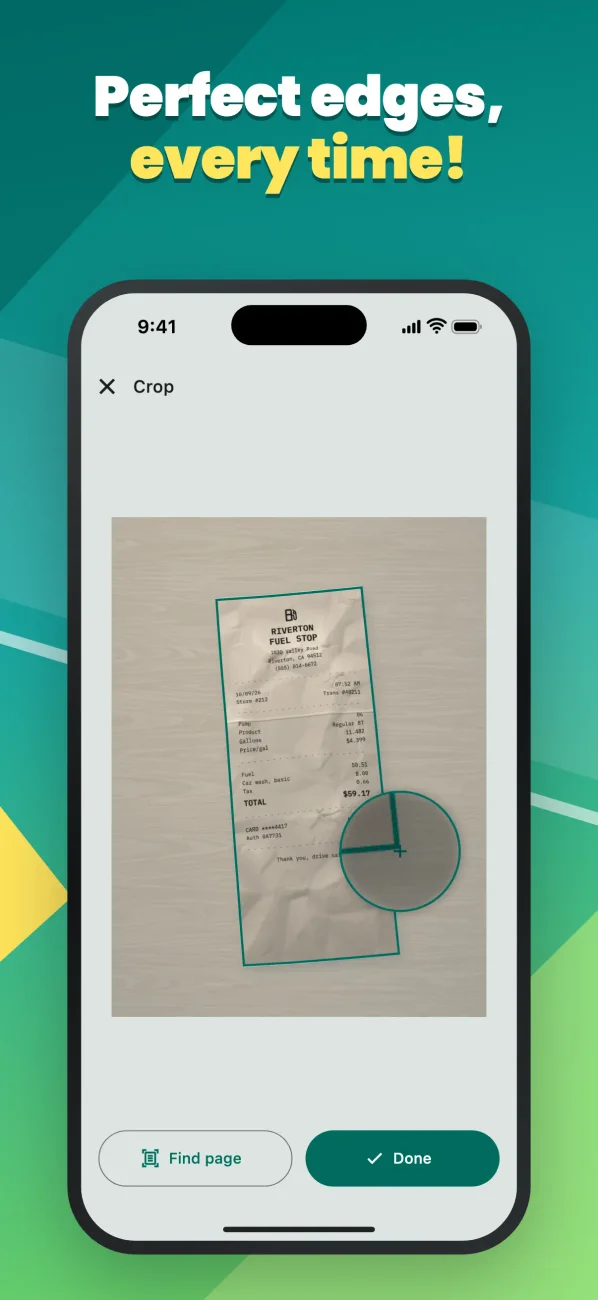
• Finds the page edges as you aim and crops them for you
• Fixes perspective, so a page shot at an angle comes out square
• Flattens curled and folded pages and keeps lines of text straight
• Enhanced filter whitens the paper, lifts shadows and sharpens text
• Original, Enhanced, Grayscale and Black & White filters, for one page or all of them
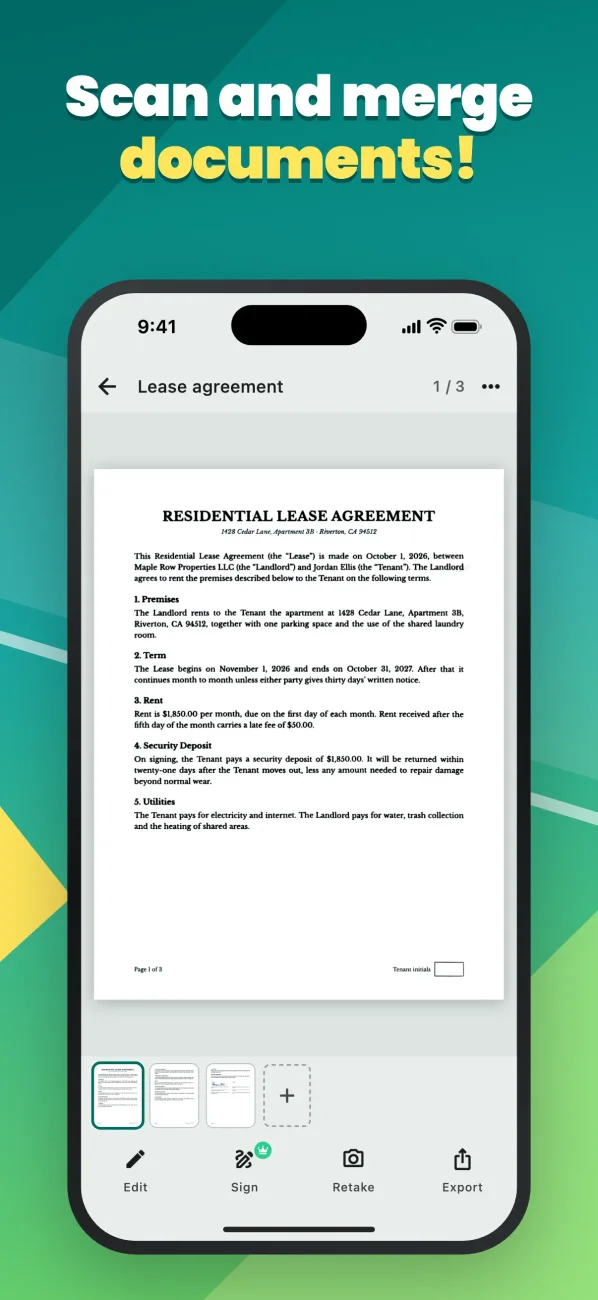
• Single or Batch mode for multi-page documents, plus auto-capture and flash
EDIT WITHOUT LOSING ANYTHING
• Crop with a magnifier, rotate, retake and reorder pages
• Delete a page and undo it if you change your mind
• Edits never overwrite your photo. The original is always kept.
• Import photos from your library, or PDFs and images from Files
STAY ORGANIZED
• Folders, tags and search
• Filter by date or tag, sort by date or name, grid or list view
• Share, move, tag or delete many scans at once
EXPORT AND SHARE
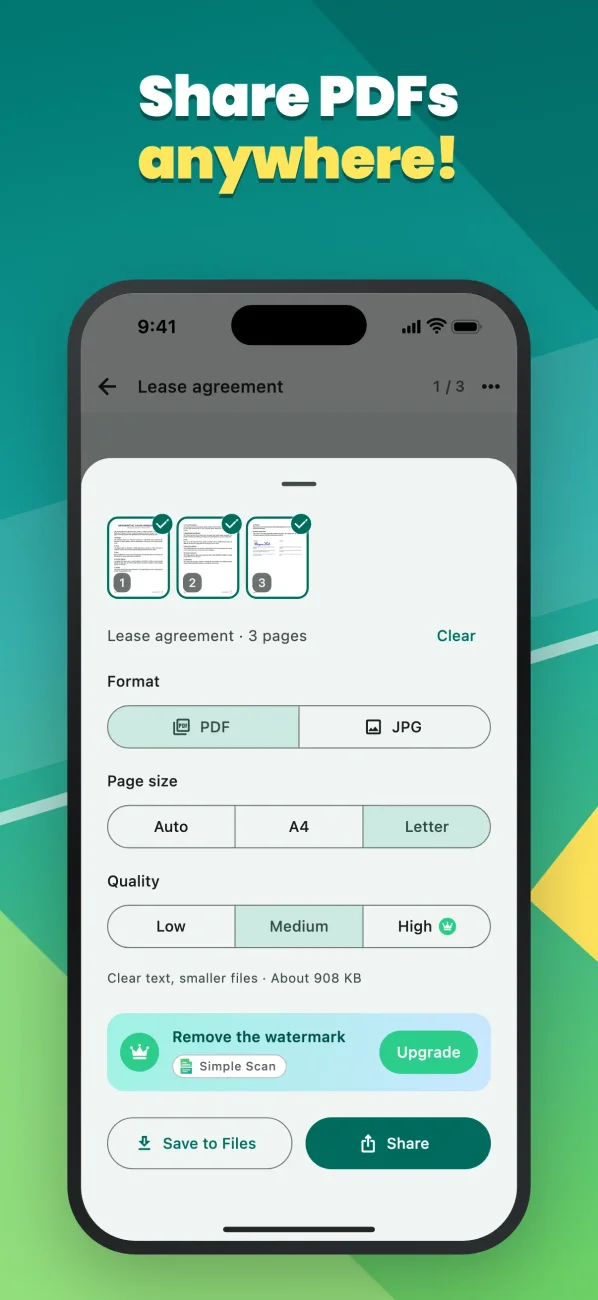
• PDF or JPG, in A4, Letter or each page's own shape
• Pick the quality and see the file size before you export
• Share by Mail, Messages, AirDrop or any app, or save to Files
SIMPLE SCAN PRO
Scanning, editing, organizing and exporting are free. Pro adds:
• No watermark: free PDFs have a small Simple Scan footer, and Pro removes it
• Sign documents: draw your signature and initials, scan them from paper or take them from a photo, then add text and date stamps
• Copy text from scans, read on your device, ready to copy, translate or speak aloud
• Merge photos and files into one document
• Adjust brightness, contrast and saturation
• High-quality export for printing (300 dpi)
There are no ads on either plan.
Works on iPhone and iPad, in light and dark mode.
Simple Scan Pro is an auto-renewing subscription. Payment is charged to your Apple ID when you confirm the purchase. It renews automatically unless you cancel at least 24 hours before the end of the current period. Manage or cancel it any time in your App Store account settings.
FREE TO USE
Scanning, editing and exporting are free with no limits.
SUBSCRIPTION DETAILS
Payment is charged to your Apple Account when you confirm your purchase, or when your free trial ends. Subscriptions renew automatically unless cancelled at least 24 hours before the end of the current period, and your account is charged for renewal within 24 hours before the period ends. You can manage or cancel your subscription anytime in your App Store account settings. Any unused part of a free trial is forfeited when you buy a subscription.
Terms of Use (EULA): https://www.apple.com/legal/internet-services/itunes/dev/stdeula/
Privacy Policy: https://alliops.com/simple-scan/privacy
What’s new
Version 1.0.2 · Oct 24, 2026
UI updates and improvements
App privacy
What Alliops LLC declares on the App Store about how this app handles data.
-
Data not linked to you
May be collected but is not linked to your identity.
- Purchases
Privacy practices may vary, for example with the features you use or your age.
Information
- Seller
- Alliops LLC
- Category
- Productivity
- Version
- 1.0.2
- Updated
- Oct 24, 2026
- Released
- Oct 17, 2026
- Size
- 49.2 MB
- Requires
- iOS 15.0 or later
- Age rating
- 4+
- Price
- Free
- In-app purchases
- Yes
- Languages
- English
- Copyright
- © Alliops LLC
You might also like
-
 Merge Pdf-Split, Combine FilesMerge,Split,Sign PDF Converter
-
 ValidApp CRTProductivity
-
 ClearScan - PDF ScannerScan, Edit, OCR & Translate
-
 My Storage SolutionsYour self-storage app
-
 Applimits - Screen Time LimitProductivity
-
 Droppp - File TransferJust drag files to your device
-
 Sync: Plan & ActualTime blocking & plan tracker
-
 Marklist - Manage Later ThingsMark Contents & Read-it-later
-
 PDF Max Pro - Edit, Sign PDFsScan, OCR, Research & Study