PDF Scanner
Camera Scanner: Doc Scanner
Designed for iPhone
Free · In-app purchases
- Age rating4+
- CategoryUtilities
- DeveloperNikunj Kavathiya
- LanguagesEnglish
- Size4.2 MB
Links to the official App Store page
Download.org hosts no file of PDF Scanner . The button opens its official App Store page, published by Nikunj Kavathiya. Listing last checked on Nov 16, 2026.
Screenshots
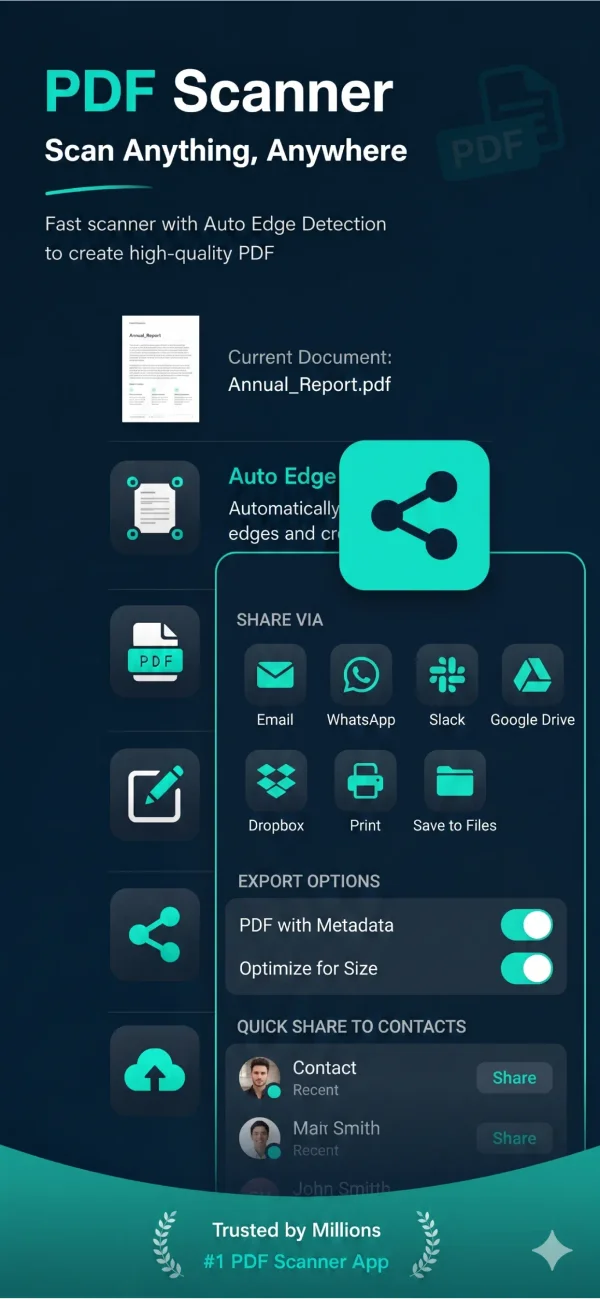
About
Doc Scanner – Scanner App, Scan, Save, Share Documents Instantly
Cam Scanner - PDF Docs Scanner
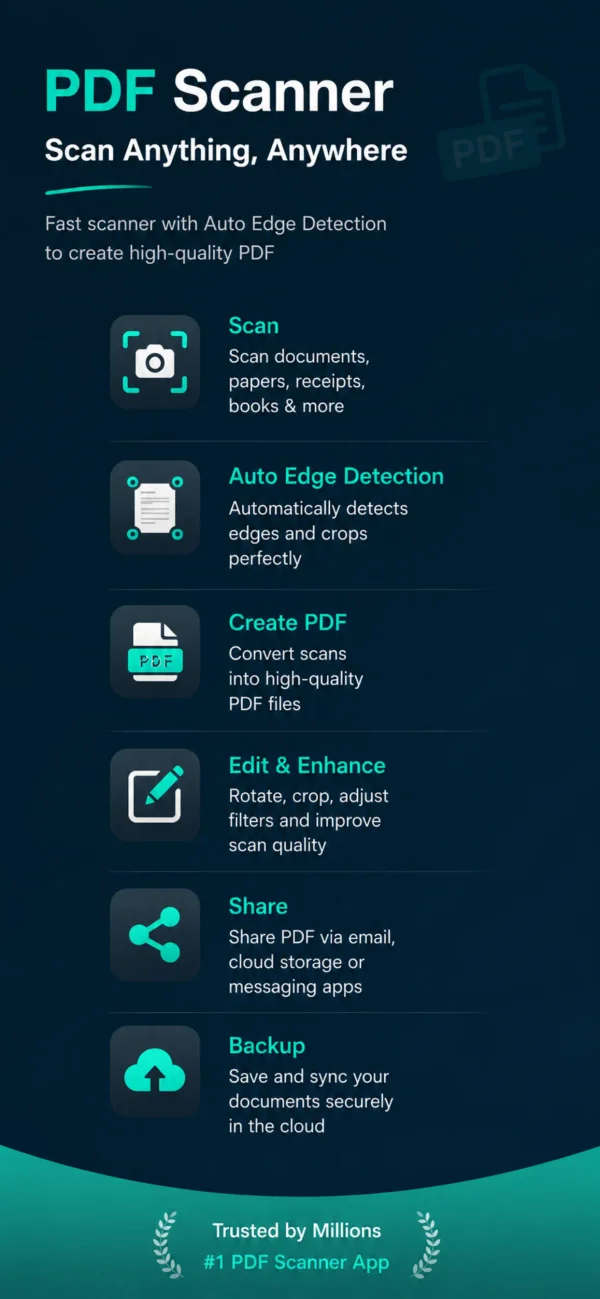
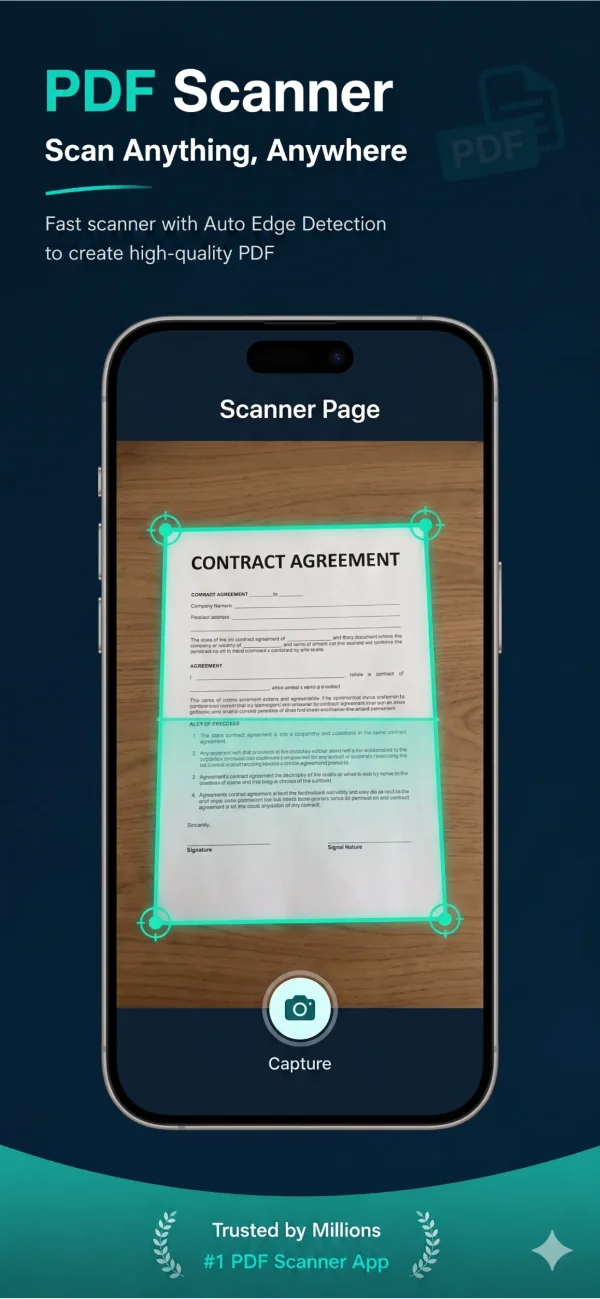
Doc Scanner – Turn your iPhone into a powerful document scanner. Document Scanner – Scanner App lets you scan documents, receipts, notes, IDs, books, and contracts with crystal-clear quality. Create high-quality PDF scans, apply smart enhancements, and share files anytime, anywhere.
Doc Scanner – Perfect for students, professionals, businesses, and freelancers.
# Key Features
# Smart Document Scanner
* Scan documents using your iPhone camera
* Automatic edge detection & perspective correction
* High-quality PDF & JPG output
# AI Image Enhancement
* Auto crop & rotate pages
* Remove shadows & noise
* Enhance text for sharp readability
# PDF Scanner & Creator
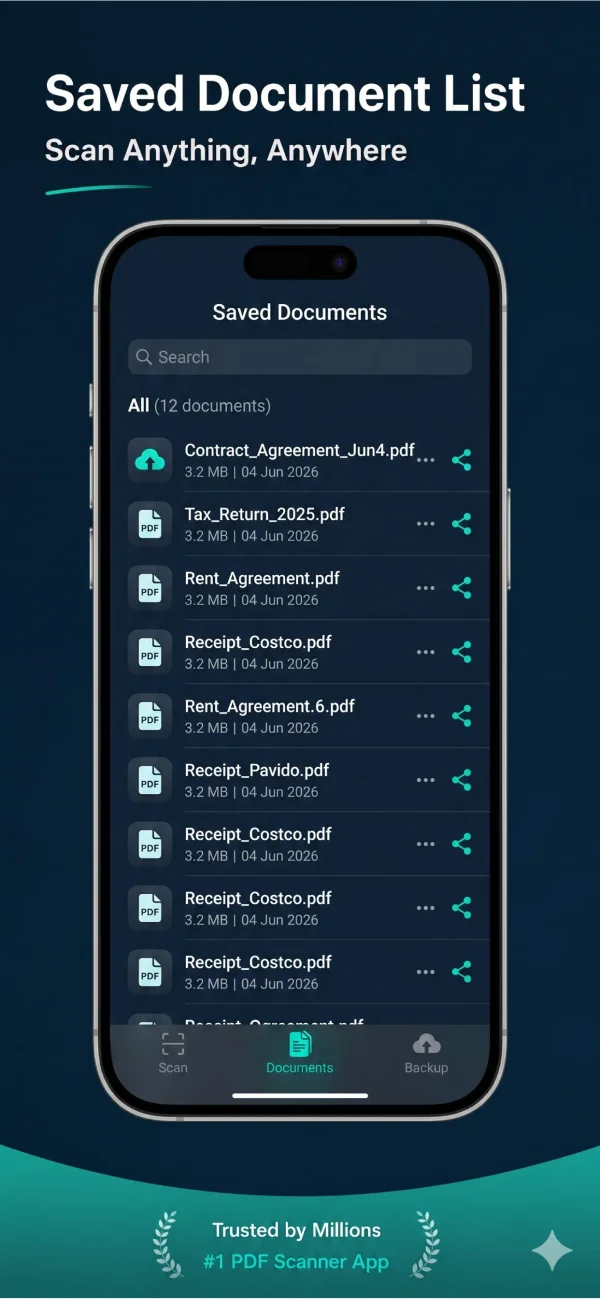
* Convert scans into PDF files
* Merge multiple pages into one PDF
* Reorder, rename, and manage documents easily
# OCR Text Recognition
* Extract text from scanned documents
* Copy, edit, and search text instantly
* Supports multiple languages
# Secure & Private
* Face ID / Touch ID protection
* Local file storage for privacy
* Password-protected PDFs
# Easy Sharing & Export
* Share scans via Email, WhatsApp, Drive, iCloud
* Export PDFs or images instantly
* Print documents directly from the app
# Why Choose Document Scanner – Scanner App?
- Fast & lightweight scanner app
- Works offline – no internet required
- Perfect for office, school & home
- Clean iOS-style design & smooth performance
- Best alternative to CamScanner & Adobe Scan
# Use Cases
* Scan office documents & contracts
* Digitize receipts & bills
* Scan notes, books & assignments
* Create PDFs for work or study
* Store important documents securely
# Keywords
Document Scanner, Scanner App, PDF Scanner, Scan Documents, Mobile Scanner, OCR Scanner, PDF Maker, iOS Scanner App, Camera Scanner, Receipt Scanner
Terms of Use (EULA):, please visit
https://www.apple.com/legal/internet-services/itunes/dev/stdeula/
For Privacy Policy, please visit
https://www.freeprivacypolicy.com/live/6c9c96f5-1ee8-43df-803e-951b788544ca
We'd love to hear your feedback: nikkavathiya.gamedev@gmail.com
What’s new
Version 1.6 · Jul 17, 2026
Faster app launch and improved performance
Higher-quality PDF exports
Improved document edge detection
Better image enhancement filters
Stability improvements and bug fixes
App privacy
What Nikunj Kavathiya declares on the App Store about how this app handles data.
-
Data used to track you
May be used to track you across apps and websites owned by other companies.
- Identifiers
-
Data not linked to you
May be collected but is not linked to your identity.
- Identifiers
Privacy practices may vary, for example with the features you use or your age.
Information
- Seller
- Nikunj Kavathiya
- Category
- Utilities
- Version
- 1.6
- Updated
- Jul 17, 2026
- Released
- Feb 5, 2026
- Size
- 4.2 MB
- Requires
- iOS 17.0 or later
- Age rating
- 4+
- Price
- Free
- In-app purchases
- Yes
- Languages
- English
- Copyright
- © DocPDFScan
You might also like
-
 CS Scanner - Doc ScannerPDF Scanner - Camera Scanner
-
 PDF converter: Image to PDFConvert JPEG & File to PDF app
-
 PDF Scanner - File ReaderScan, Edit, Merge & Manage
-
 Convert Picture to PDF +JPG, PNG, JPEG to PDF
-
 Scanner pro-PDF HD ScanningFormat Conv & Text Extract
-
 Document PDF Scanner.Scan to PDF, OCR & Sign Docs
-
 PDF Scanner Pro ⊟Digitization your papers & ids
-
 Scanner PDF : Convert and signSign, scan and convert to pdf.
-
 PDF Scanner App: Ai ScannerDocument, Photo, Scanning &OCR
-
 PDFConverter.appConvert JPG, PNG, Word to PDF