- 対象年齢4+
- カテゴリユーティリティ
- 開発元Nikunj Kavathiya
- 言語英語
- サイズ4.2 MB
App Storeの公式ページにリンクしています
Download.orgはPDF Scanner のファイルを一切ホストしていません。ボタンを押すと、Nikunj Kavathiyaが公開しているApp Storeのアプリページが開きます。ページの最終確認:2026/11/16。
スクリーンショット
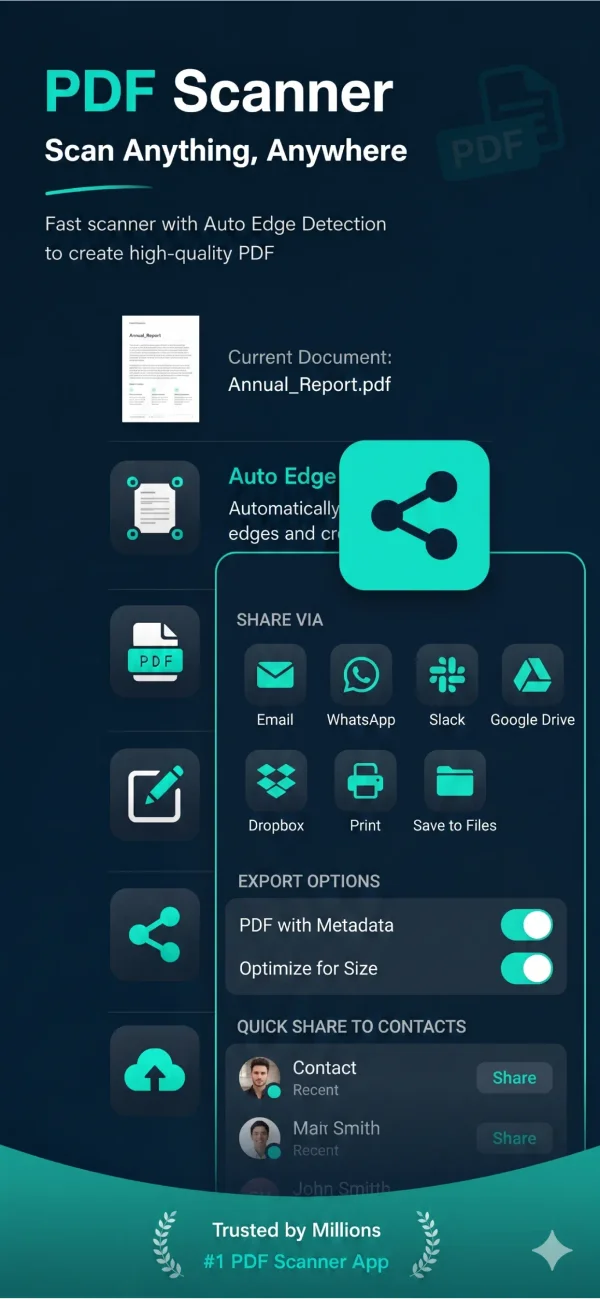
概要
開発元はこのテキストをお使いの言語で提供していません。
Doc Scanner – Scanner App, Scan, Save, Share Documents Instantly
Cam Scanner - PDF Docs Scanner
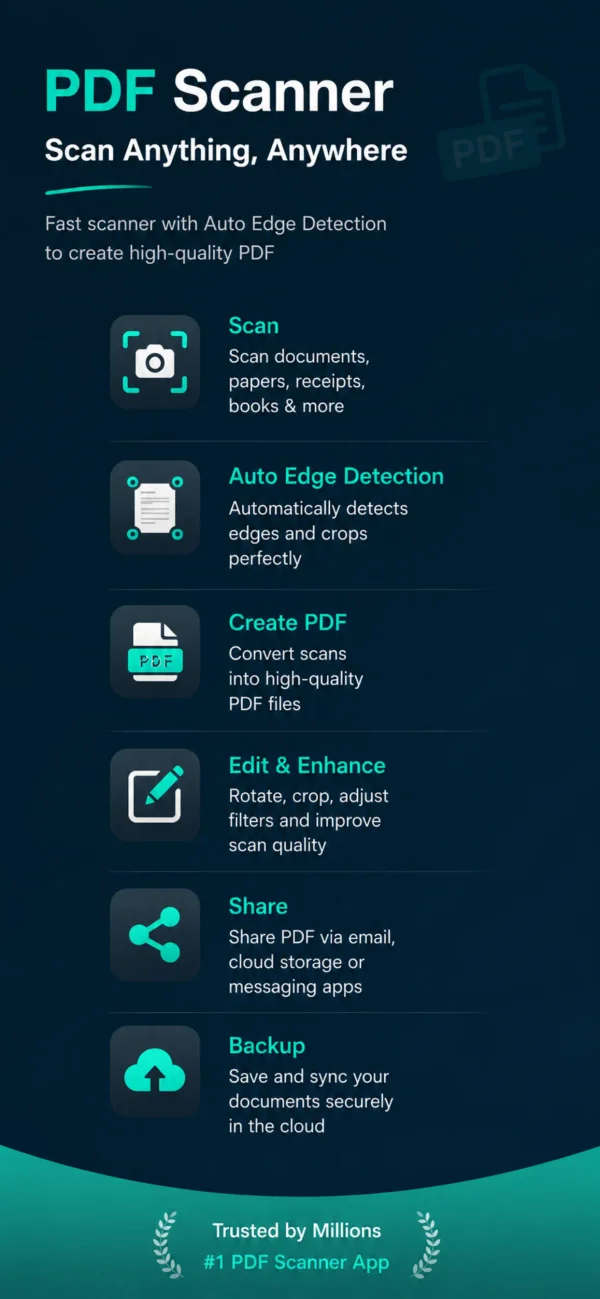
Doc Scanner – Turn your iPhone into a powerful document scanner. Document Scanner – Scanner App lets you scan documents, receipts, notes, IDs, books, and contracts with crystal-clear quality. Create high-quality PDF scans, apply smart enhancements, and share files anytime, anywhere.
Doc Scanner – Perfect for students, professionals, businesses, and freelancers.
# Key Features
# Smart Document Scanner
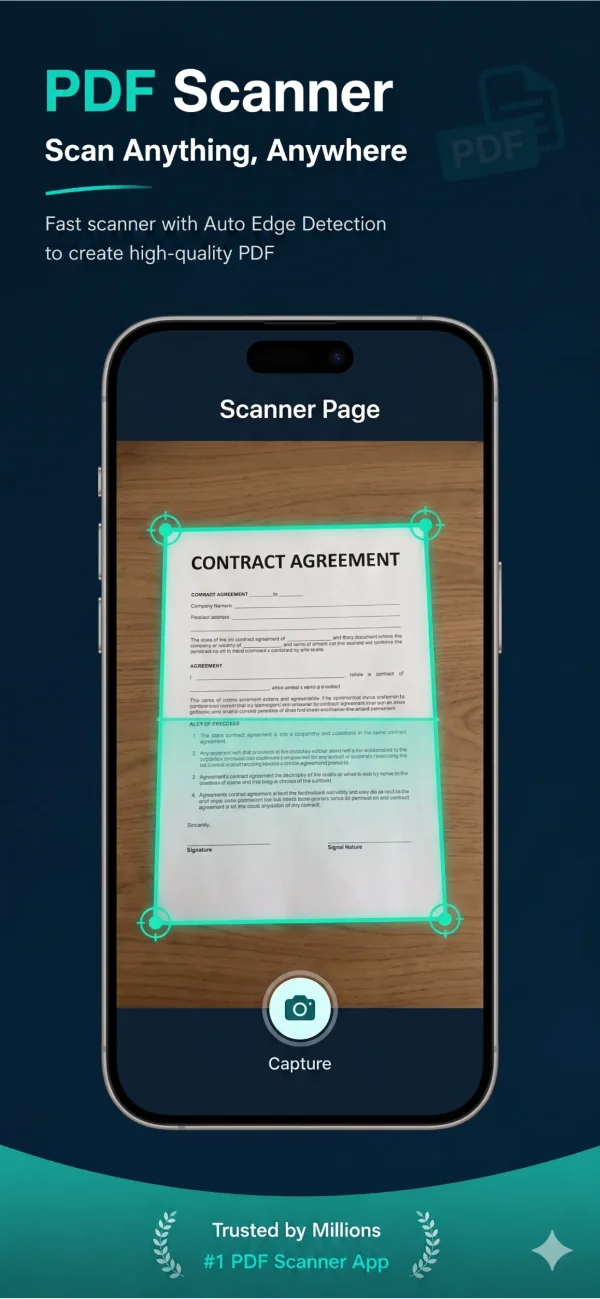
* Scan documents using your iPhone camera
* Automatic edge detection & perspective correction
* High-quality PDF & JPG output
# AI Image Enhancement
* Auto crop & rotate pages
* Remove shadows & noise
* Enhance text for sharp readability
# PDF Scanner & Creator
* Convert scans into PDF files
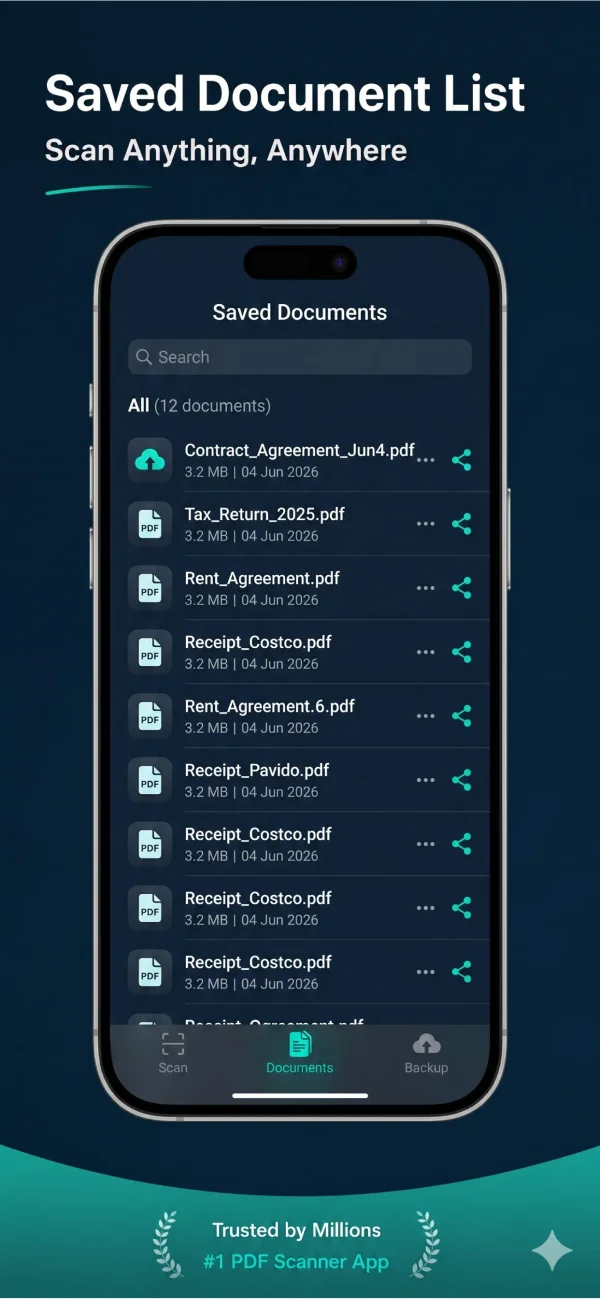
* Merge multiple pages into one PDF
* Reorder, rename, and manage documents easily
# OCR Text Recognition
* Extract text from scanned documents
* Copy, edit, and search text instantly
* Supports multiple languages
# Secure & Private
* Face ID / Touch ID protection
* Local file storage for privacy
* Password-protected PDFs
# Easy Sharing & Export
* Share scans via Email, WhatsApp, Drive, iCloud
* Export PDFs or images instantly
* Print documents directly from the app
# Why Choose Document Scanner – Scanner App?
- Fast & lightweight scanner app
- Works offline – no internet required
- Perfect for office, school & home
- Clean iOS-style design & smooth performance
- Best alternative to CamScanner & Adobe Scan
# Use Cases
* Scan office documents & contracts
* Digitize receipts & bills
* Scan notes, books & assignments
* Create PDFs for work or study
* Store important documents securely
# Keywords
Document Scanner, Scanner App, PDF Scanner, Scan Documents, Mobile Scanner, OCR Scanner, PDF Maker, iOS Scanner App, Camera Scanner, Receipt Scanner
Terms of Use (EULA):, please visit
https://www.apple.com/legal/internet-services/itunes/dev/stdeula/
For Privacy Policy, please visit
https://www.freeprivacypolicy.com/live/6c9c96f5-1ee8-43df-803e-951b788544ca
We'd love to hear your feedback: nikkavathiya.gamedev@gmail.com
新機能
バージョン 1.6 · 2026/7/17
Faster app launch and improved performance
Higher-quality PDF exports
Improved document edge detection
Better image enhancement filters
Stability improvements and bug fixes
アプリのプライバシー
このアプリのデータの取り扱いについて、Nikunj KavathiyaがApp Storeで申告している内容です。
-
ユーザーのトラッキングに使用されるデータ
他社のアプリやウェブサイトを横断してユーザーをトラッキングする目的で使用される場合があります。
- ID
-
ユーザーに関連付けられないデータ
収集される場合がありますが、ユーザーの識別情報には関連付けられません。
- ID
プライバシーの取り扱いは、ご利用の機能やお客様の年齢などに応じて異なる場合があります。
情報
- 販売元
- Nikunj Kavathiya
- カテゴリ
- ユーティリティ
- バージョン
- 1.6
- 更新日
- 2026/7/17
- リリース
- 2026/2/5
- サイズ
- 4.2 MB
- 必要条件
- iOS 17.0以降
- 対象年齢
- 4+
- 価格
- 無料
- アプリ内課金
- あり
- 言語
- 英語
- 著作権
- © DocPDFScan
こちらもおすすめ
-
 CS Scanner - Doc Scannerユーティリティ
-
 変換アプリ 写真をPDFに変換 ファイル変換JPEG とファイルを PDF に変換
-
 PDF Scanner - File ReaderScan, Edit, Merge & Manage
-
 画像をPDFに変換 +JPG、PNG、JPEG画像をPDFに変換
-
 Scanner pro-PDF HD Scanningユーティリティ
-
 Document PDF Scanner.ユーティリティ
-
 PDFスキャナー - 書類スキャン&文字認識(OCR)紙の書類を簡単にスキャンしてデジタル化
-
 Scanner PDF : Convert and signユーティリティ
-
 スキャナーアプリ- 文書スキャン、PDF 変換ドキュメントをスキャンして PDF に保存
-
 PDFConverter.appテキスト、画像、ドキュメントを変換