PDF Scanner - BrightScan
Receipts, OCR & Expense CSV
Designed for iPhone, iPad
In-app purchases
- Age rating4+
- CategoryUtilities
- DeveloperRonak Vir
- LanguagesEnglish
- Size11.2 MB
Links to the official App Store page
Download.org hosts no file of PDF Scanner - BrightScan. The button opens its official App Store page, published by Ronak Vir. Listing last checked on Nov 8, 2026.
Screenshots
About
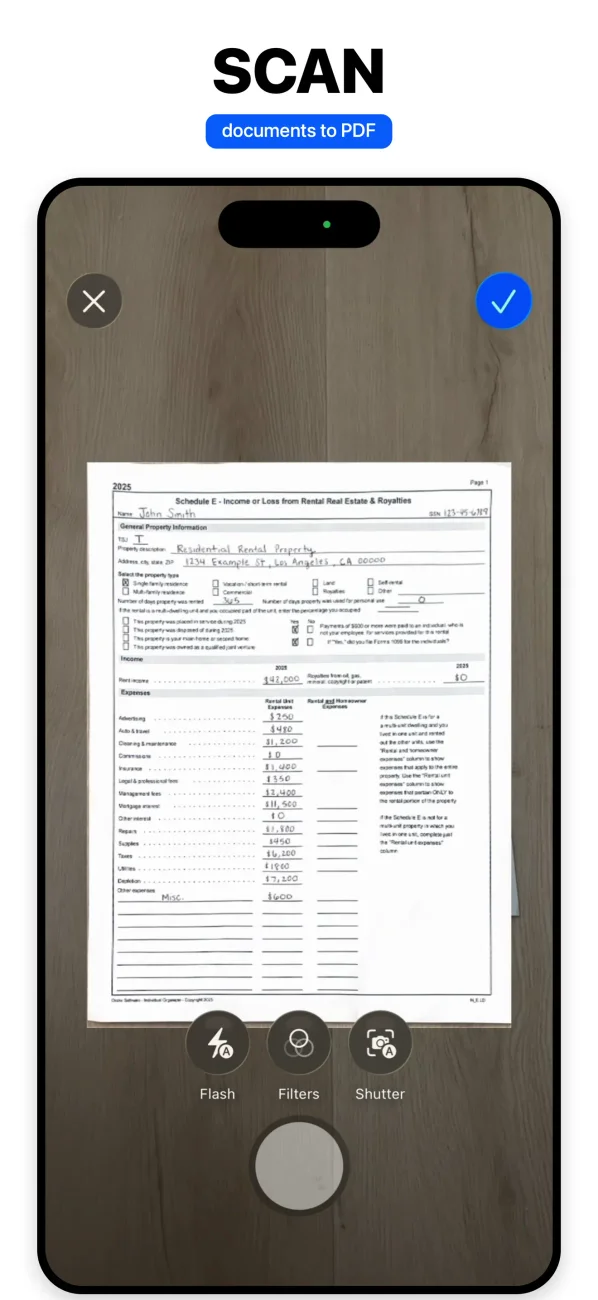
BrightScan is a privacy-first PDF and document scanner for iPhone and iPad. Capture clean multi-page scans, edit them locally, and see the result before choosing BrightScan Pro.
SCAN AND EDIT DOCUMENTS
• Scan one page or an entire document
• Import photos and supported PDF files
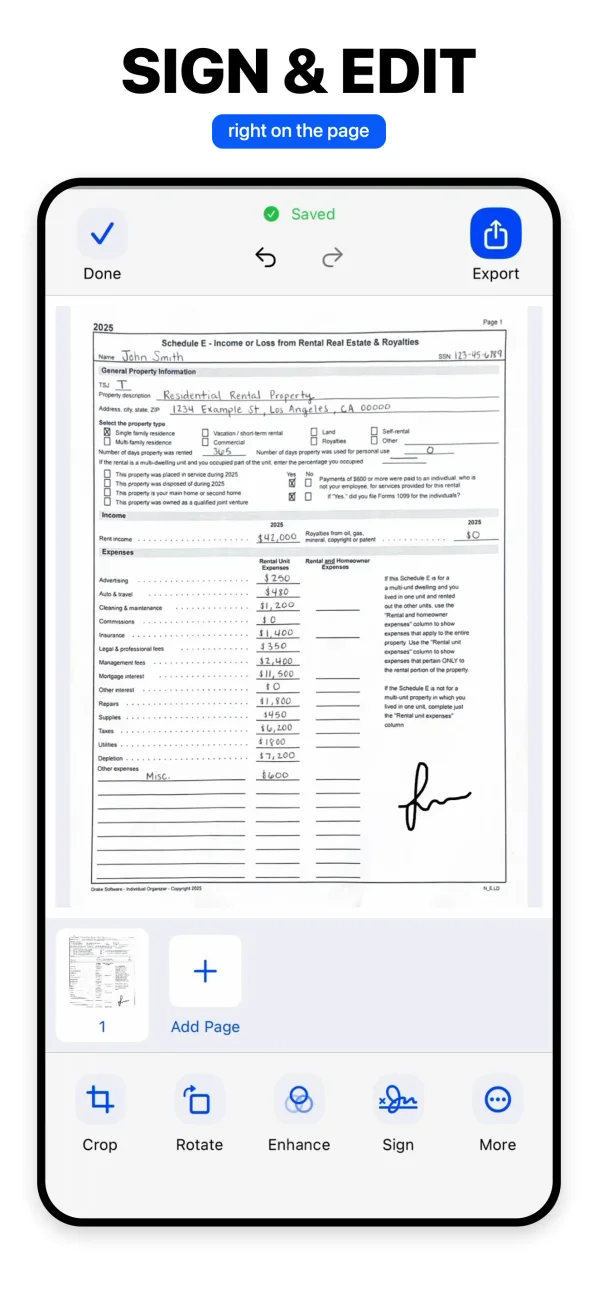
• Crop, rotate, reorder, duplicate, and enhance pages
• Organize documents into simple folders
FINISH POLISHED PDFs
• Add text, drawings, highlights, and a visual signature
• Combine PDFs, extract pages, or split a document
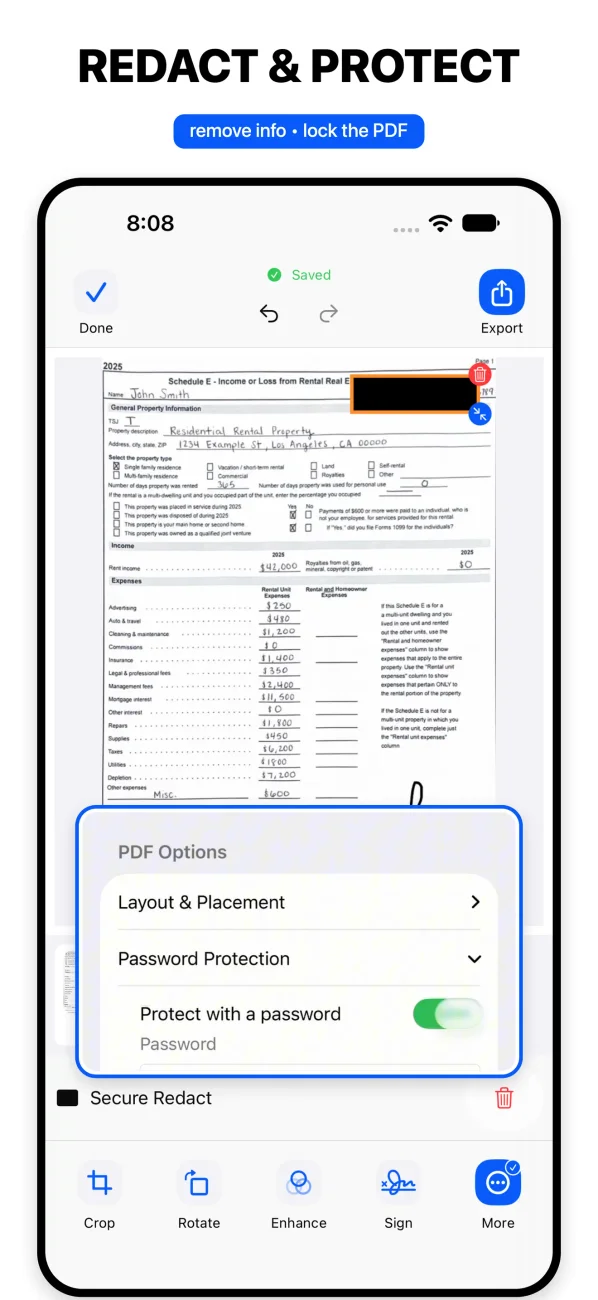
• Securely redact sensitive details from exported files
• Add optional password protection to PDF exports
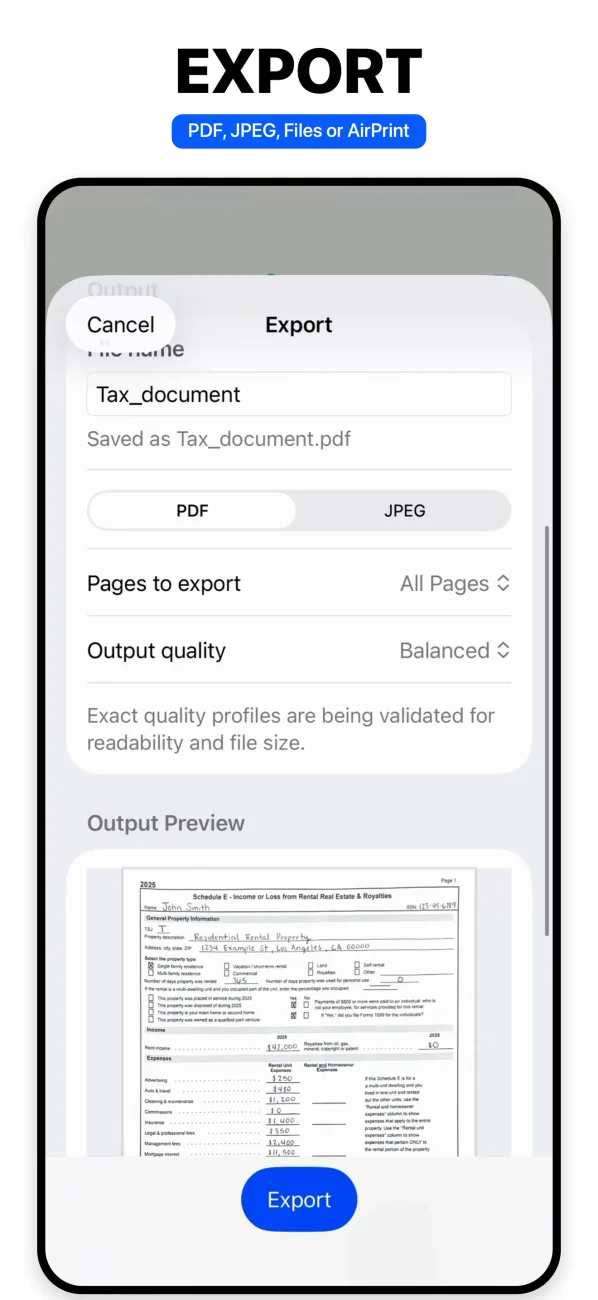
• Export as PDF or images, save to Files, share, or print
ON-DEVICE OCR
Recognize text on your device, review it page by page, and copy the text you need. Document
images and recognized text are not sent to a BrightScan document-processing server.
RECEIPTS TO SIMPLE CSV
Scan receipts, review suggested merchant, date, and total fields, make corrections, and export a
straightforward CSV. BrightScan is not accounting, tax, or bookkeeping software.
MORE LOCAL TOOLS
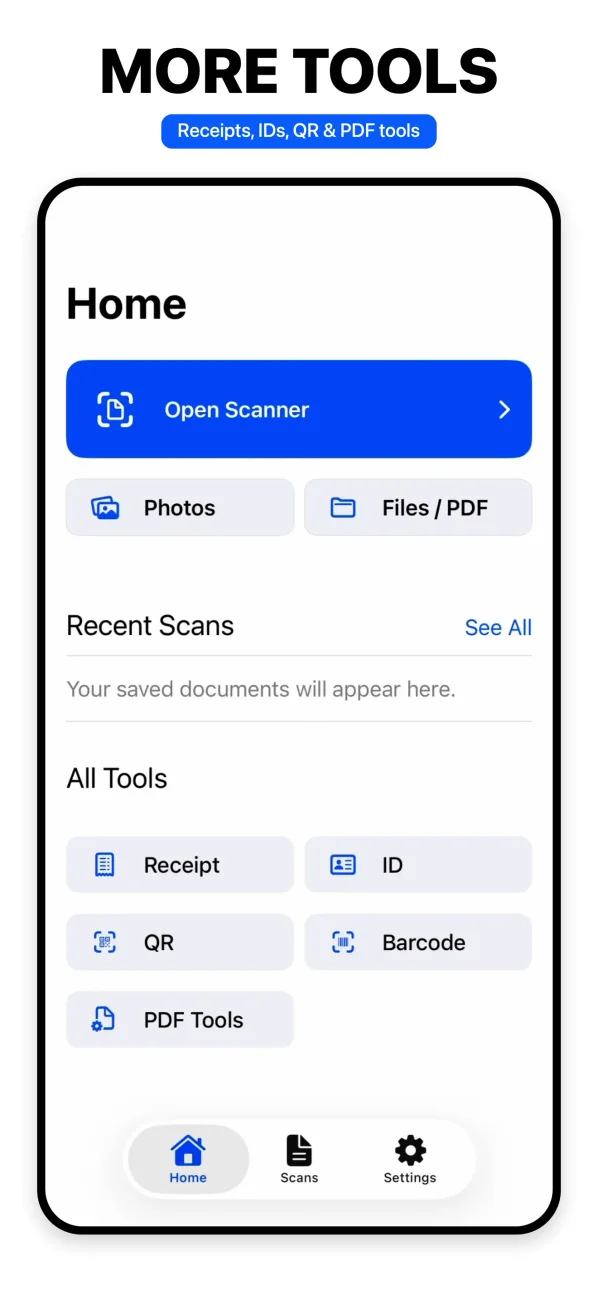
• Guided ID card and passport capture without identity verification
• Private QR code review before opening a destination
• Barcode scanning without automatic lookups or history
NO ACCOUNT OR DOCUMENT CLOUD
BrightScan stores app-owned documents locally. Content leaves the app only when you choose an
export, sharing, printing, clipboard, Files, or external action.
FREE CREATION, PRO OUTPUT
Scan or import documents, organize them, and edit pages without subscribing. BrightScan Pro is
required for export, sharing, printing, OCR results, receipt and ID workflows, and QR or barcode
actions.
BrightScan Pro is available through auto-renewing weekly and annual subscriptions. The annual
option may include a free trial for eligible customers. Exact localized prices, billing periods,
trial eligibility, and renewal terms appear in the app before purchase. Manage or cancel through
your Apple Account settings.
Privacy Policy:
https://www.ronakvir.com/brightscan/privacy
Terms of Use:
https://www.ronakvir.com/brightscan/terms
Support:
https://www.ronakvir.com/brightscan/support
Apple Standard EULA:
https://www.apple.com/legal/internet-services/itunes/dev/stdeula/
What’s new
Version 1.0.1 · Sep 29, 2026
We've fixed some bugs and added new features. Thank you for using BrightScan!
App privacy
What Ronak Vir declares on the App Store about how this app handles data.
-
Data not collected
The developer does not collect any data from this app.
Privacy practices may vary, for example with the features you use or your age.
Information
- Seller
- Ronak Vir
- Category
- Utilities
- Version
- 1.0.1
- Updated
- Sep 29, 2026
- Released
- Sep 29, 2026
- Size
- 11.2 MB
- Requires
- iOS 18.0 or later
- Age rating
- 4+
- In-app purchases
- Yes
- Languages
- English
- Copyright
- © 2026 BrightScan
You might also like
-
 Amphi NotesUtilities
-
 Cash Counter Totals CalculatorApp for Counting Notes & Coins
-
 QR & Barcode Scanner MultiScanScan multiple codes at once
-
 ShipShow Package TrackerUSPS, UPS, FedEx, DHL, Amazon
-
 PDF Tools: Edit, Merge & SignEdit, Merge, Sign & Convert
-
 PDF Maker | Photo to PDFPDF
-
 WTMP - Dont Touch My PhoneAlertmedia & Lock Your Screen
-
 QR Code Reader & Scanner ++QR-Code Generator for Iphone
-
 PDF Converter: Docs ScannerScan, OCR, Sign, Edit & Merge
-
 Phone Master: Smart AI CleanerClean Photos, Videos, Contacts