PDF Scanner: Scan Docs & PDF
Scan Documents & Create PDFs
Designed for iPhone
In-app purchases
- Age rating12+
- CategoryUtilities
- DeveloperMayur Sutariya
- LanguagesEnglish+ 21 more
- Size46.3 MB
Links to the official App Store page
Download.org hosts no file of PDF Scanner: Scan Docs & PDF. The button opens its official App Store page, published by Mayur Sutariya. Listing last checked on Nov 23, 2026.
Screenshots
About
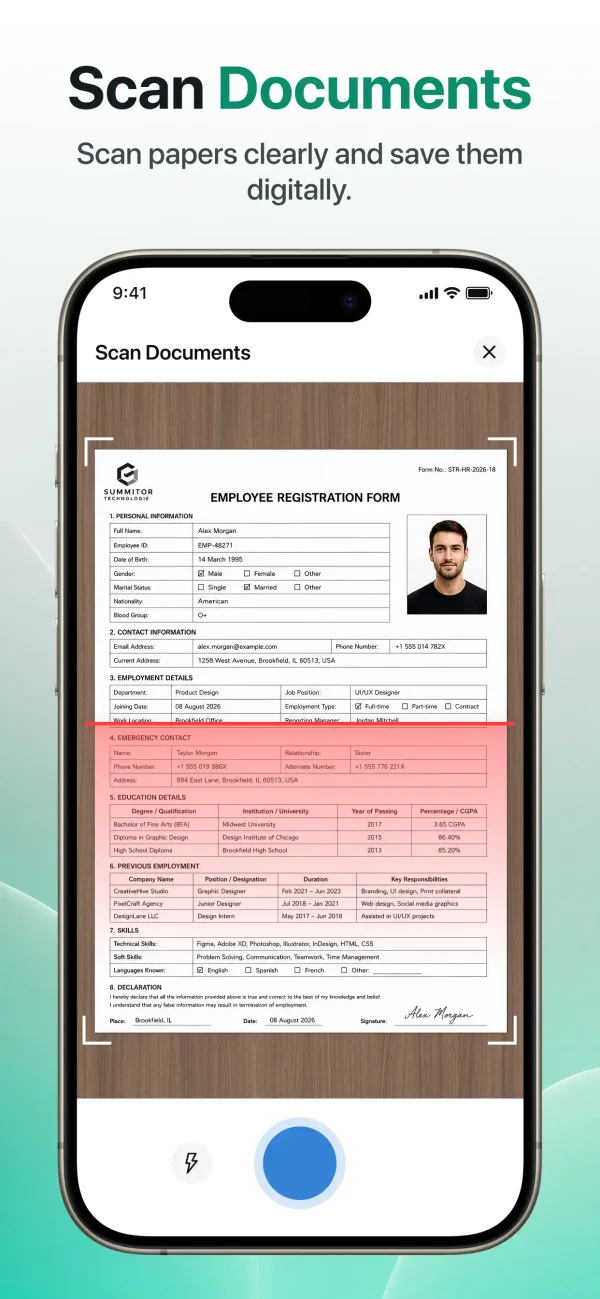
PDF Scanner: Scan Docs & PDF turns your phone into a convenient document scanning and PDF tool. Scan documents, adjust your scans, add signatures, and keep your files organized in one place.
Need a simple way to digitize your documents? Capture documents with your camera, improve their appearance, add your signature, and save your scans as organized digital files.
KEY FEATURES
Document Scanner — Capture documents quickly using your camera and scan pages with ease
Scan to PDF — Turn scanned documents into PDF files for convenient storage and sharing
Scan & Adjust — Crop your scans, adjust the selected area, and improve the appearance of your documents
Filters & Colours — Apply different filters and choose suitable colours to make scanned documents clearer
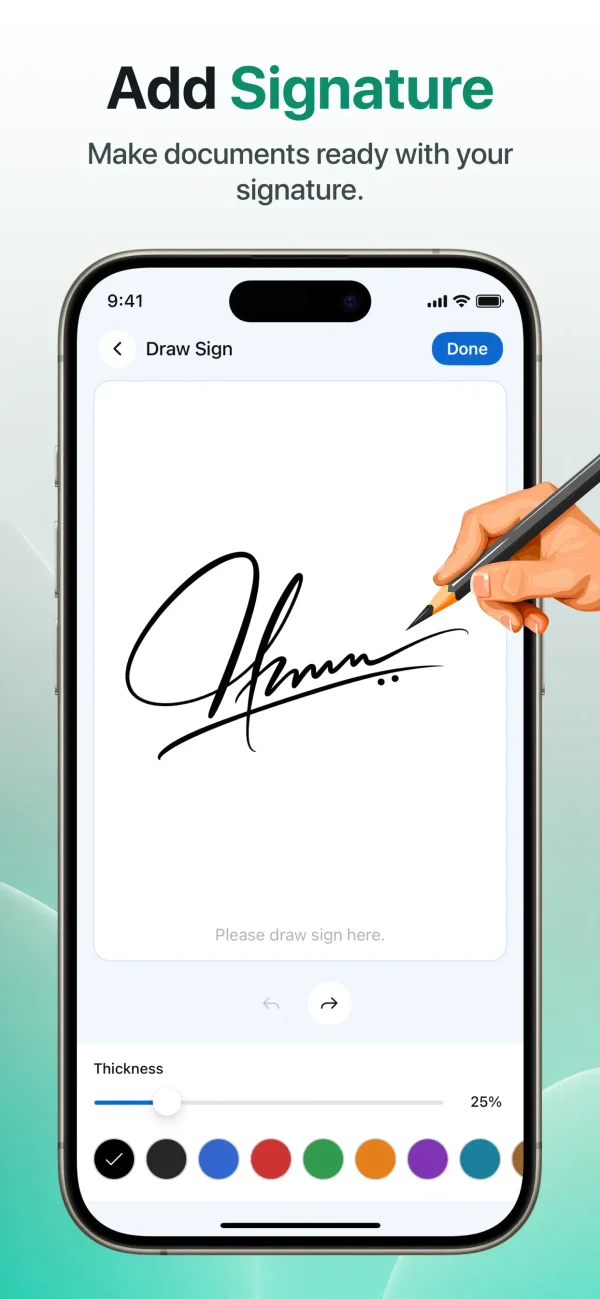
Add Signature — Create your signature and place it on your scanned documents when needed
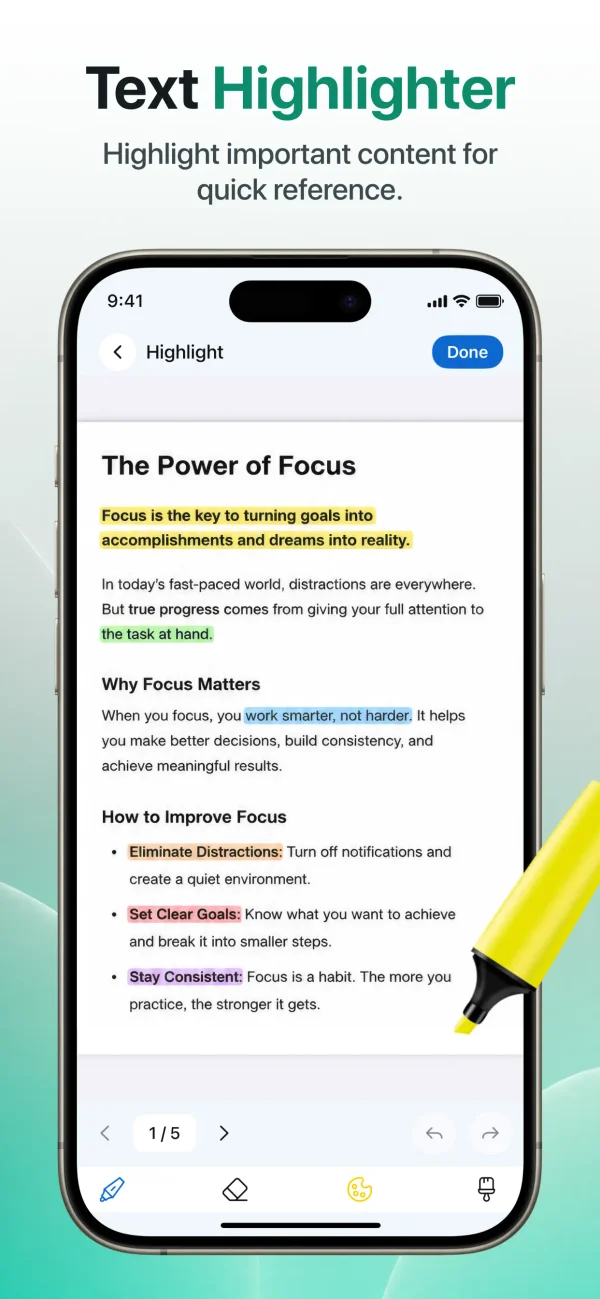
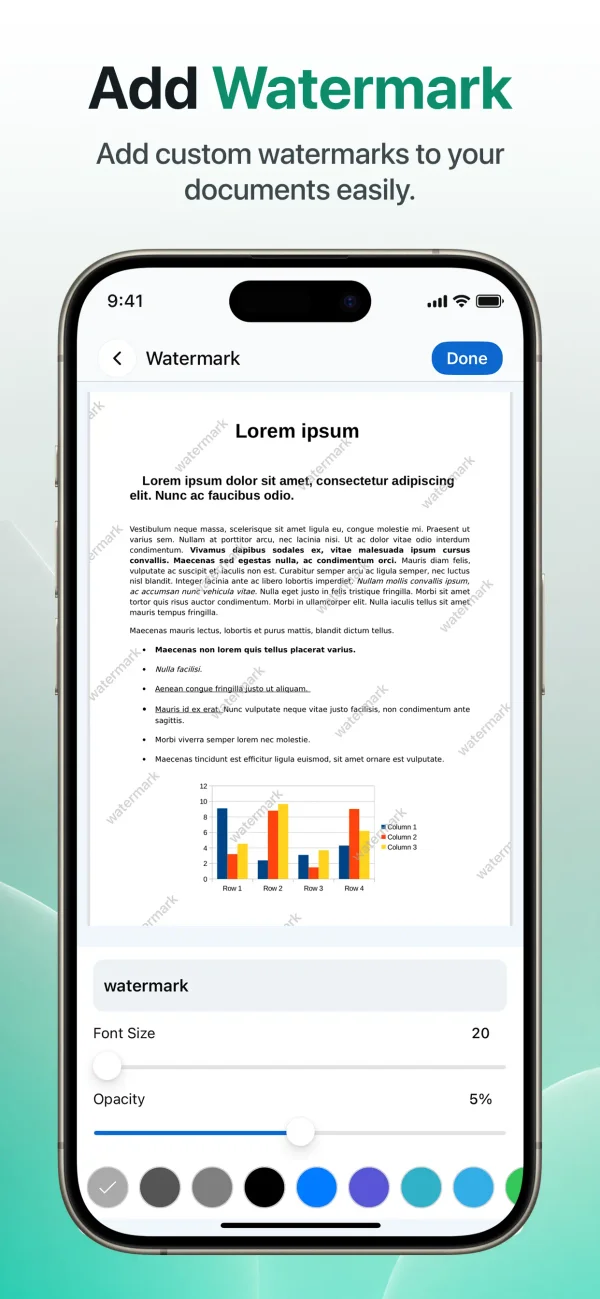
Draw & Annotate — Add drawings, text, and other available annotations directly to your scanned documents
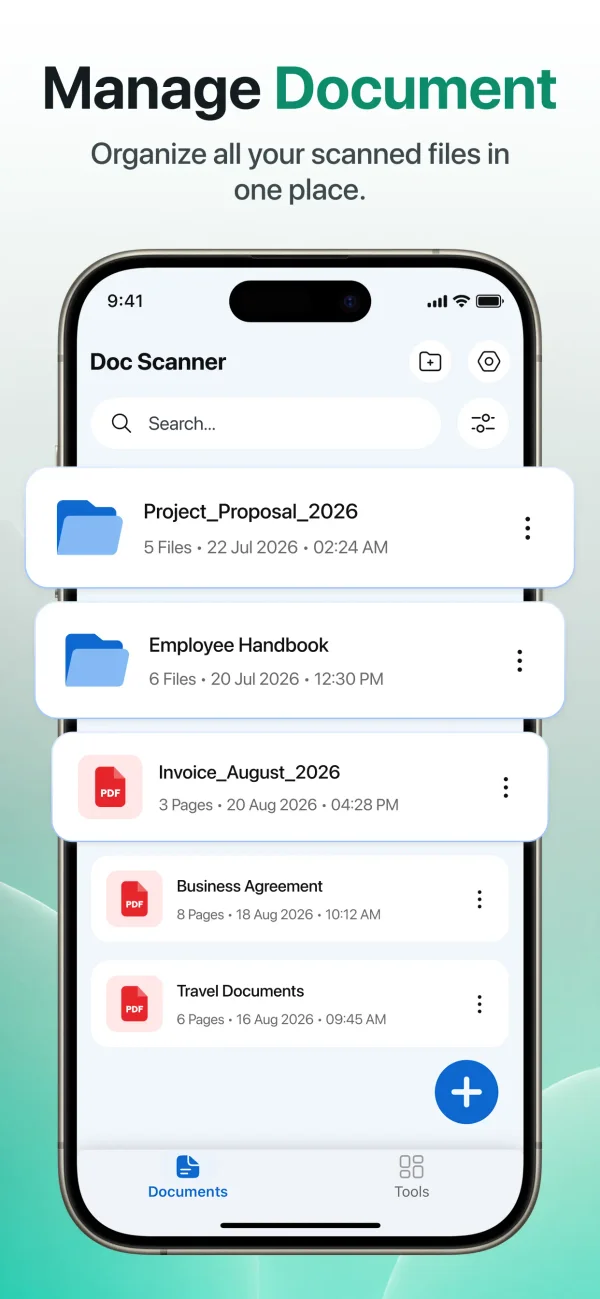
Document Management — View your saved documents, organize your files, and access them easily from the app
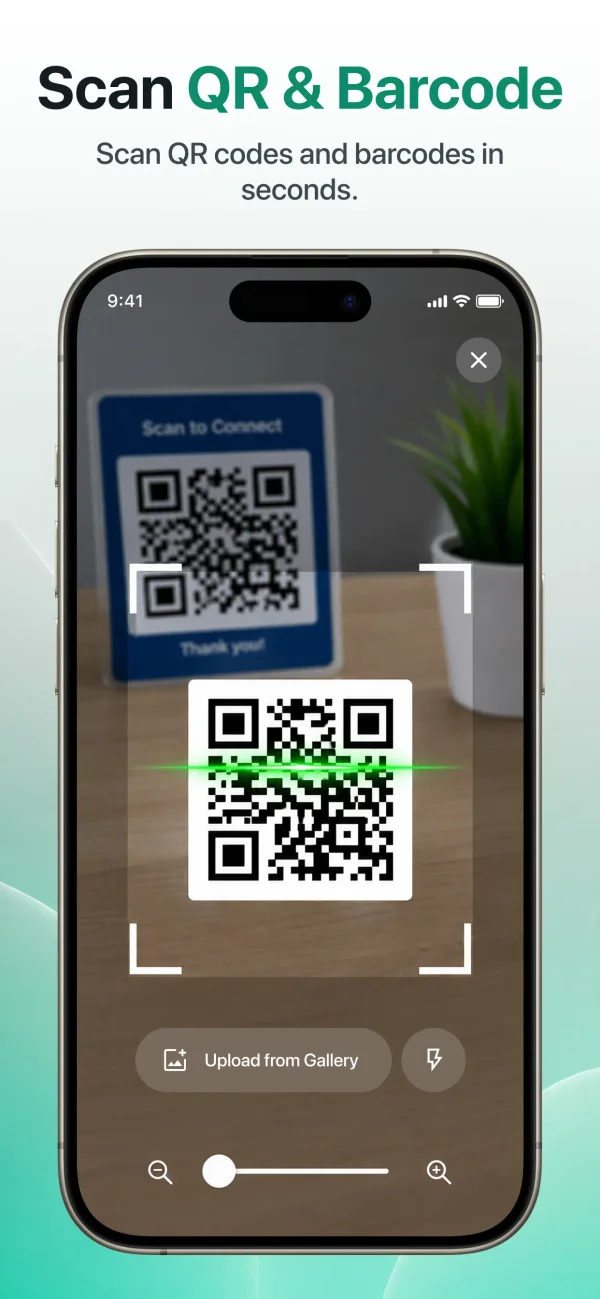
QR Code Scanner — Scan QR codes using your device camera
Barcode Scanner — Scan barcodes and view the information detected from them
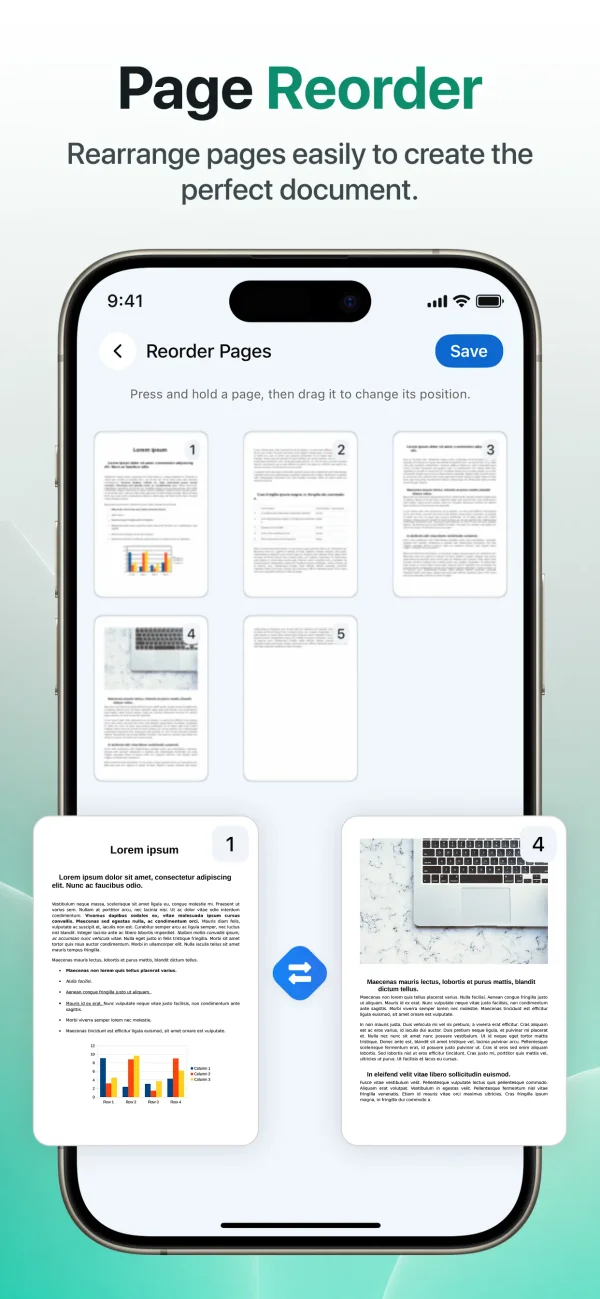
Merge PDF — Combine multiple PDF files into a single document for easier management
Split PDF — Split PDF files into separate documents or pages as needed
SIMPLE DOCUMENT WORKFLOW
Capture your document, adjust the scan, add a signature or annotation when needed, and save your finished document as a PDF.
KEEP YOUR DOCUMENTS ORGANIZED
Store your scanned documents in one place and manage them easily whenever you need to view or access your files.
Scan. Edit. Sign. Save.
Everything you need for everyday document scanning in one simple app.
Privacy Policy: https://sites.google.com/view/varnipdfscannerpp/home
User Agreement: https://sites.google.com/view/varnipdfscannerua/home
Terms of Use (EULA): https://www.apple.com/legal/internet-services/itunes/dev/stdeula/
What’s new
Version 1.3 · Nov 20, 2026
• Improved overall app performance.
• Fixed minor bugs for a smoother experience.
• Enhanced compatibility and stability.
App privacy
What Mayur Sutariya declares on the App Store about how this app handles data.
-
Data used to track you
May be used to track you across apps and websites owned by other companies.
- Identifiers
- Usage data
-
Data not linked to you
May be collected but is not linked to your identity.
- Identifiers
- Usage data
Privacy practices may vary, for example with the features you use or your age.
Information
- Seller
- Mayur Sutariya
- Category
- Utilities
- Version
- 1.3
- Updated
- Nov 20, 2026
- Released
- Sep 13, 2026
- Size
- 46.3 MB
- Requires
- iOS 17.6 or later
- Age rating
- 12+
- In-app purchases
- Yes
- Languages
- English, Arabic, Dutch, Filipino, French, German, Hindi, Indonesian, Italian, Japanese, Korean, Malay + 10 more
- Copyright
- © Mayur Sutariya
You might also like
-
 PDF Documents ScannerFile Scan, Sign & Convert
-
 DocScan - A Powerful Scanner!Scan unlimited, scan anything!
-
 PDF Scanner AI - Scan DocumentOCR, E-Sign, ID Card & Print
-
 FixPDF: PDF Editor & ConverterAll-in-One PDF Editor & Tools
-
 UnscannyScan text, QR & face search
-
 XD batterybms tools
-
 PlayerGrab: Media PlayerEasy Video Player & Editor
-
 ScanAble - WiFi Scanner AppWiFi Scanners Printer Support
-
 Quick Settings LauncherSmart shortcuts for settings