PDF Scanner • Scan & Edit
Scan, Edit, Sign & QR Tools
Designed for iPhone, iPod touch
Free · In-app purchases
- Age rating4+
- CategoryUtilities
- Developernuriddin hakimov
- LanguagesEnglish
- Size83.2 MB
Links to the official App Store page
Download.org hosts no file of PDF Scanner • Scan & Edit. The button opens its official App Store page, published by nuriddin hakimov. Listing last checked on Nov 12, 2026.
Screenshots


About
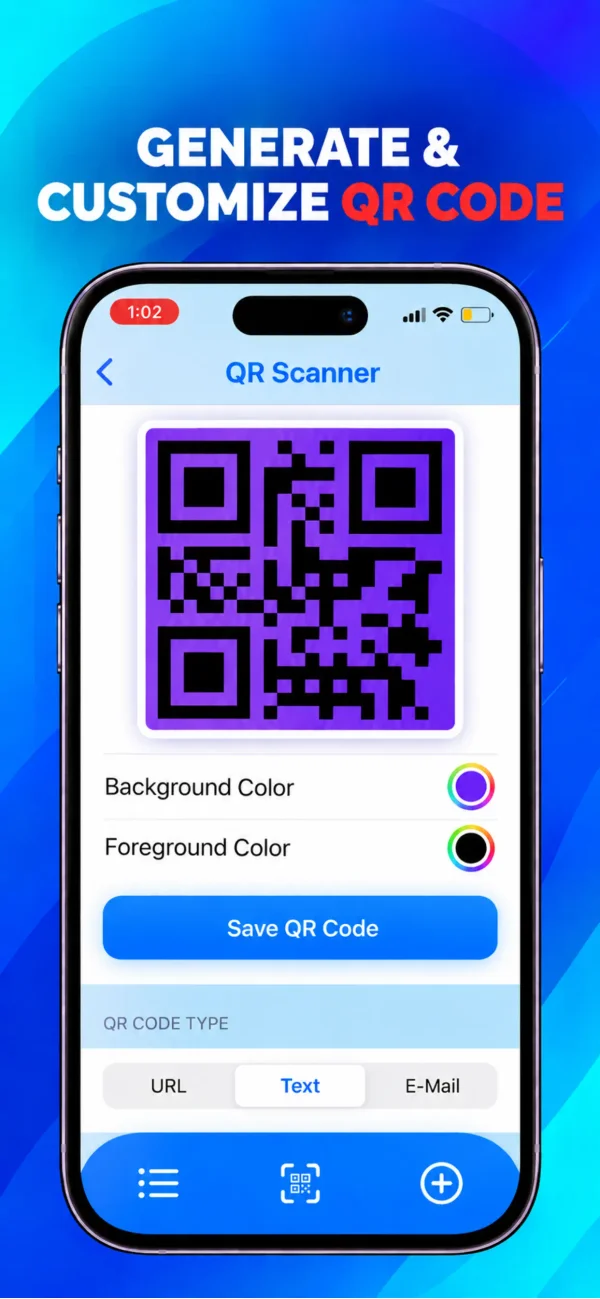
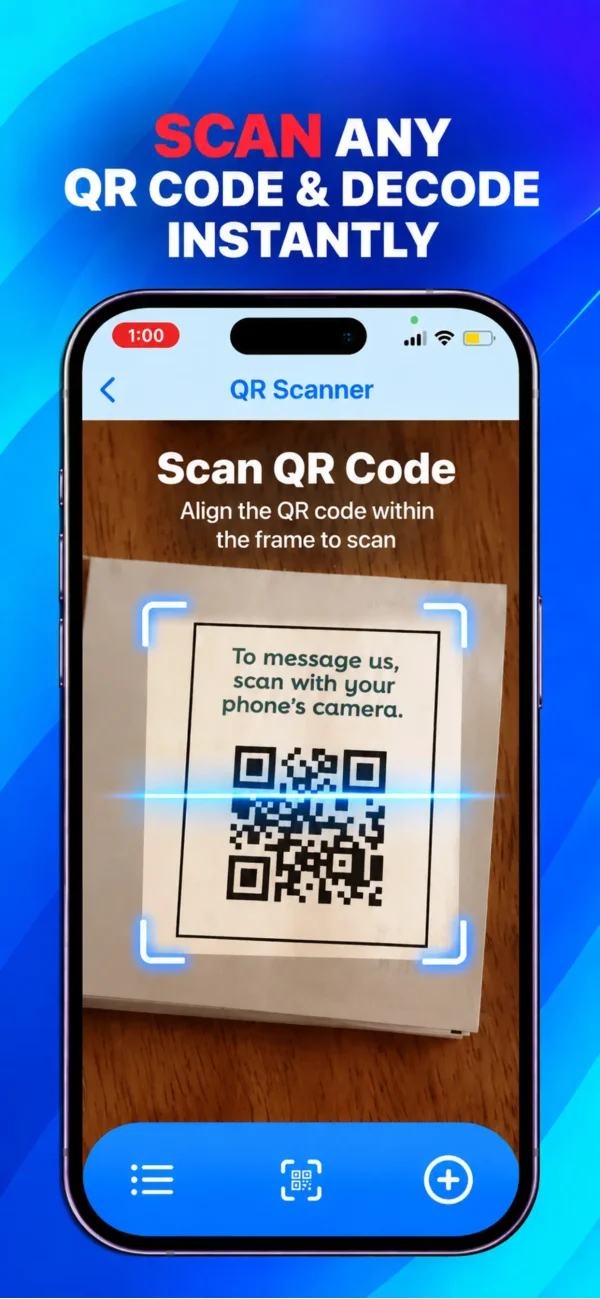
PDF Scanner App allows you to scan documents, files, licenses, text, QR Code & Generate customized QR Code.
If you are looking for a pdf document scanner app to scan and keep your files secure, then this document scanner pdf creator is your right choice.
How to use this PDF Scanner app?
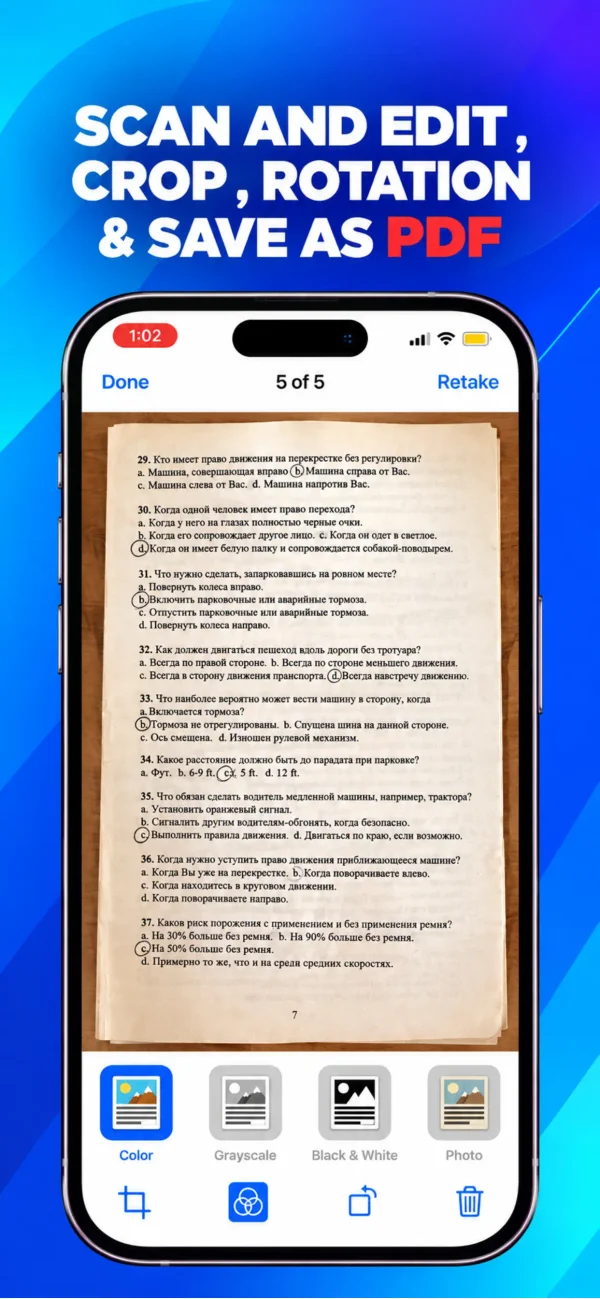
Install the app and tap the scan button to scan your pdf files. The scan option will present the camera view, which offers a variety of features like auto vs manual scanning, edit/crop/rotate scanned files, applying filters for scanned files, turning on/off-camera flash, auto-detect the document edges. You can select the option and scan multiple pages to keep them together. After creating the scanned files, you can preview them before saving them. All scanned files are stored in the Documents folder of the app, so if you delete the app, all scanned files will be lost as well.
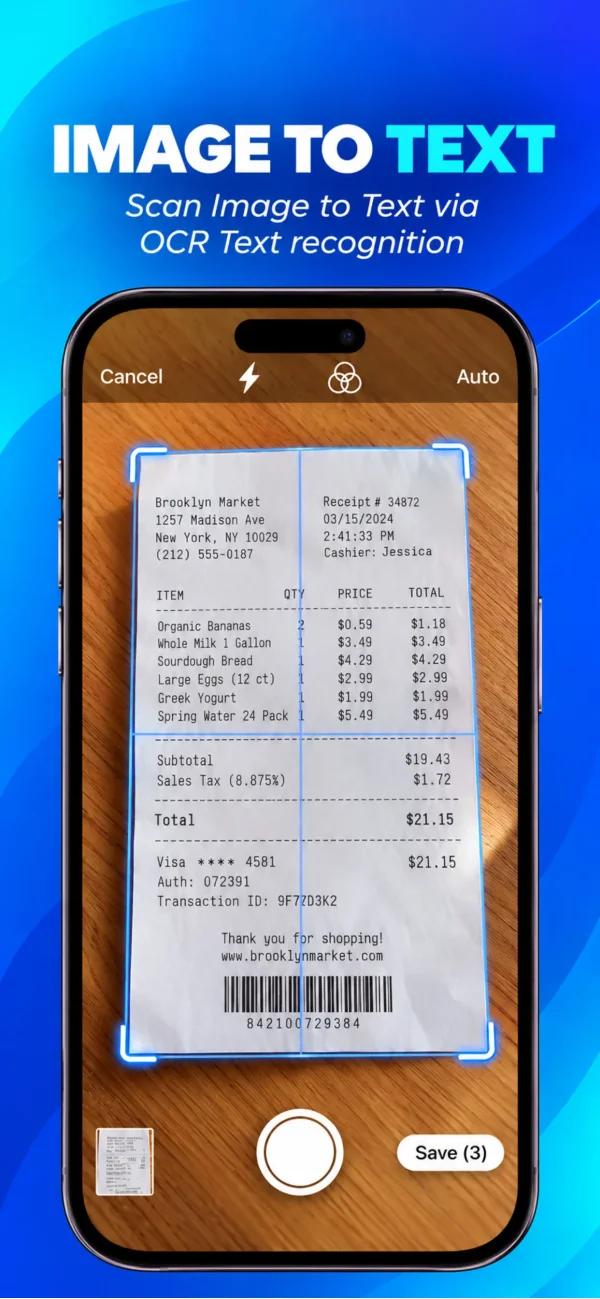
By default, this document scanner app starts with 2 folders: All Files and Work folder, both of them are empty. You can create more folders to keep your files organized. This pdf reader allows you to share the document as a PDF or extract the text from a given page using text recognition (OCR).
# Key Features:
# Scan texts, documents, license, text, QR Code & Create a Customize QR Code’s using this easy and simple scanner app.
# Use this app as your handy QR code reader to instantly scan the codes.
# Preview the scanned files before saving or deleting them.
# On the settings tab, you can set up a passcode for the app to keep your documents secure.
# To scan documents, papers, image to text ( OCR) Qr code scan & Create Customized QR Code’s
So, if you are searching for a pdf scanner app to fast scan documents and files, try this pdf reader and scanner app. Also, use this scanner as your QR and barcode reader to decode instantly.
Install PDF scanner app on your iOS device, scan documents and keep them safe forever, share the files with others when needed.
NOTE: The app has in-app purchases to allow users to use all options of Scanner App, as many documents as they want, remove the ads, and unlock the text recognition feature & other options.
Subscriptions automatically renew until canceled in the Manage Subscriptions section of your account settings.
Terms & Conditions - http://www.nurexapp.com/home/terms/terms-conditions-nurex.html
Privacy Policy - http://www.nurexapp.com/home/policy/privacy-policy-nurex.html
What’s new
Version 2.9 · Sep 28, 2026
* Improved scanning speed and accuracy for both PDF and QR codes.
* Enhanced user interface for a smoother experience.
* Optimized performance for faster document processing.
* Fixed bugs related to multi-page PDF exports.
* Improved QR code recognition, even in low-light environments.
* Minor UI adjustments and performance tweaks.
App privacy
What nuriddin hakimov declares on the App Store about how this app handles data.
-
Data not collected
The developer does not collect any data from this app.
Privacy practices may vary, for example with the features you use or your age.
Information
- Seller
- nuriddin hakimov
- Category
- Utilities
- Version
- 2.9
- Updated
- Sep 28, 2026
- Released
- Oct 29, 2021
- Size
- 83.2 MB
- Requires
- iOS 15.0 or later
- Age rating
- 4+
- Price
- Free
- In-app purchases
- Yes
- Languages
- English
- Copyright
- © Nurex Games
You might also like
-
 Encryptor - Secure Your FilesAES Encryption and Decryption
-
 Click Counter: Tap CounterTally counter, counter app
-
 Timr - Multiple TimersMultiple Simultaneous Timers
-
 Picture to Text: OCR ScannerScan and Read Photo, Image
-
 Storage CleanerFree Up Space, Clean Up Photos
-
 Image to Text: Scan to ConvertHandwriting to Text Converter
-
 HEIC to JPEG Converter ProConvert HEIC Photos to JPG
-
 Photo to PDF Converter pic2pdfjpg convert scan photos to pdf
-
 Map Redirect for Map LinksChoose how to open map links
-
 Voice Recorder: Transcribe AppVoice Recorder: Speech to Text