PDF Scanner:Scan for Documents
OCR, Convert PDF, Edit & Sign
Designed for iPhone, iPad
Free · In-app purchases
- Age rating4+
- CategoryUtilities
- DeveloperQuke Technology
- LanguagesEnglish+ 6 more
- Size36.9 MB
Links to the official App Store page
Download.org hosts no file of PDF Scanner:Scan for Documents. The button opens its official App Store page, published by Quke Technology. Listing last checked on Nov 23, 2026.
Screenshots

About
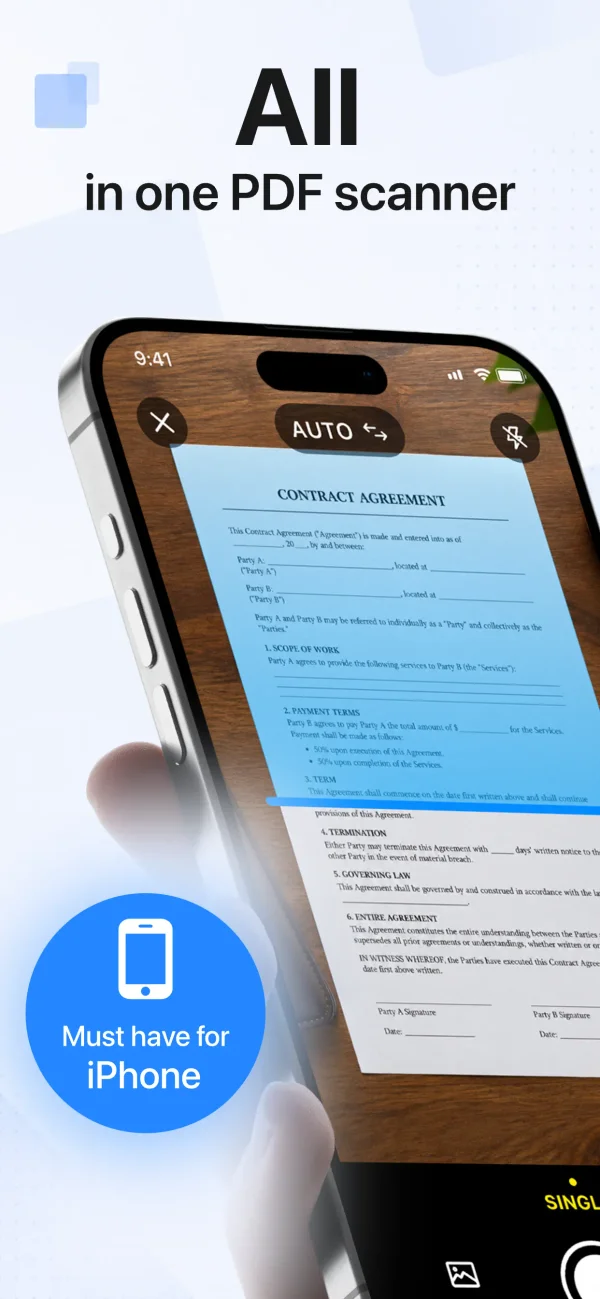
This app is a portable office scanning tool featuring AI scanning, offline OCR, PDF conversion, and e-signature capabilities, effectively turning your smartphone into a professional scanner. It is ad-free, fully optimized for iOS devices, and suitable for office work, government administration, and field archiving. Files are stored locally—never uploaded to the cloud—ensuring the privacy of sensitive documents like ID cards, contracts, and receipts.
Key Features
• AI HD Scanning: Features automatic edge detection, skew correction, and background removal. Scan receipts, contracts, business cards, and notes while faithfully preserving the original text and layout.
• Multi-mode Scanning: Offers modes for general documents, ID cards, and batch continuous shooting; automatically merges multiple pages and quickly generates standard ID scans.
• Smart Image Optimization: Enhances brightness, removes shadows, reduces noise, and sharpens details to fix capture imperfections. Scans meet print-quality standards, making them ideal for business archiving.
• Versatile PDF Conversion: Instantly convert images to PDF and switch between formats like images, Word, Excel, and PPT; supports splitting, merging, and page reordering.
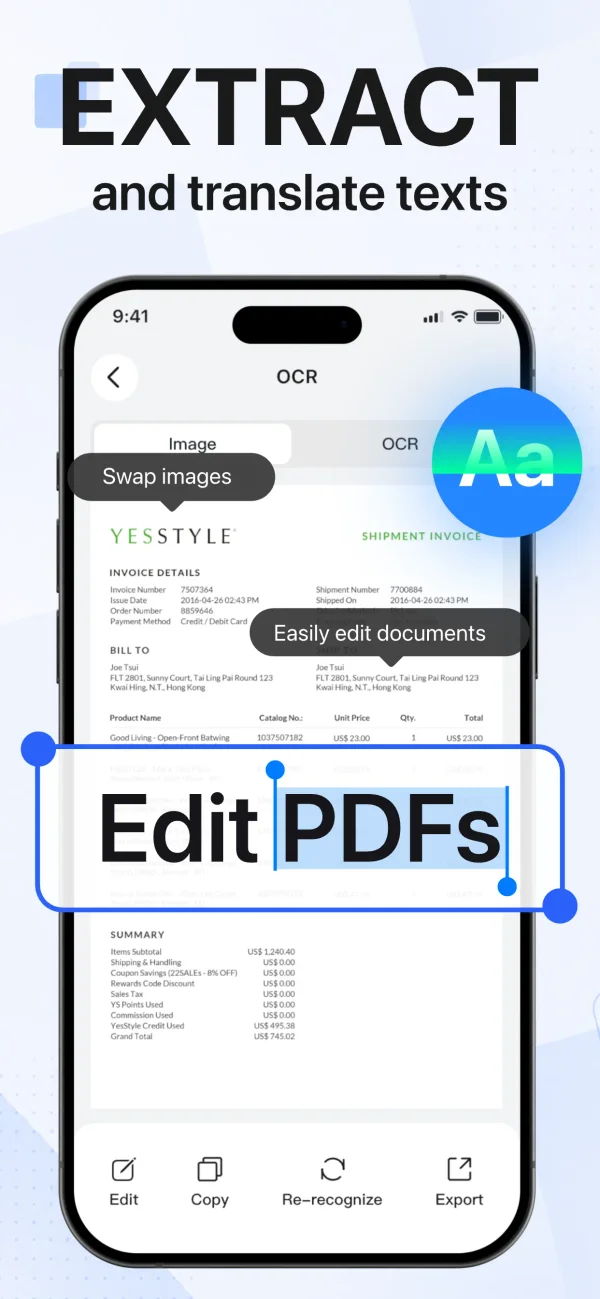
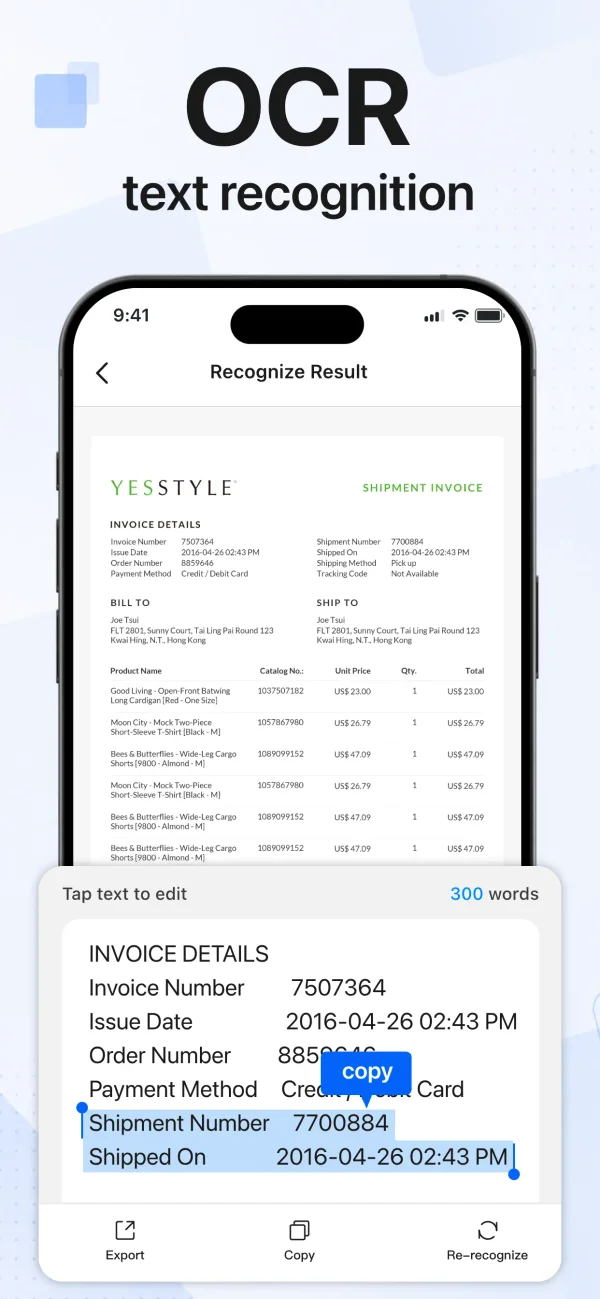
• Offline Multilingual OCR: Locally recognizes handwritten or printed text in Chinese, English, Japanese, and Korean. Extracted text is editable and copyable, eliminating the need for manual data entry.
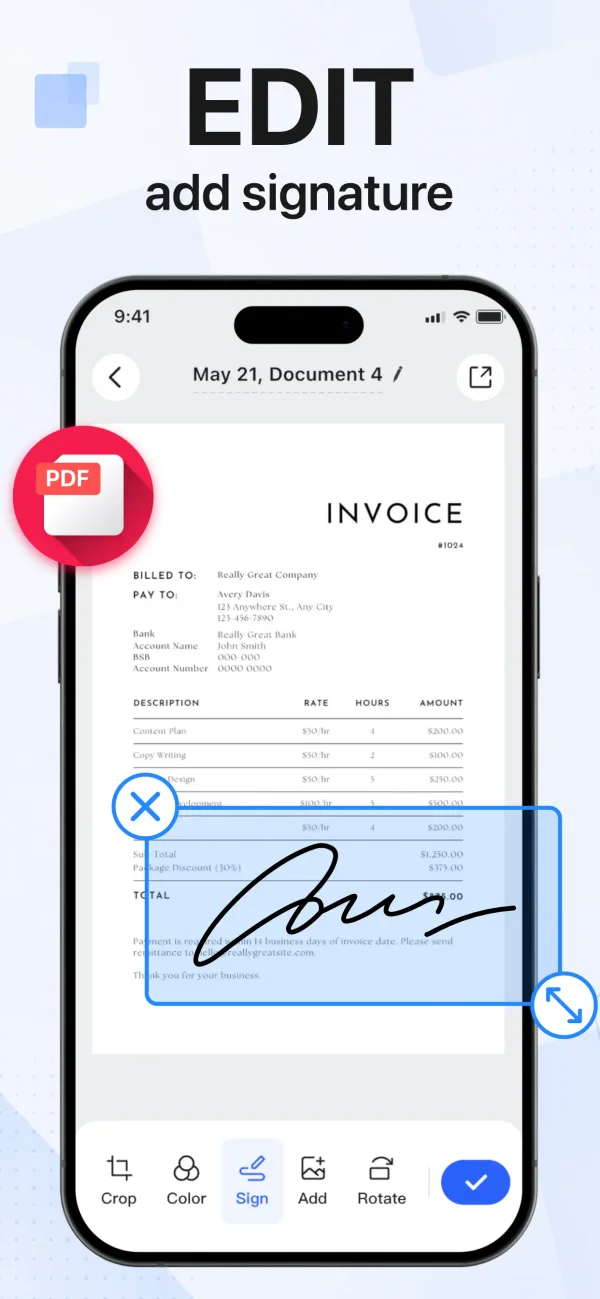
• PDF Signing & Annotation: Add handwritten signatures or import digital seals; annotate with highlights or lines. Sign contracts and documents directly online—no printing required.
• Comprehensive PDF Editing: Crop, rotate, add/delete pages, apply watermarks, and insert page numbers—all editing operations are performed locally.
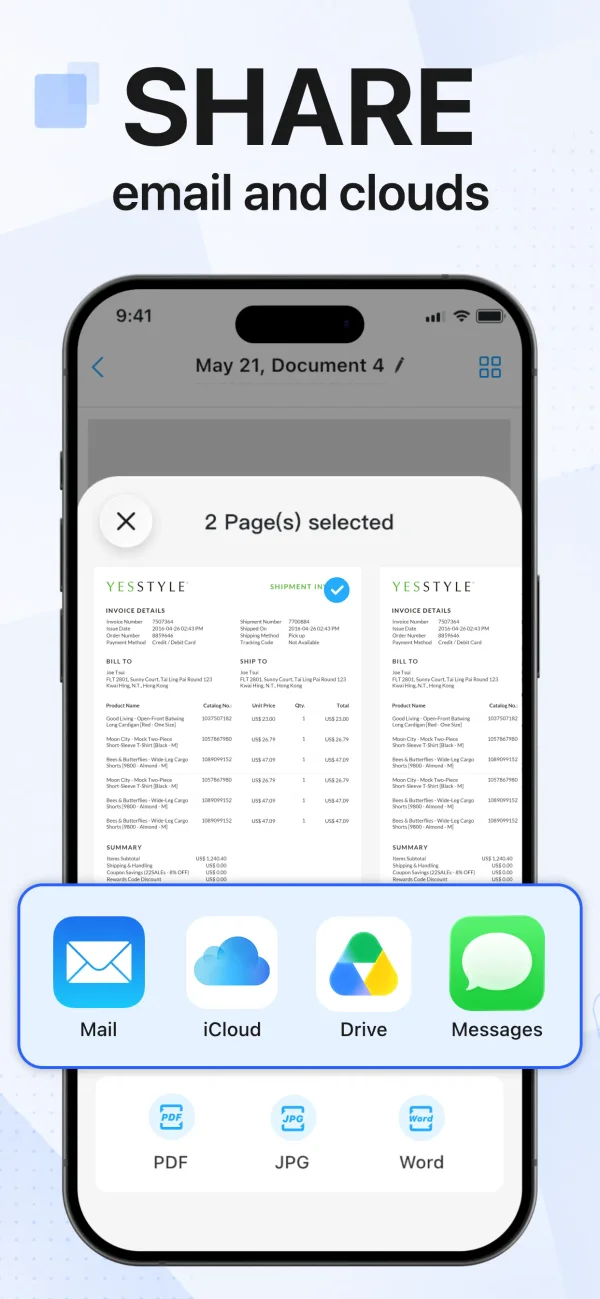
• Flexible Export & Sharing: Files are saved locally and can be shared via email, social media, or cloud services; customize export resolution and file size.
• Local Offline Storage: All scanned and edited files remain on your device with no background uploads, protecting the privacy of financial records, contracts, and ID documents.
Use Cases
Ideal for office workers scanning expense reports and archiving meeting documents; HR staff batch-archiving IDs and contracts; field personnel scanning, signing, and sending agreements on-site; students extracting text from exam papers and study materials; government staff generating standardized ID scans; and merchants archiving business receipts. Covers a full range of scenarios including study, office work, business, and government administration. Contact Information and Agreement Links
Contact Information
For more information or app support, please contact us at:
lizhiqiang@dawanli88.com
Terms of Use:
https://xy.bjqyhd.cc/pdfscan_user.html
Privacy Policy:
https://xy.bjqyhd.cc/pdfscan_privacy.html
What’s new
Version 1.2.8 · Nov 19, 2026
Update content: Improve user experience and fix known issues
App privacy
What Quke Technology declares on the App Store about how this app handles data.
-
Data used to track you
May be used to track you across apps and websites owned by other companies.
- Identifiers
-
Data linked to you
May be collected and linked to your identity.
- Identifiers
Privacy practices may vary, for example with the features you use or your age.
Information
- Seller
- Beijing Quke Huyu Network Technology Co., Ltd
- Category
- Utilities
- Version
- 1.2.8
- Updated
- Nov 19, 2026
- Released
- Jun 5, 2026
- Size
- 36.9 MB
- Requires
- iOS 17.0 or later
- Age rating
- 4+
- Price
- Free
- In-app purchases
- Yes
- Languages
- English, Dutch, French, German, Japanese, Traditional Chinese, Turkish
- Copyright
- © 2026pdf
You might also like
-
 Doc Scanner OCR & PDF scanDocument Convert, Scan & Sign
-
 PDF Reader - ViewerView, Merge, Scan & Edit PDFs
-
 PDF Scan & SignMerge, Edit and Send
-
 PDF ProX: PDF Reader & EditorPDF Converter & Scanner
-
 Scanner App: PDF ScanPDF Scanner & OCR
-
 EasyScan QR - QR ScanningScan, Read & Create Text
-
 Document PDF Scanner.Scan to PDF, OCR & Sign Docs
-
 PDF Reader - EZ Read PDFRead, PDF Files、Doc、PPT、Excel
-
 Scan QRCode: QR & BarcodeQR Code Reader and Generator
-
 PDF Organizer - Files ProtectMerge, OCR, Tag & Annotate