PDF Scanner: Smart Doc Tools
#1 Easy Scan & Document Editor
Designed for iPhone, iPad
Free
- Age rating9+
- CategoryProductivity
- DeveloperAsmitaben Viradiya
- LanguagesEnglish
- Size35.7 MB
Links to the official App Store page
Download.org hosts no file of PDF Scanner: Smart Doc Tools. The button opens its official App Store page, published by Asmitaben Viradiya. Listing last checked on Nov 15, 2026.
Screenshots
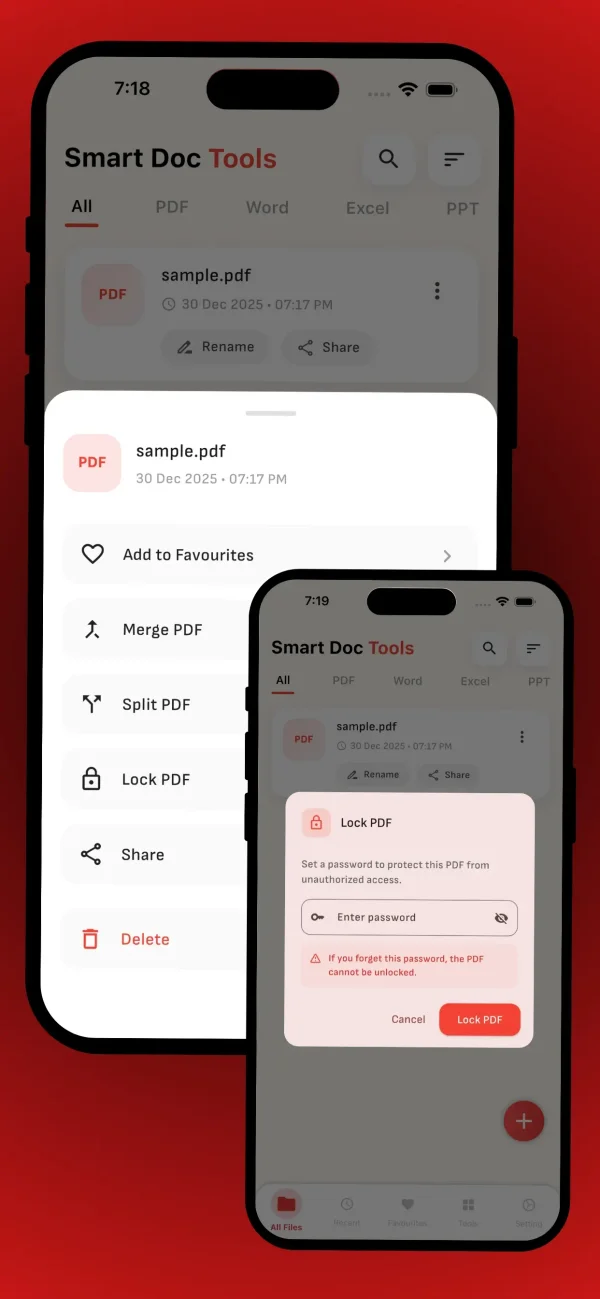
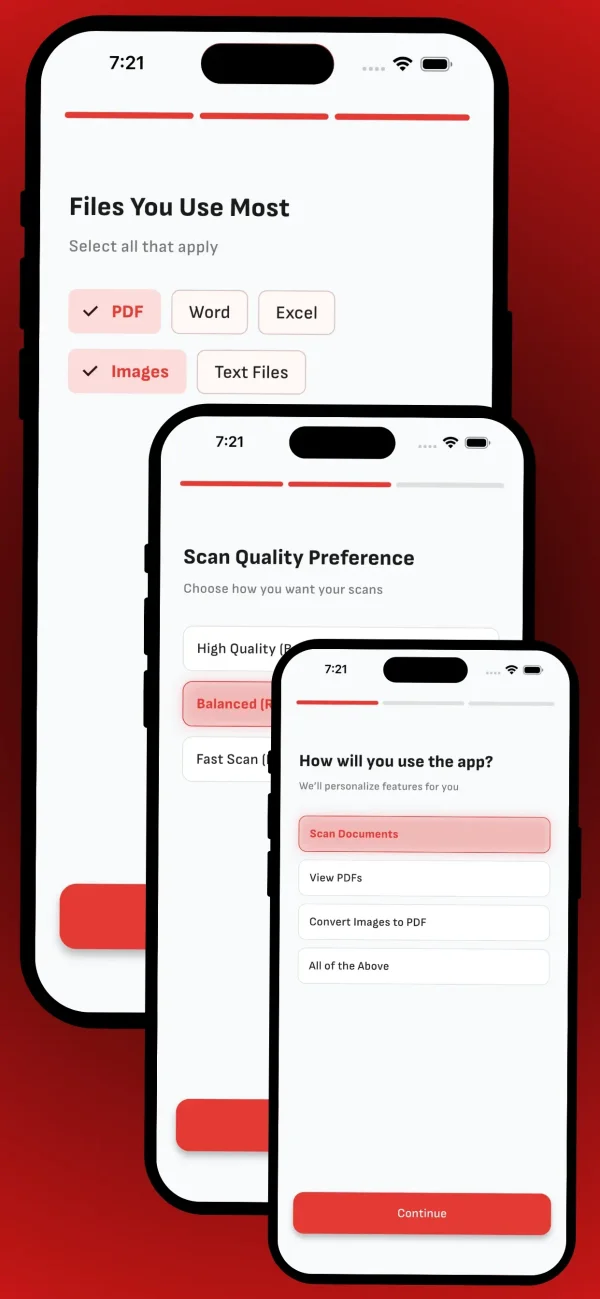
About
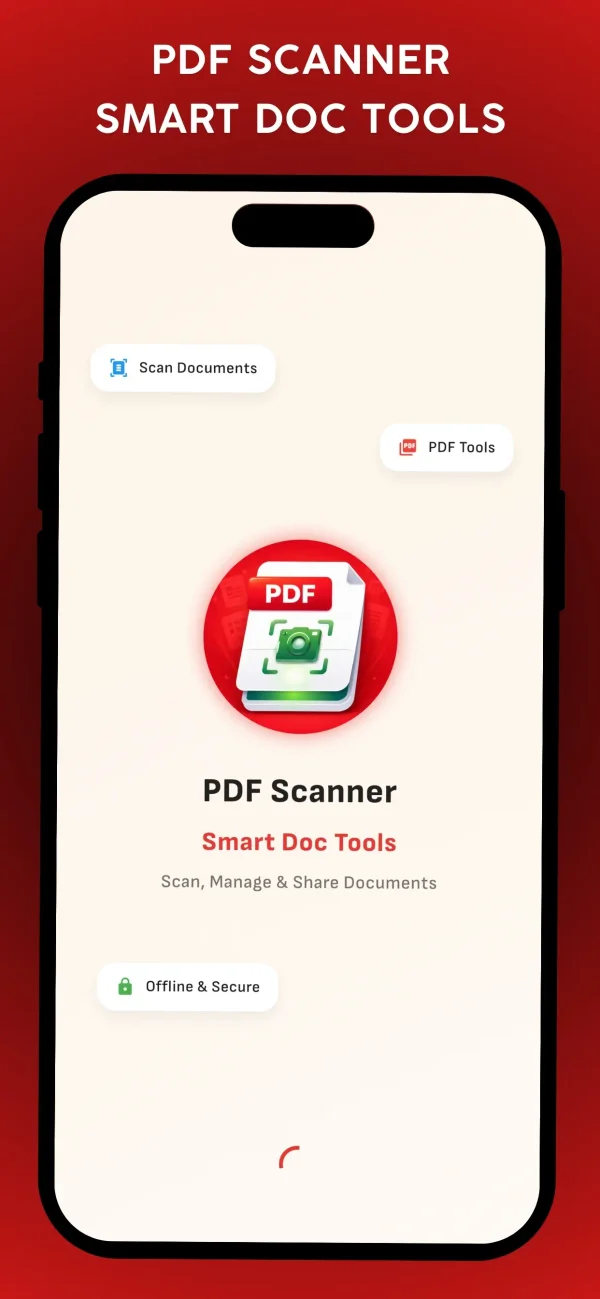
PDF Scanner: Smart Doc Tools is a simple, reliable, and efficient document scanning and PDF management app designed to handle everyday document tasks. It allows you to scan documents, convert images to PDF, manage files, and perform essential PDF operations directly on your device.
The app is built for students, professionals, and personal users who need a fast and secure way to create, edit, and organize digital documents without relying on cloud services.
Core Features
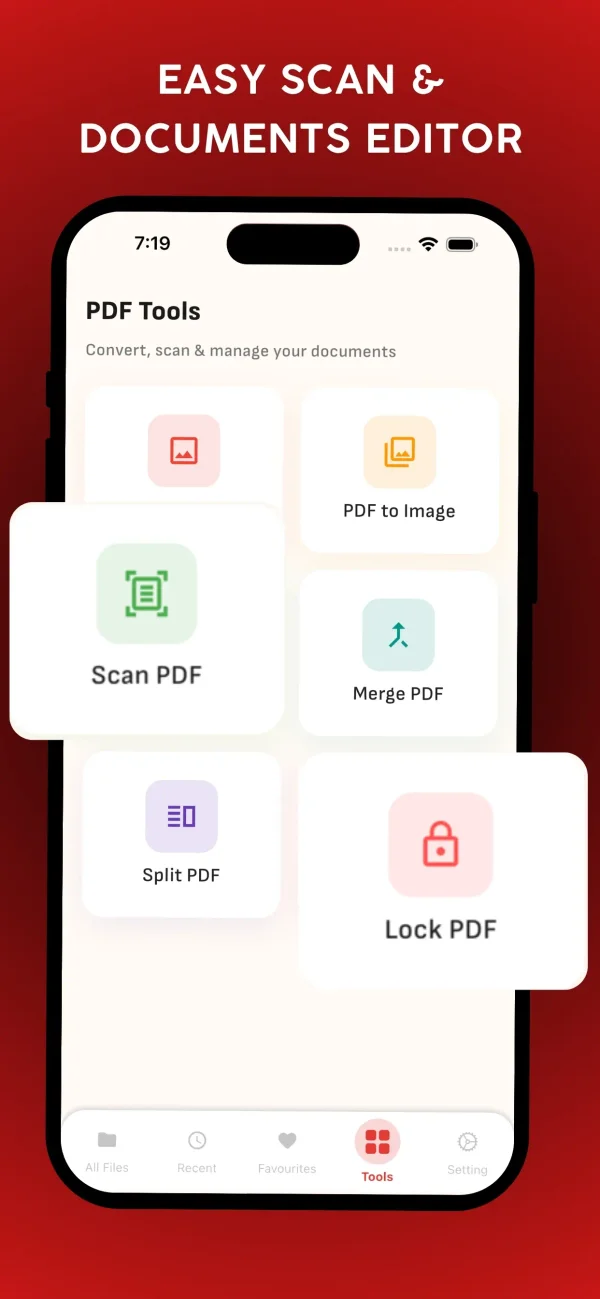
Scan Documents to PDF: Use your phone camera to scan documents such as notes, receipts, forms, invoices, and IDs. The app creates clear, high-quality PDF files suitable for printing or sharing.
Image to PDF Converter: Convert images from your gallery into PDF files. Combine multiple images into a single PDF document with proper page order and layout.
PDF to Image: Extract pages from PDF files and save them as images. This is useful for sharing individual pages or using them in other applications.
Merge PDF Files: Combine multiple PDF files into one document. Reorder files before merging to create a clean, organized PDF.
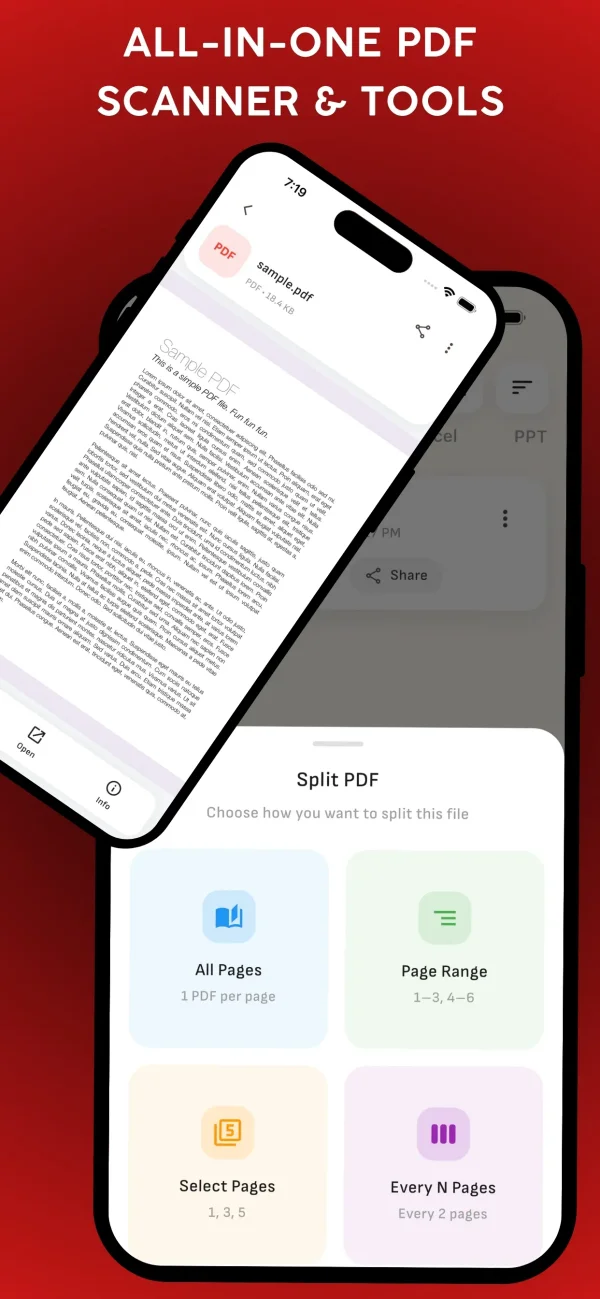
Split PDF Files: Split PDF documents by page range, selected pages, or fixed intervals. Easily extract only the pages you need.
Lock and Protect PDFs: Secure your PDF files by adding password protection. Keep sensitive documents private and protected on your device.
Document Management:
Built-in PDF reader for easy viewing
Organize files in one place
Quick access to recent and favorite documents
Manage multiple file types including PDF, Word, Excel, and PPT
Privacy and Security:
All document processing is done offline
No cloud uploads or external servers
Your files remain on your device at all times
Designed with privacy and data security in mind
Fast, Offline and Easy to Use:
Clean and intuitive user interface
Optimized for fast performance
Works without an internet connection
Lightweight and efficient document tools
Who Is This App For?
Students scanning notes and assignments
Professionals handling office documents
Businesses managing invoices and contracts
Anyone needing simple and secure PDF tools
Why Choose PDF Scanner: Smart Doc Tools?
PDF Scanner: Smart Doc Tools combines essential document scanning and PDF utilities into one easy-to-use app. It focuses on simplicity, performance, and privacy, making document management convenient and reliable for everyday use.
What’s new
Version 1.1 · Feb 10, 2026
- Fixed minor bugs for a smoother experience
App privacy
What Asmitaben Viradiya declares on the App Store about how this app handles data.
-
Data used to track you
May be used to track you across apps and websites owned by other companies.
- Usage data
- Diagnostics
- Other data
-
Data not linked to you
May be collected but is not linked to your identity.
- Usage data
- Diagnostics
- Other data
Privacy practices may vary, for example with the features you use or your age.
Information
- Seller
- Asmitaben Viradiya
- Category
- Productivity
- Version
- 1.1
- Updated
- Feb 10, 2026
- Released
- Jan 12, 2026
- Size
- 35.7 MB
- Requires
- iOS 16.6 or later
- Age rating
- 9+
- Price
- Free
- Languages
- English
- Copyright
- © @PDFScannerSmartDocTools
You might also like
-
 Scanila: AI PDF ScannerScan, edit & summarize docs
-
 Scan to PDF Scanner : ScanlyGoPhotos to PDF & Combine PDF
-
 Photo to PDF Converter - RydraSign, Edit & Scan Documents
-
 ScanPro: PDF Scanner & QR CodeFast Scan to PDF & Image
-
 PDF Scanner - Receipt ScannerDocument Scanner - PDF Editor
-
 DocScanner AI: Smart PDF ScanScan, OCR & Sign PDFs
-
 Papr: PDF Editor & ScannerScan, Convert & Sign Documents
-
 Scan To PDF: JustScanQuick Document Converter
-
 Scan to PDF: Sign & RedactPrivate Offline Scanner No Ads
-
 PDF Scanner - Photos to PDFPocket scan app, photos to PDF