PDF Scanner - Receipt Scanner
Document Scanner - PDF Editor
Designed for iPhone, iPad, iPod touch
Free · In-app purchases
- Age rating4+
- CategoryProductivity
- DeveloperMuhammad Arslan
- LanguagesEnglish+ 19 more
- Size36.4 MB
Links to the official App Store page
Download.org hosts no file of PDF Scanner - Receipt Scanner. The button opens its official App Store page, published by Muhammad Arslan. Listing last checked on Nov 12, 2026.
Screenshots


About
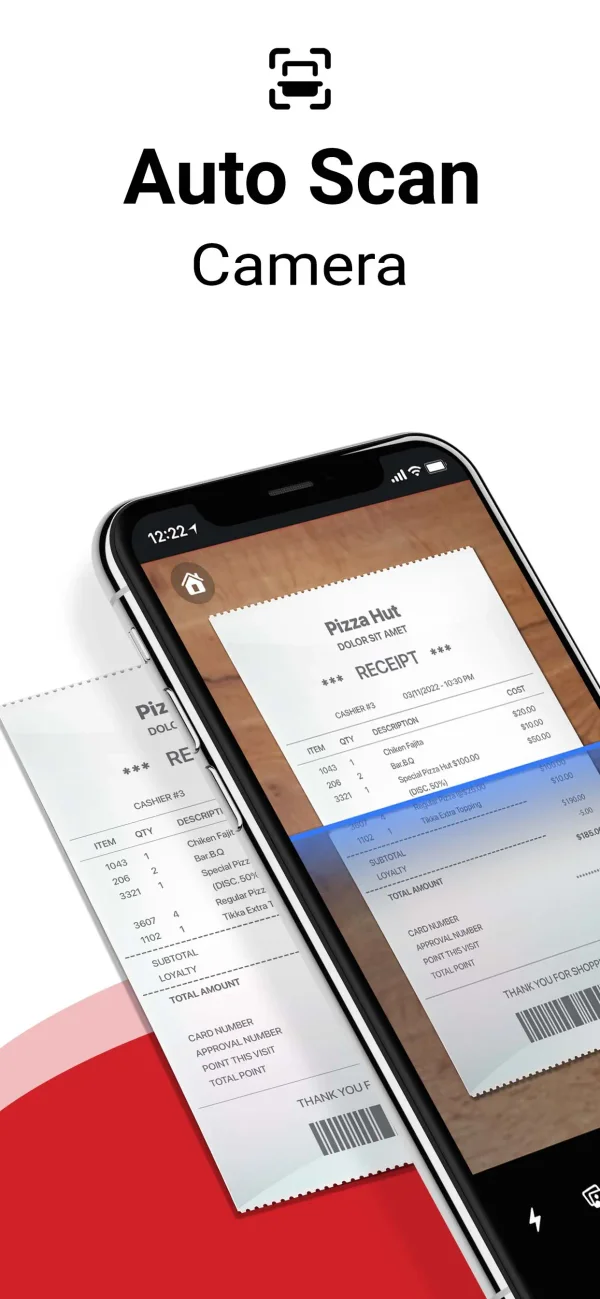
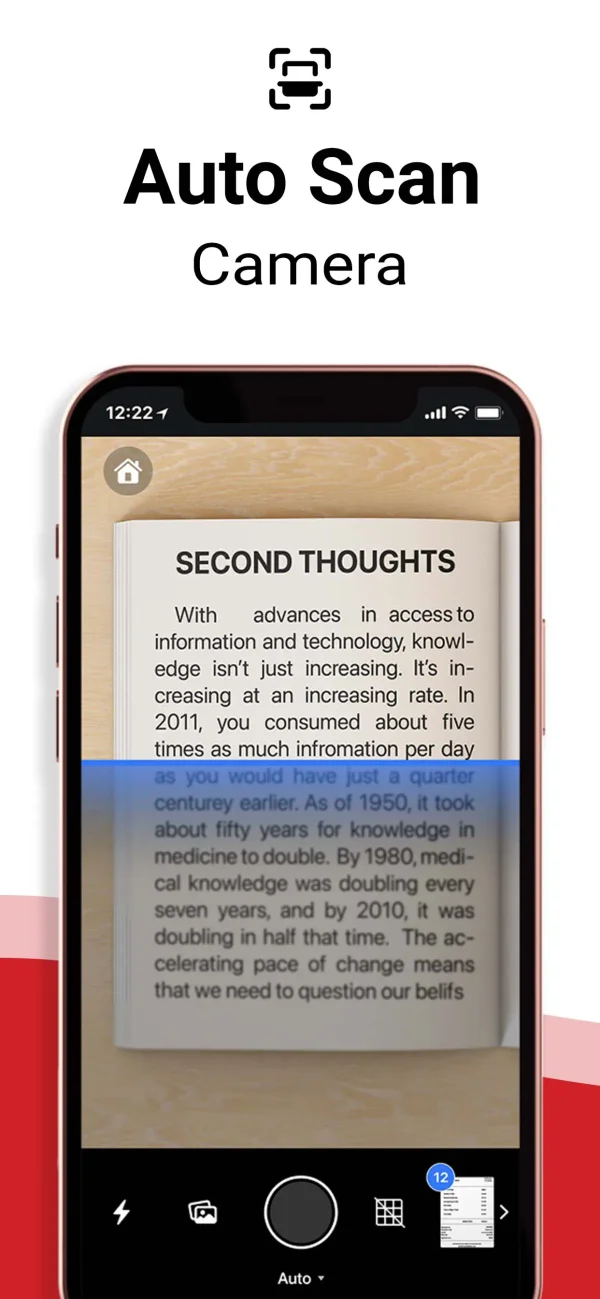
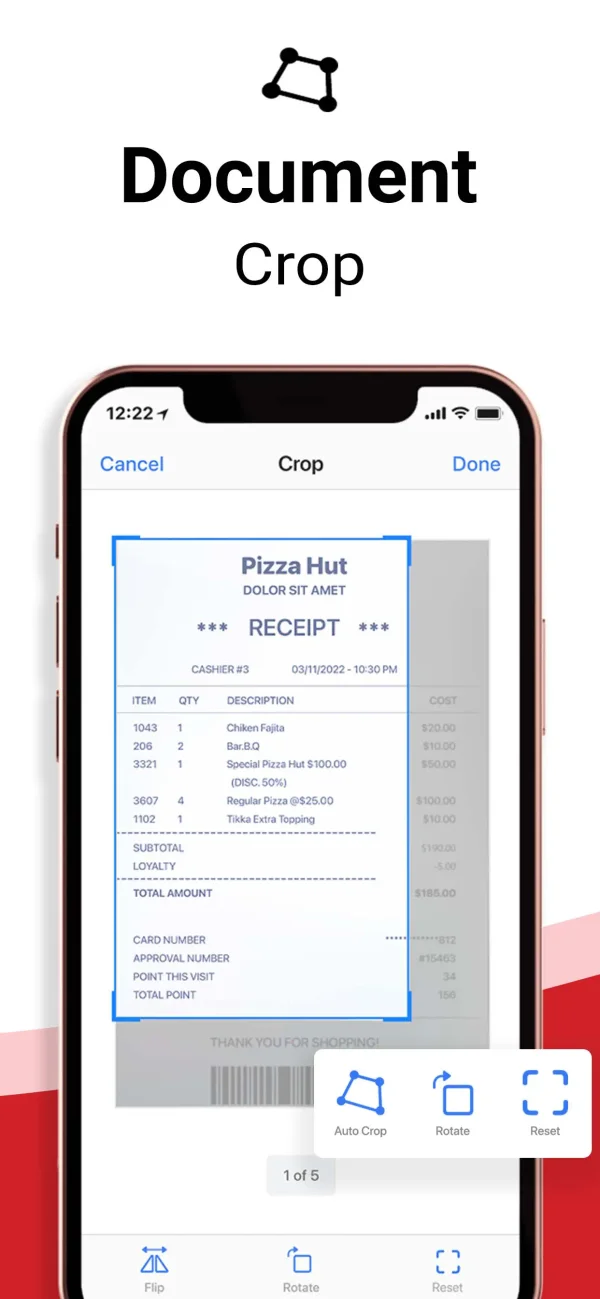
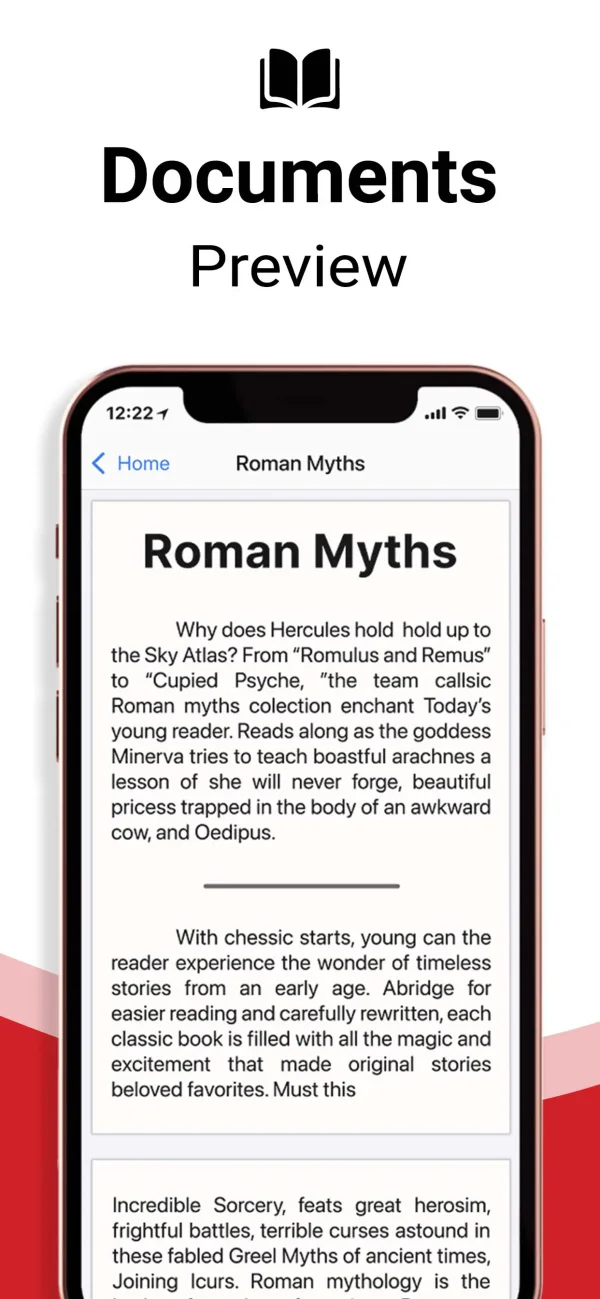
PDF Scanner is a fast scan to PDF tool that allows you to scan documents. This scanner app can scan paper documents such as receipts, invoices, and notes in PDF/JPG format. With its smart cropping and auto enhancement, the quality of scanned PDF files is high. So turns your device into a portable scanner app.
Key features:
Document Scanning Made Effortless:
• Utilize your device's camera to effortlessly scan physical documents.
• Ensure high quality scans with advanced image processing algorithms.
• Capture multiple pages into a single PDF file for convenience.
Seamless PDF Conversion:
• Convert scanned images or existing photos from your gallery into PDF format.
• Preserve the original formatting, layout, and quality of your documents.
Smart Document Organization:
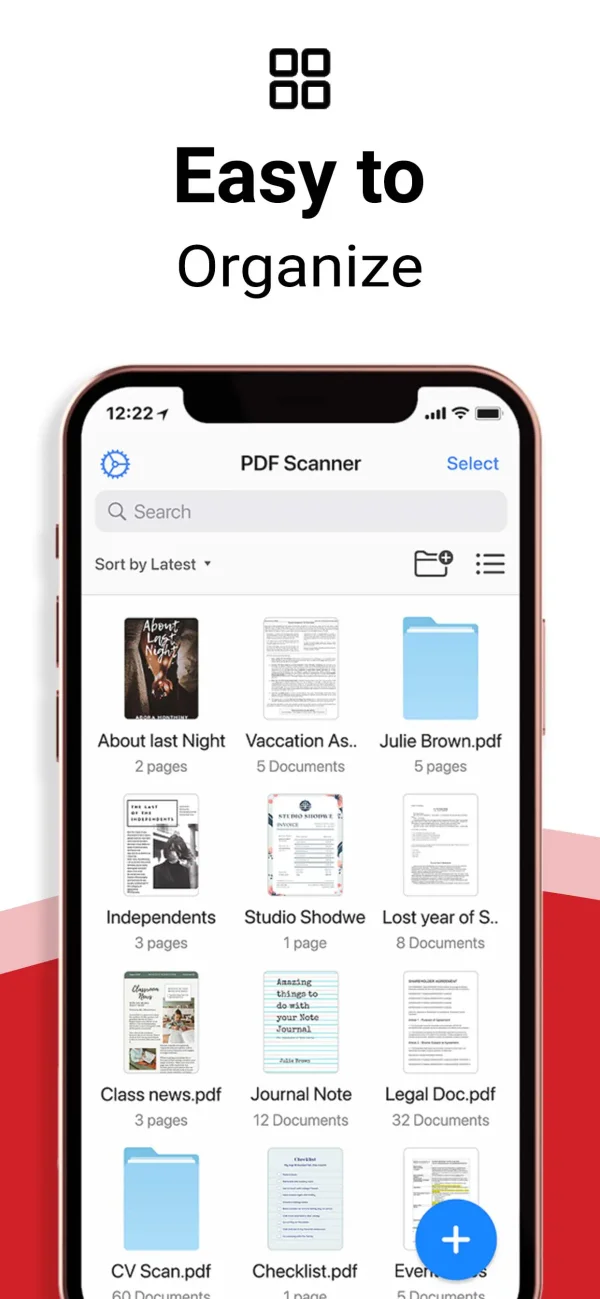
• Create custom folders to categorize and organize your scanned documents.
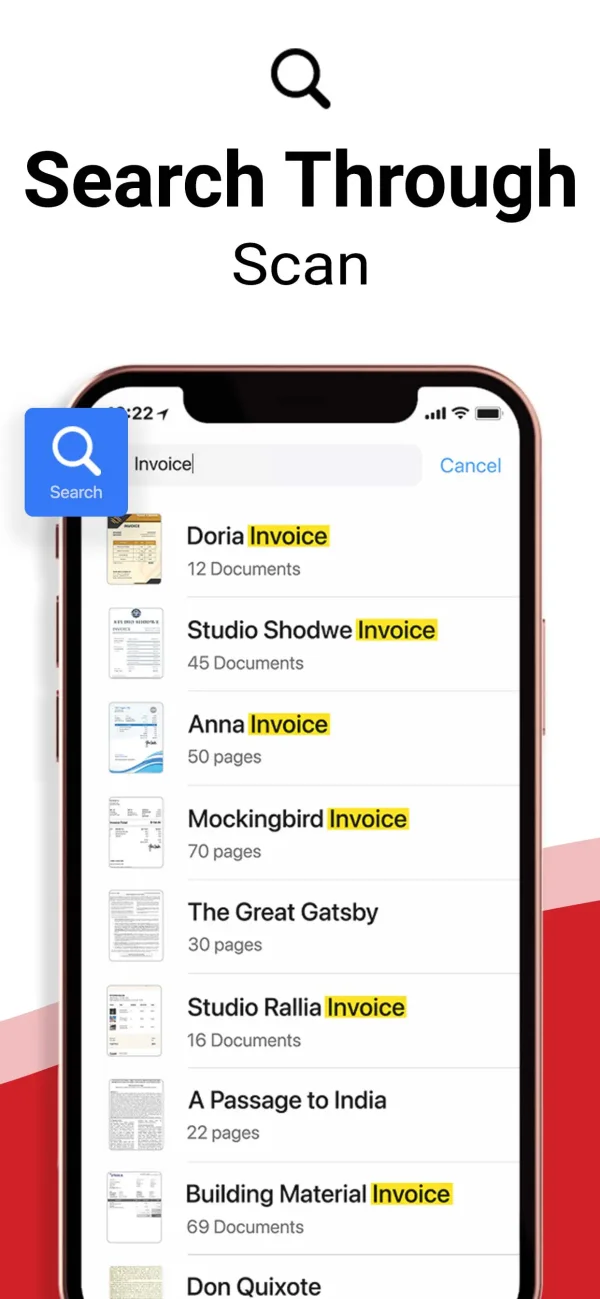
• Easily search, locate, and access your files whenever you need them.
• Apply tags and labels to further enhance document management.
Enhanced Image Editing:
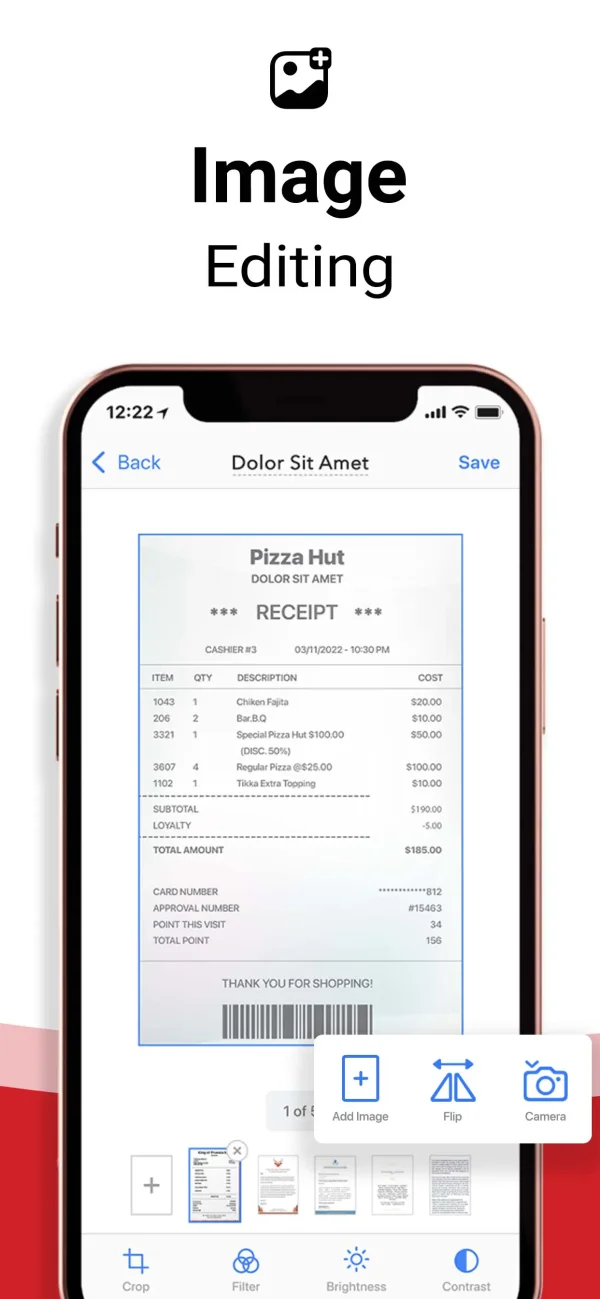
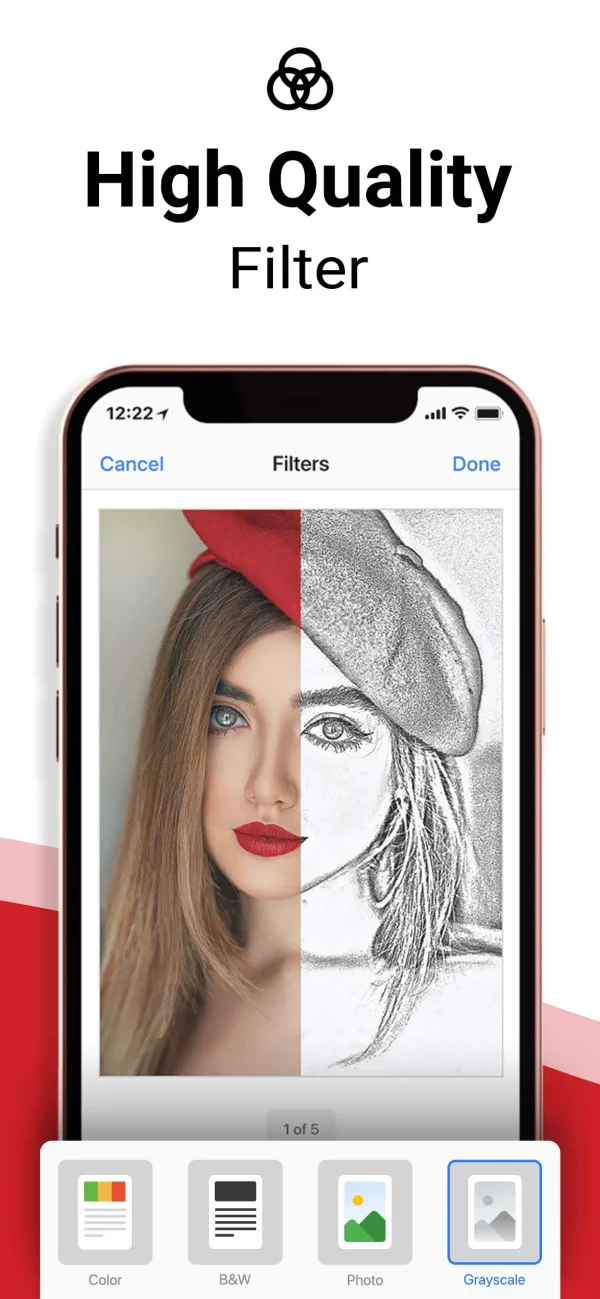
• Adjust brightness, contrast, and other image attributes to enhance readability.
• Crop or rotate scanned documents for optimal presentation.
In-App Purchases:
• Say goodbye to advertisements that interrupt your scanning experience.
• Unlock a clutter free environment by opting for our in-app ad removal feature.
• Protect your sensitive information with password encryption for your PDFs.
• Seamlessly share your scanned documents via email or messaging apps.
We are constantly updated with new features. Please write to us if you have to face any problems, as we can often help with your problem or help you better use the app. If you have any problem or suggestion, please don't hesitate to contact us.
Permission Overview:
• Storage: Document Scanner needs permission to store documents on your phone.
• Album: To get your photo when you need to choose pictures from it.
• Camera: To use the camera to scan documents requires permission.
Privacy Policy:
https://sites.google.com/view/arslanprivacypolicy/home
Terms of Use:
https://www.apple.com/legal/internet-services/itunes/dev/stdeula/
What’s new
Version 1.3.6 · Mar 6, 2025
- Minor bug fixes
- Performance enhancements
- Feature optimizations
- User experience upgrades
App privacy
What Muhammad Arslan declares on the App Store about how this app handles data.
-
Data used to track you
May be used to track you across apps and websites owned by other companies.
- Location
- Identifiers
- Usage data
- Diagnostics
- Other data
-
Data linked to you
May be collected and linked to your identity.
- Location
- Identifiers
- Usage data
- Diagnostics
- Other data
-
Data not linked to you
May be collected but is not linked to your identity.
- Diagnostics
Privacy practices may vary, for example with the features you use or your age.
Information
- Seller
- Muhammad Arslan
- Category
- Productivity
- Version
- 1.3.6
- Updated
- Mar 6, 2025
- Released
- Apr 12, 2022
- Size
- 36.4 MB
- Requires
- iOS 14.0 or later
- Age rating
- 4+
- Price
- Free
- In-app purchases
- Yes
- Languages
- English, Arabic, Bengali, Dutch, French, German, Hindi, Indonesian, Italian, Japanese, Korean, Malay + 8 more
- Copyright
- © Muhammad Arslan
You might also like
-
 Document & pdf scanner appCam, Fast, Text & Photo Scan
-
 PDF Scanner・Document ScannerScan ID Card, Sign, OCR & Edit
-
 Word to PDF Converter - ReaderConvert PDF to Word,JPG to PDF
-
 Convert Image To PDF toolsImage to Pdf Convert
-
 Photos PDF : Scanner ConverterPhoto & image to Scan Document
-
 PDF Converter ©Photo to PDF
-
 Photo to PDF Converter Toolبرنامج تحويل الصور الى PDF
-
 PDF Converter -Convert Photo to PDF
-
 PDFelement: PDF Editor & ScanDocuments Converter & Signer
-
 Image to PDF Converter · EditScan & Convert Image to PDF