- Age rating4+
- CategoryUtilities
- DeveloperiSolid apps
- LanguagesEnglish
- Size822.0 KB
Links to the official App Store page
Download.org hosts no file of PDF Secure. The button opens its official App Store page, published by iSolid apps. Listing last checked on Nov 18, 2026.
Screenshots
About
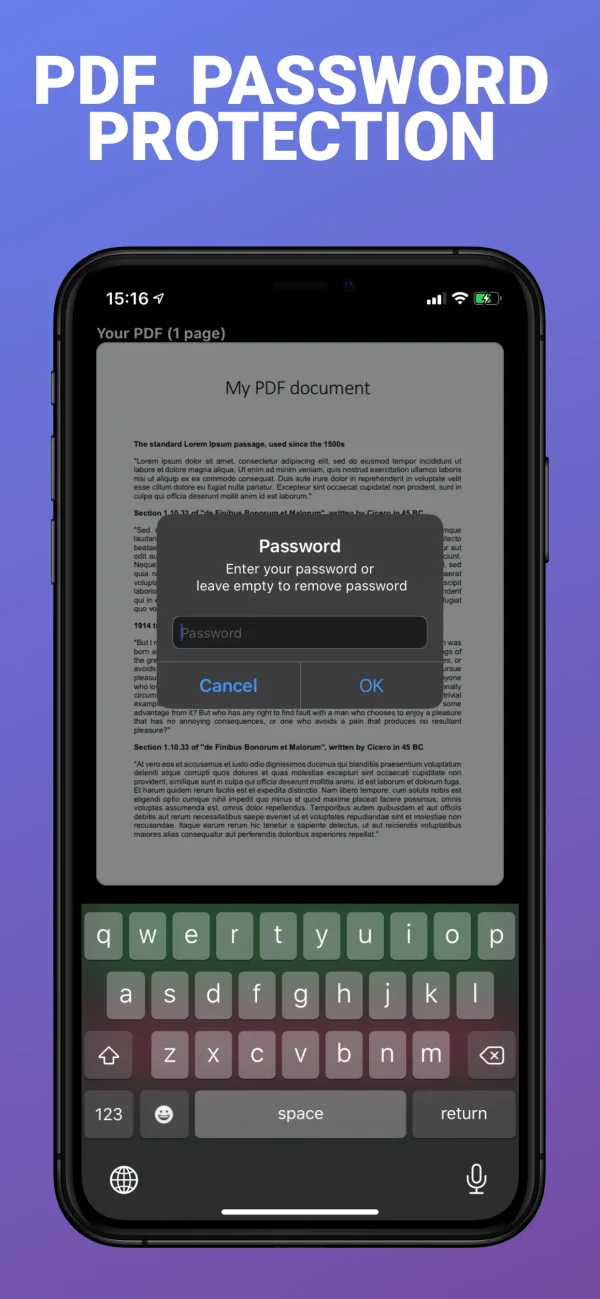
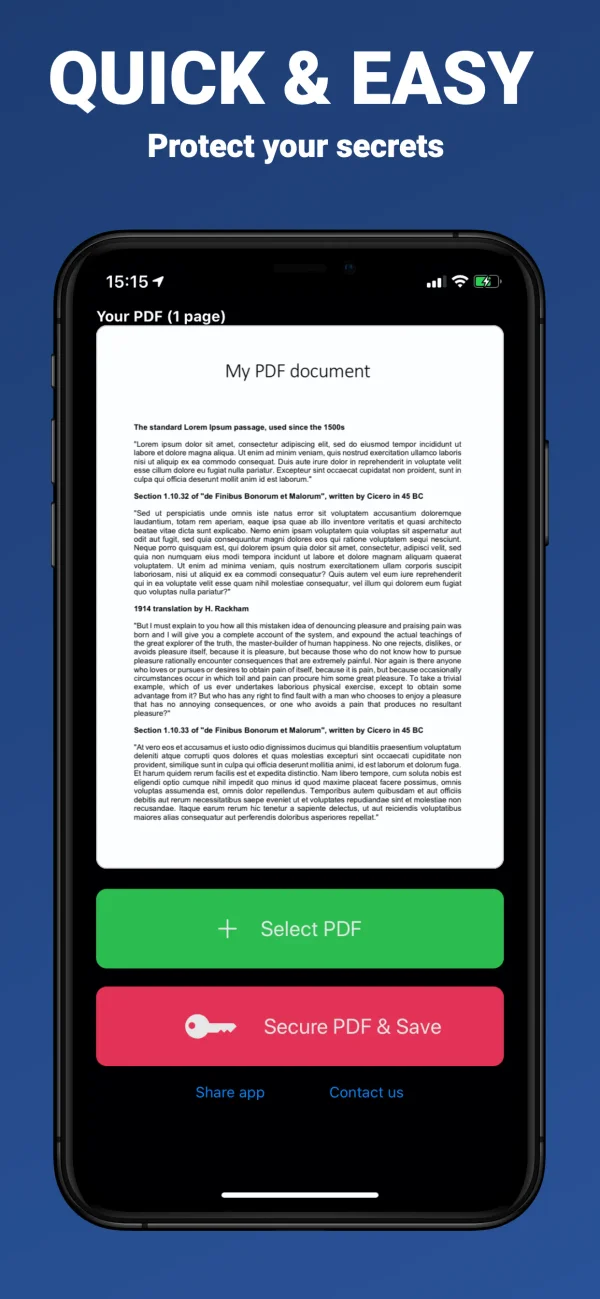
Protect your PDF documents with a password. The PDF won't open without the password. It works on any platform.
PDF Secure also allows you to completely remove the password protection of a document.
Using PDF Secure is very simple:
• Select a PDF document from your files
• Choose a password (ideally strong) and do not forget it
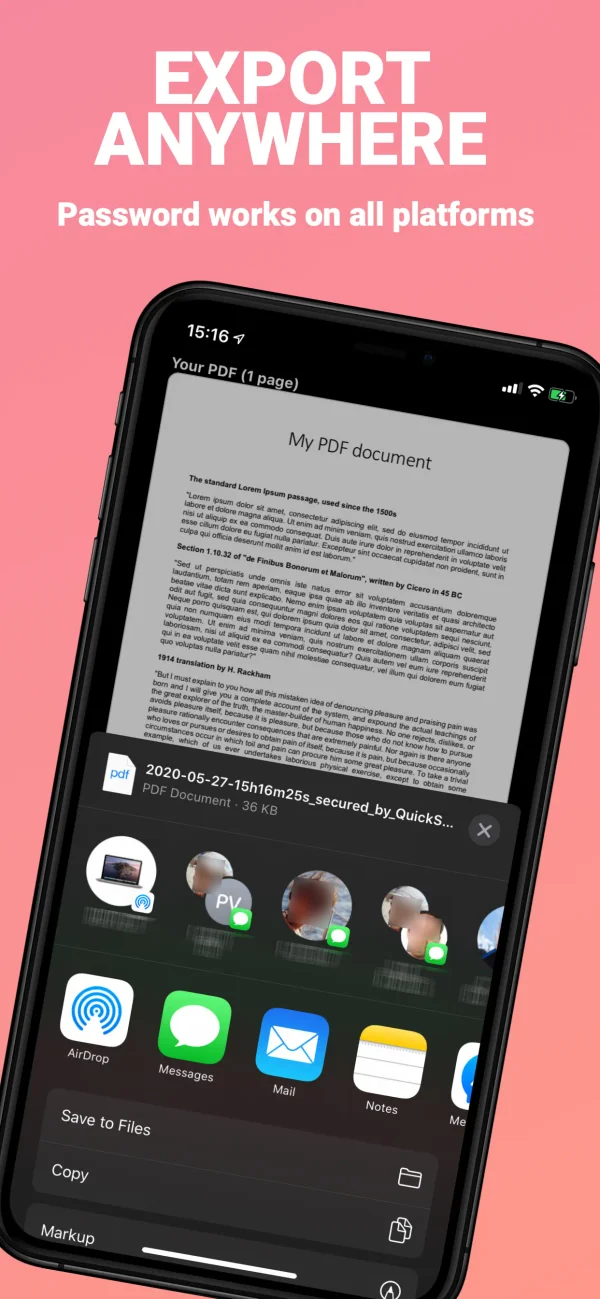
• Export anywhere (Files app, any cloud drive, E-mail, AirDrop, Messages, ...)
→ The password will now be requested at any attempt to open the PDF (on all platforms)
PDF Secure is compatible with the dark mode.
And it's 100% free (no in-app purchases, no ads).
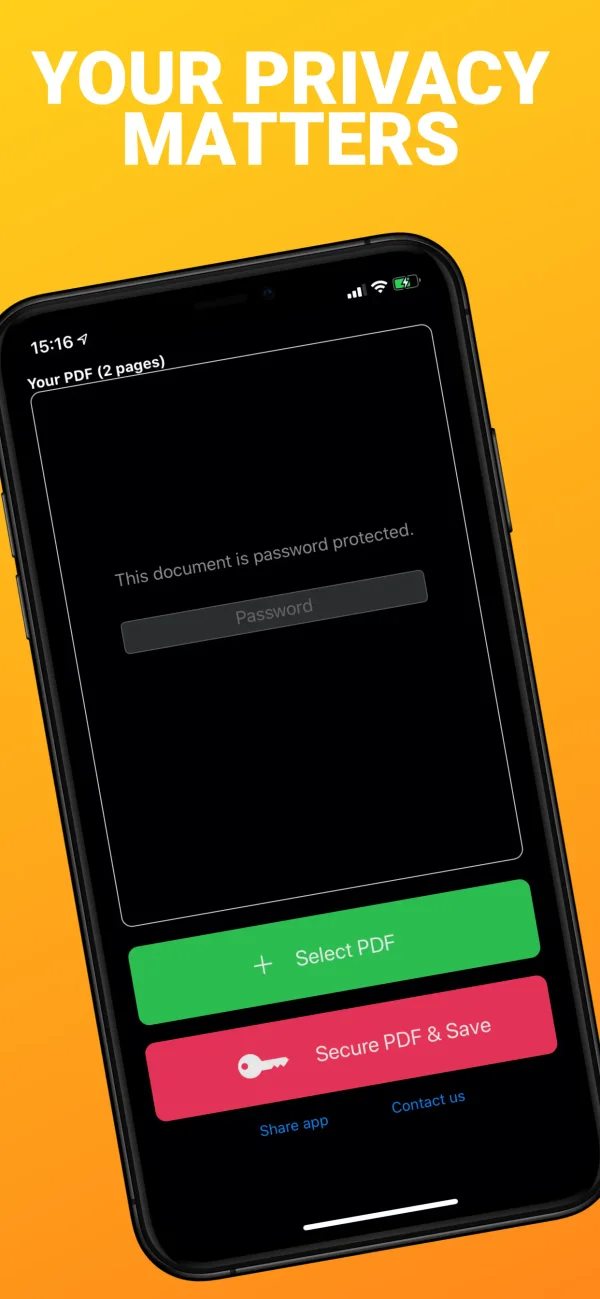
NO DATA COLLECTION. Everything happens on device. Your privacy matters.
Enjoy!
What’s new
Version 1.3 · Oct 2, 2024
• App updated for iOS 18
• App is free, no ads, no data collection
App privacy
What iSolid apps declares on the App Store about how this app handles data.
-
Data not collected
The developer does not collect any data from this app.
Privacy practices may vary, for example with the features you use or your age.
Information
- Seller
- iSolid SPRL
- Category
- Utilities
- Version
- 1.3
- Updated
- Oct 2, 2024
- Released
- May 28, 2020
- Size
- 822.0 KB
- Requires
- iOS 13.0 or later
- Age rating
- 4+
- Price
- Free
- Languages
- English
- Copyright
- © 2020-2025 - iSolid apps
You might also like
-
 PDF Password Remover OfflineCreate and Remove PDF password
-
 PDF: Lock & UnlockLock & Unlock PDF File
-
 Omni PDF Unlocker - PasswordRemove PDF password easily
-
 PDF Password Protector,CreatorPDF locking & Secure sharing
-
 Paranoia File Encryption LiteAES encrypt files & folders
-
 PDF Secure, Lock PDF passwordProtect PDF set password
-
 Power PDF - PDF ManagerCreate, Modify, Secure PDF
-
 OneCrypt - Encrypt FilesEncrypt Files with One Click
-
 Clean Links: URL CleanerStrip trackers · QR scanner
-
 Unlock PDF – Password RemoverRemove PDF passwords offline