Power PDF - PDF Manager
Create, Modify, Secure PDF
Designed for iPhone, iPad
Free · In-app purchases
- Age rating4+
- CategoryUtilities
- DeveloperComcSoft Corporation
- LanguagesEnglish+ 2 more
- Size75.1 MB
Links to the official App Store page
Download.org hosts no file of Power PDF - PDF Manager. The button opens its official App Store page, published by ComcSoft Corporation. Listing last checked on Nov 14, 2026.
Screenshots




About
Power PDF is a powerful tool to create, secure and view PDF documents on iPad/iPhone.
Power PDF lets you create PDF documents on your iPhone/iPad with ease. It supports:
- Create PDF documents from many file types, including: DOC, XLS, PPT, TXT, RTF, XML, HTML and all text files.
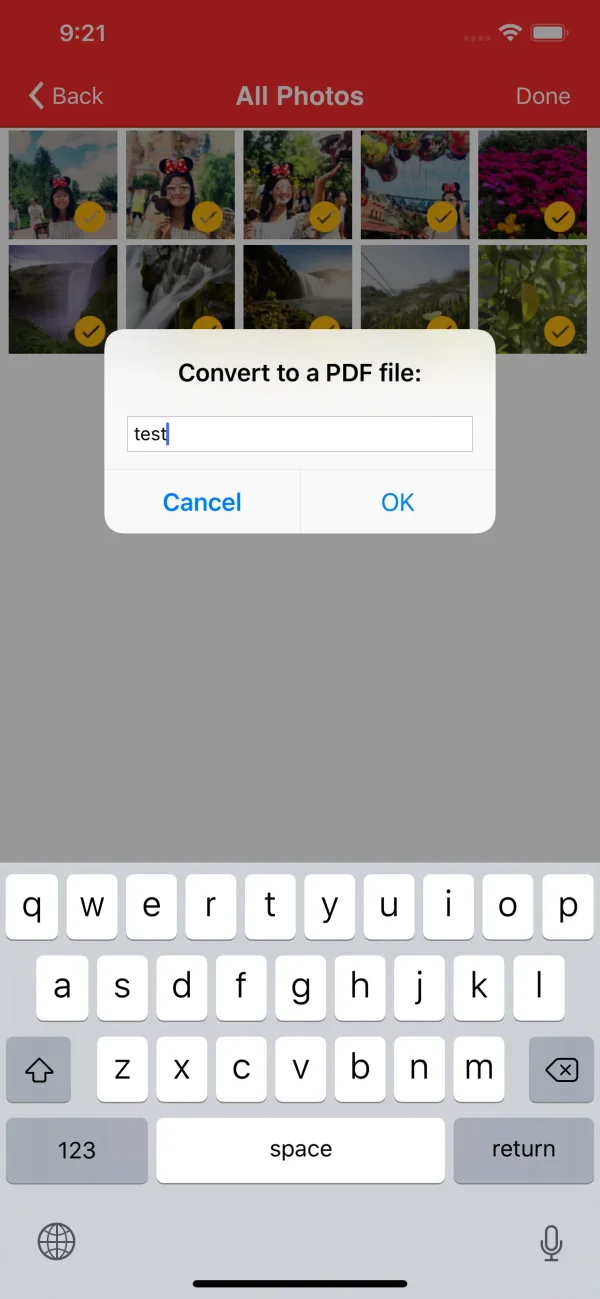
- Convert photos to a PDF document.
- Scan to a PDF document using your Camera.
Power PDF lets you modify PDF documents on your iPhone/iPad with ease. It supports:
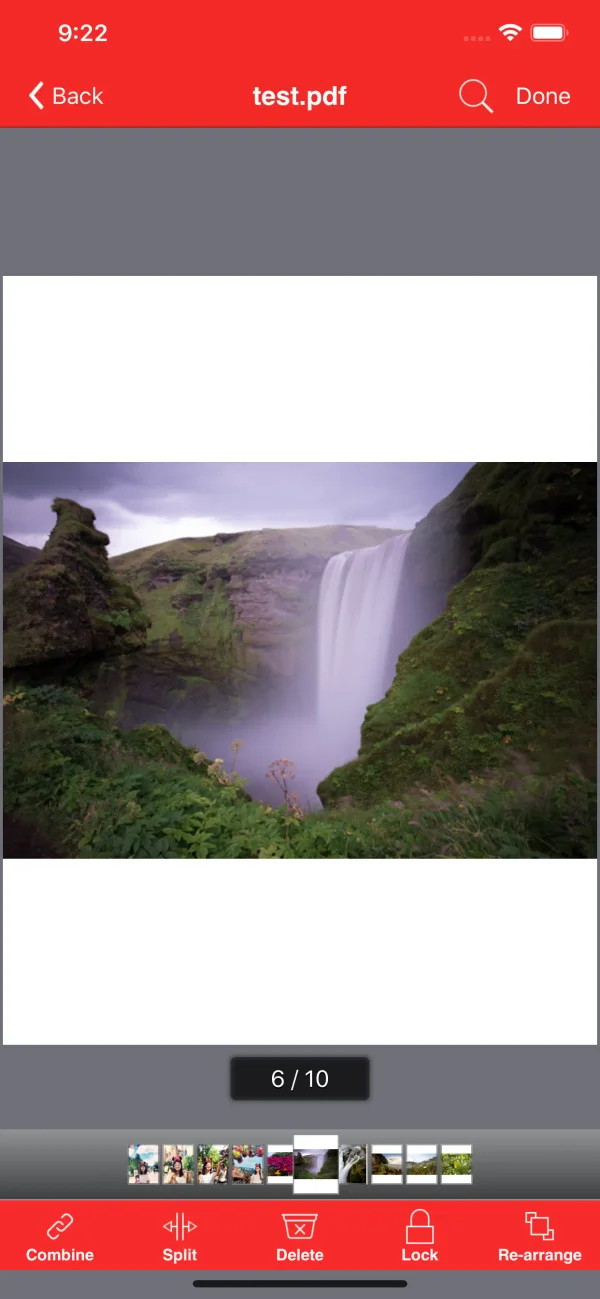
- Combine PDF documents.
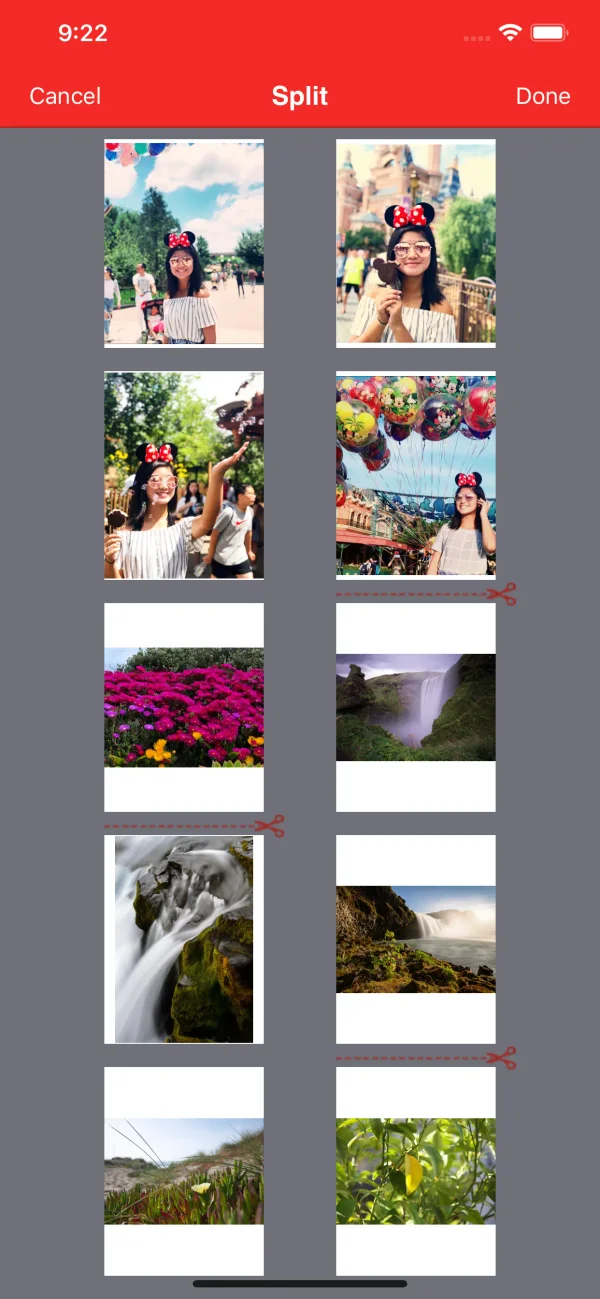
- Split a PDF document into two or more documents.
- Delete pages in a PDF document.
- Re-arrange pages in a PDF document.
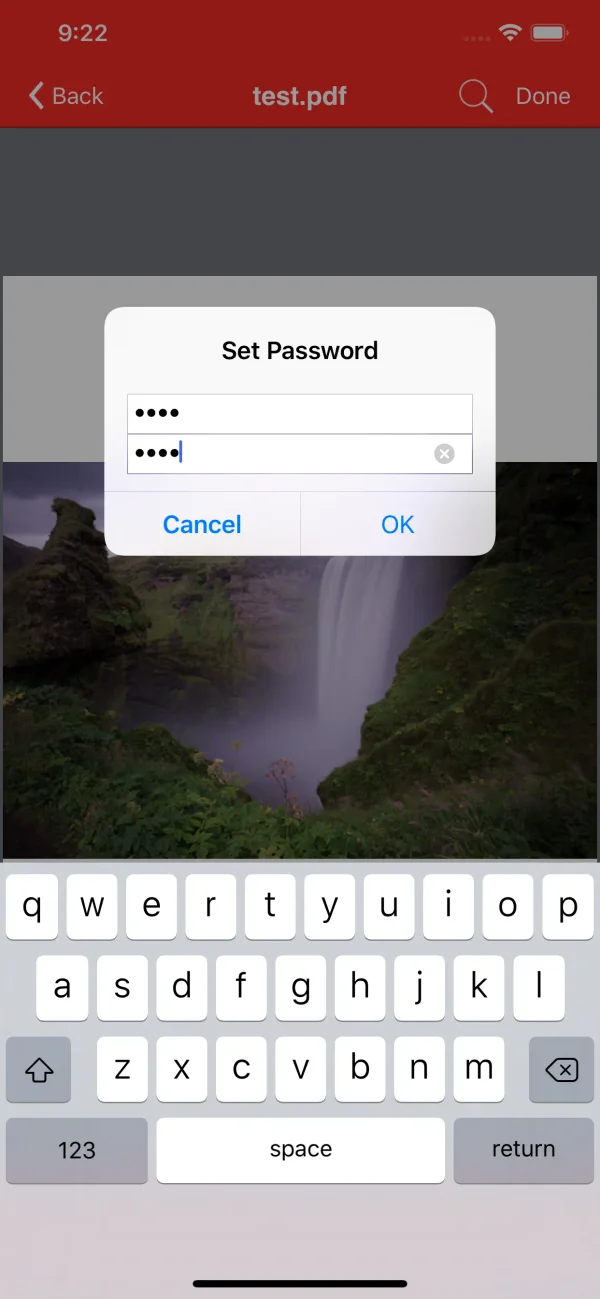
- Add password protection to a PDF document.
Power PDF lets you view PDF documents with ease. It supports:
- View PDF documents in thumbnail or full screen modes.
- Extract text from a PDF document.
- Add bookmarks on a PDF document.
- Search within a PDF document.
- Fast Navigate within a PDF document.
- Zooms in/Zooms out on a PDF document.
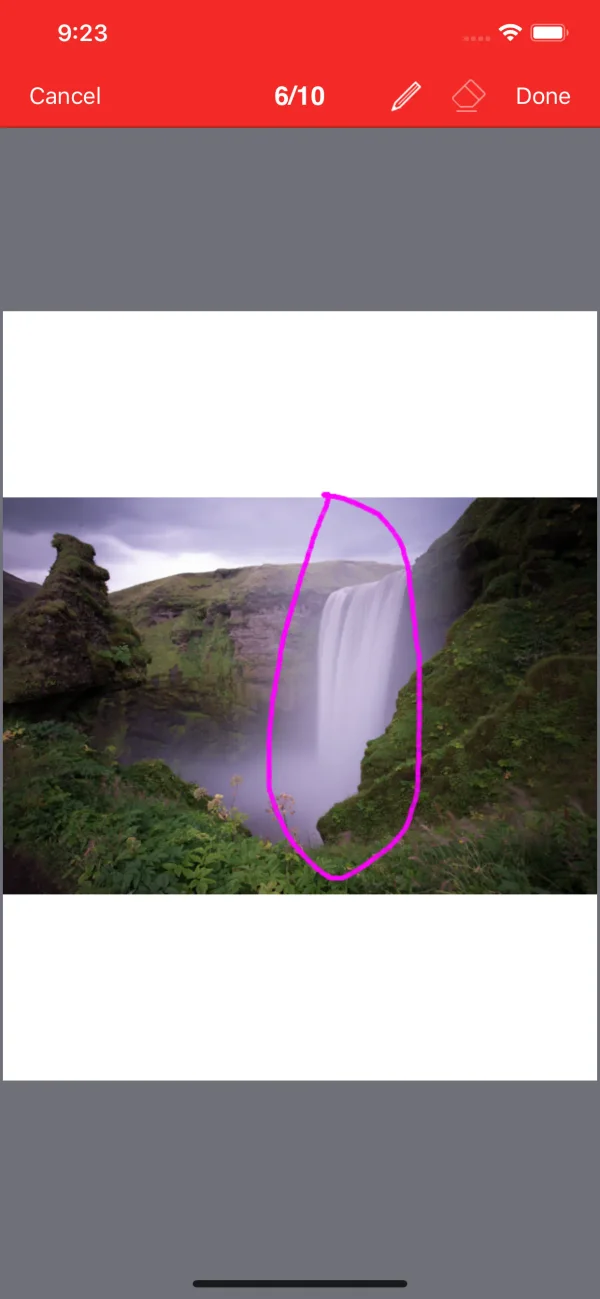
- Annotate in a PDF document.
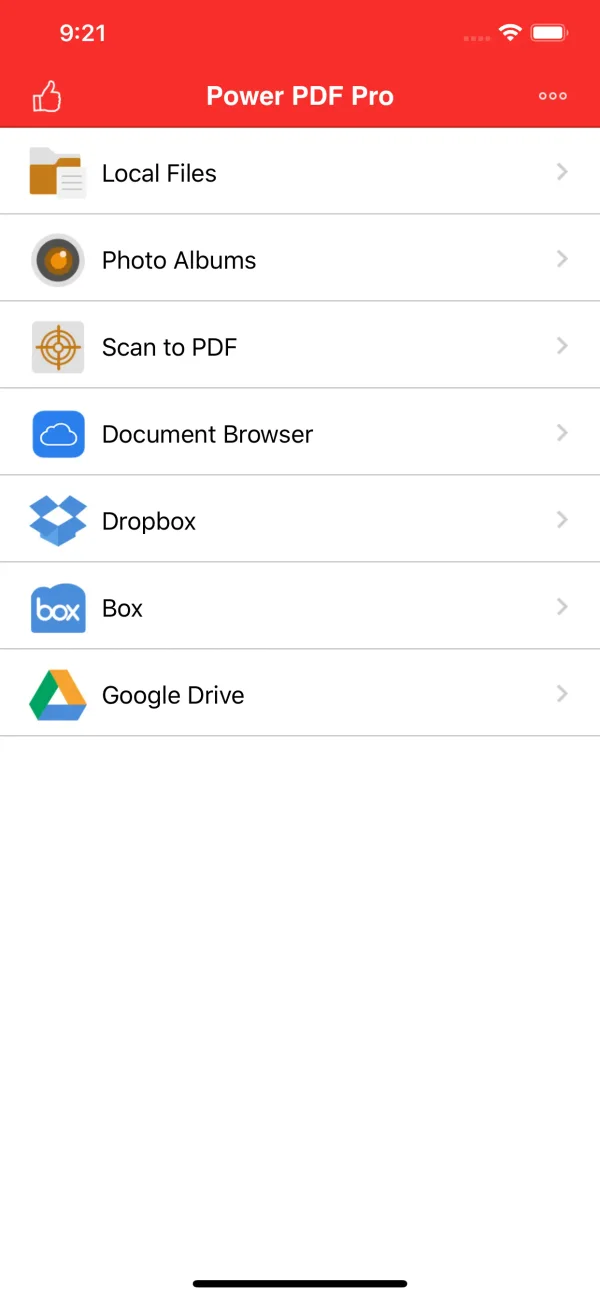
Power PDF also has a File Manager, which supports the following features:
- Import files from your Camera Roll, Email or another App through “Open In”.
- Manage Files including: rename, delete, move, create folder and sort.
- Search file name in Local Files and Camera Roll.
- Open many document types, including: DOC, EXCEL, PPT, TXT, image files, and audio files.
With its simple interfaces, Power PDF provides the easiest way to manage PDF documents on iPhone and iPad.
If you have more questions, please visit: http://www.comcsoft.com/Portfolio/our_apps/PowerPDF/PowerPDF_overview.php.
What’s new
Version 11.01 · Nov 8, 2025
Bug fixes and performance improvements.
App privacy
What ComcSoft Corporation declares on the App Store about how this app handles data.
-
Data used to track you
May be used to track you across apps and websites owned by other companies.
- Identifiers
-
Data linked to you
May be collected and linked to your identity.
- Identifiers
-
Data not linked to you
May be collected but is not linked to your identity.
- Usage data
- Diagnostics
Privacy practices may vary, for example with the features you use or your age.
Information
- Seller
- ComcSoft Corporation
- Category
- Utilities
- Version
- 11.01
- Updated
- Nov 8, 2025
- Released
- Mar 1, 2013
- Size
- 75.1 MB
- Requires
- iOS 16.6 or later
- Age rating
- 4+
- Price
- Free
- In-app purchases
- Yes
- Languages
- English, Simplified Chinese, Traditional Chinese
- Copyright
- © Comcsoft
You might also like
-
 PDF SecureDocument privacy protection
-
 PDF Reader: Editor & ConverterPdf Maker - Pdf Scanner Docs
-
 PDF Password Remover OfflineCreate and Remove PDF password
-
 File Manager - Zip & UnzipPlayer | Cloud | Code Editor
-
 PDF Editor - Merge & SplitPDF Tools: Compress & Convert
-
 Portable USB · Cloud ReadyPocket USB, Easy Use
-
 Deep Whoiswhois for all domains and IPs
-
 Merge files PDFMerge Multi PDF Files
-
 File Hub by imoreappsAV Player, AI Transcription
-
 Device System Services - ToolsSystem Services - Tools