PDF OCR · Scan to Word/PPTX
Editable text from any image
Designed for iPhone, iPad, Mac
Free · In-app purchases
- Age rating4+
- CategoryProductivity
- Developer琳 李
- LanguagesEnglish+ 21 more
- Size40.6 MB
Links to the official App Store page
Download.org hosts no file of PDF OCR · Scan to Word/PPTX. The button opens its official App Store page, published by 琳 李. Listing last checked on Nov 23, 2026.
Screenshots


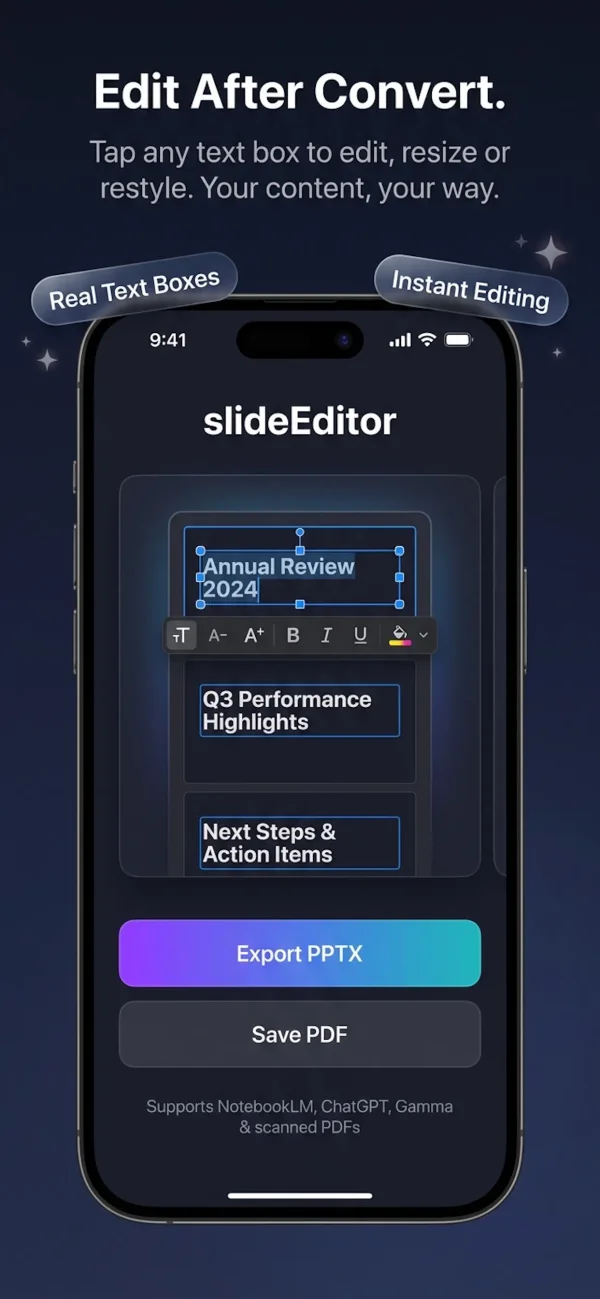
About
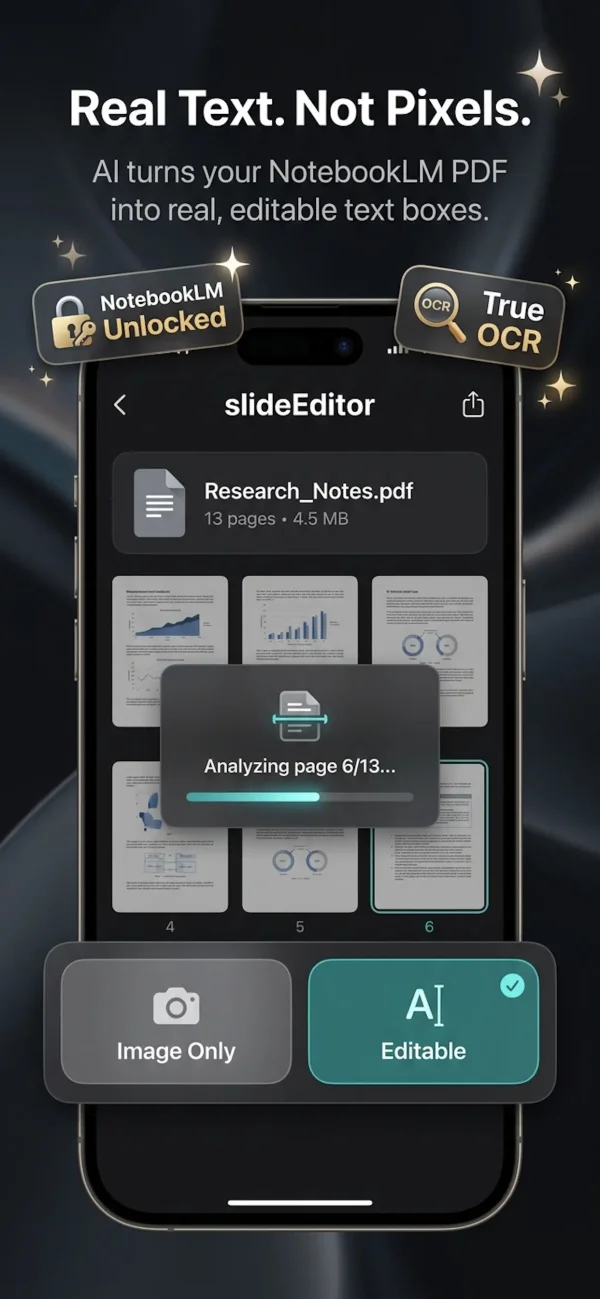
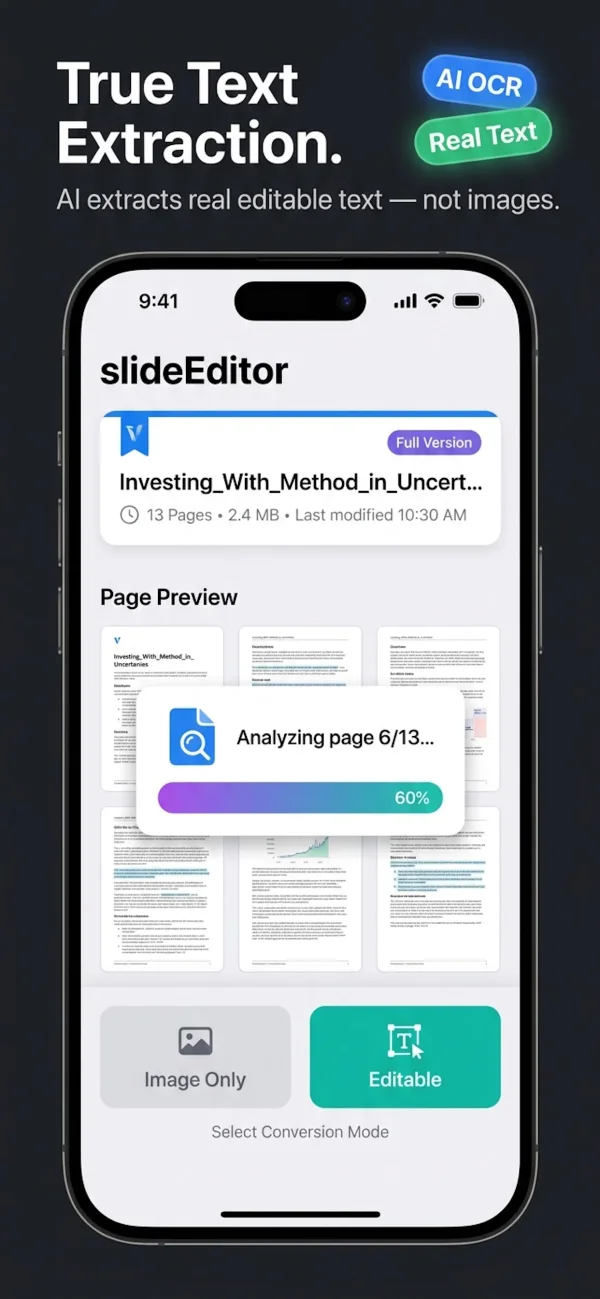
EXTRACT REAL TEXT FROM ANY IMAGE PDF.
A scanned PDF is just pixels. A photo of a slide is just pixels. An AI-generated deck is just pixels. PDF OCR reads those pixels the way you do — and gives back real text, real fonts, and a layout you can edit.
WHAT YOU GET OUT
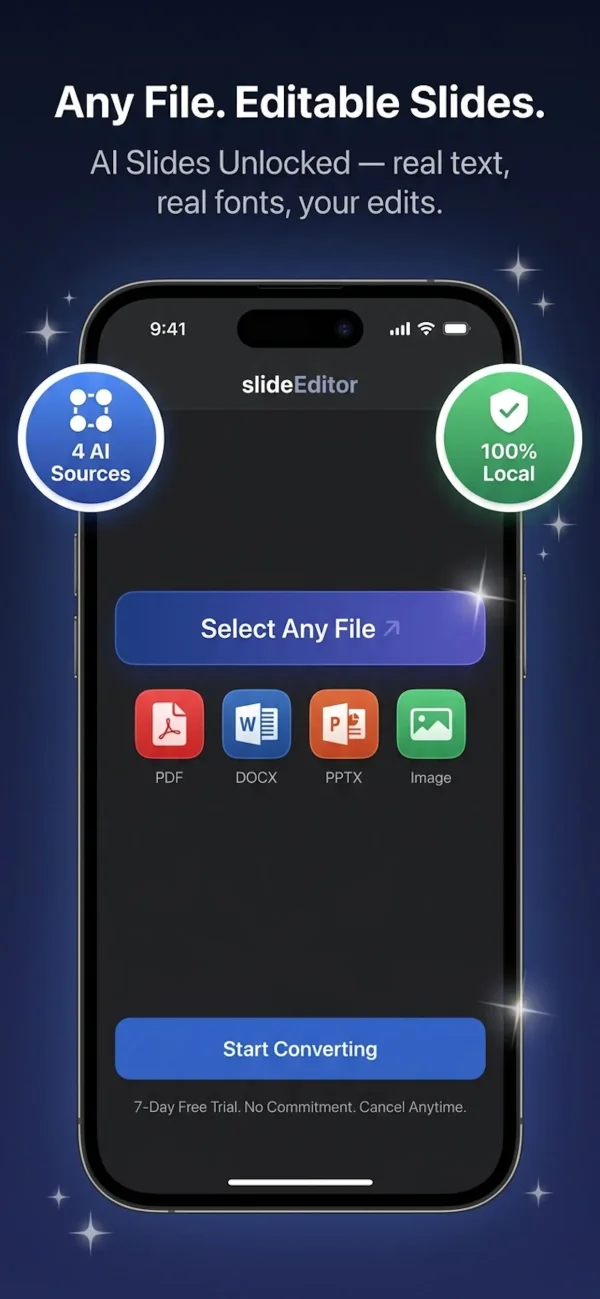
• Editable PPTX — opens in PowerPoint, Keynote, and Google Slides
• Editable Word (DOCX) export — real text you can select and edit
• Searchable PDF — selectable text, real fonts, vector layout
• Plain text and Markdown exports
WHAT IT READS
• Scanned PDFs, printed documents, receipts, contracts
• Photos of slides, whiteboards, books, notes
• AI-generated PDFs (NotebookLM, ChatGPT, Gamma, and others)
• Old PowerPoint files exported as PDF
• Screenshots and print-to-PDF output
EDIT IT YOUR WAY
• Output PPTX slides are fully editable — change text, fonts, colors
• Output PDFs keep selectable text and vector graphics
• Built-in preview lets you check before exporting
HOW IT WORKS
• On-device OCR plus layout reconstruction
• 10 seconds for a typical deck. No upload, no account, no waiting
• Works offline. Airplane mode is fine
• Files never leave your Mac, iPhone, or iPad
Mac · iPhone · iPad
Privacy first. No account. No upload. No cloud.
Free to try. Pro unlocks everything.
Terms of Use (EULA): https://frankali480449.github.io/SlideEdit---PDF-to-PPT-support/terms.html
Privacy Policy: https://frankali480449.github.io/SlideEdit---PDF-to-PPT-support/privacy.html
What’s new
Version 3.4 · Nov 17, 2026
What's New in 3.4:
• New name: PDF OCR · Scan to Word/PPTX — same app, clearer name.
• Word (DOCX) export joins PPTX and searchable PDF.
• Powered by the 3.3 engine: faster conversions, closer layout reconstruction, and improved mixed-language OCR.
App privacy
What 琳 李 declares on the App Store about how this app handles data.
-
Data not collected
The developer does not collect any data from this app.
Privacy practices may vary, for example with the features you use or your age.
Information
- Seller
- 琳 李
- Category
- Productivity
- Version
- 3.4
- Updated
- Nov 17, 2026
- Released
- Jan 15, 2026
- Size
- 40.6 MB
- Requires
- iOS 16.6 or later
- Age rating
- 4+
- Price
- Free
- In-app purchases
- Yes
- Languages
- English, Arabic, Danish, Dutch, French, German, Hebrew, Indonesian, Italian, Japanese, Korean, Norwegian Bokmål + 10 more
- Copyright
- © 2025 SlideEdit
You might also like
-
 StageGenius - PDF to SlidesPDF to Presentation Slides
-
 Convert PDF to PPTEasy Editable PowerPoint
-
 SlideCrop: Slide Scanner & PDFScan & Crop Lecture Slides
-
 Word AnchorsPresent without Notes
-
 Build CheapAI website builder
-
 MD SlidesSlide decks, ready to present
-
 Nexus AI Builder: Multi-AgentAdvanced AI Research Console
-
 OCR, Read & Convert DocumentsPDF, OCR, Scanner & CV
-
 SlideTrickYour slides, everywhere, now.
-
 PDF Scanner and Editor +PDF Scan, Edit, Fill and Sign