
- Age rating4+
- CategoryProductivity
- DeveloperFrank Otto
- LanguagesEnglish
- Size12.4 MB
Links to the official App Store page
Download.org hosts no file of Word Anchors. The button opens its official App Store page, published by Frank Otto. Listing last checked on Nov 15, 2026.
Screenshots


About
Word Anchors — Present Without Notes
Forget flashcards. Forget memorized scripts. Word Anchors uses visual emoji anchors and mnemonic techniques so you can deliver any presentation freely and confidently.
How it works:
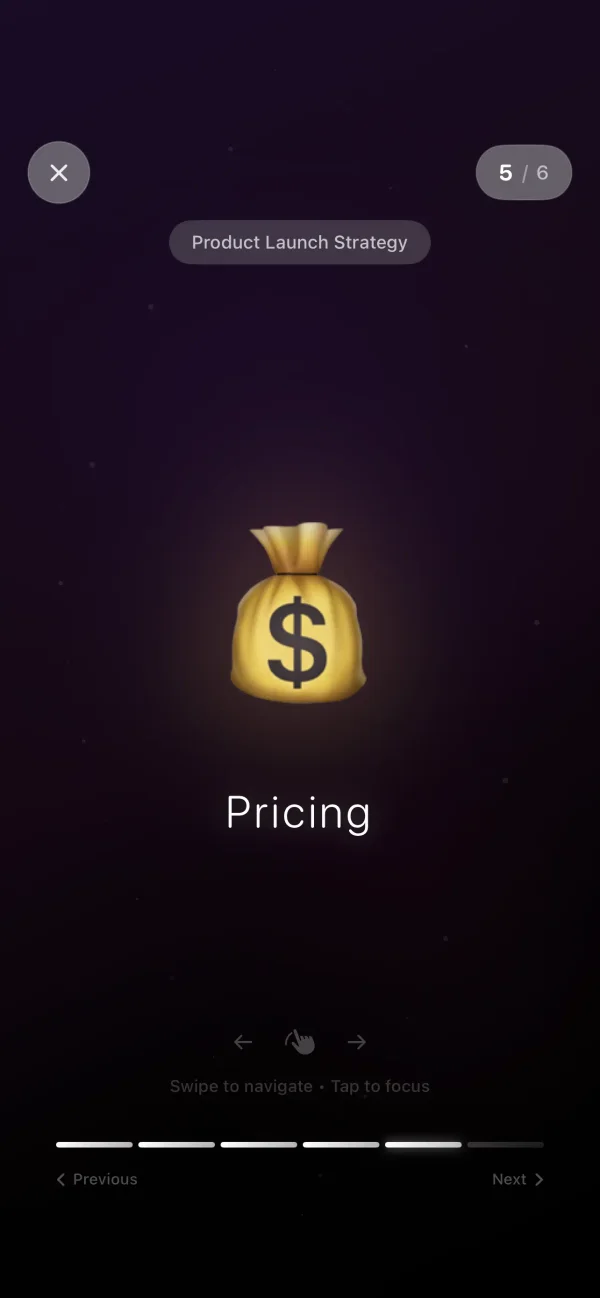
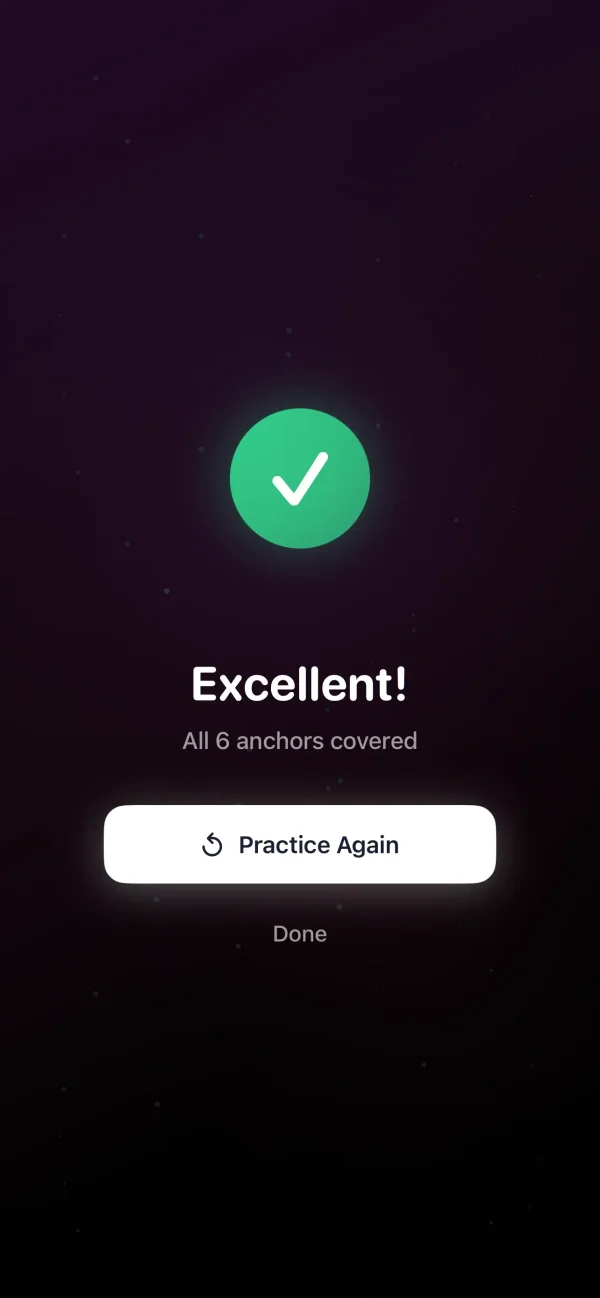
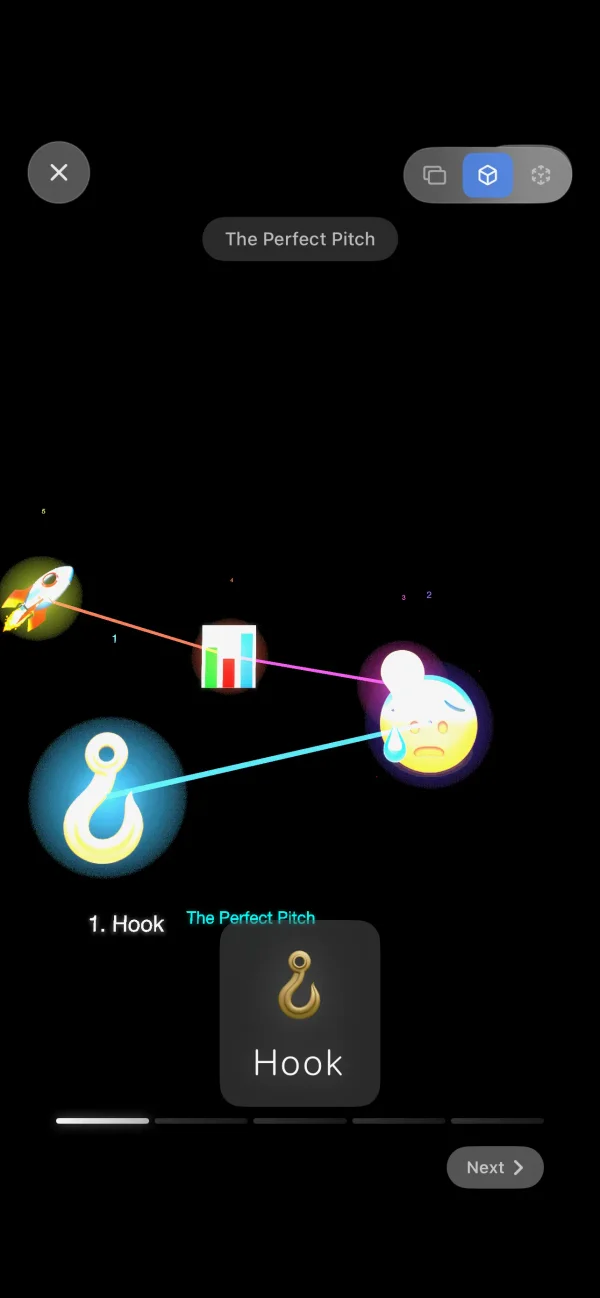
Build your presentation as a chain of emoji anchors with cue words. Each point is a visual marker — your brain remembers images better than text. Practice in the walkthrough until the sequence sticks. Then present freely.
3D Speak Mode
Your anchor points as a three-dimensional spiral staircase. Rotate the model, tap an emoji, and the cue word appears. Compact, visual, interactive.
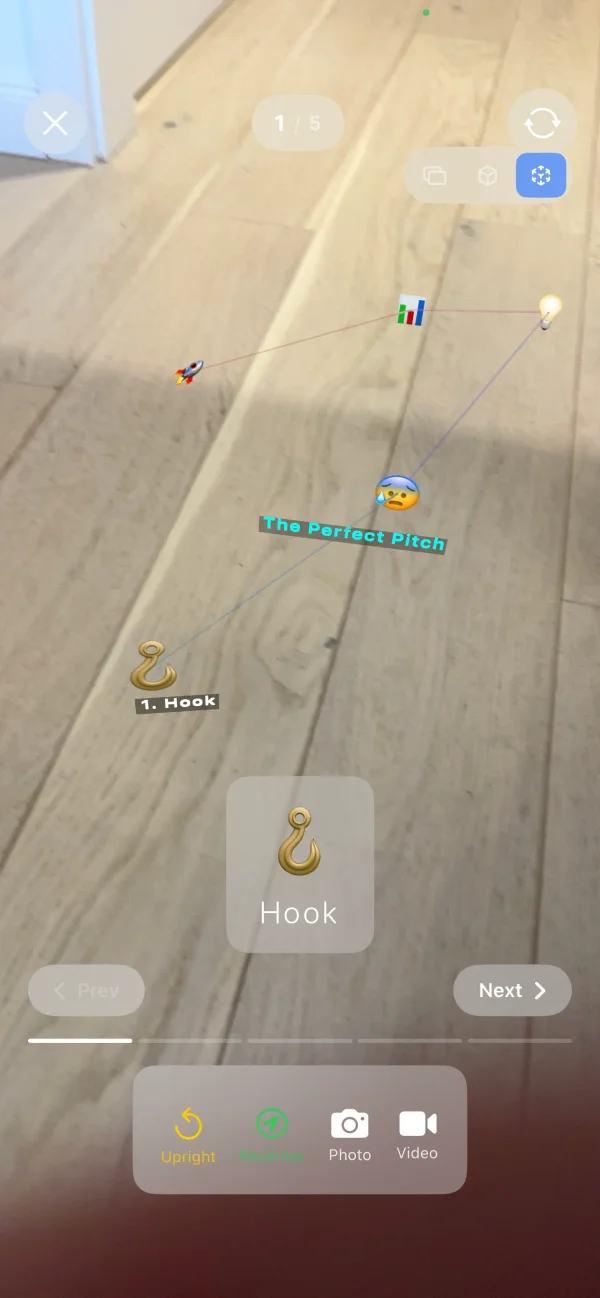
AR Speak Mode
Place your presentation in real space — on your desk, next to your monitor, wherever you want. Practice your anchor points in augmented reality as if they were physical objects.
Pro Templates
Ready-made frameworks for every occasion: The Perfect Pitch, Quarterly Review, Project Kickoff, Difficult Conversations, Rally The Team. Plus finance templates: Annual Report, Due Diligence, Investor Briefing.
AI Assistance
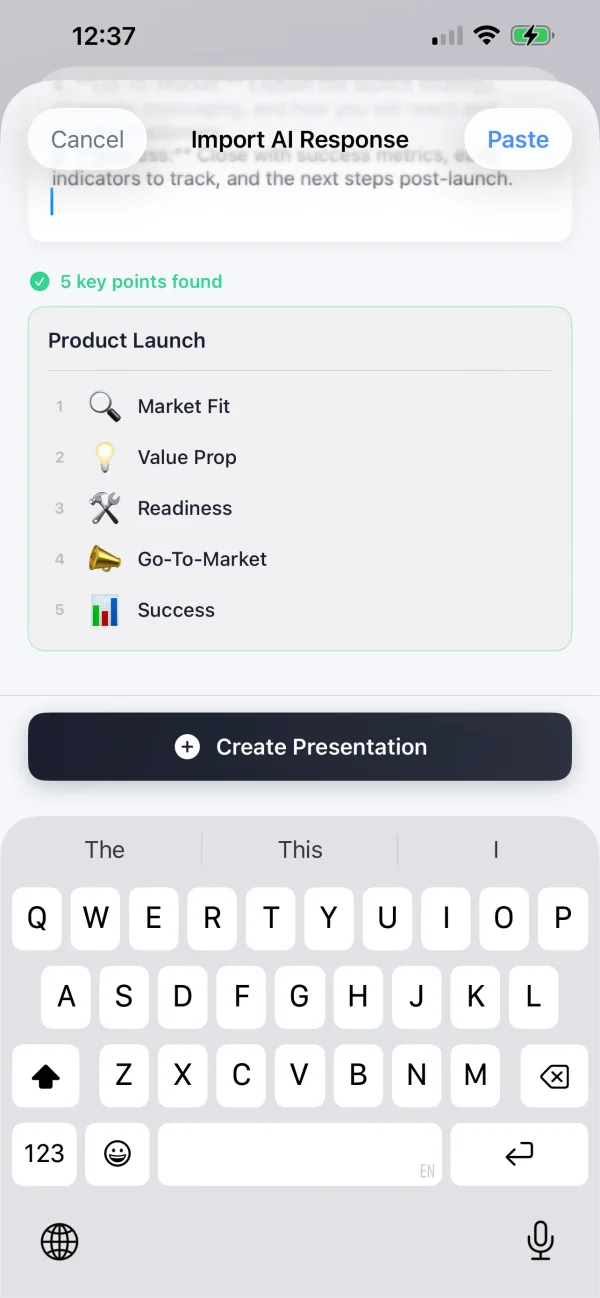
Let ChatGPT, Claude, or Gemini generate emoji anchors and cue words for you. Simply import the AI response — the app automatically extracts emojis and cue words.
Features:
Emoji-based memory anchors
3D and AR visualization
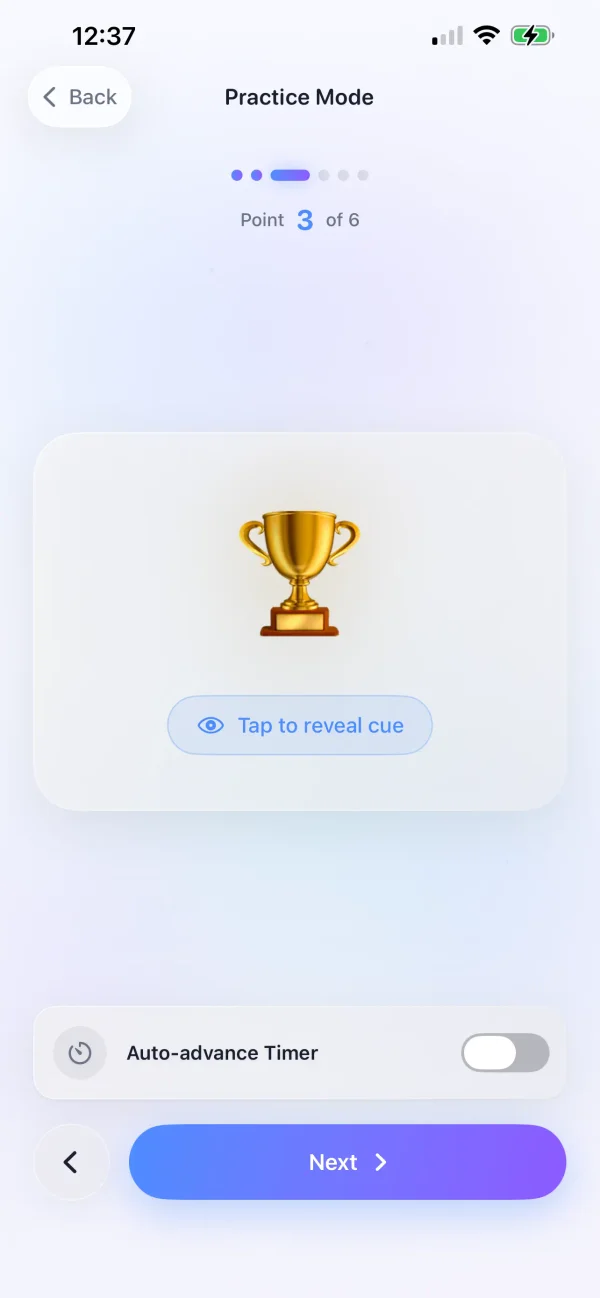
Tap-to-reveal for memory training
8 ready-made Pro templates
AI import (ChatGPT, Claude, Gemini)
No internet connection required
One-time purchase — no subscription
Free: Create 2 presentations and test all modes.
Pro ($4.99): Unlimited presentations, all templates. Buy once, use forever.
What’s new
Version 4 · Feb 26, 2026
What's new:
3D Speak Mode — Your presentation points as an interactive emoji spiral. Rotate, zoom, tap to explore.
AR Speak Mode — Place your presentation in real space. Practice with your anchor points in augmented reality.
Tap-to-Reveal — Tap any emoji to see the cue word. Trains your recall.
Finance Templates — Annual Report, Due Diligence, and Investor Briefing as ready-made frameworks.
Improved AR controls — Smoother rotation, more accurate placement.
App privacy
What Frank Otto declares on the App Store about how this app handles data.
-
Data not collected
The developer does not collect any data from this app.
Privacy practices may vary, for example with the features you use or your age.
Information
- Seller
- Frank Otto
- Category
- Productivity
- Version
- 4
- Updated
- Feb 26, 2026
- Released
- Dec 16, 2025
- Size
- 12.4 MB
- Requires
- iOS 17.6 or later
- Age rating
- 4+
- In-app purchases
- Yes
- Languages
- English
- Copyright
- © Dr. Frank Otto
You might also like
-
 PDF OCR · Scan to Word/PPTXEditable text from any image
-
 AI PPT Maker - Presentation+Create & Edit AI Slides Fast
-
 HighlightMe - TeleprompterVideo Captions & Script Reader
-
 Daily Planner: Habits & TasksHabit tracker & journal
-
 Fixed LineProductivity
-
 Tungsten Power PDF MobileProductivity
-
 Email Me - Audio NotesRecord, Transcribe & Summary
-
 Nirvana for GTDGetting Things Done To Do List
-
 sign-me 2FAIhre Online-Unterschrift
-
 BB - Screen Time & App BlockerControl and limit social media