PDF Tools - Offline
Offline PDF toolkit.
Designed for iPhone, iPad, iPod touch
Free · In-app purchases
- Age rating4+
- CategoryUtilities
- DeveloperEbin Joy
- LanguagesEnglish
- Size52.3 MB
Links to the official App Store page
Download.org hosts no file of PDF Tools - Offline. The button opens its official App Store page, published by Ebin Joy. Listing last checked on Nov 18, 2026.
Screenshots
About
PDF Tools – Offline lets you manage, edit, convert, scan, and secure PDF files directly on your device without uploading anything to the cloud. Fast, private, and secure all processing happens offline.
Whether you are a student, professional, business owner, teacher, or everyday user, this app gives you powerful PDF utilities in one simple and modern interface.
Why Choose PDF Tools – Offline?
**100% Offline Processing
Your files never leave your device. No internet required.
** Fast & Secure
All PDF operations are processed locally for maximum privacy and speed.
**Easy to Use
Clean and modern design with powerful tools accessible in one tap.
**No Account Required
Start using the app instantly without signup or registration.
Powerful PDF Tools Included
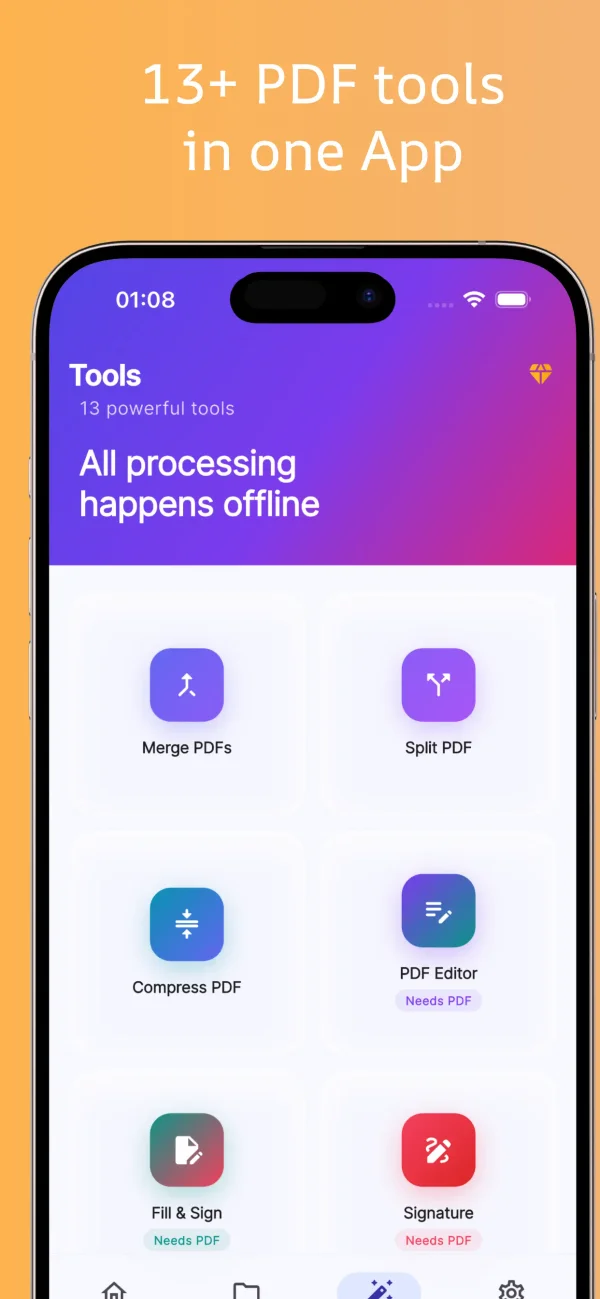
Merge PDFs
Combine multiple PDF files into one organized document in seconds.
Split PDF
Extract pages or split large PDF files into smaller documents.
Compress PDF
Reduce PDF file size while maintaining quality for sharing and storage.
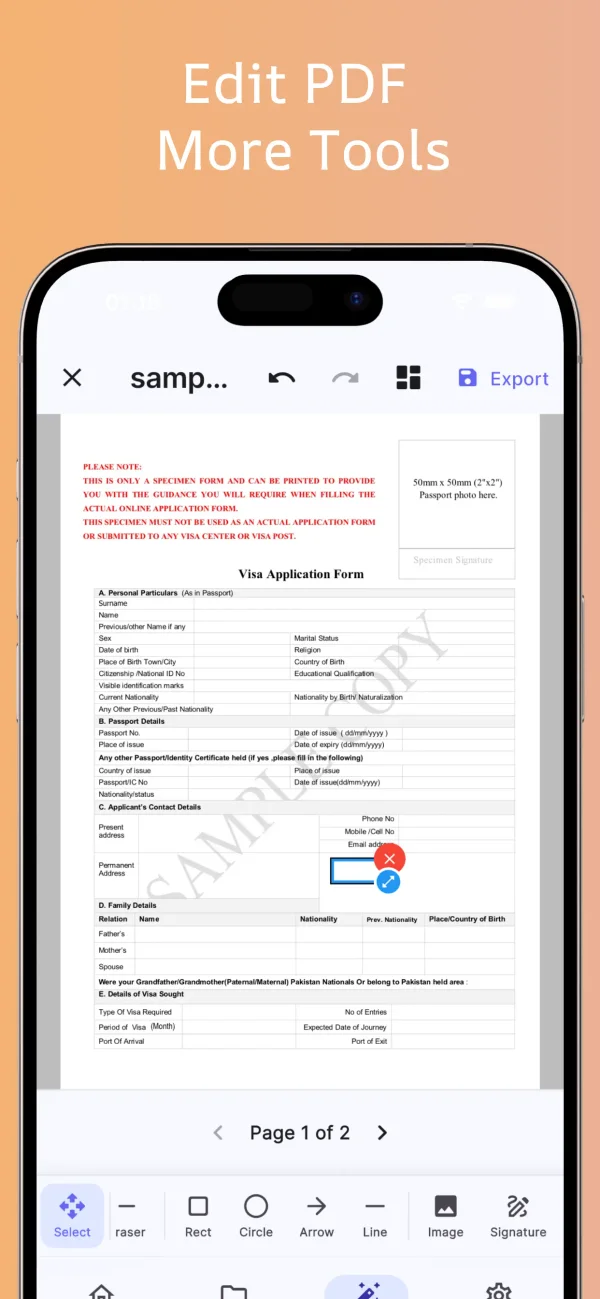
PDF Editor
Edit PDF documents quickly and efficiently.
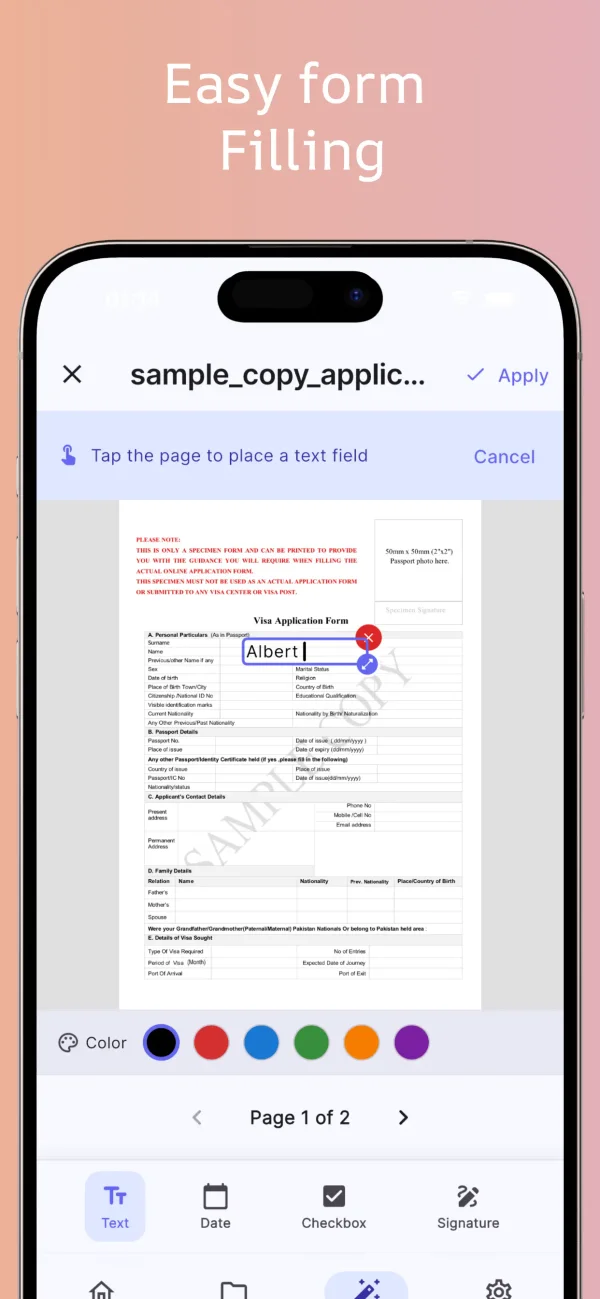
Fill & Sign
Fill forms and add signatures directly to PDFs.
Signature Tool
Create and save digital signatures for fast document signing.
Scan Document
Use your camera to scan documents and save them as high-quality PDFs.
Image to PDF
Convert photos and images into professional PDF documents.
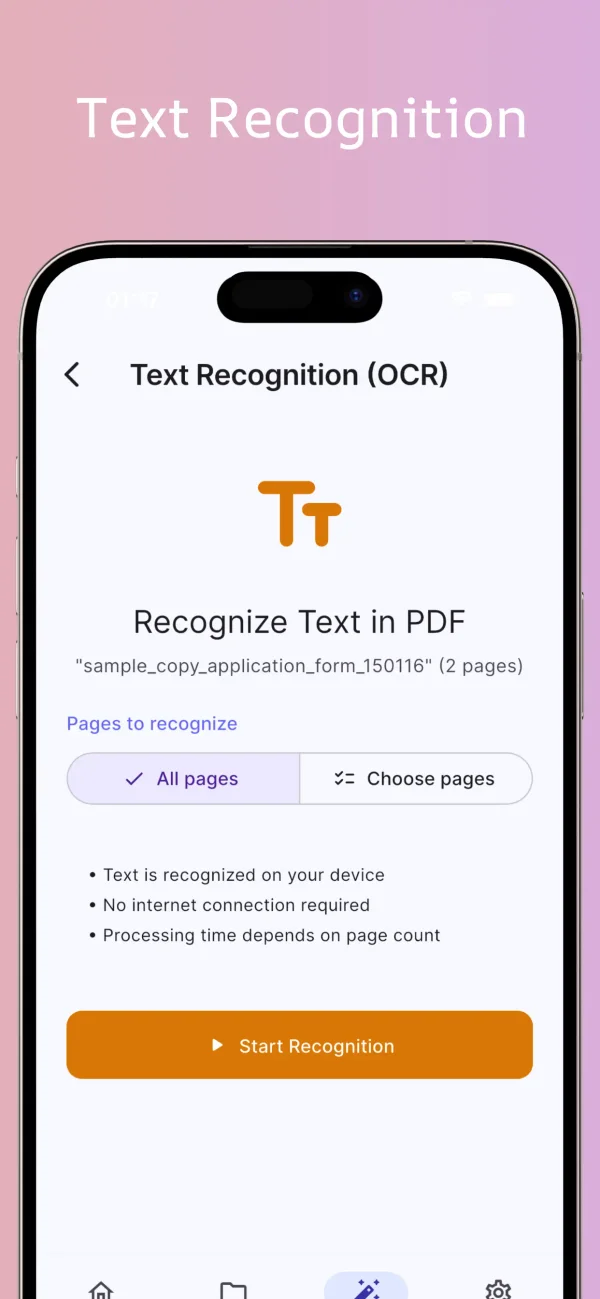
OCR Text Recognition
Extract text from scanned documents and images using OCR technology.
Watermark PDF
Add custom text or image watermarks to protect your documents.
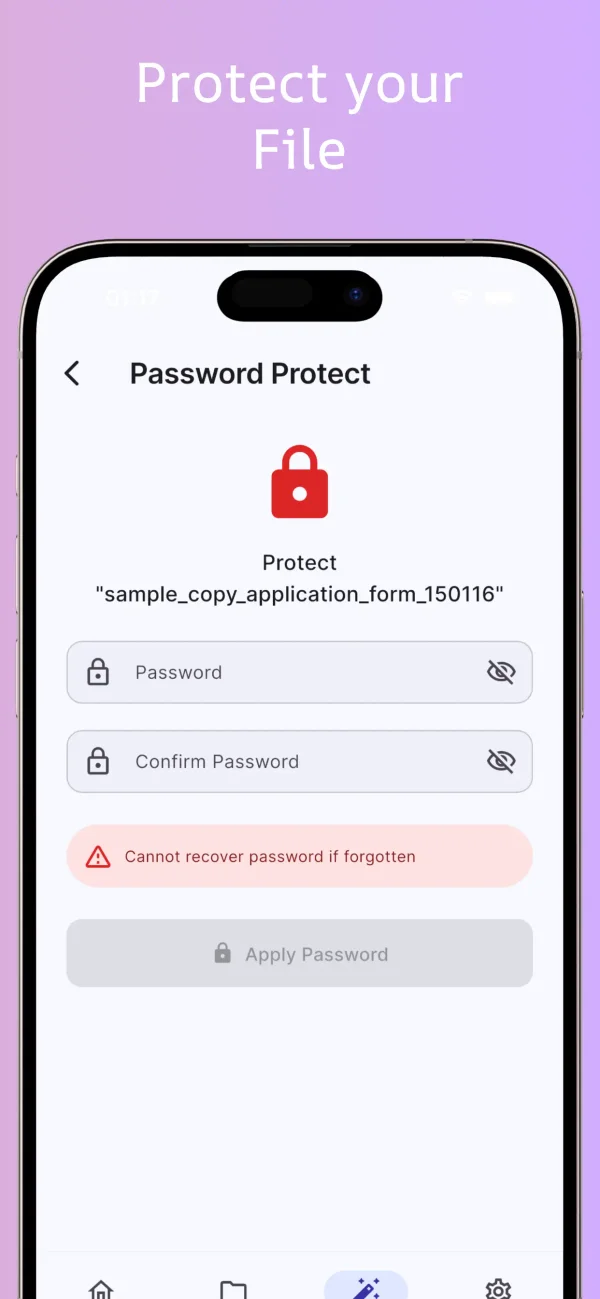
Password Lock PDF
Secure PDF files with password protection.
Unlock PDF
Remove passwords from PDFs you own and have permission to edit.
Batch Processing
Process multiple PDF files at once to save time.
Perfect For
• Students managing assignments and notes
• Professionals handling contracts and reports
• Businesses sharing secure documents
• Teachers creating study material
• Anyone needing a fast offline PDF solution
Privacy First
Unlike many PDF apps, PDF Tools – Offline keeps your files completely private. No cloud upload. No tracking of your documents. Everything stays on your device.
Your PDFs remain secure and accessible anytime, anywhere — even without internet access.
Key Features
• Offline PDF tools
• PDF merger and splitter
• PDF compressor
• PDF scanner app
• OCR text scanner
• PDF signature maker
• Watermark PDFs
• Password protect PDF
• Image to PDF converter
• Fast PDF processing
• Secure PDF editor
• Batch PDF operations
Download PDF Tools – Offline today and manage all your PDF tasks with speed, privacy, and simplicity.
What’s new
Version 1.0.2 · May 25, 2026
* Added PDF resize, page numbering, page organization, and PDF crop tools
* Introduced Preview Mode
* Enabled easy file editing directly from the viewer
* Fixed various bugs
App privacy
What Ebin Joy declares on the App Store about how this app handles data.
-
Data not collected
The developer does not collect any data from this app.
Privacy practices may vary, for example with the features you use or your age.
Information
- Seller
- Ebin Joy
- Category
- Utilities
- Version
- 1.0.2
- Updated
- May 25, 2026
- Released
- May 18, 2026
- Size
- 52.3 MB
- Requires
- iOS 15.5 or later
- Age rating
- 4+
- Price
- Free
- In-app purchases
- Yes
- Languages
- English
- Copyright
- © 2026 PDF Tools - Offline
You might also like
-
 PDF Offline - Local-Only toolsMerge Split Convert PDF files
-
 Text to PDF | Text documentConvert text files into PDFs
-
 Image Converter: JPG PNG PDFHEIC to JPG · Batch WebP
-
 compress pdf, reduce pdf sizeOffline PDF Converter Tool 50+
-
 Germantown CabUtilities
-
 SquareBiz Docs HHA PoliciesUtilities
-
 PDF Studio All-in-one PDF toolkit
-
 Fast PDF Editorall in one pdf tools
-
 Hotspot Hero: Personal HotspotMobile WiFi Share, Always On
-
 Text to PDF - Text documentTXT to PDF converter & maker