Text to PDF - Text document
TXT to PDF converter & maker
Designed for iPhone, iPad
Free · In-app purchases
- Age rating4+
- CategoryUtilities
- DeveloperFenuku Kekeli
- LanguagesEnglish
- Size12.3 MB
Links to the official App Store page
Download.org hosts no file of Text to PDF - Text document. The button opens its official App Store page, published by Fenuku Kekeli. Listing last checked on Nov 15, 2026.
Screenshots
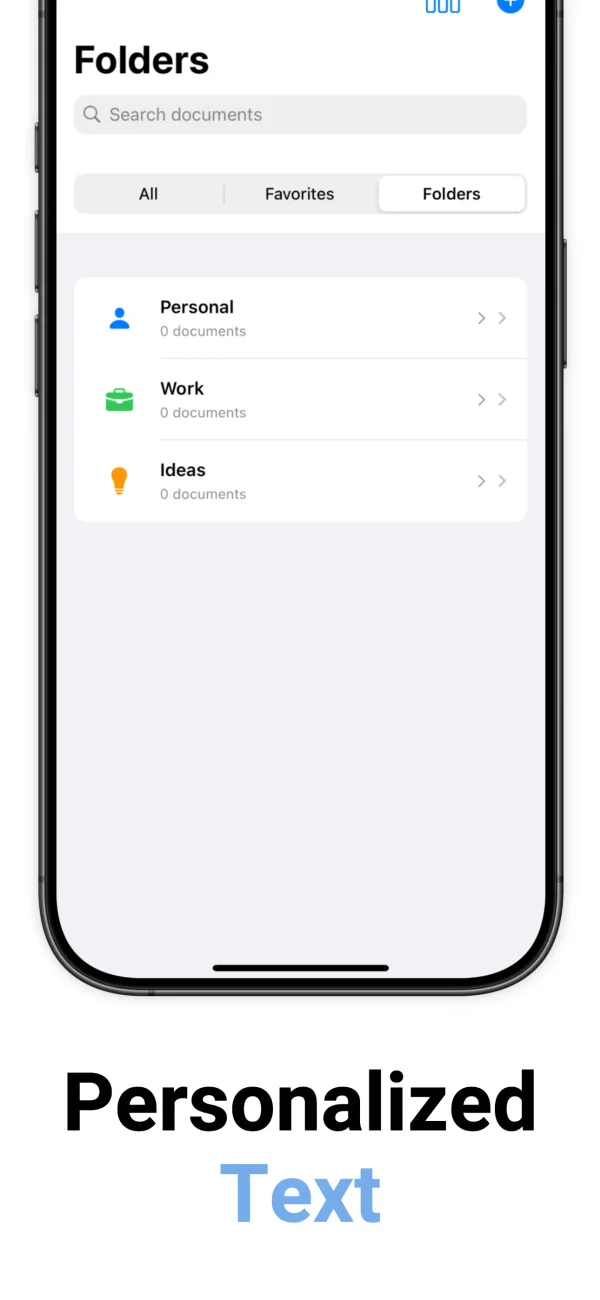
About
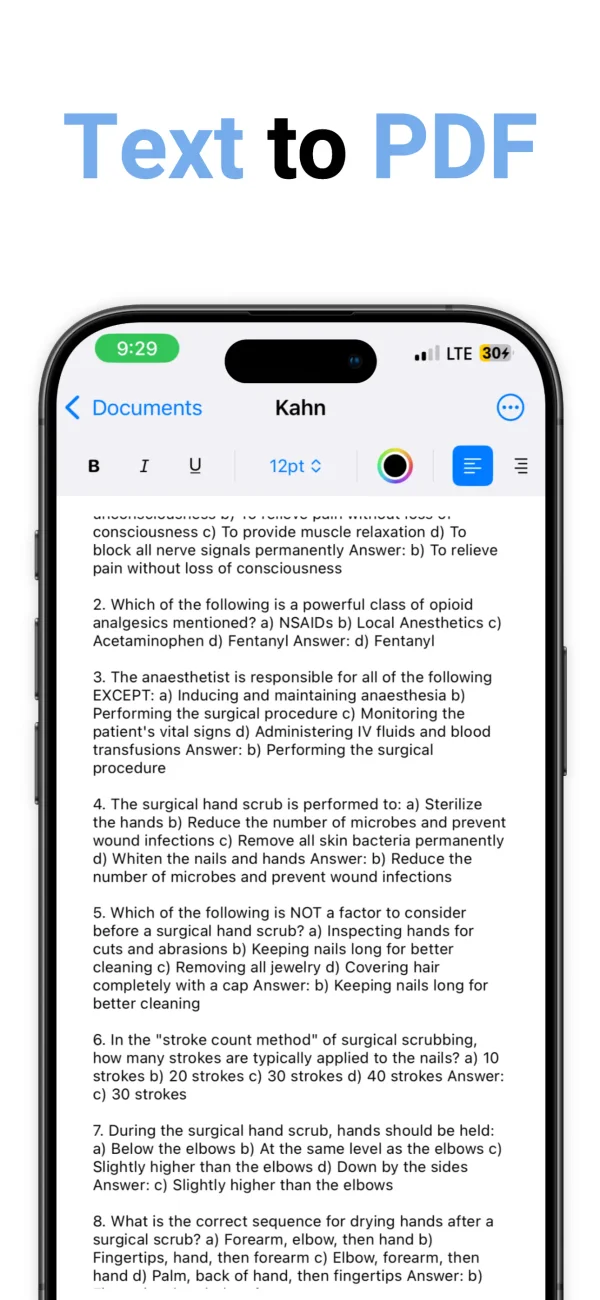
Turn your text and photos into high-quality PDFs in seconds.
Write, paste, or snap an image then save or share your custom PDF instantly.
No ads. No watermarks. Fully offline.
New Features Added:
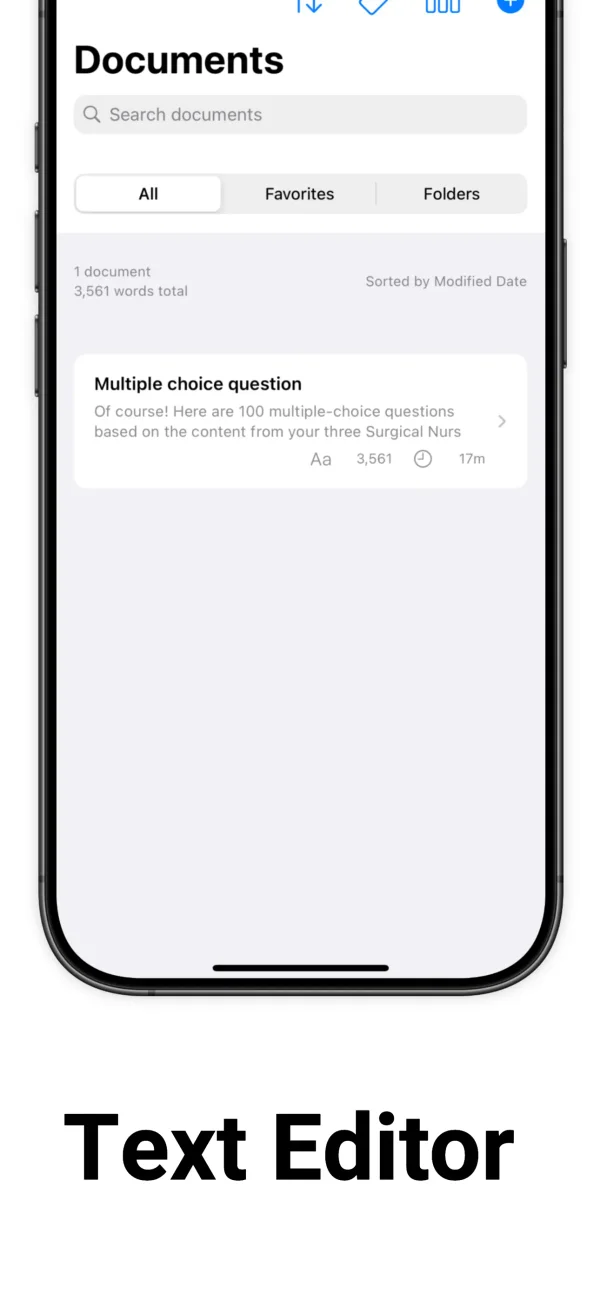
1. Advanced Sorting & Organization
Multiple sort options: Title, Modified Date, Created Date, Word Count
Sort direction toggle: Ascending/Descending
Document statistics: Shows count and current sort method
Enhanced search: Now searches both titles and document content
2. Document Statistics & Analytics
Word count calculation: Real-time word counting
Character counting: With and without spaces
Paragraph counting: Number of paragraphs
Document info sheet: Detailed statistics view
3. Find & Replace Functionality
Find and Replace bar: Toggle on/off from menu
Case-insensitive search: Finds text regardless of case
Replace All: Bulk replacement functionality
Clean interface: Integrated into the editor toolbar
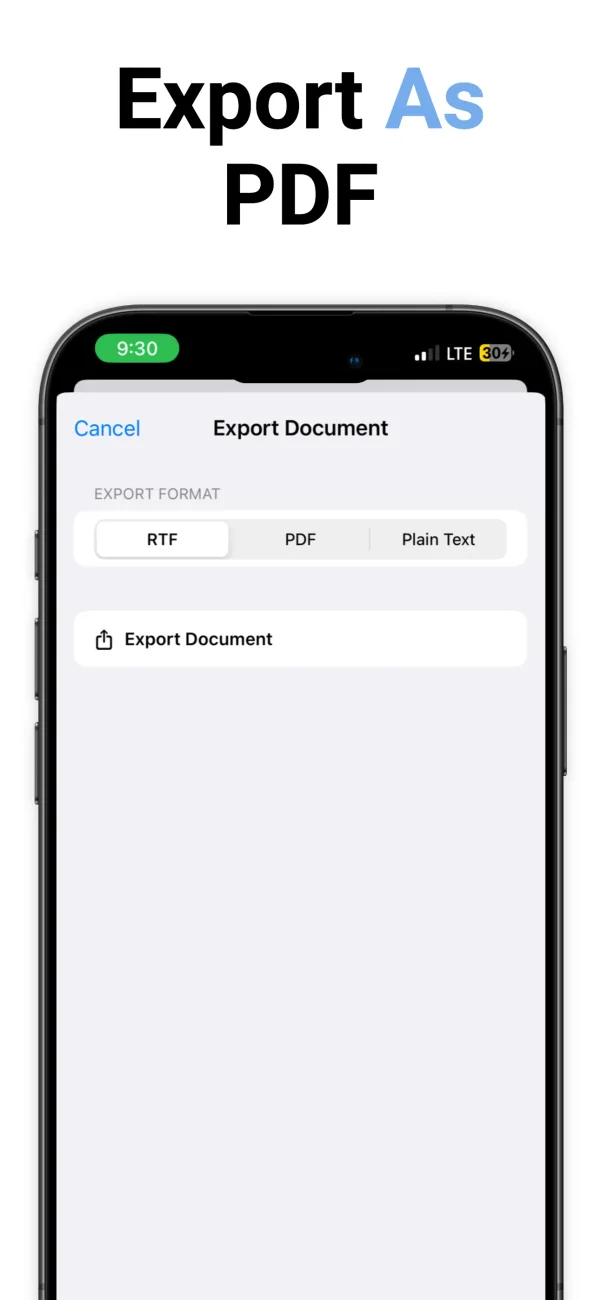
4. Enhanced Export Options
Multiple export formats: PDF, RTF, and plain text
Better file handling: Improved temporary file management
Unified sharing: Single function for all export types
5. Improved Text Editor
Better text container insets: More comfortable editing experience
Improved selection handling: Better cursor position management
Enhanced attribute detection: More reliable formatting state updates
Better bounds checking: Prevents crashes with selection changes
6. Better User Experience
Document info view: Complete document statistics and metadata
Enhanced context menus: Better organization of actions
Improved navigation: Cleaner toolbar organization
Better visual feedback: More intuitive UI states
7. Robust Error Handling
Better file import handling: Supports more text file types
Improved document persistence: Better error recovery
Safe array operations: Prevents crashes during deletion
Key Technical Improvements:
Performance: More efficient document sorting and filtering
Memory Management: Better handling of large documents
Thread Safety: Proper main thread dispatching for UI updates
Data Persistence: More robust encoding/decoding
File Handling: Better security-scoped resource management
Subscription Details:
• Title: Savory All Access
• Length: 1 year
• Price: $9.99 per year and $0.99 per month (auto-renews)
• Terms of Use: https://www.apple.com/legal/internet-services/itunes/dev/stdeula/
privacy https://docs.google.com/document/d/1lWef7xVBIFYq1NUP0K3201pJgM_h-i2IU7js9fuqZkk/edit?usp=sharing
What’s new
Version 1.6 · Mar 3, 2026
Bug fixes: Resolved issues or crashes.
Performance improvements: Faster loading, smoother animations, reduced memory usage.
App privacy
What Fenuku Kekeli declares on the App Store about how this app handles data.
-
Data not collected
The developer does not collect any data from this app.
Privacy practices may vary, for example with the features you use or your age.
Information
- Seller
- Fenuku Kekeli
- Category
- Utilities
- Version
- 1.6
- Updated
- Mar 3, 2026
- Released
- Jul 22, 2025
- Size
- 12.3 MB
- Requires
- iOS 17.6 or later
- Age rating
- 4+
- Price
- Free
- In-app purchases
- Yes
- Languages
- English
- Copyright
- © 2025 KEKELI
You might also like
-
 Text to PDF | Text documentConvert text files into PDFs
-
 Convert Text to PDF‧WORD, TXT, DOCX to PDF
-
 PDF Converter - Text to PDFUtilities
-
 Chat PDF: PDF MakerThe PDF Scanner PDF Convеrtеr
-
 Txt2PDF - TXT File to PDFConvert text files to PDF
-
 TextKeep - Text Message ExportDownload, Backup and Print SMS
-
 TextPort: Text Message ExportBackup, Download & Print SMS
-
 Messages and Chat Export PDFStitch photo, video | JPG, PNG
-
 PDF Converter – Photo to PDFConvert Image: JPG, JPEG, Word
-
 PDF Converter ‧Photo to PDF, Word to PDF