PDF Tools: Scan & Converter
Edit, merge, sign documents
Designed for iPhone, iPad
Free · In-app purchases
- Age rating4+
- CategoryProductivity
- DeveloperDuy Tran
- LanguagesEnglish+ 6 more
- Size24.3 MB
Links to the official App Store page
Download.org hosts no file of PDF Tools: Scan & Converter. The button opens its official App Store page, published by Duy Tran. Listing last checked on Nov 17, 2026.
Screenshots
About
PDF Tools: Scan & Converter
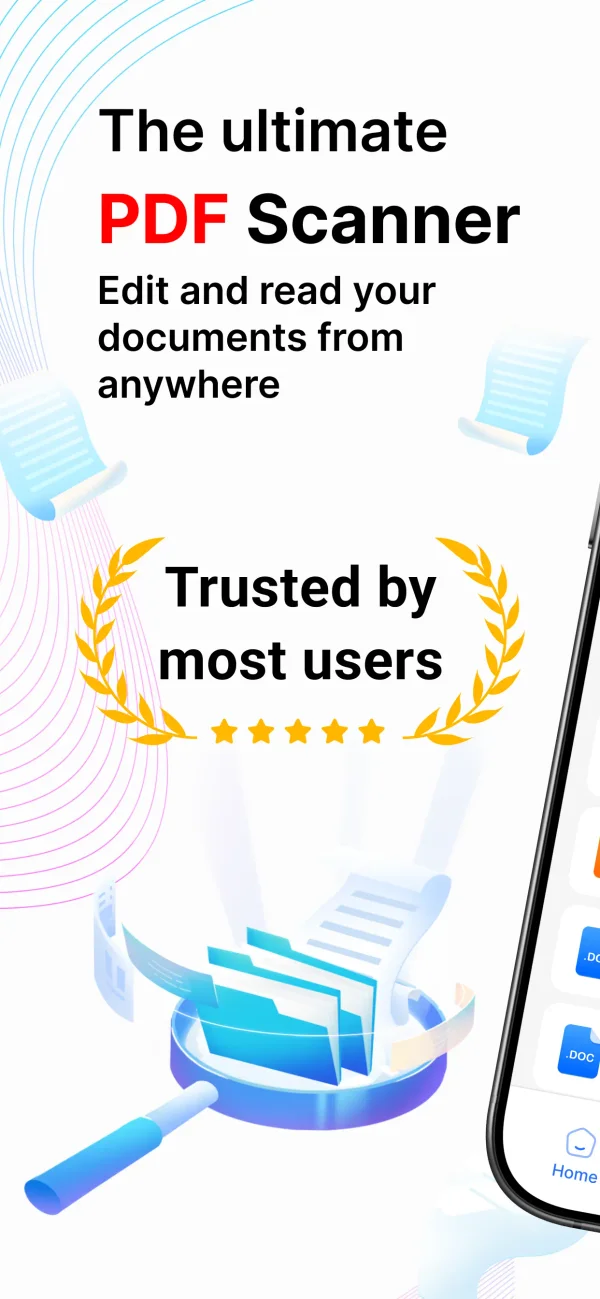
PDF Tools: Scan & Converter is an all-in-one PDF app that helps you scan documents, create PDF files, read saved PDFs, import files, and manage your documents directly on your iPhone.
Turn paper documents into high-quality PDF files in just a few taps. Scan receipts, contracts, invoices, notes, forms, ID cards, passports, study materials, business documents, and more. Keep your files organized, easy to access, and ready to print or share whenever you need them.
Whether you're a student, professional, or everyday user, PDF Tools: Scan & Converter makes it simple to digitize documents and manage your PDF files in one convenient place.
### Free Features
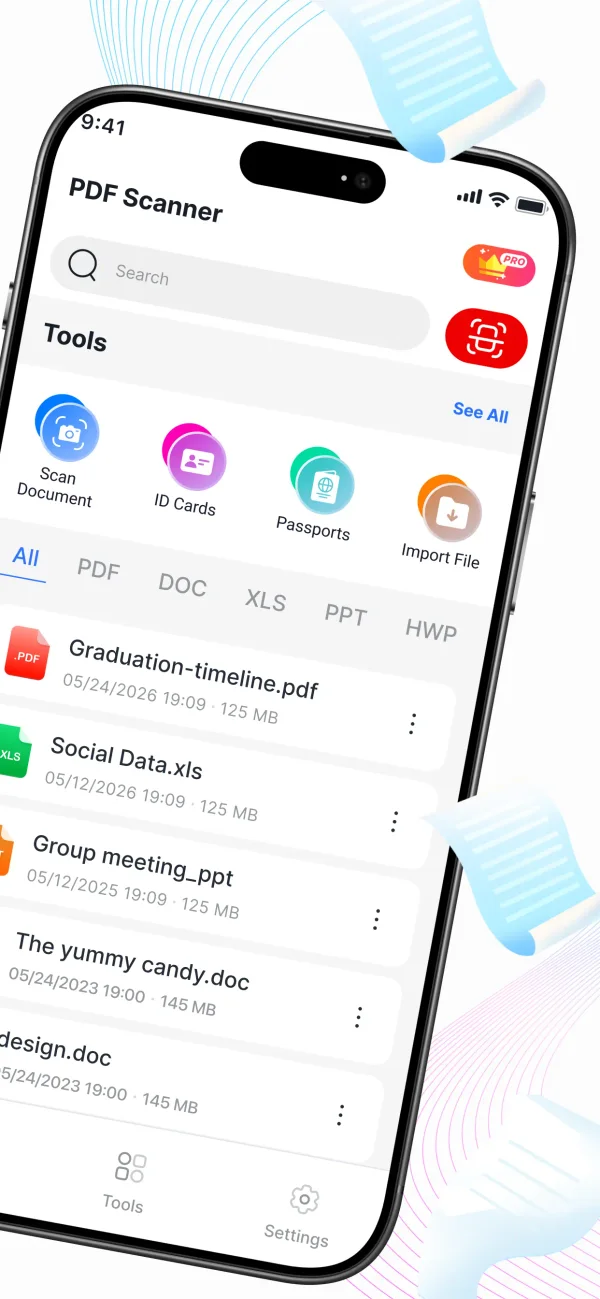
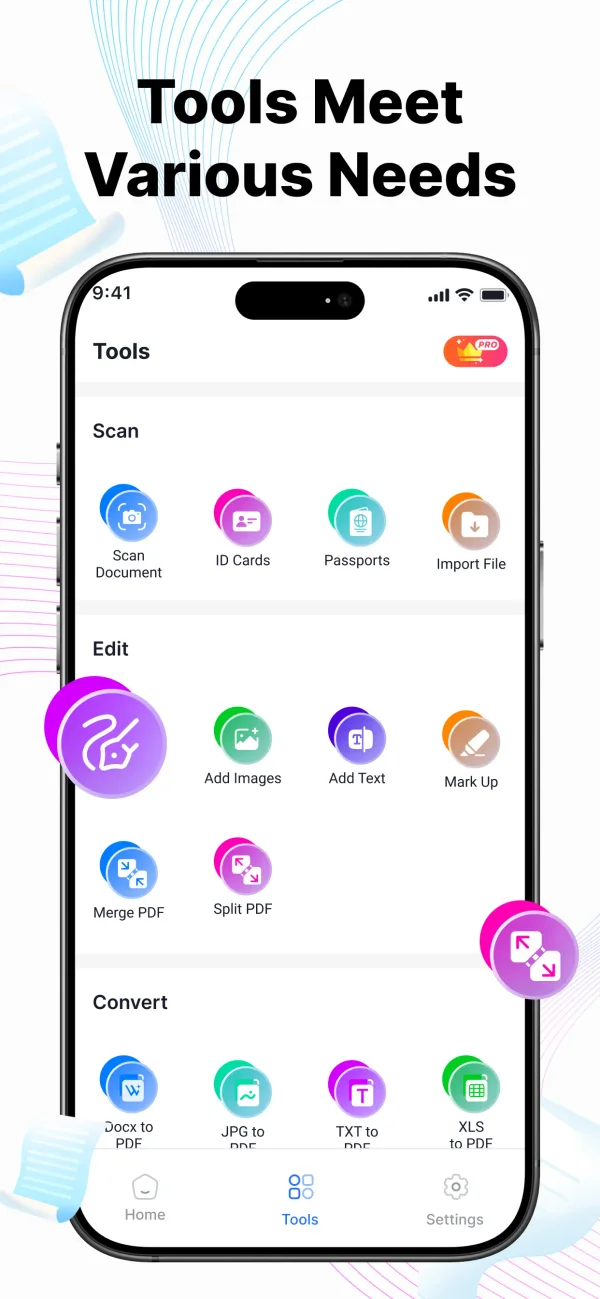
• Scan paper documents into PDF
• Scan ID cards and passports
• Read and preview PDF files
• Import files from your device
• Save and organize PDF files in My Files
• Open, print, and share PDF documents
• Add text to PDF documents
• Mark up, draw, and highlight PDF pages
### Premium Features (Requires In-App Purchase)
• Insert images into PDF documents
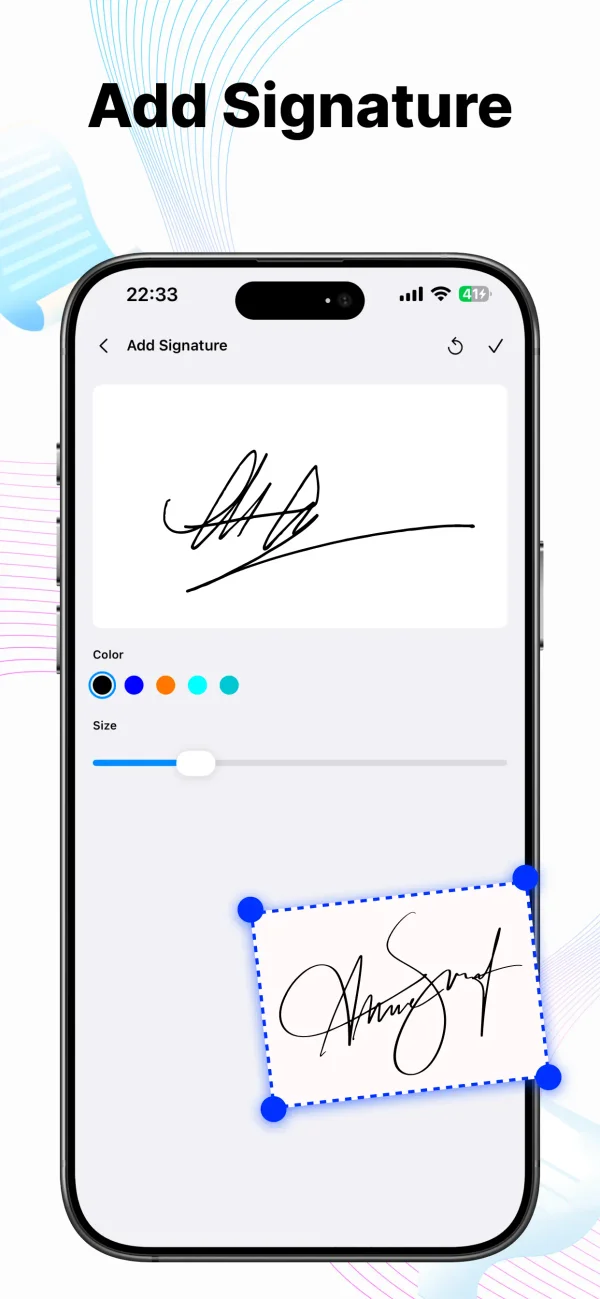
• Sign PDF documents
• Merge multiple PDF files into one
• Split PDF files into separate documents
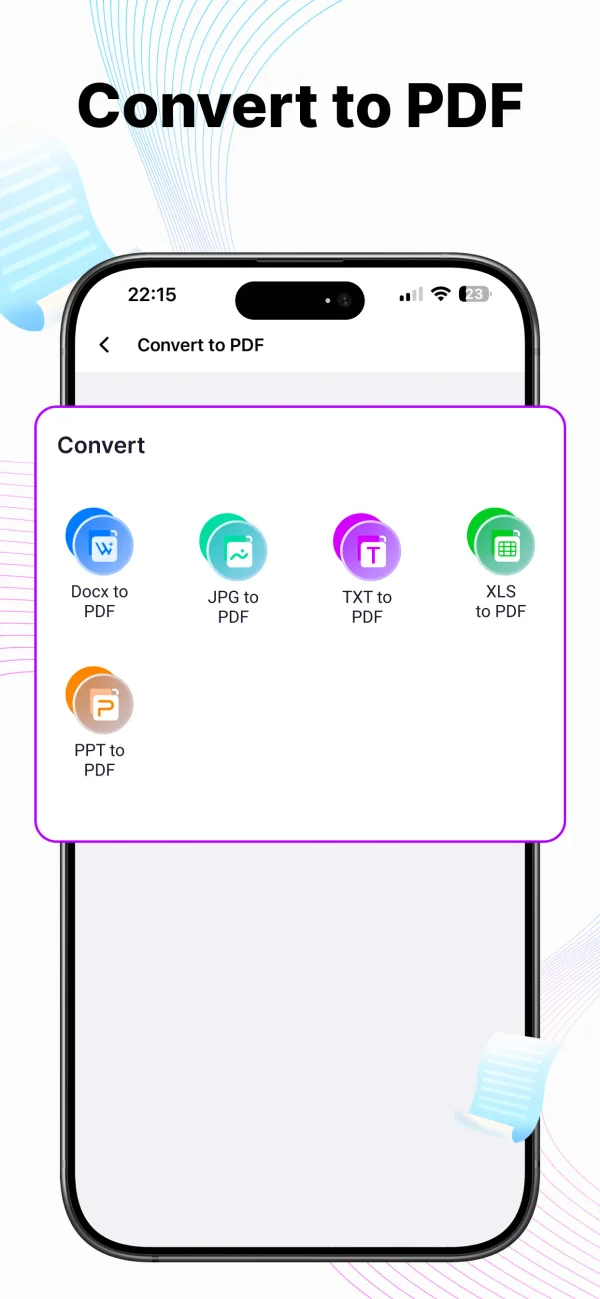
• Convert Word, JPG, TXT, XLS, and PPT files to PDF
PDF Tools: Scan & Converter helps simplify your daily document workflow. Scan, organize, edit, and share your PDF files with ease. Premium tools such as signing, merging, splitting, inserting images, and file conversion are available through an In-App Purchase.
https://www.apple.com/legal/internet-services/itunes/dev/stdeula/
What’s new
Version 1.0.6 · Oct 23, 2026
Feature Bug Fixes
Enhanced performance
App privacy
What Duy Tran declares on the App Store about how this app handles data.
-
Data used to track you
May be used to track you across apps and websites owned by other companies.
- Identifiers
-
Data linked to you
May be collected and linked to your identity.
- Identifiers
Privacy practices may vary, for example with the features you use or your age.
Information
- Seller
- Duy Tran
- Category
- Productivity
- Version
- 1.0.6
- Updated
- Oct 23, 2026
- Released
- Jul 2, 2026
- Size
- 24.3 MB
- Requires
- iOS 17.0 or later
- Age rating
- 4+
- Price
- Free
- In-app purchases
- Yes
- Languages
- English, French, Japanese, Korean, Russian, Spanish, Turkish
- Copyright
- © Duy Tran Studio
You might also like
-
 HanguelProductivity
-
 견적고래 -견적 작성, 입금 확인, 일정, 팀 관리까지Productivity
-
 PDFin: PDF Viewer, Sign, StampNo ads. No cloud. Sign PDFs.
-
 FreeScanner: PDF Scanner & OCROffline Multi-Page Doc Studio
-
 Simple Cleaner: Free Up SpaceClean photos, free up space
-
 Smart HohmSmart Home Automation
-
 PDF Scanner: Scan PDF EditorDocument Converter, Sign & OCR
-
 ScanDoc - Scan & Sign docsScan, sign & share documents
-
 Rutin: Start on TimeKnow exactly when to start
-
 PDF AI: Chat, Edit & SignSummary, Flashcards & Quiz