PDF Scanner: Scan PDF Editor
Document Converter, Sign & OCR
Designed for iPhone, iPad
Free · In-app purchases
- Age rating4+
- CategoryProductivity
- DeveloperPayal Amreliya
- LanguagesEnglish
- Size160.4 MB
Links to the official App Store page
Download.org hosts no file of PDF Scanner: Scan PDF Editor. The button opens its official App Store page, published by Payal Amreliya. Listing last checked on Nov 12, 2026.
Screenshots
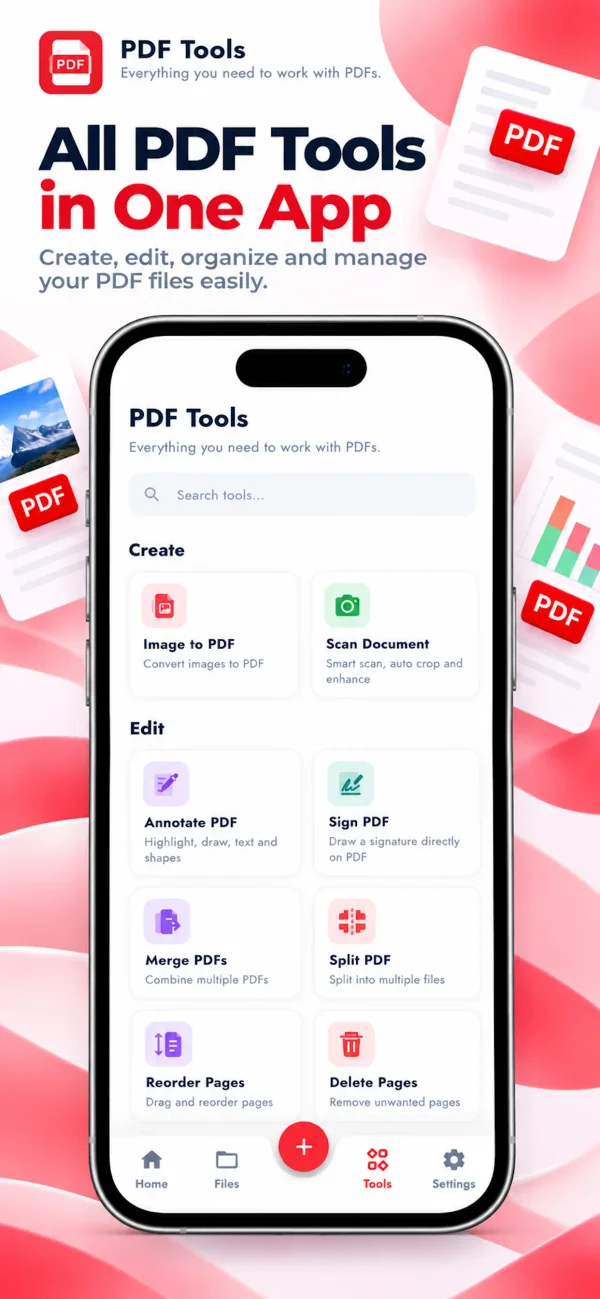
About
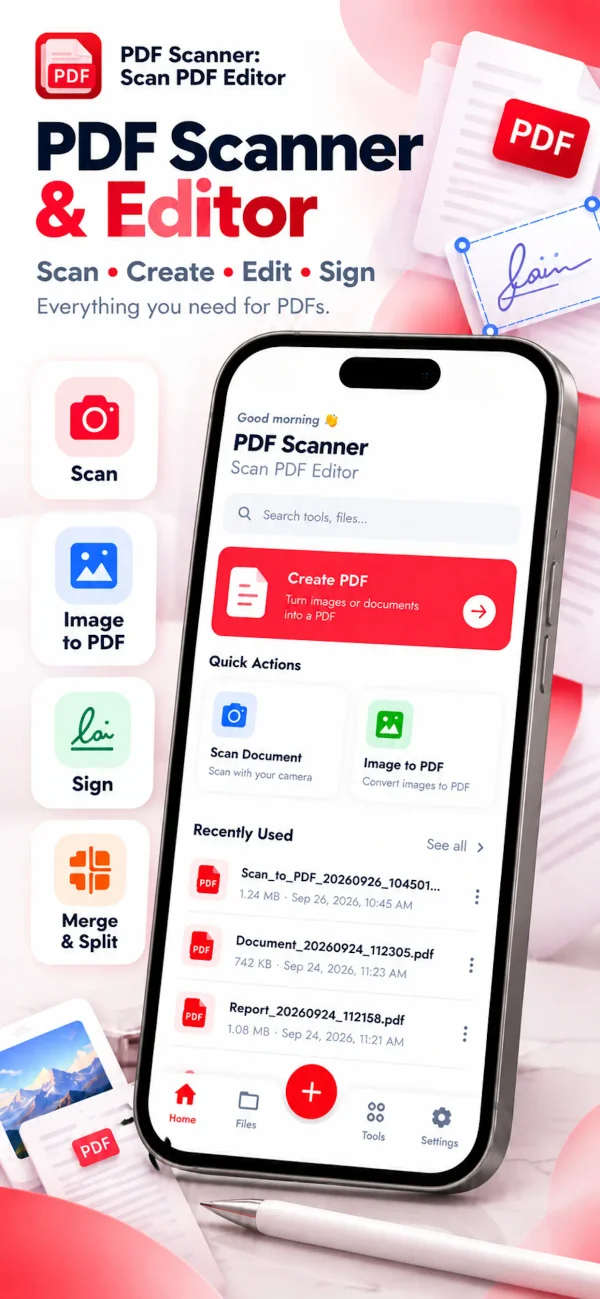
Turn photos, scans, and documents into professional PDF files with an all-in-one PDF scanner, editor, converter, and document toolkit for iPhone and iPad.
Create PDFs from images, scan paper documents, annotate and sign PDFs, merge or split files, organize pages, add page numbers, compress documents, convert PDF pages to images, and protect important files—all without switching between multiple apps.
CREATE PDF FROM PHOTOS
Convert photos and images into PDF documents in seconds.
Select multiple JPG, JPEG, or PNG images and combine them into one PDF. Reorder pages before exporting and customize page size, orientation, margins, and image fit for the result you need.
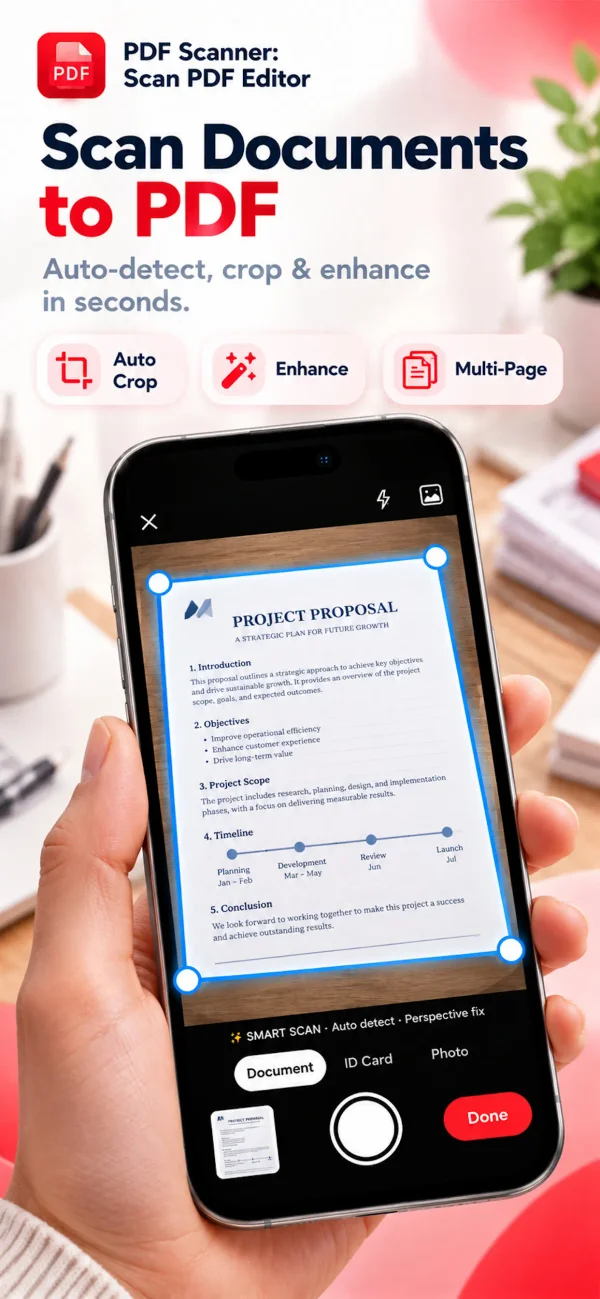
SCAN DOCUMENTS TO PDF
Turn your iPhone or iPad into a convenient document scanner.
Scan paper documents, receipts, notes, forms, contracts, letters, and other pages using your camera. Automatically crop and enhance scans, apply document filters, arrange pages, and save them as PDF files.
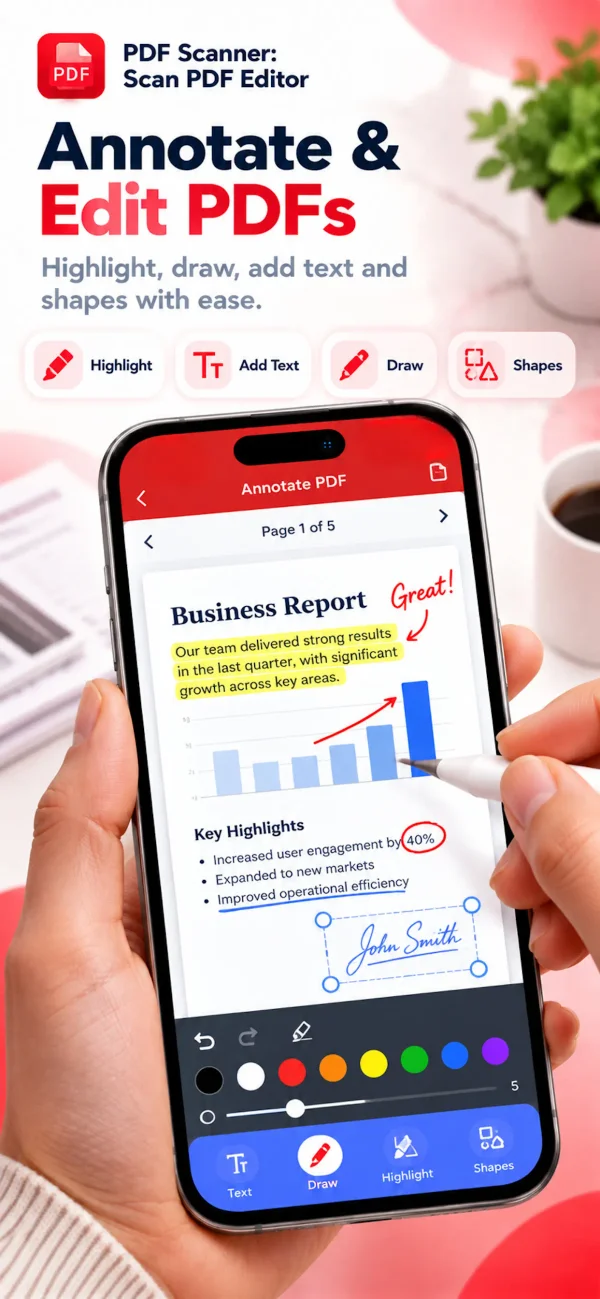
ANNOTATE PDF DOCUMENTS
Review and mark up PDF files directly in the app.
Highlight important content, draw on pages, add text, and use annotation tools and shapes to make notes or mark changes without creating a new document from scratch.
SIGN PDF FILES
Add signatures directly to PDF documents.
Choose a PDF, create or import your signature, position it where needed, and save the signed document for sharing or storage.
MERGE PDF FILES
Combine multiple PDF documents into a single file.
Choose the PDFs you need, arrange them in the correct order, and create one organized document for work, school, forms, reports, or personal records.
SPLIT PDF DOCUMENTS
Split large PDF files into smaller documents.
Select individual pages or page ranges and extract only the pages you need into separate PDF files.
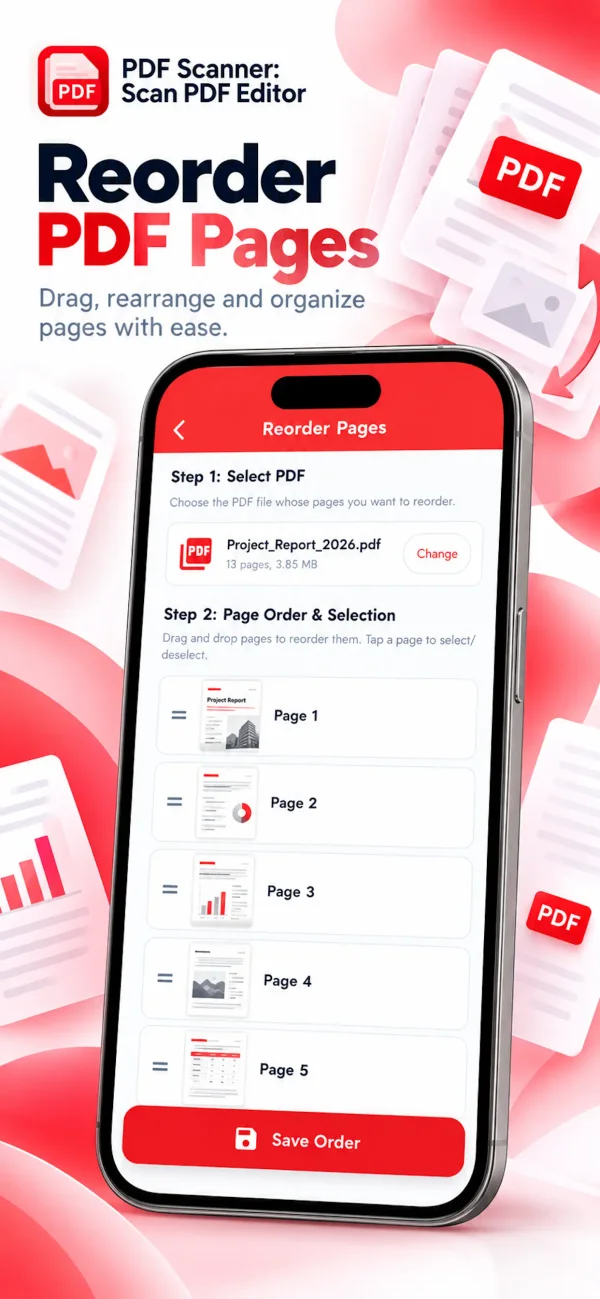
ORGANIZE PDF PAGES
Take control of every page in your document.
Reorder PDF pages with drag and drop, rotate pages, crop unwanted areas, or delete pages you no longer need.
ADD PAGE NUMBERS
Add clean page numbering to PDF documents.
Choose the number format, starting number, font size, and page-number position, including top or bottom placement.
PDF TO JPG & IMAGE CONVERTER
Convert PDF pages into high-quality JPG images.
Export all pages or select a specific page range, adjust image quality, and save the resulting images for easy sharing and reuse.
COMPRESS PDF FILES
Reduce PDF file size when you need smaller documents for sharing or storage.
Preview the estimated output size and choose the compression option that works best for your document.
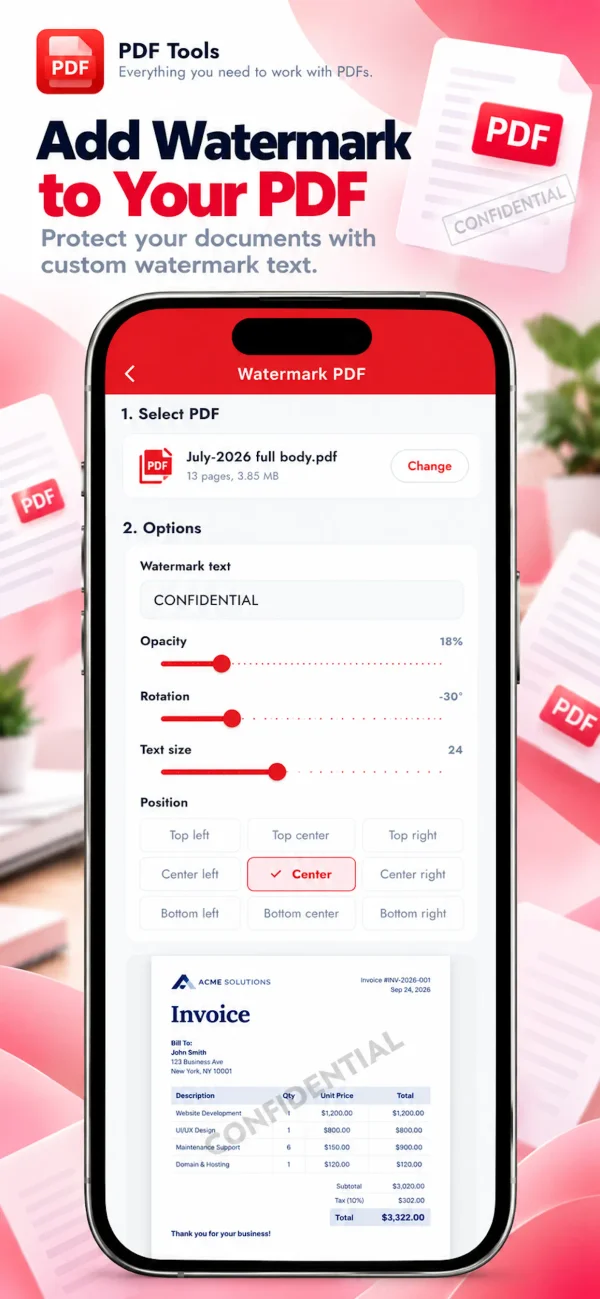
ADD TEXT & WATERMARKS
Personalize PDF pages with text and watermarks.
Add labels, notes, ownership marks, or other information directly to your documents.
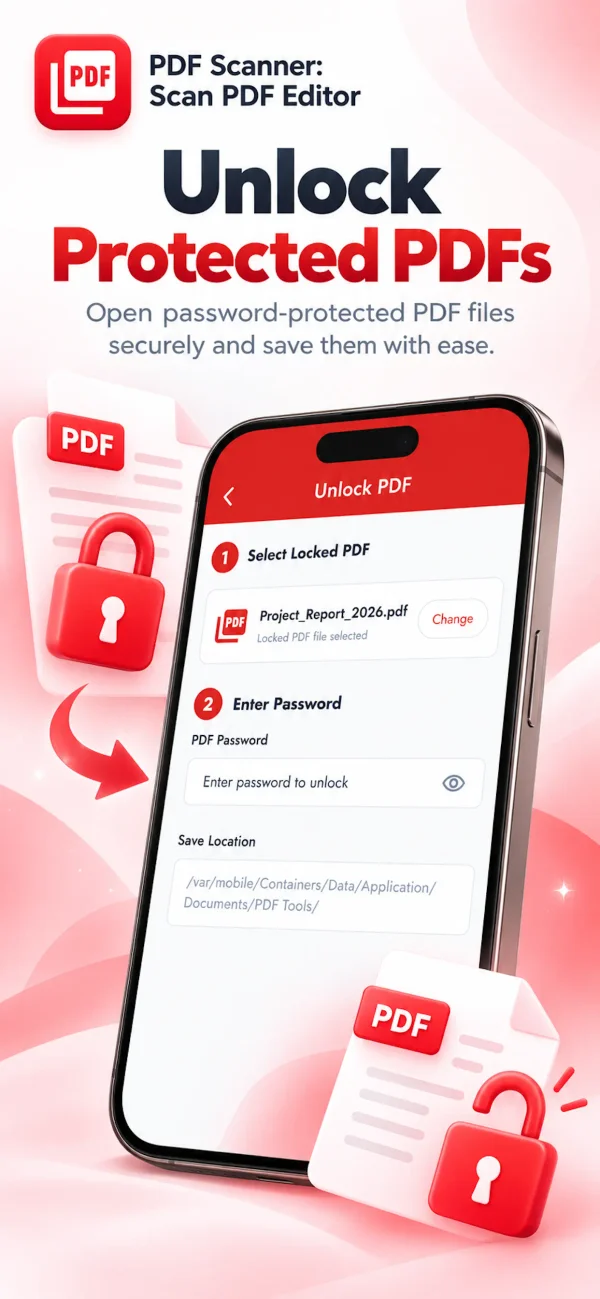
PASSWORD PROTECT & UNLOCK PDFs
Keep important PDF documents protected.
Add password protection to secure a PDF, or unlock a protected PDF when you know the correct password.
MANAGE YOUR PDF FILES
Keep your documents organized in one place.
Quickly find recent files, search your documents, browse PDFs and images, mark favorites, and access the files you use most.
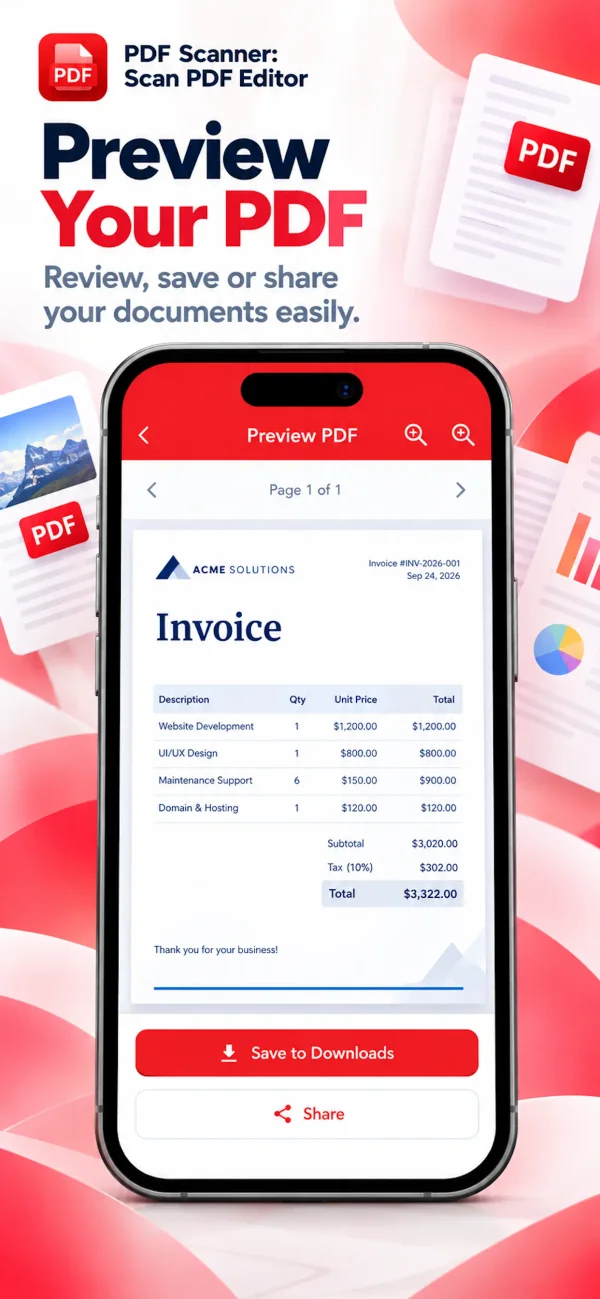
PREVIEW, SAVE & SHARE
Preview your finished PDF before exporting.
Choose a filename and save location, store documents in Files, or share PDFs and images with other apps directly from your iPhone or iPad.
ONE PDF TOOLKIT FOR EVERYDAY DOCUMENTS
Whether you need to scan a document, create a PDF from photos, edit PDF pages, sign a form, annotate a file, merge documents, split pages, compress a PDF, convert PDF to JPG, reorder pages, or protect a document with a password, everything is available in one PDF toolkit.
Download PDF Scanner and handle everyday PDF and document tasks from one place.
Terms of Use (EULA):
https://www.apple.com/legal/internet-services/itunes/dev/stdeula/
What’s new
Version 2.0.4 · Oct 10, 2026
Bug fixes
App privacy
What Payal Amreliya declares on the App Store about how this app handles data.
-
Data not linked to you
May be collected but is not linked to your identity.
- Identifiers
- Usage data
- Diagnostics
Privacy practices may vary, for example with the features you use or your age.
Information
- Seller
- Payal Amreliya
- Category
- Productivity
- Version
- 2.0.4
- Updated
- Oct 10, 2026
- Released
- Jan 5, 2026
- Size
- 160.4 MB
- Requires
- iOS 16.0 or later
- Age rating
- 4+
- Price
- Free
- In-app purchases
- Yes
- Languages
- English
- Copyright
- Copyright © 2026 CodeCare Studio. All rights reserved.
You might also like
-
 Turbo Merge HDMerge screenshots, export fast
-
 PDF ToolKit | Simply PowerfulSimple yet powerful PDF Tool
-
 PaperFlow: PDF ScannerScan, edit, sign, export PDFs
-
 Paradoc: PDF Document ScannerScan to PDF, Merge & Compress
-
 Stellar - Study TimerProductivity
-
 PDF Toolkit: PDF Editor & ScanScan, Convert, Edit, Compress
-
 SlatCam: Whiteboard ScannerNo Subscription or Ads. Simple
-
 Job's Napkin (Draw Pad)Productivity
-
 Screenshot ScannerScan schedules from screenshot
-
 OpenBox ChatProductivity