PDF2Go - Edit & Convert PDF
PDF Editor, Scanner & Reader
Designed for iPhone, iPad
Free · In-app purchases
- Age rating4+
- CategoryProductivity
- DeveloperQaamGo Web GmbH
- LanguagesEnglish+ 24 more
- Size101.9 MB
Links to the official App Store page
Download.org hosts no file of PDF2Go - Edit & Convert PDF. The button opens its official App Store page, published by QaamGo Web GmbH. Listing last checked on Nov 23, 2026.
Screenshots

About
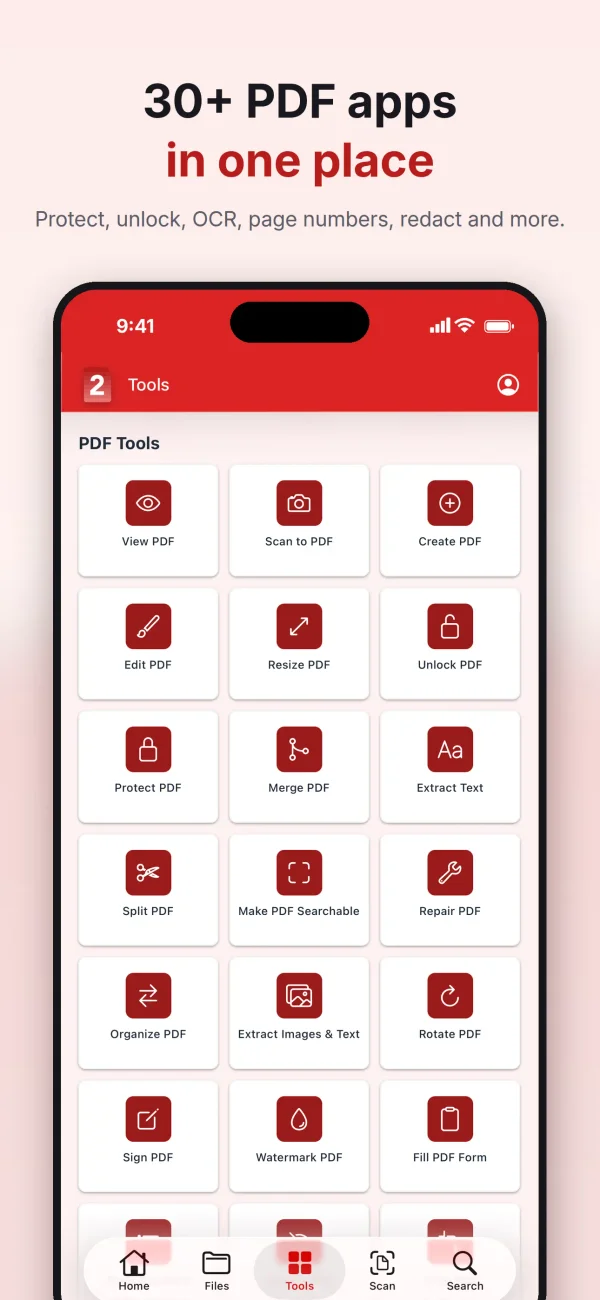
PDF2Go is a PDF editor, scanner and converter for iPhone and iPad. Edit and sign PDFs, scan paper documents, fill out forms, compress large files and convert PDF to Word, JPG and more, with over 30 PDF apps in one place.
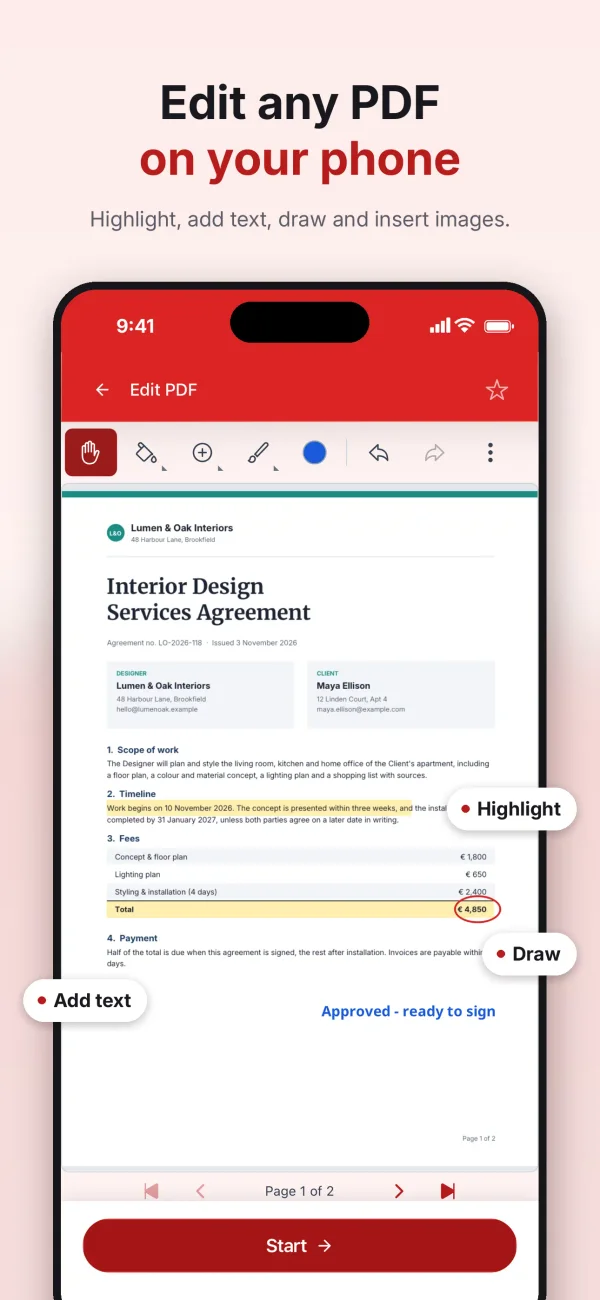
Edit PDF
- Highlight text and add text in many fonts
- Draw, and add images, arrows and shapes
- Cover mistakes with whiteout
- Rotate, delete and reorder pages
Sign PDF and fill out forms
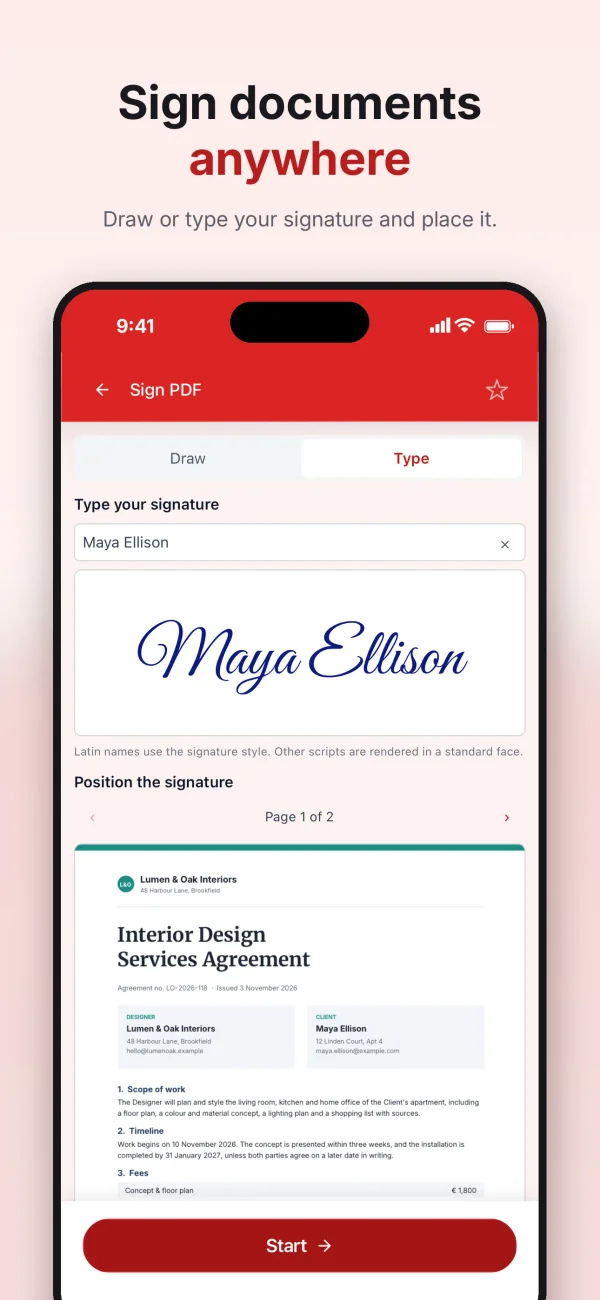
- Type or draw your signature and place it on the page
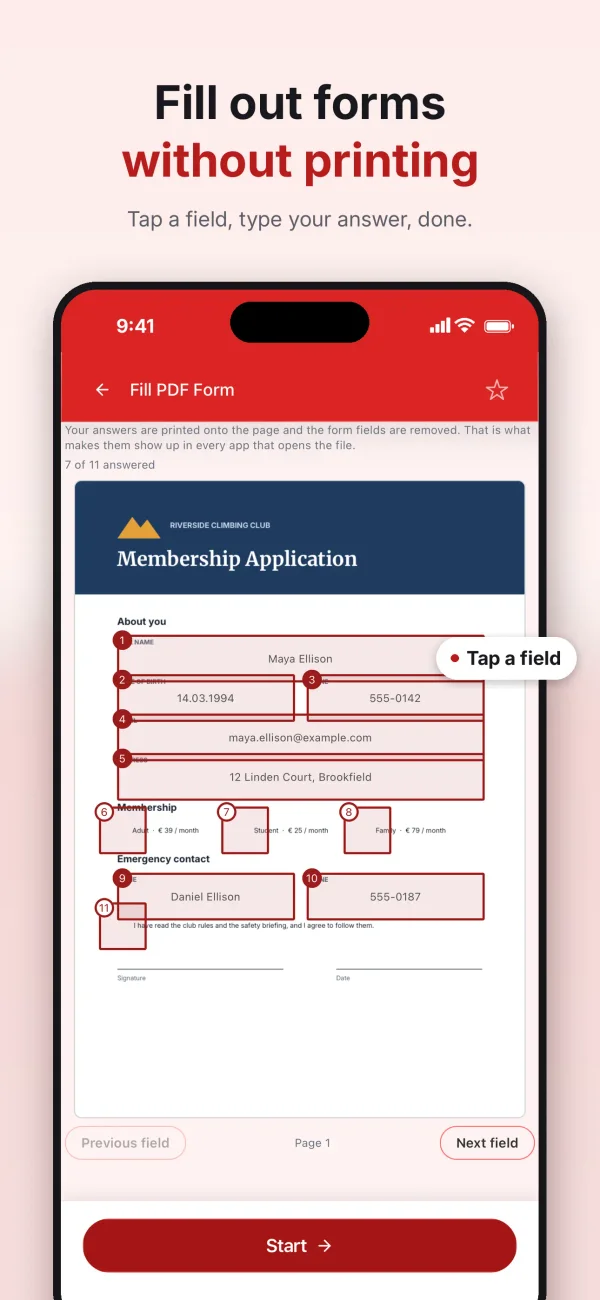
- Fill out PDF forms right on your iPhone or iPad, no printing needed
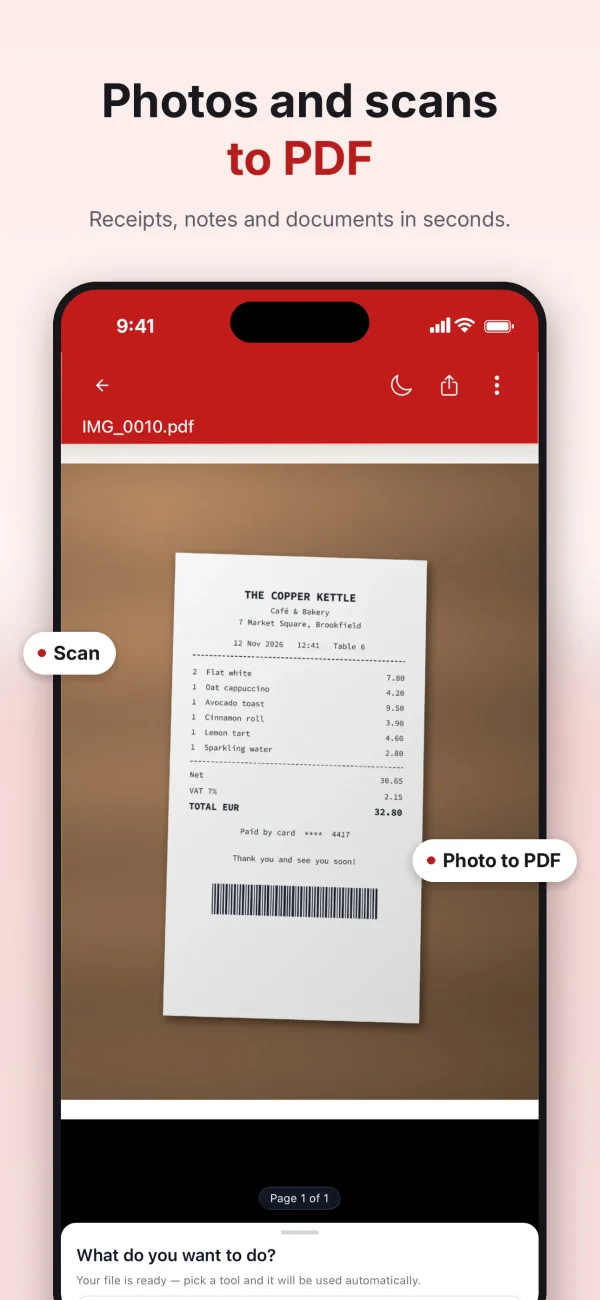
PDF scanner and photo to PDF
- Scan paper documents with your camera
- Turn photos, receipts and notes into PDFs: JPG to PDF, image to PDF
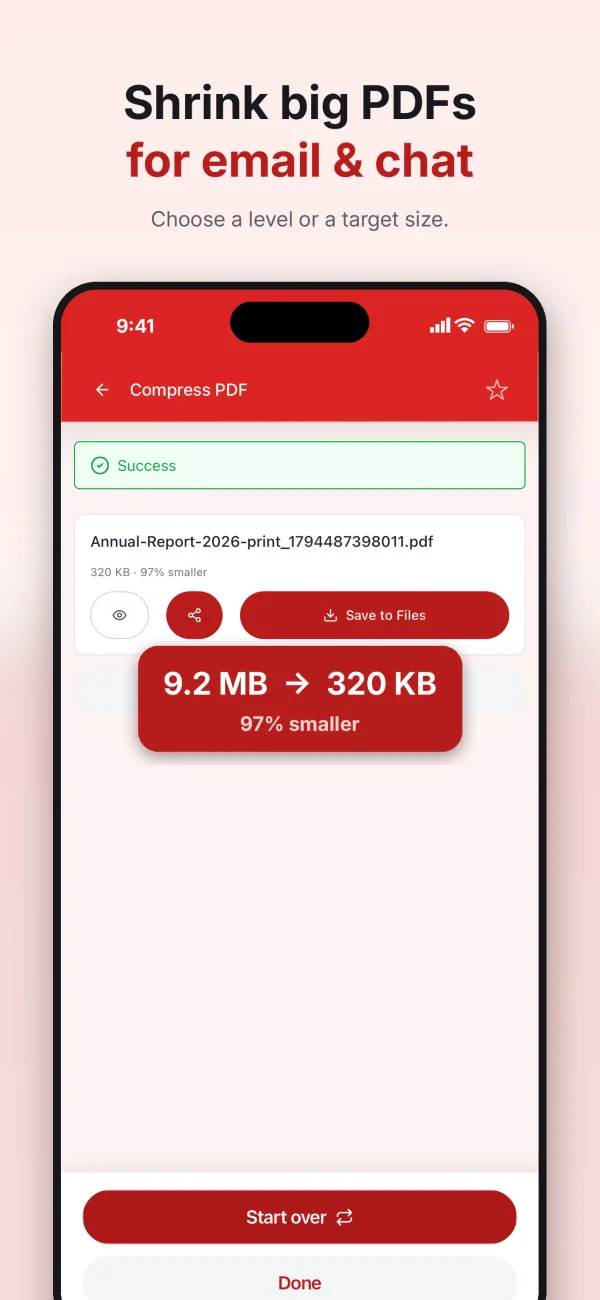
Compress PDF
- Make large PDFs smaller for email and chat
- Choose a compression level or a target file size
PDF converter
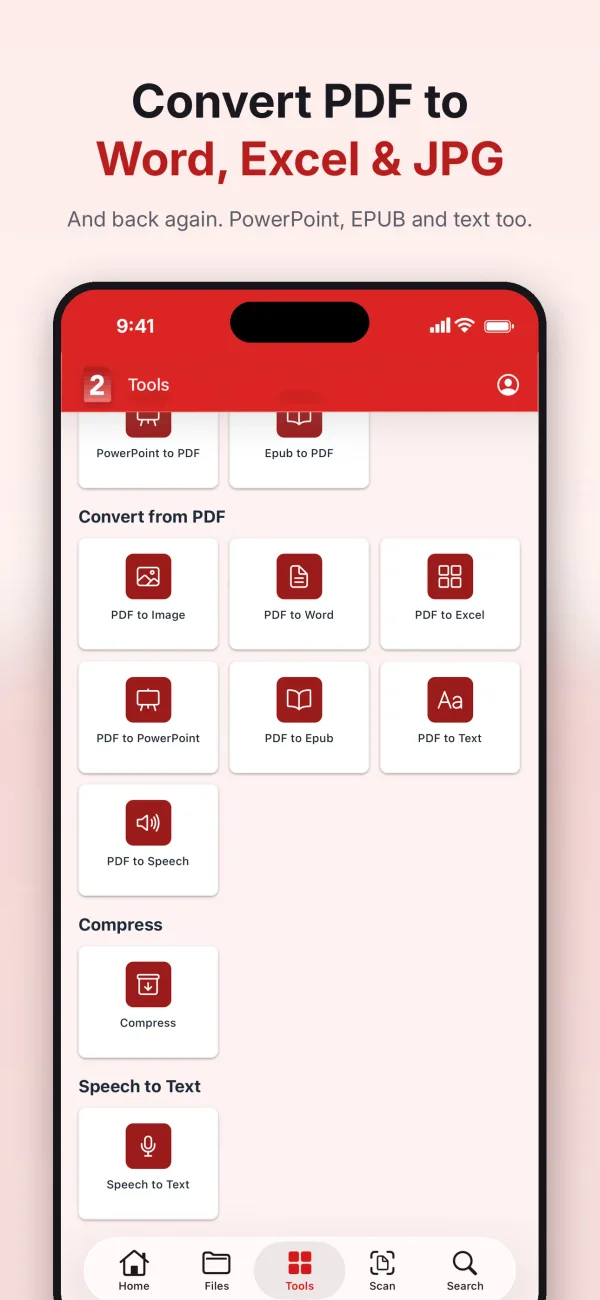
- PDF to Word, Excel, PowerPoint, JPG, PNG, EPUB and text
- Word, Excel, PowerPoint, EPUB and images to PDF
- Listen to a PDF with PDF to Speech, or turn speech into text
Merge, split and more
Merge and split PDFs, protect a PDF with a password or unlock it, make scanned PDFs searchable with OCR, add page numbers or a watermark, redact, crop, repair and resize PDFs, and extract images and text.
PDF reader
Open your PDFs, search inside them and read in night mode. Works with files from your device or the cloud.
The PDF2Go website is trusted by 25 million users worldwide.
Free to use, Starter for more
PDF2Go is free to use without an account, within a daily usage allowance. Sign in with your PDF2Go account for higher limits, or subscribe to PDF2Go Starter, a monthly auto-renewing subscription. Payment is charged to your Apple Account; the subscription renews unless cancelled at least 24 hours before the end of the period, and you can manage or cancel it in your App Store account settings.
Terms of Use: https://www.pdf2go.com/terms
Privacy Policy: https://www.pdf2go.com/privacy
What’s new
Version 3.8.8 · Nov 19, 2026
Small bug fixes and UI improvements.
App privacy
What QaamGo Web GmbH declares on the App Store about how this app handles data.
-
Data linked to you
May be collected and linked to your identity.
- Purchases
- Location
- Contact info
- User content
- Identifiers
- Usage data
- Diagnostics
-
Data not linked to you
May be collected but is not linked to your identity.
- Diagnostics
Privacy practices may vary, for example with the features you use or your age.
Information
- Seller
- QaamGo Web GmbH
- Category
- Productivity
- Version
- 3.8.8
- Updated
- Nov 19, 2026
- Released
- Apr 17, 2026
- Size
- 101.9 MB
- Requires
- iOS 16.4 or later
- Age rating
- 4+
- Price
- Free
- In-app purchases
- Yes
- Languages
- English, Arabic, Bengali, Catalan, Filipino, French, German, Greek, Hindi, Indonesian, Italian, Japanese + 13 more
- Copyright
- © QaamGo Web GmbH
You might also like
-
 PDF Reader: Convert & EditProductivity
-
 Merge PDF - Combine PDFJPG to PDF Converter & Merger
-
 PDF Compressor-Compress PDFReduce PDF Size & Keep Quality
-
 Smallpdf: Scanner & PDF Editorcompress, convert, ocr, sign
-
 PDF Converter- Photos & WordPhotos to PDF & Scan Docs
-
 Free PDF Editor, Converter AppReader Maker Pro: Edit & Sign
-
 LightPDF: AI Chat PDF, ScannerConvert, Chat, Scan, OCR, Edit
-
 Google AI Edge EloquentUnlimited, no cost dictation
-
 iLovePDF - PDF Editor & ScanFor Work, Study & E-Signing
-
 PDF Maker - Convert to PDFPhotos to PDF & PDF Converter