pdfFiller: edit PDF documents
Scan, fill, sign,make pdf docs
Designed for iPhone, iPad, Mac, iPod touch
Free · In-app purchases
- Age rating4+
- CategoryBusiness
- DeveloperairSlate, Inc.
- LanguagesEnglish+ 4 more
- Size88.8 MB
Links to the official App Store page
Download.org hosts no file of pdfFiller: edit PDF documents. The button opens its official App Store page, published by airSlate, Inc. Listing last checked on Nov 25, 2026.
Screenshots
About
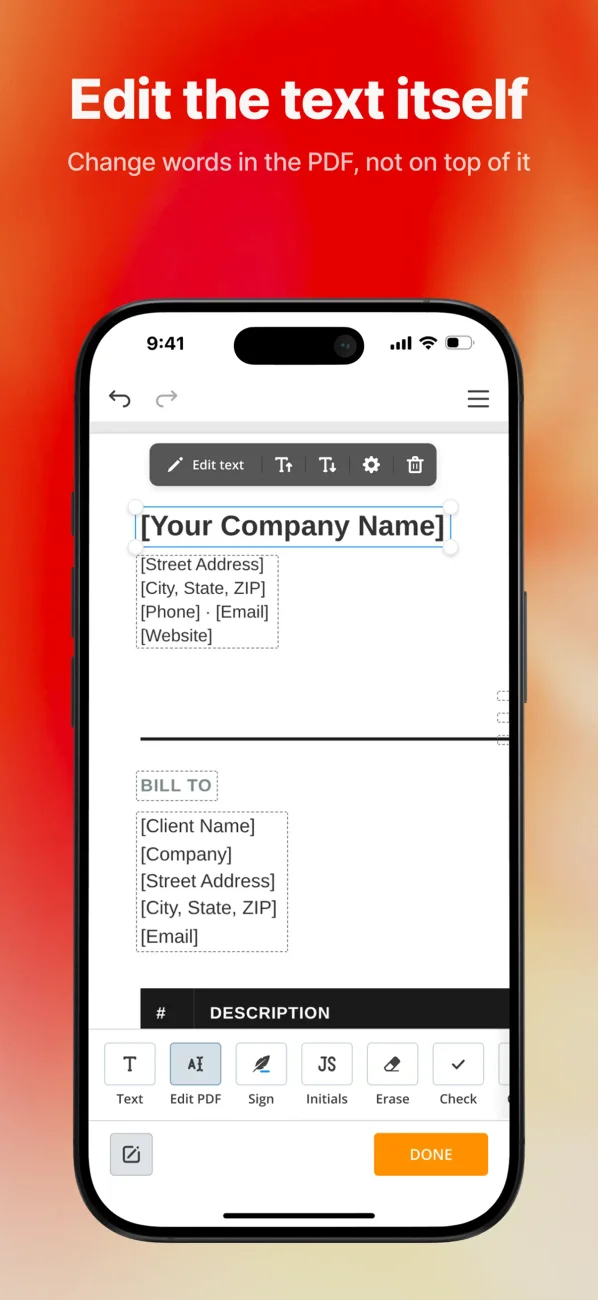
pdfFiller turns your iPhone or iPad into a mobile office. Fill out forms, edit PDF documents, sign contracts and scan paperwork wherever you are. You can change the existing text in a PDF, not just add notes on top of it. No printer, scanner or extra apps needed.
FILL OUT FORMS AND EDIT PDFS
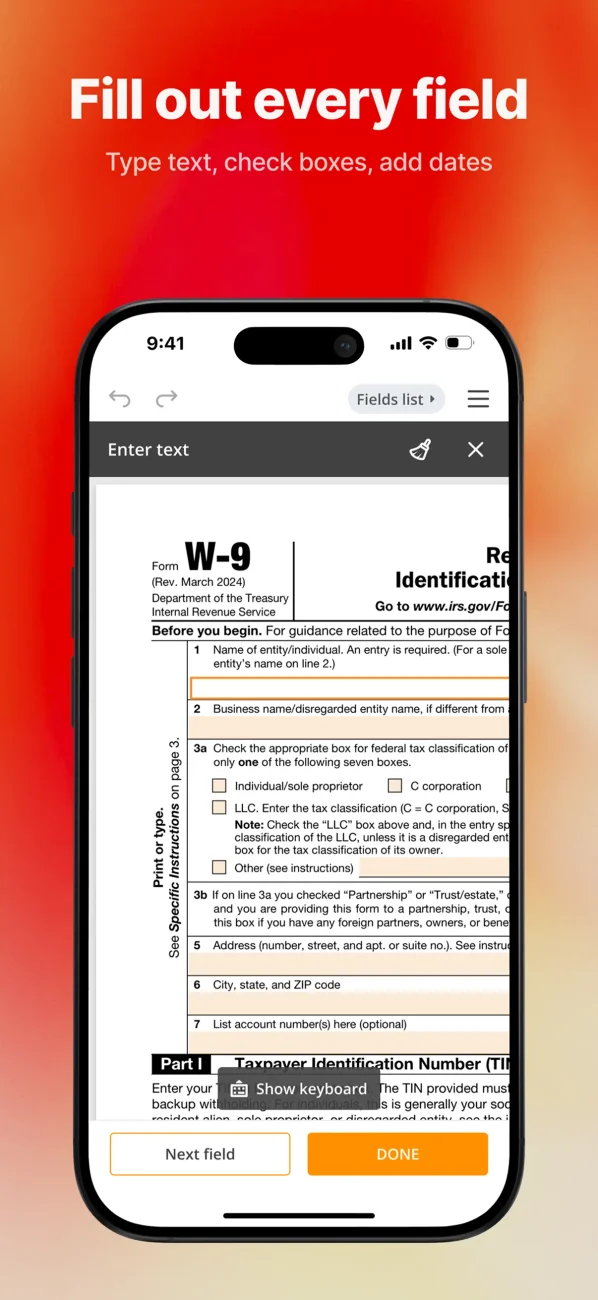
• Fill in fillable PDF forms, applications, contracts and tax forms in a few taps
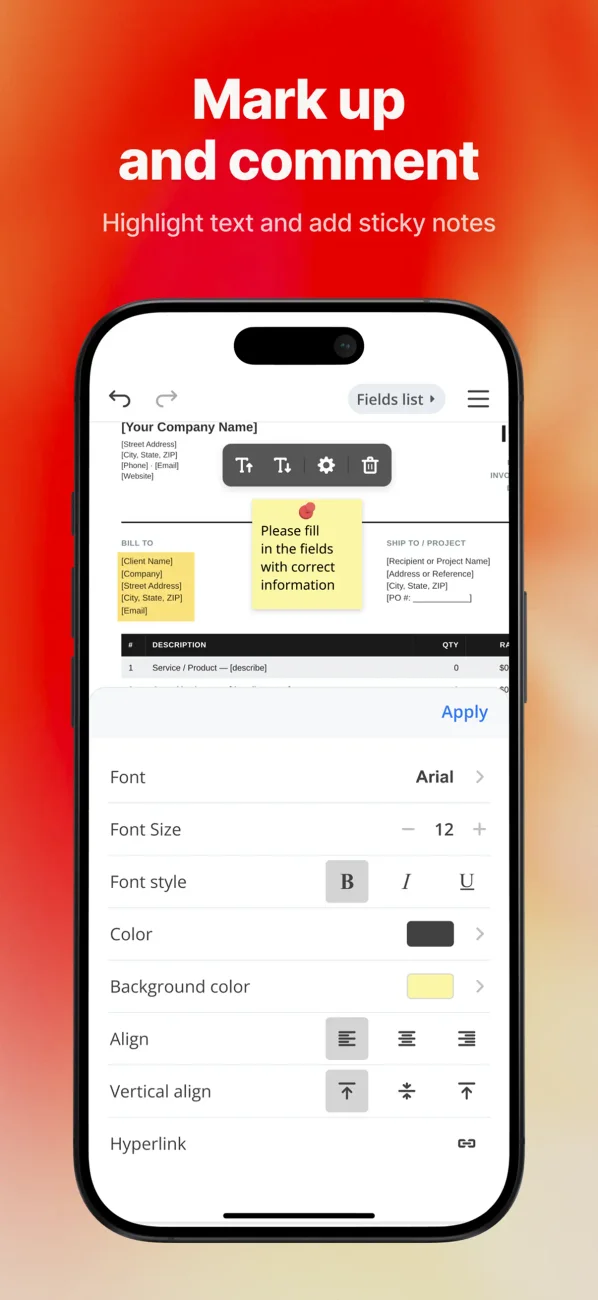
• Type or write anywhere on a PDF: add text, images, dates and checkmarks
• Highlight content, erase it or black out sensitive information before you share
• Add, delete and reorder pages
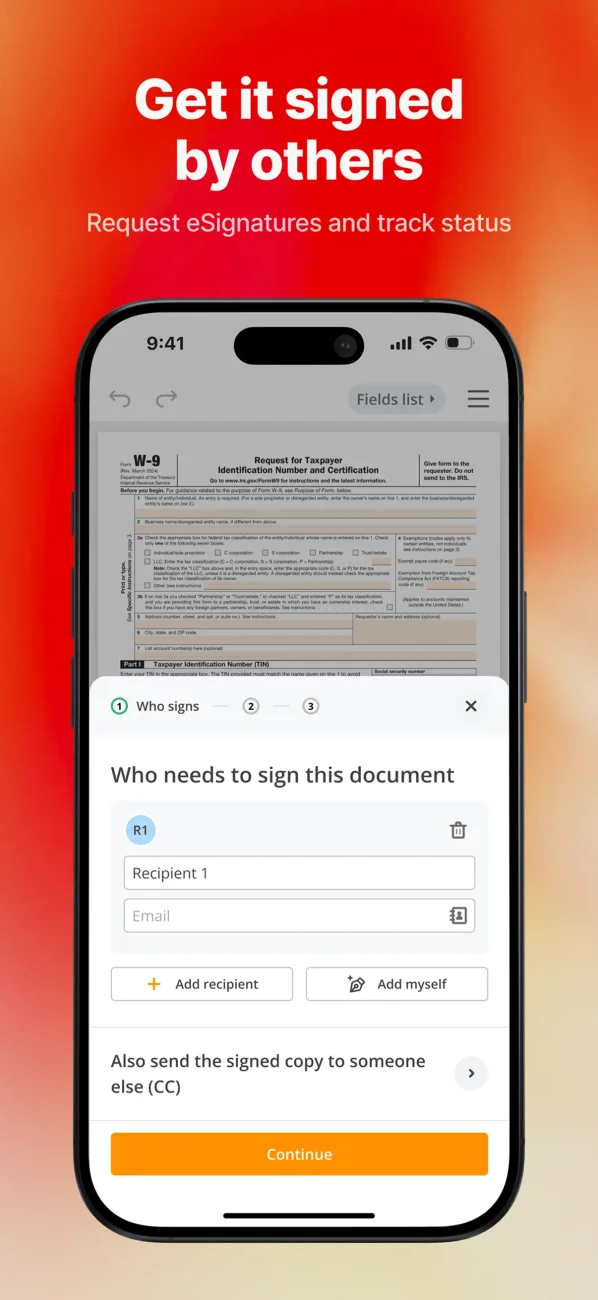
SIGN DOCUMENTS AND REQUEST SIGNATURES
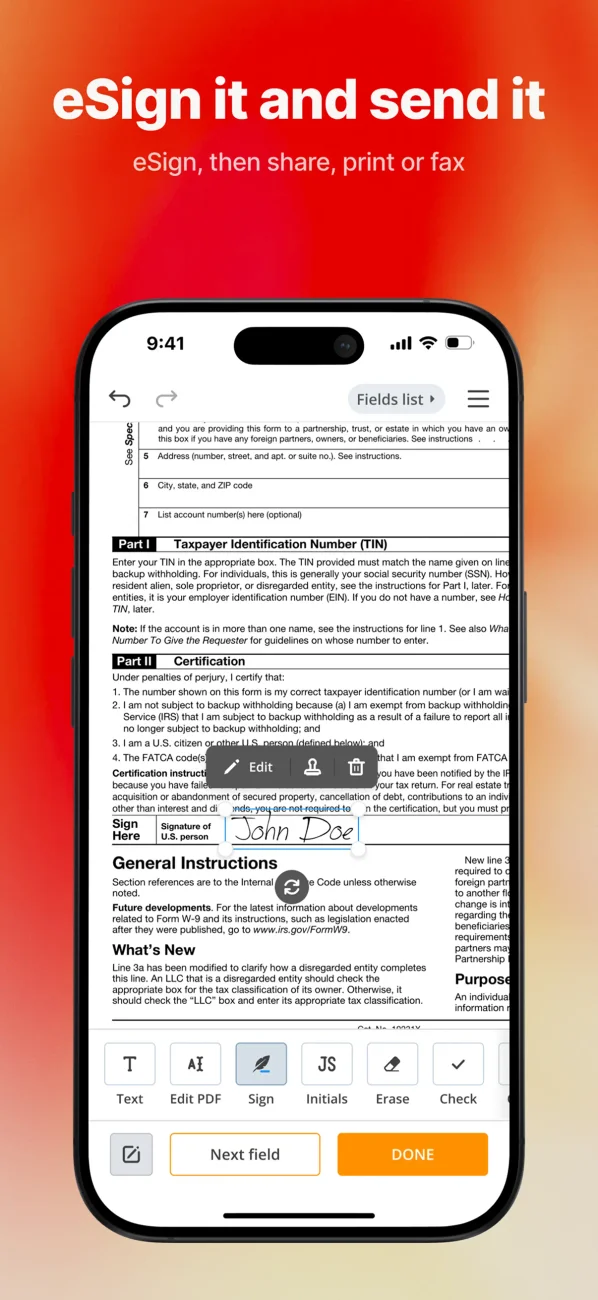
• Sign contracts and agreements with a legally binding eSignature
• Draw, type or upload your signature and reuse it any time
• Send documents for signature to one or more recipients
• Track the status of your signature requests
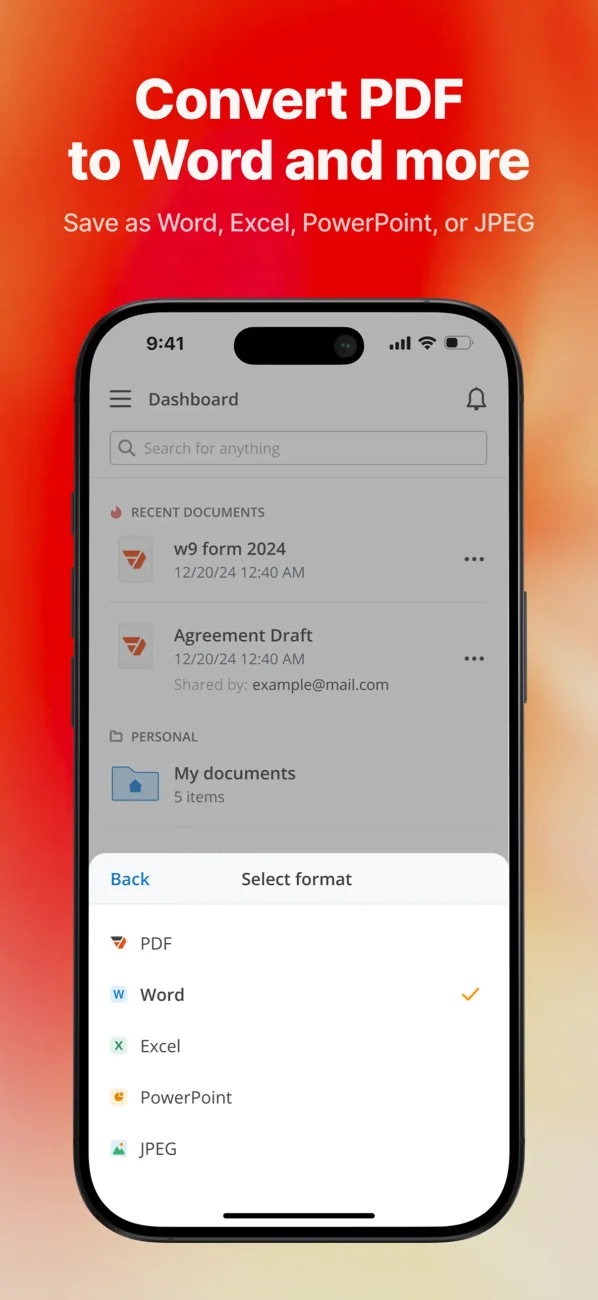
SCAN AND CONVERT TO PDF
• Scan paper documents with your camera and save them as PDFs
• Turn photos into PDF files in seconds
• Save documents as PDF, Word, Excel, PowerPoint or JPEG files
SHARE, PRINT AND FAX
• Share documents by email or link with view-only or edit access
• Print documents right from the app
• Send a fax to numbers in the US and Canada
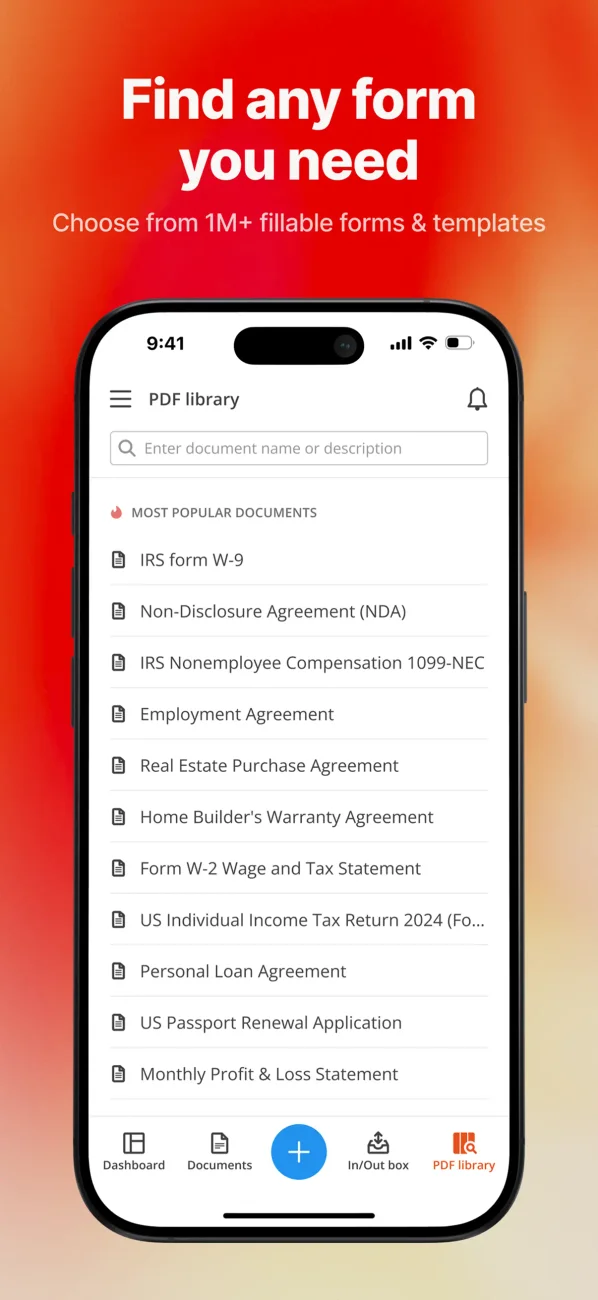
FIND FORMS AND TEMPLATES
• Search a library of over 1 million ready-to-fill forms and templates
• Add templates to your account and reuse them as often as you need
• Create professional business and legal documents from ready-made templates
KEEP DOCUMENTS ORGANIZED AND SECURE
• Upload files from your device, photos or cloud storage
• Sort documents into folders and restore deleted files from the trash bin
• Start a document on your phone and finish it on your laptop
• Your documents are protected with bank-level encryption
7-DAY FREE TRIAL
• Try all paid features free for 7 days
• Choose the plan that suits your needs
• Cancel anytime before the trial ends and you won't be charged
Payment will be charged to your Apple ID account at confirmation of purchase. The subscription renews automatically unless it is canceled at least 24 hours before the end of the current period. Your account will be charged for renewal within 24 hours before the end of the current period. You can manage or cancel your subscription in your App Store account settings after purchase.
Terms of use: https://www.pdffiller.com/en/terms_of_services.htm
Privacy policy: https://www.pdffiller.com/mobile/privacy_policy.html
We appreciate your feedback. Email us at support@pdffiller.com
What’s new
Version 11.1.1 · Nov 24, 2026
pdfFiller just got better. A refreshed interface, faster performance, and all the powerful features you rely on — now smoother than ever.
Sign in with email, Apple, Facebook, or Google
Face ID and Touch ID login
Upload from device, photos, or cloud
Scan documents with your camera
Fill, edit & e-sign documents
Save as PDF, Word, Excel, PowerPoint or JPEG
Print, fax & share with ease
Manage folders, workspaces & trash bin
Same powerful pdfFiller — faster, smoother experience.
App privacy
What airSlate, Inc. declares on the App Store about how this app handles data.
-
Data used to track you
May be used to track you across apps and websites owned by other companies.
- Identifiers
-
Data linked to you
May be collected and linked to your identity.
- Location
- Contact info
- Contacts
- User content
- Identifiers
- Diagnostics
-
Data not linked to you
May be collected but is not linked to your identity.
- Contact info
- Search history
- Usage data
- Other data
Privacy practices may vary, for example with the features you use or your age.
Information
- Seller
- airSlate, Inc.
- Category
- Business
- Version
- 11.1.1
- Updated
- Nov 24, 2026
- Released
- Apr 23, 2013
- Size
- 88.8 MB
- Requires
- iOS 15.0 or later
- Age rating
- 4+
- Price
- Free
- In-app purchases
- Yes
- Languages
- English, French, German, Portuguese, Spanish
- Copyright
- © airSlate, Inc.
You might also like
-
 O.Bank UA - bank online 24/7Credit Card & Easy Banking
-
 Krak: Money, Card & CashbackGet more from your money
-
 PDF Expert: Editor & ReaderFill & Sign, Annotate, Convert
-
 ZMEX- Crypto & Bitcoin TradingCrypto exchange & Buy BTC, ETH
-
 RisevestBetter investments and returns
-
 Paybis Crypto & Bitcoin WalletBuy & Sell BTC, ETH, USDC, LTC
-
 Betterment Invest & Save MoneyInvestments & Cash Accounts
-
 Payout: Claim Class ActionsSettlements Claims - Get Paid
-
 Lulu Money- Money Transfer AppSend Money, Instant and Safe
-
 Bankin' - Your money managerBank and budget assistance app