
PDF Expert: Editor & Reader
Fill & Sign, Annotate, Convert
Designed for iPhone, iPad
Free · In-app purchases
- Age rating4+
- CategoryProductivity
- DeveloperReaddle Technologies Limited
- LanguagesEnglish+ 9 more
- Size327.7 MB
Links to the official App Store page
Download.org hosts no file of PDF Expert: Editor & Reader. The button opens its official App Store page, published by Readdle Technologies Limited. Listing last checked on Nov 23, 2026.
Screenshots
About
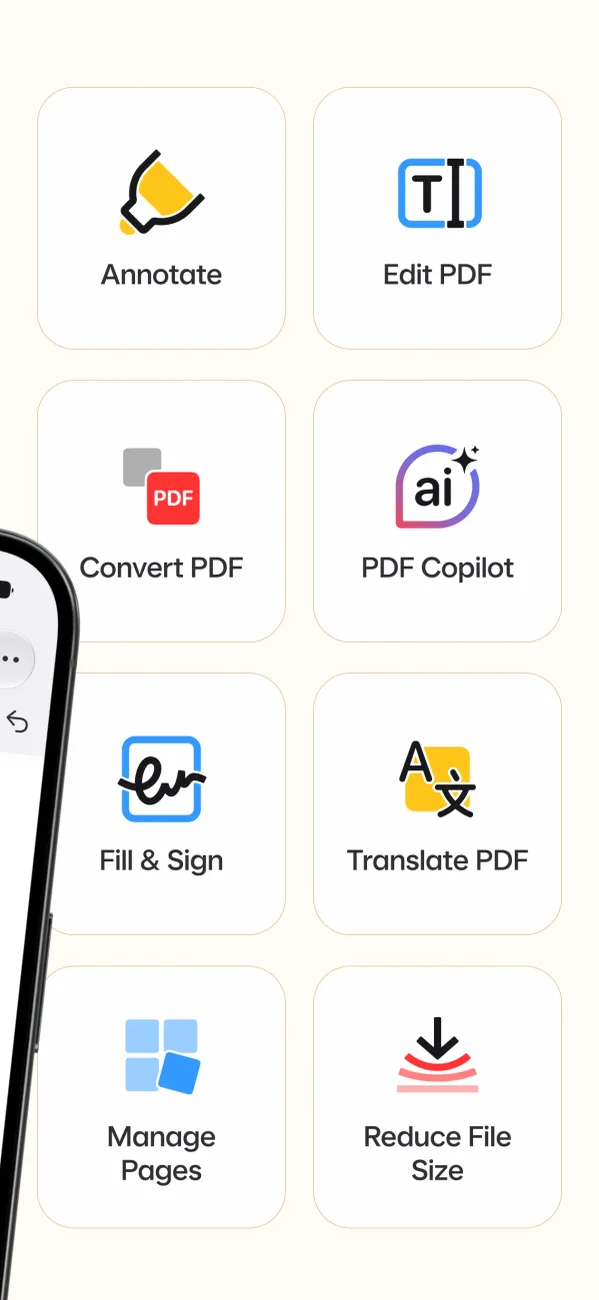
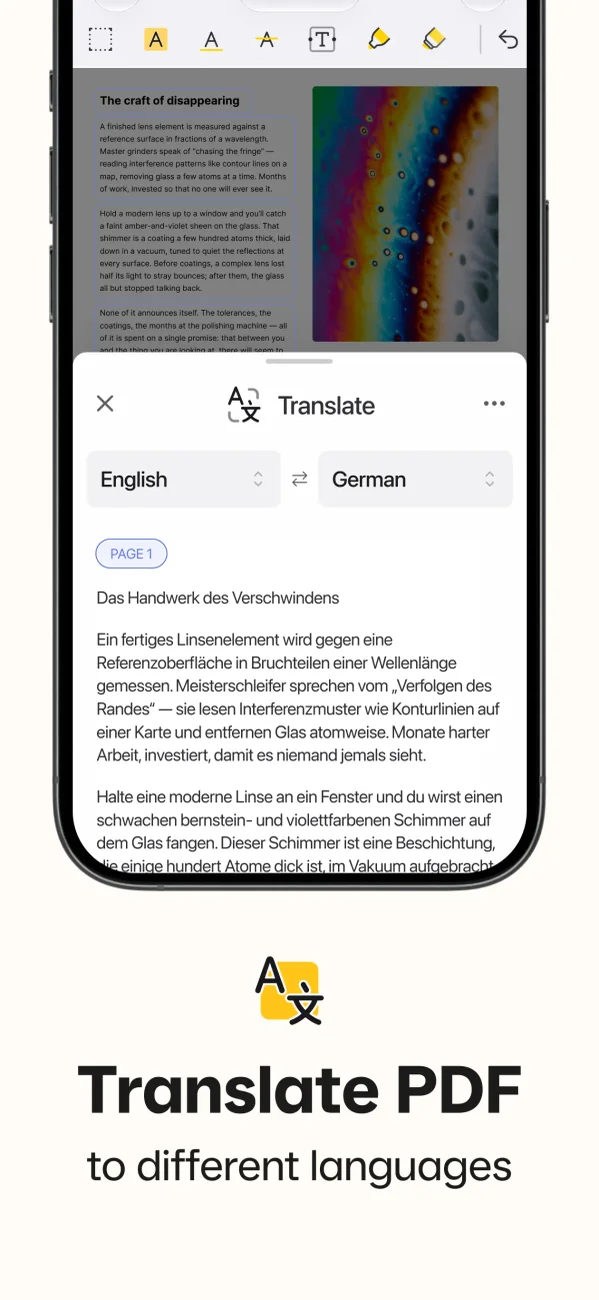
PDF Expert is a fast and easy PDF app to read, annotate, fill and sign PDF forms, convert files to PDF, and merge, split or compress documents – all in one intuitive app for iPhone, iPad, Mac & Vision Pro.
Read PDF files with comfort, highlight and mark up text, fill out forms, sign contracts, create and convert PDFs, and summarize long documents in seconds with AI-powered tools. Unlock unlimited possibilities with PDF Expert Premium and work across all your Apple devices.
"PDF Expert is one of my must-have iPad apps and a desktop-class PDF reader." – MacStories
"The best app for managing, editing, and reading PDFs on your iPad." – The Sweet Setup
▶ WITH PDF EXPERT, YOU CAN:
READ PDFs
- PDF reader with Day, Night, and Sepia modes for comfortable reading anytime
- Scroll PDFs vertically or horizontally and search text in any document
- Open and view PDF files from email, web, Files, or any app via the Share menu
- Read PDFs out loud with Text to Speech
ANNOTATE AND MARK UP PDFs
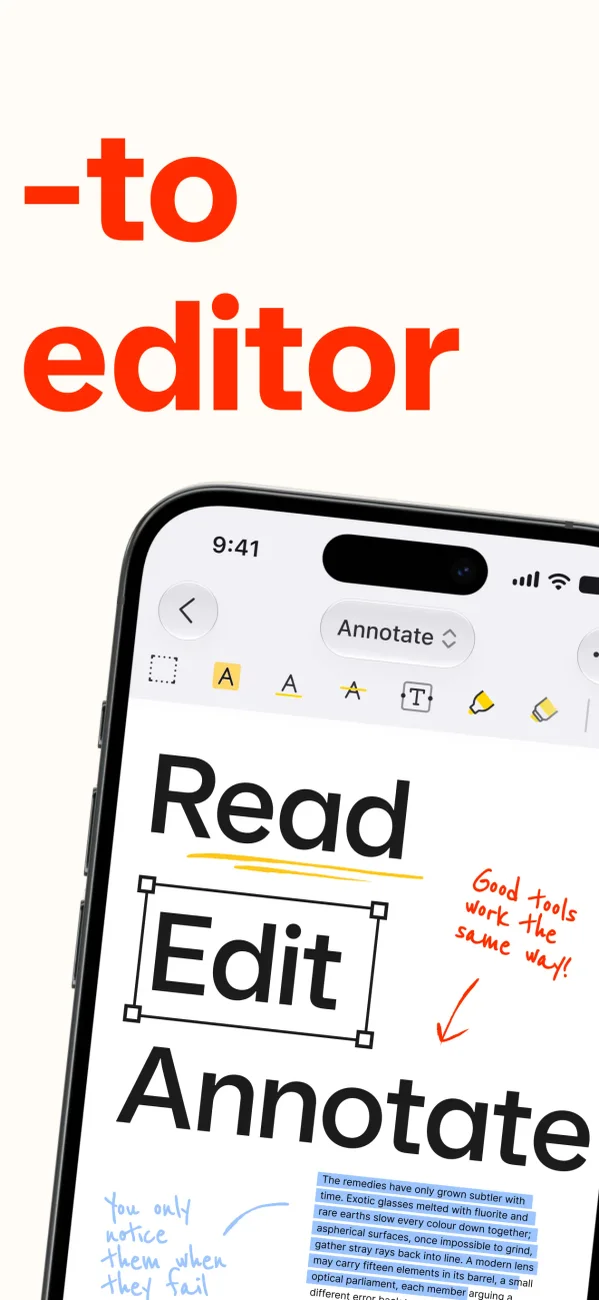
- Highlight, underline, and strike through text in your PDFs
- Mark up documents with pen, shapes, text, notes, and comments
- Add stamps such as Approved or Confidential
- Record your voice and add audio notes to PDFs
FILL AND SIGN PDF FORMS
- Fill out PDF forms with text fields, checkboxes, and radio buttons
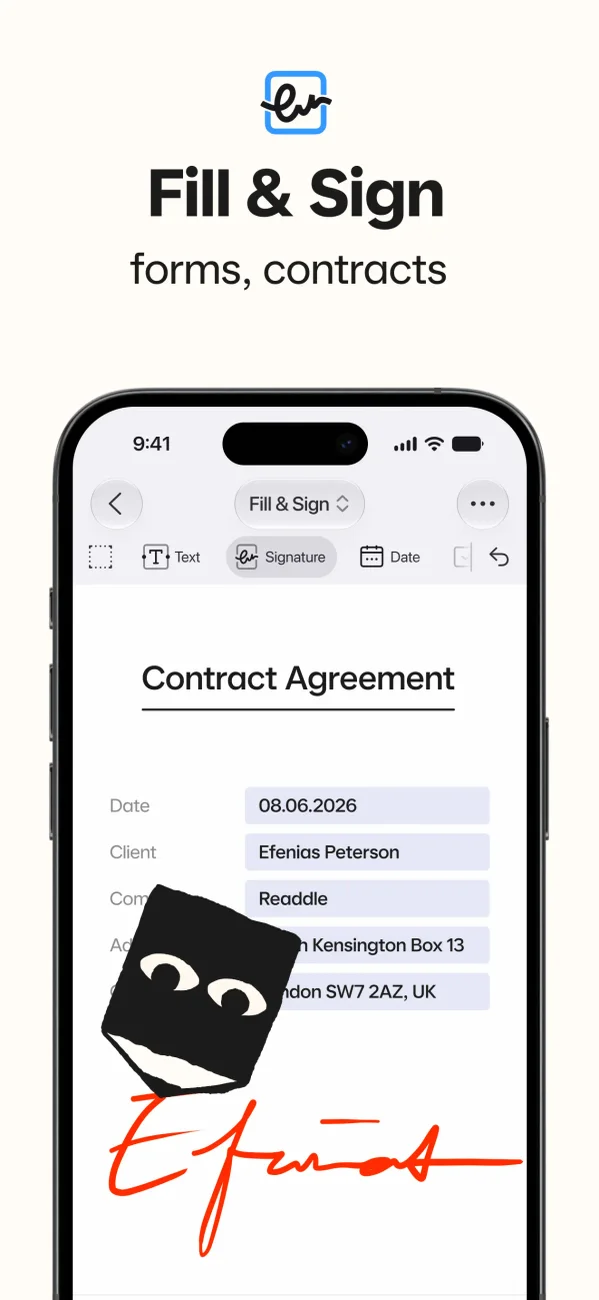
- Sign PDF documents in seconds – draw your signature or add it from an image
- Save your signature to sign contracts, agreements, invoices, and applications faster
- Fill, sign, and send forms right from your iPhone – no printing or scanning needed
- Supports all major form formats, including AcroForms and static XFA forms
***PREMIUM FEATURES***
EDIT PDFs
- Edit text directly in a PDF – just as you would in a Word document
- Add, replace, and resize images in your PDFs
- Add links to other pages or websites
- Add outlines to navigate large PDFs
CREATE AND CONVERT PDFs
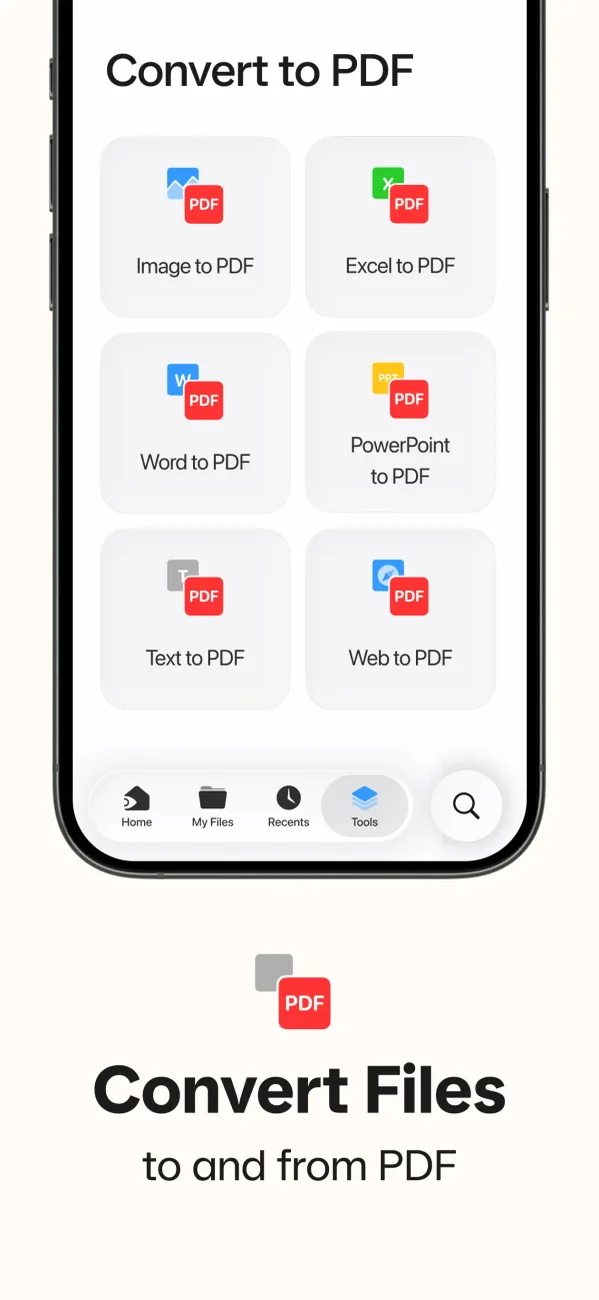
- Create PDFs from Word files, images, and other documents
- Convert Word to PDF, JPG to PDF, and PNG to PDF in seconds
- Convert PDF to Word, Excel, PowerPoint, JPG, PNG, and TXT
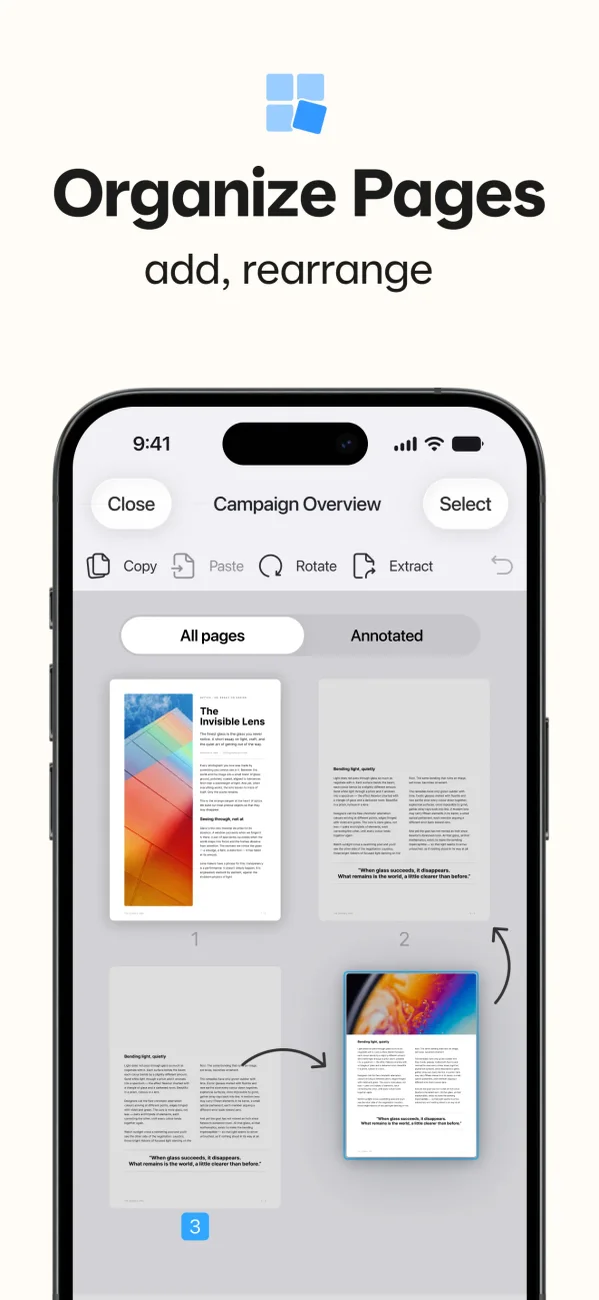
MERGE, SPLIT AND ORGANIZE PDFs
- Merge and combine multiple PDF files into one
- Split PDFs and extract pages into a new file
- Add, delete, rotate, and reorder pages with thumbnail preview
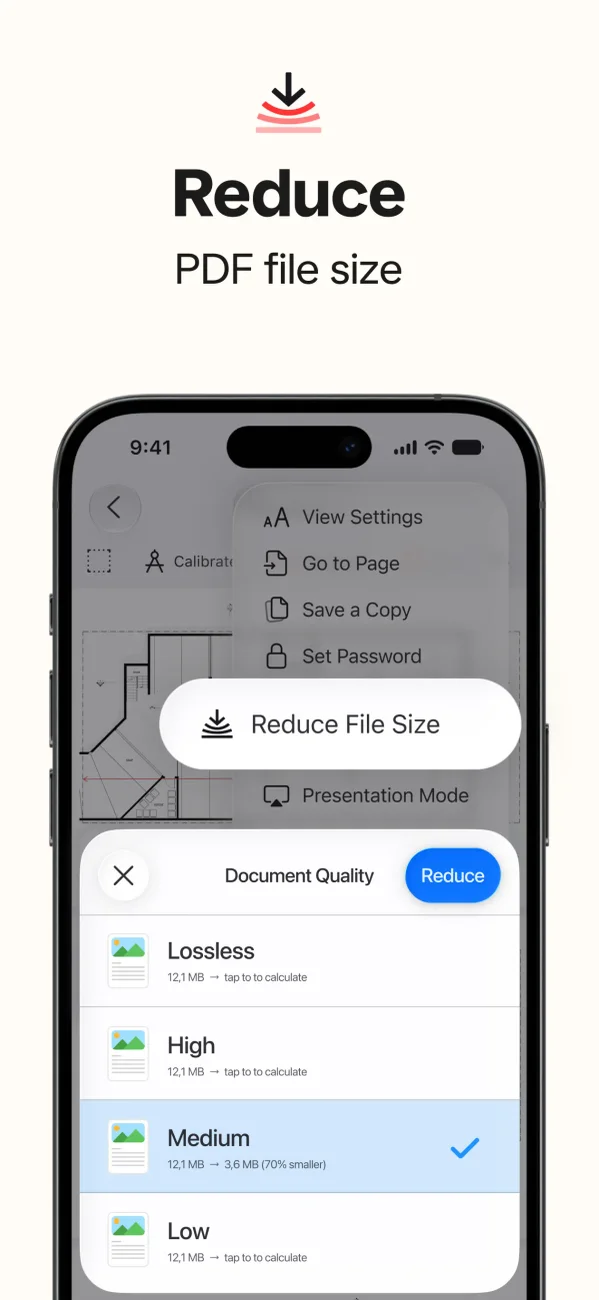
COMPRESS PDFs
- Compress PDFs to reduce file size for email and sharing
- Shrink large PDF files to save space on your device
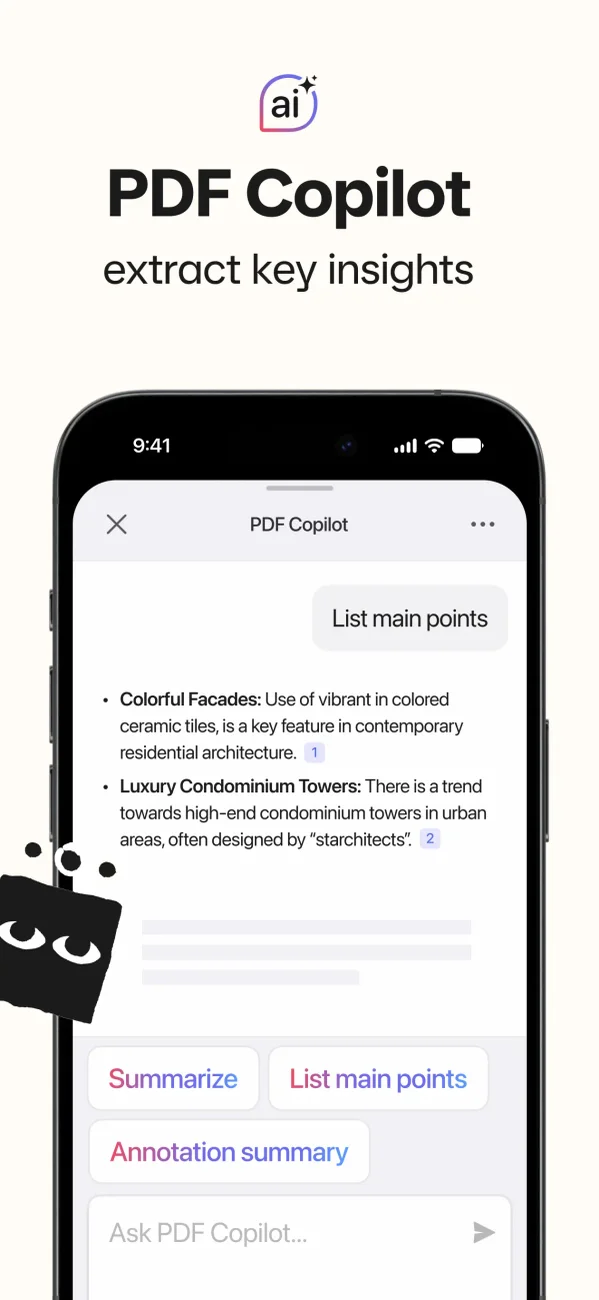
SUMMARIZE PDFs WITH AI – PDF COPILOT
- List Main Points – get key takeaways from any PDF
- Summarize – get concise summaries of entire PDFs or annotations
- Ask Anything – find details with AI answers and references
- Explain – get instant explanations of words or phrases
PROTECT YOUR FILES
- Password-protect PDF Expert
- Redact – permanently black out sensitive information
WORK WITH SCANNED DOCUMENTS
- Open scanned PDFs to fill out, sign, annotate, and share
CONSTRUCTION TOOLS
- Scale and measure drawings with the Measure tab
- Polygon, polyline, and redline tools
MORE FEATURES
- Customizable toolbar
- Presentation Mode
- Print and share PDFs via email or cloud
ONE ACCOUNT FOR ALL YOUR APPLE DEVICES
One Premium subscription covers PDF Expert on iPhone, iPad, and Mac – no need to buy versions separately.
Read more about our terms and conditions here:
https://pdfexpert.com/privacy
https://pdfexpert.com/terms
Don’t hesitate to reach out to us at http://readdle.com/contact
What’s new
Version 7.26.4 · Nov 9, 2026
New update, better experience! We've resolved issues and improved performance.
Help us make PDF Expert even better — reach out at rdsupport@readdle.com!
App privacy
What Readdle Technologies Limited declares on the App Store about how this app handles data.
-
Data linked to you
May be collected and linked to your identity.
- Contact info
- Identifiers
- Usage data
-
Data not linked to you
May be collected but is not linked to your identity.
- Identifiers
- Diagnostics
Privacy practices may vary, for example with the features you use or your age.
Information
- Seller
- Readdle Technologies Limited
- Category
- Productivity
- Version
- 7.26.4
- Updated
- Nov 9, 2026
- Released
- Dec 3, 2013
- Size
- 327.7 MB
- Requires
- iOS 16.0 or later
- Age rating
- 4+
- Price
- Free
- In-app purchases
- Yes
- Languages
- English, French, German, Italian, Japanese, Portuguese, Russian, Simplified Chinese, Spanish, Ukrainian
- Copyright
- © 2013 - 2026 Readdle Technologies Limited
You might also like
-
 Foxit PDF EditorView, Edit, Convert, and Sign
-
 PDF Pro - Reader Editor FormsEdit, annotate, view documents
-
 PDFelement: PDF Editor & ScanDocuments Converter & Signer
-
 PDF Viewer by NutrientFill Forms, Sign, Edit, Redact
-
 MobiPDF・PDF Text Editor・ReaderEdit File・Fill, Sign Documents
-
 SignNow: e-Signature appSign documents & PDF forms
-
 Free PDF Editor, Converter AppReader Maker Pro: Edit & Sign
-
 Smallpdf: Scanner & PDF Editorcompress, convert, ocr, sign
-
 iLovePDF - PDF Editor & ScanFor Work, Study & E-Signing
-
 Forma: PDF Document EditorForm filler: edit files & docs