PDFlick: PDF Editor & Scanner
PDF to Word, Excel & PPT
Designed for iPhone, iPad
Free · In-app purchases
- Age rating4+
- CategoryUtilities
- DeveloperMd Imran Ansari
- LanguagesEnglish
- Size21.1 MB
Links to the official App Store page
Download.org hosts no file of PDFlick: PDF Editor & Scanner. The button opens its official App Store page, published by Md Imran Ansari. Listing last checked on Nov 12, 2026.
Screenshots
About
PDFlick puts the PDF tools you actually need in one app. Edit documents, scan paper, convert files, manage pages, sign forms, and keep sensitive documents protected — without switching between multiple apps.
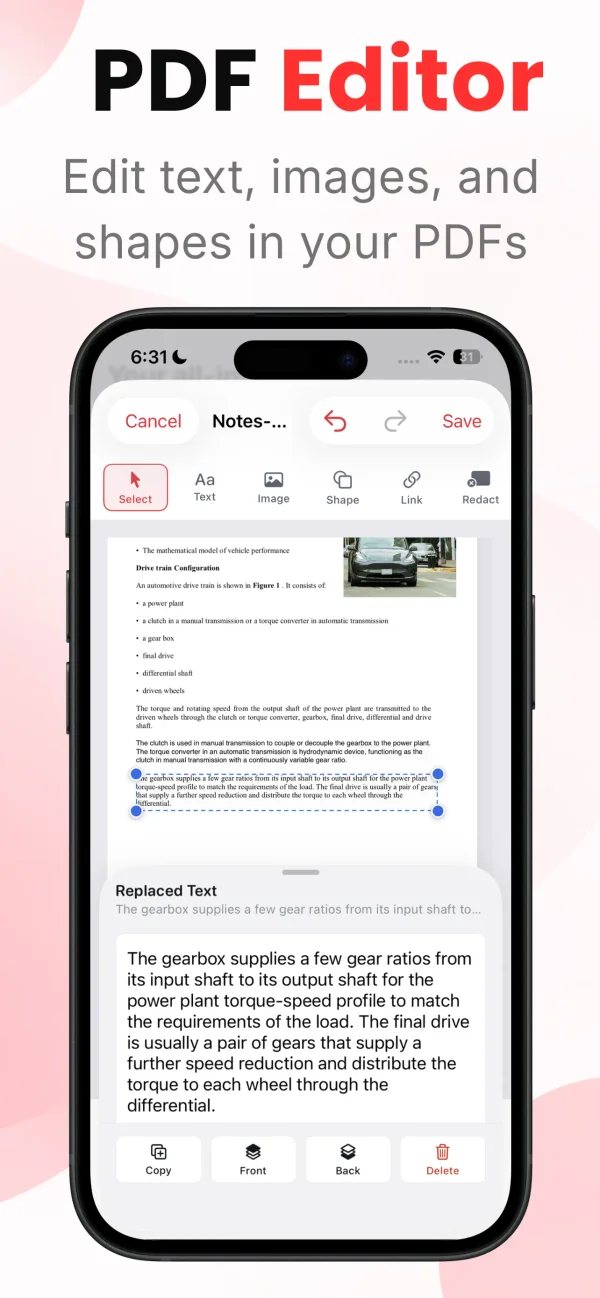
1. EDIT PDF
Change text, images, and shapes directly in your PDFs.
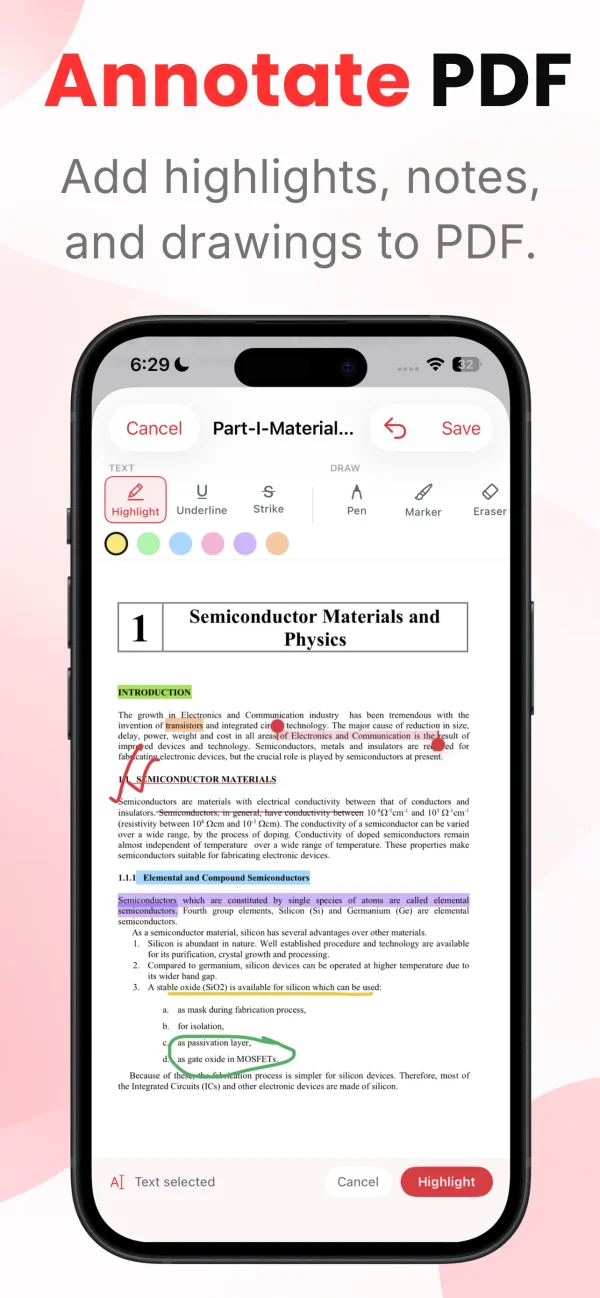
2. ANNOTATE
Highlight text, add notes, draw, mark up documents, and add signatures or other annotations.
3. MERGE & SPLIT
Combine multiple PDFs or split a document into separate files.
4. ORGANIZE PAGES
Rearrange, extract, and manage individual pages exactly the way you want.
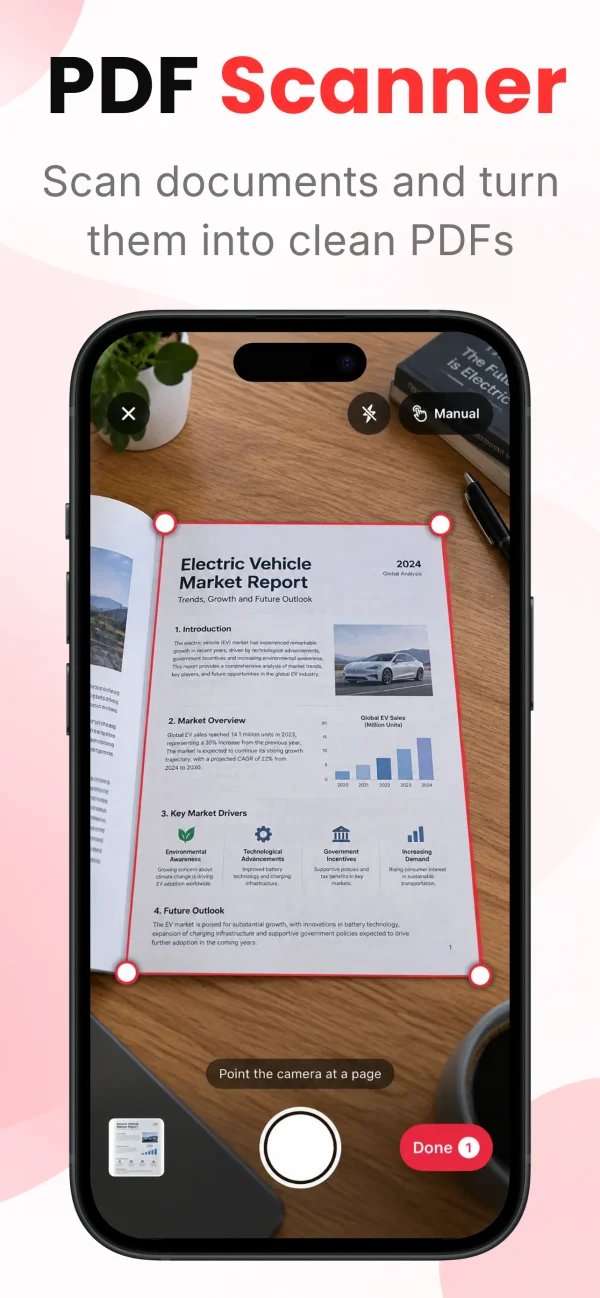
5. SCAN TO PDF
Scan paper documents with your iPhone and turn them into clean PDFs.
6. IMAGE TO PDF
Turn photos and images into PDF documents.
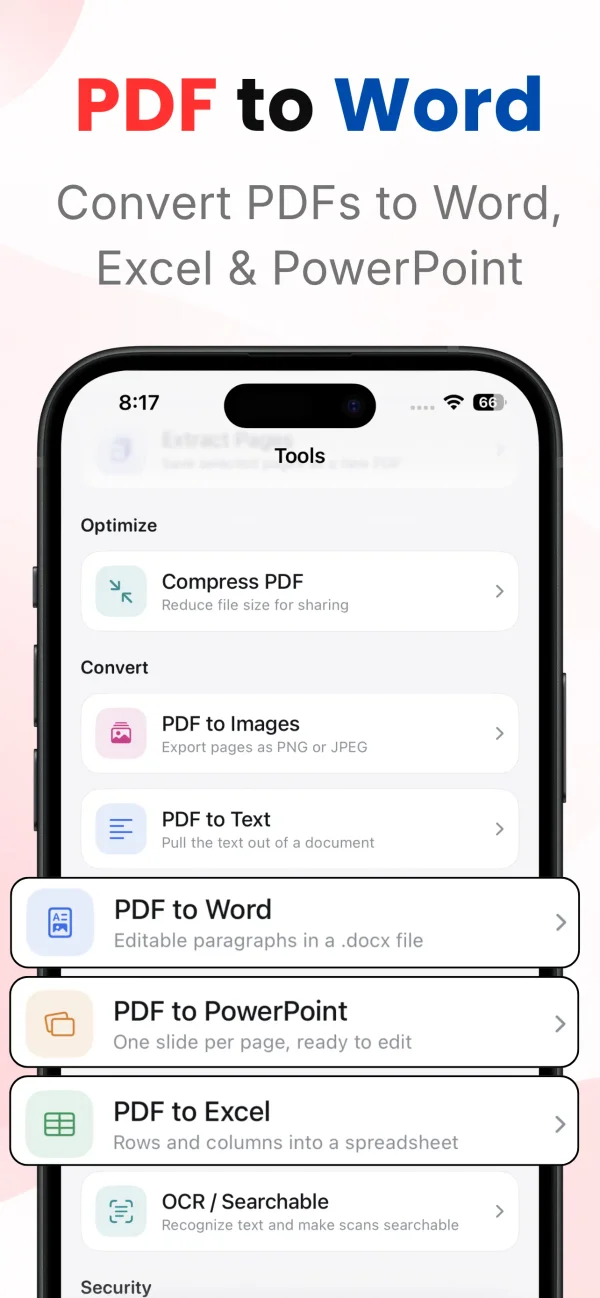
7. PDF TO WORD
Convert PDFs into editable Word documents.
8. COMPRESS PDF
Reduce file size when you need to share or store large PDFs.
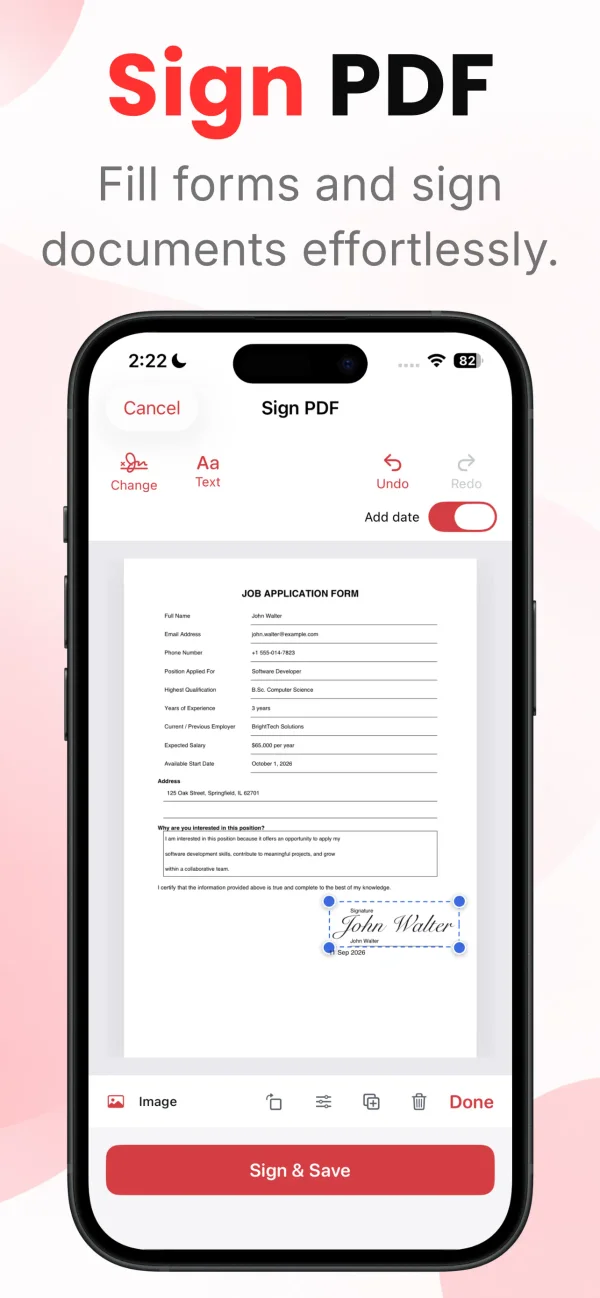
9. SIGN PDF
Fill out documents and sign them directly from your iPhone.
10. WATERMARK
Add custom text or images to your PDFs.
11. PROTECT PDF
Password-protect your documents and keep them secure.
12. OCR & SEARCHABLE PDF
Recognize text in scanned documents and make them searchable.
13. REDACT PDF
Remove sensitive information before sharing your documents.
14. EXTRACT PAGES
Pull specific pages out of a PDF and save them as a new document.
15. PRIVATE & OFFLINE
Your documents stay on your device. PDFlick is designed to work offline, so you can edit, scan, convert, sign, and manage PDFs without uploading your files to a server.
From quick edits to complete document management, PDFlick gives you the tools to create, edit, convert, organize, sign, and protect PDFs in one place. No unnecessary complexity. Just the PDF tools you need, when you need them.
By subscribing, you agree to Apple's standard Terms of Use:
https://www.apple.com/legal/internet-services/itunes/dev/stdeula/
Privacy Policy: https://pdflick.pntapps.com/privacy
Terms of Use: https://pdflick.pntapps.com/terms
App privacy
What Md Imran Ansari declares on the App Store about how this app handles data.
-
Data not collected
The developer does not collect any data from this app.
Privacy practices may vary, for example with the features you use or your age.
Information
- Seller
- Md Imran Ansari
- Category
- Utilities
- Version
- 1.0.0
- Updated
- Sep 16, 2026
- Released
- Sep 16, 2026
- Size
- 21.1 MB
- Requires
- iOS 26.2 or later
- Age rating
- 4+
- Price
- Free
- In-app purchases
- Yes
- Languages
- English
- Copyright
- © PNT Apps
You might also like
-
 xDeskOne app instead of five
-
 Shellcove · Cloud AgentPrivate AI tasks on your Macs
-
 RollGuardFind IDs, Cards & Passwords
-
 Domain Checker: DNS & SSLLocal-First DNS & SSL Sentinel
-
 LED Banner Maker: Neon ScrollScrolling Text Sign & Marquee
-
 So Annoying! Ad BlockerSafari, apps, games & popups
-
 Since Then: Day CounterWidgets & Timeline Notes
-
 Build24: Framing CalculatorConcrete, Roofing & Materials
-
 GPS Area Measure - FieldAcreGPS Land & Distance Calculator
-
 Smart Printer: HP Print & ScanPrint Documents, PDFs & Photos