
Shellcove · Cloud Agent
Private AI tasks on your Macs
Designed for iPhone, iPad
Free
- Age rating4+
- CategoryUtilities
- Developer鹏 陈
- LanguagesEnglish+ 1 more
- Size20.9 MB
Links to the official App Store page
Download.org hosts no file of Shellcove · Cloud Agent. The button opens its official App Store page, published by 鹏 陈. Listing last checked on Nov 13, 2026.
Screenshots

About
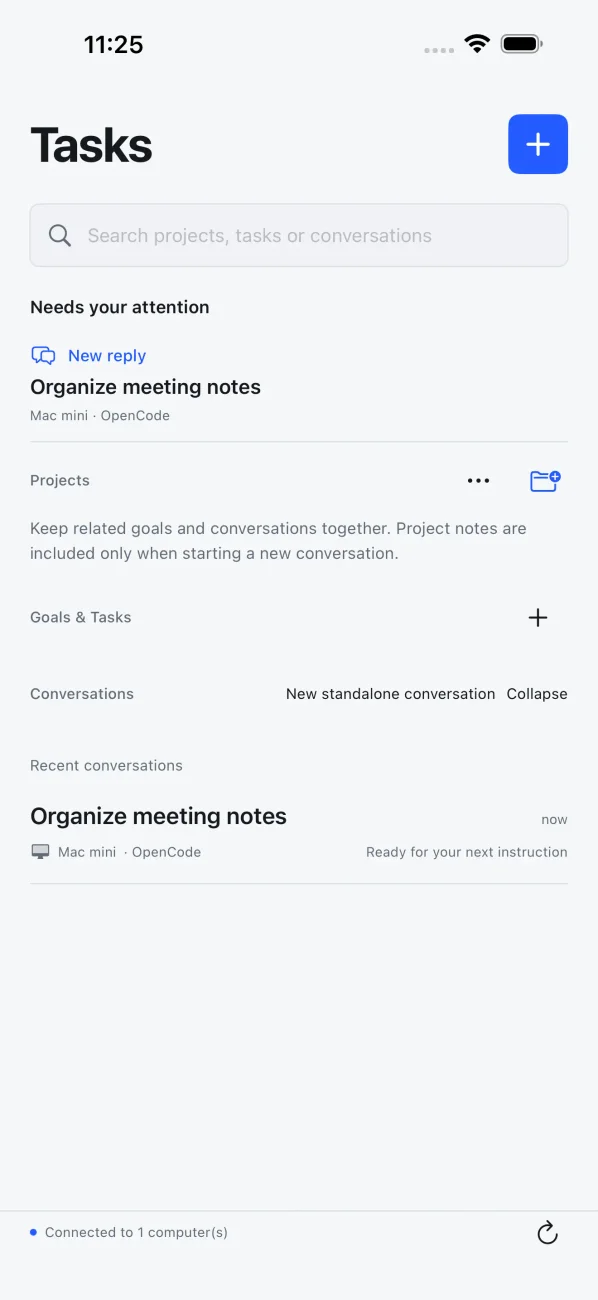
Shellcove · Cloud Agent turns your own Macs into private Agent execution hosts. Use iPhone or iPad to start work, continue a native conversation, follow progress and bring original files back. Each task stays on one Mac; different tasks can run on different Macs.
Your Mac runs the work
The native Agent keeps its conversation, context, model settings and tools. Shellcove handles remote access, delivery receipts, state and recovery. Use your existing supported Agent and its account or plan. Shellcove does not sell model access or provide a hosted cloud account.
Manage tasks from your phone
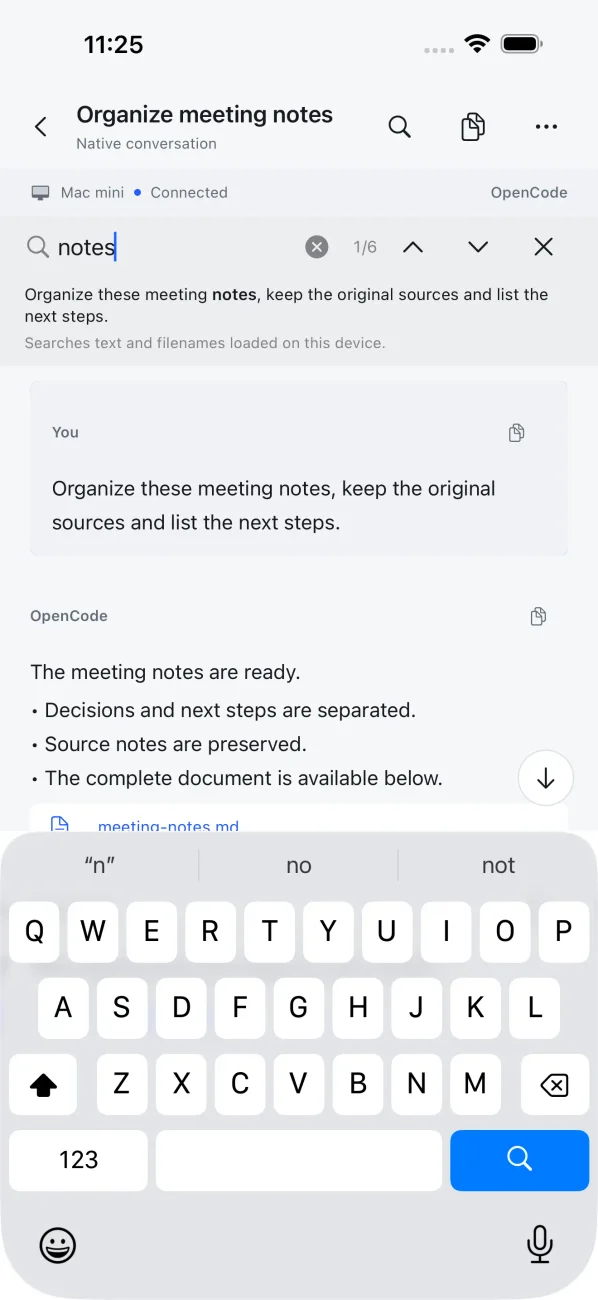
• Browse native conversations and filter by Mac. Search loaded conversation text, tool output and filenames; load earlier messages when needed.
• Return to questions, uncertain receipts and new replies, with device-local read state and direct links to the original content.
• See actual run activity and get specific next steps for sign-in, quota or execution problems.
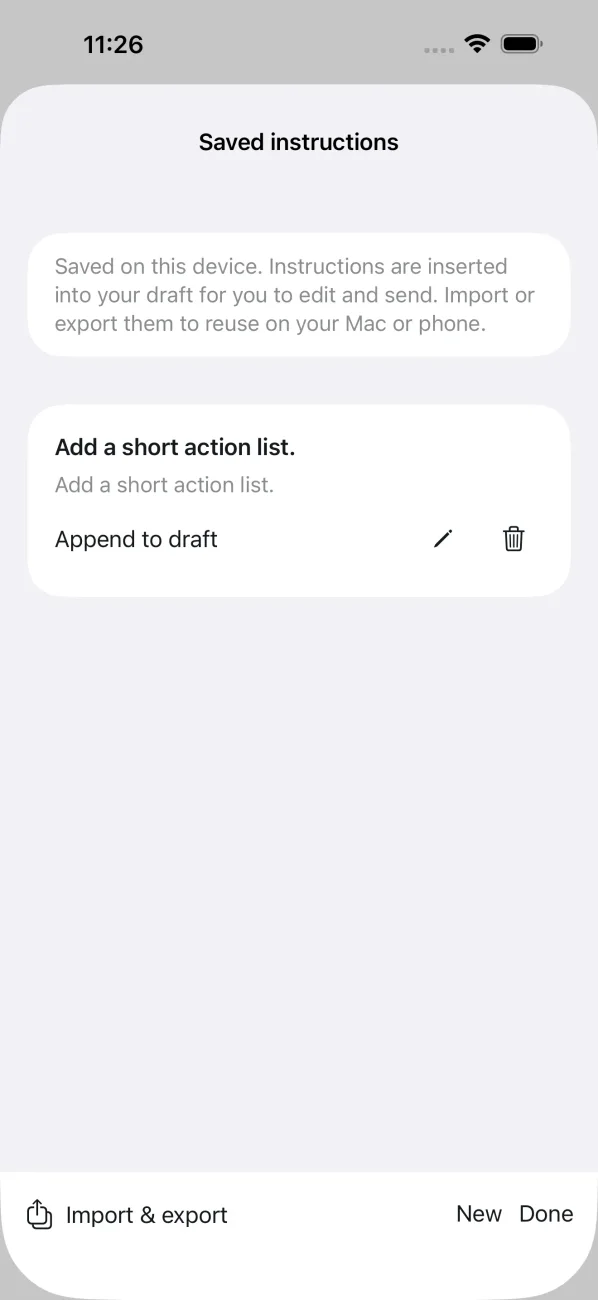
• Save named instructions on this device, edit or append them to a draft, and import/export text-only copies. Instructions are sent only when you choose.
• Start with your goal and editable task prompts; connection and execution states remain distinct.
• Create a standalone conversation or organize work with optional Projects and Tasks.
• Send instructions, follow replies and native tool activity, and request a confirmed stop.
• Queue the next input and withdraw it before execution. Add immediate input where the native Agent supports it.
• Read native business questions; answer remotely when the native client exposes a supported answer handle.
• Inspect an uncertain submission by its original receipt instead of sending it again.
Send material. Keep the original result.
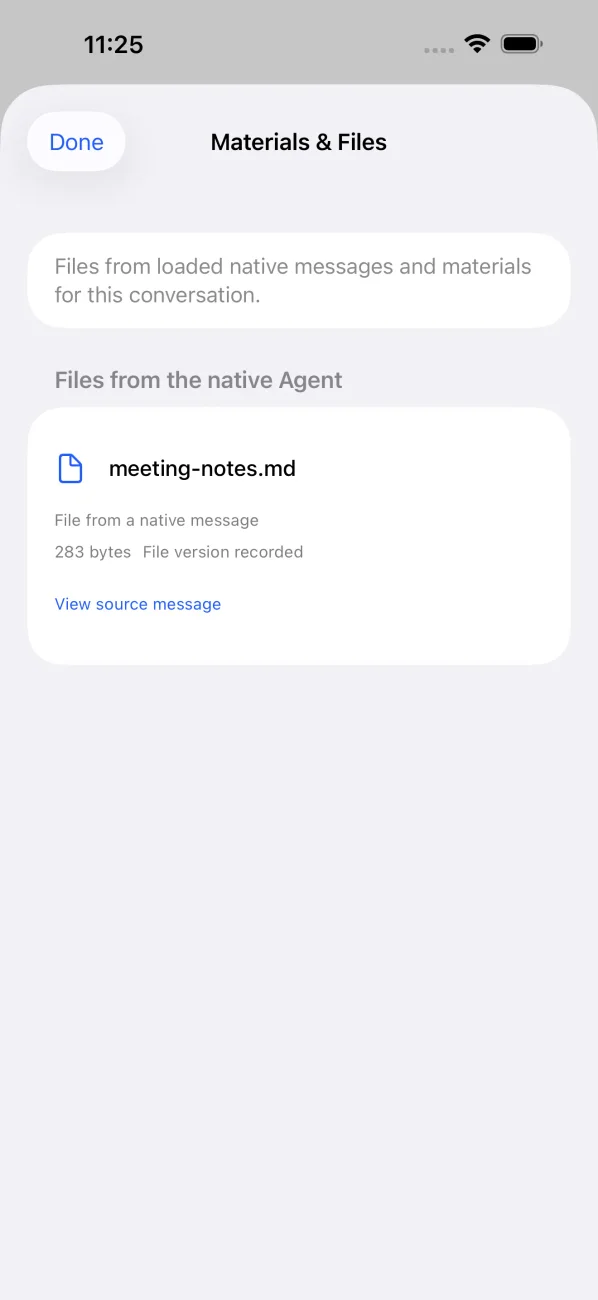
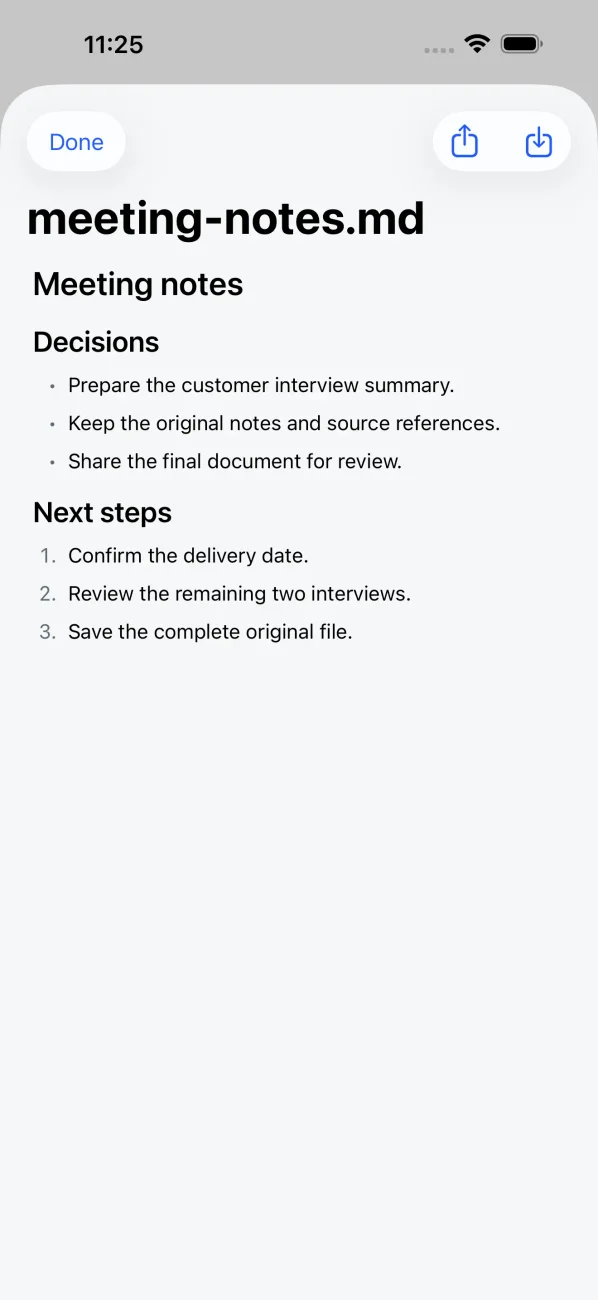
Upload documents or photos, up to four files and 10 MiB per file. Find materials and returned files together, with source messages and file versions. Save returned originals with size, version and digest checks, or open them in another app. Preview supported images and play videos. Document originals open in the other apps you choose.
Pair with your own Macs
Scan a Mac's QR from Computers. iOS connects directly to each paired Mac, with pinned TLS, client authentication and Internet relay fallback. Each phone can have its own credential and be revoked separately. Macs do not forward tasks to each other. The execution Mac must stay online and awake. Accepted work continues when you leave the phone app; live interaction needs a connection.
Native Agent compatibility
Configured native clients include Codex, Grok Build, OpenCode, ZCode and DeepSeek Harness. Support depends on the installed client and the capabilities shown for that Mac. DeepSeek connects through its official Desktop Gateway. A live question still owned by Desktop must be answered there. External ZCode desktop conversations remain history-only; managed CLI conversations support execution.
Device tools and privacy
Remote Desktop, Window Text, keyboard, mouse and clipboard tools remain in Computers → device details. Their Mac permissions are separate from Agent conversations. No Shellcove account, advertising or analytics. Drafts, downloaded files and caches stay on your devices. Model providers process submitted content under the native Agent's settings and their own terms; relays forward encrypted content and may process connection metadata.
Requires iOS / iPadOS 16+, macOS 13+, matching Shellcove 1.6 clients and a configured supported native Agent.
Mac companion and setup: apps.zhizuzhefu.com/shellcove.
What’s new
Version 1.6.3 · Nov 11, 2026
Shellcove · Cloud Agent 1.6.2
• Sessions are ordered by the latest conversation. Each row names its native client and shows the title and folder, so you can resume the one you just used on the Mac.
• See actual Agent activity and recent tool records, and return to the original messages.
• Get specific next steps for sign-in, quota and execution issues; check uncertain original requests before continuing.
• Search conversation text, tool output and filenames, load older messages when needed, and keep unsent drafts.
• Save, edit and reuse named instructions. Insert them into a draft to edit and send; import or export text-only instructions.
• Find unanswered questions, uncertain receipts and new replies at the top of Tasks.
• Keep materials and returned files together with their sources, and save or share originals.
• Distinguish connection, execution and queue states, and withdraw follow-ups before they run.
Requires the matching Shellcove 1.6 Mac companion and your configured native Agent. Your native conversations, models and existing pairing remain yours.
App privacy
What 鹏 陈 declares on the App Store about how this app handles data.
-
Data not collected
The developer does not collect any data from this app.
Privacy practices may vary, for example with the features you use or your age.
Information
- Seller
- 鹏 陈
- Category
- Utilities
- Version
- 1.6.3
- Updated
- Nov 11, 2026
- Released
- Jun 4, 2026
- Size
- 20.9 MB
- Requires
- iOS 16.0 or later
- Age rating
- 4+
- Price
- Free
- Languages
- English, Simplified Chinese
- Copyright
- © 2026 Andy Chen
You might also like
-
 NasScaleYour NAS, always in hand
-
 TigerTextPrivate AI alt text for photos
-
 Immersive ClockA Calmer Way to See Time
-
 Matrix Alarm-A code rain alarmWake Up. Break the Loop.
-
 Clear Magnifier: Zoom OCRRead Small Text Clearly
-
 Color AlertsAlerts triggered by color
-
 WebClean: Ad Blocker & DarkSafari Popup & Tracker Blocker
-
 Playwall: Game Backlog TrackerLog, rate & rank your library
-
 ScanLan: Network ScannerOn-Device AI Insights
-
 Klin: Resize & Compress VideoShrink Videos, Save Space