PDFMagic: PDF Editor & Scanner
Sign, Merge & Convert Offline
Designed for iPhone, iPad
Free · In-app purchases
- Age rating4+
- CategoryBusiness
- DeveloperiCubemedia Inc.
- LanguagesEnglish+ 13 more
- Size16.6 MB
Links to the official App Store page
Download.org hosts no file of PDFMagic: PDF Editor & Scanner. The button opens its official App Store page, published by iCubemedia Inc. Listing last checked on Nov 14, 2026.
Screenshots
About
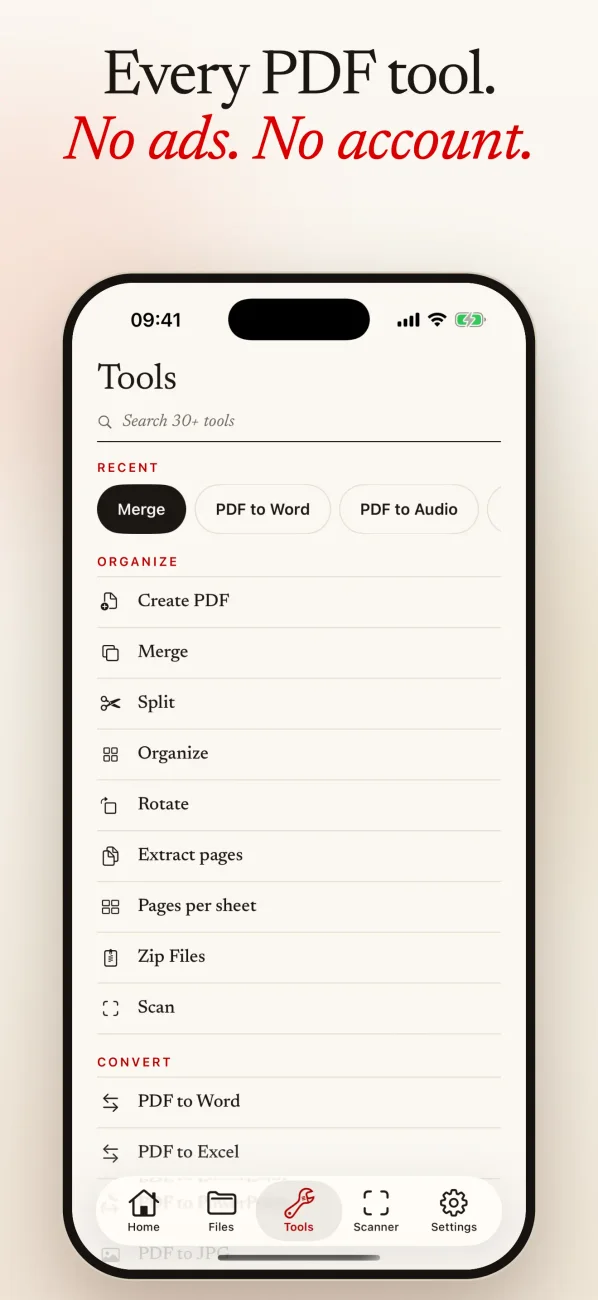
Your whole PDF toolbox, with no ads, no account and no uploads. Your documents never leave your device.
OPEN & READ
- Open and read any file, with no limit
SCAN
- Edge detection and cleanup
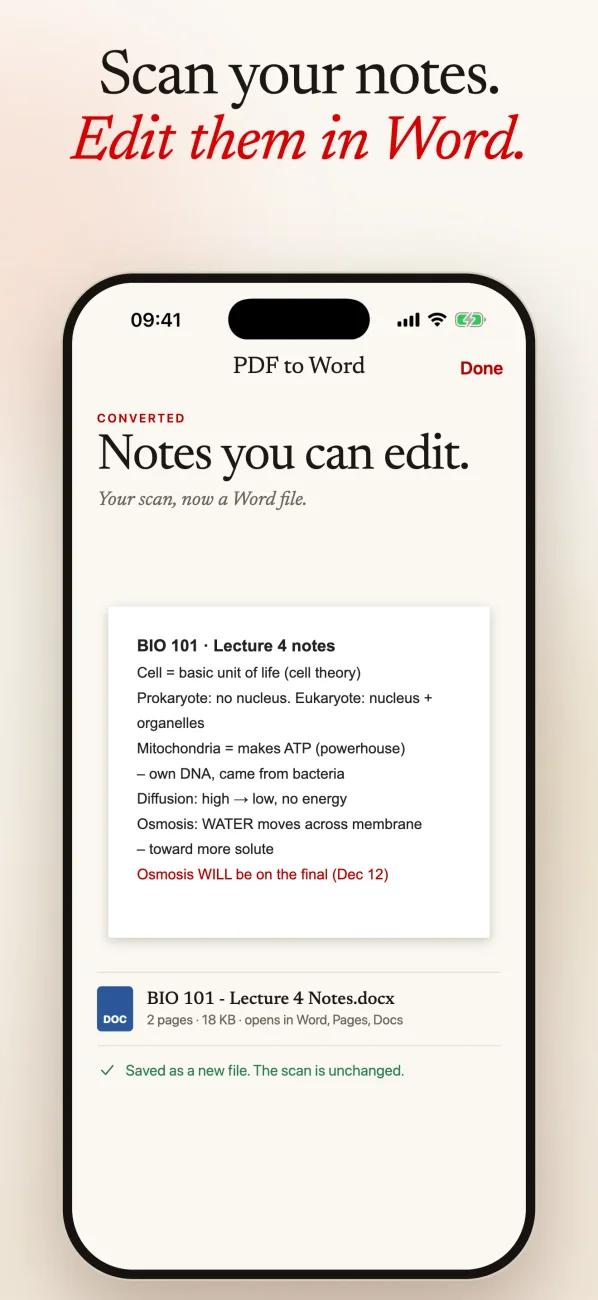
- Save as PDF, with searchable text if you want it
- Create PDFs from photos or text
ORGANIZE
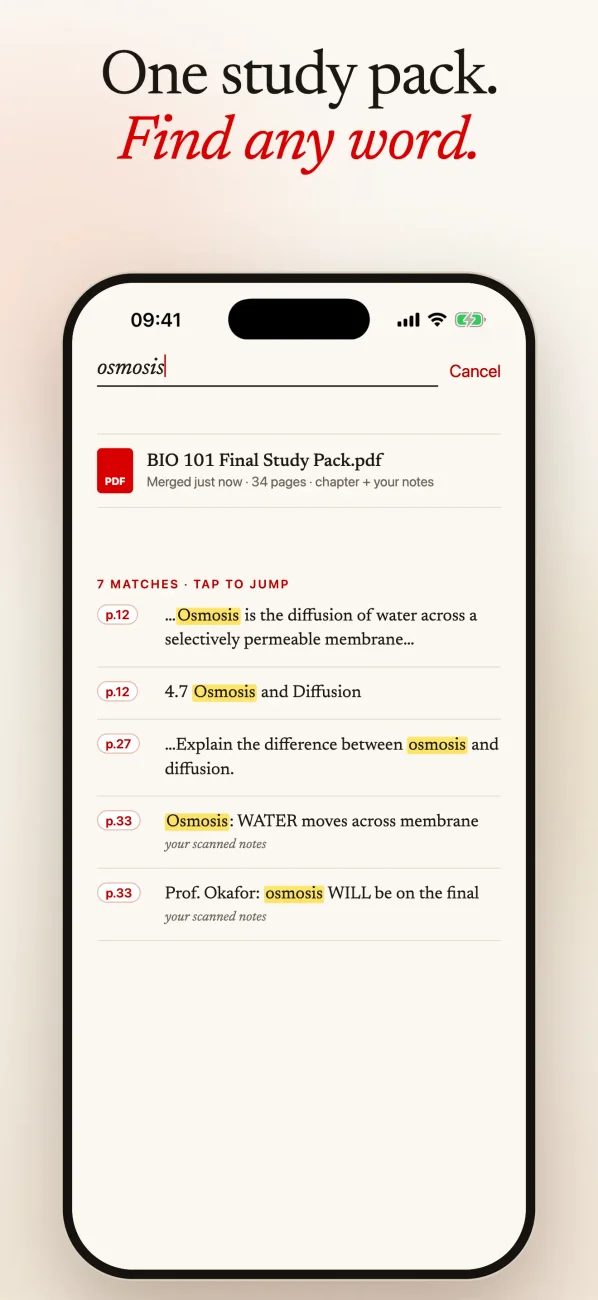
- Merge, split, reorder, rotate and extract pages
- Pages per sheet and ZIP
ANNOTATE, FILL & SIGN
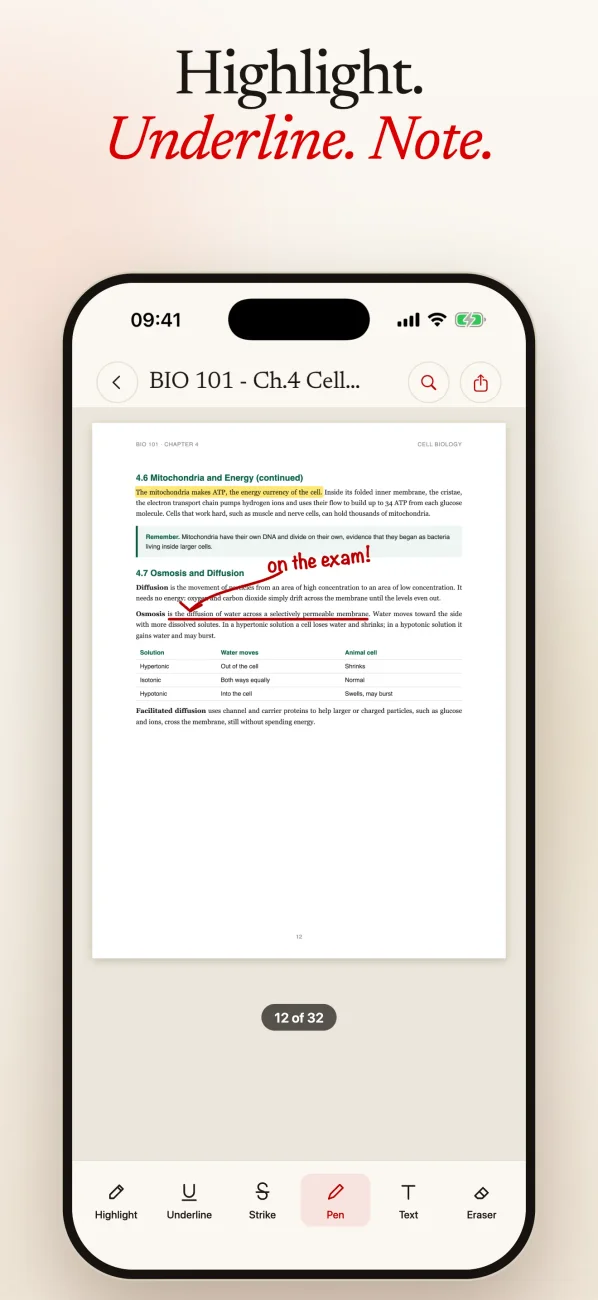
- Highlight, underline, draw and add notes you can move and edit
- Fill in forms and place your signature
- Your original is never changed: every edit saves as a new copy
EDIT & CONVERT
- Edit the words in a PDF
- True redaction: the text is removed from the file, not hidden under a black box
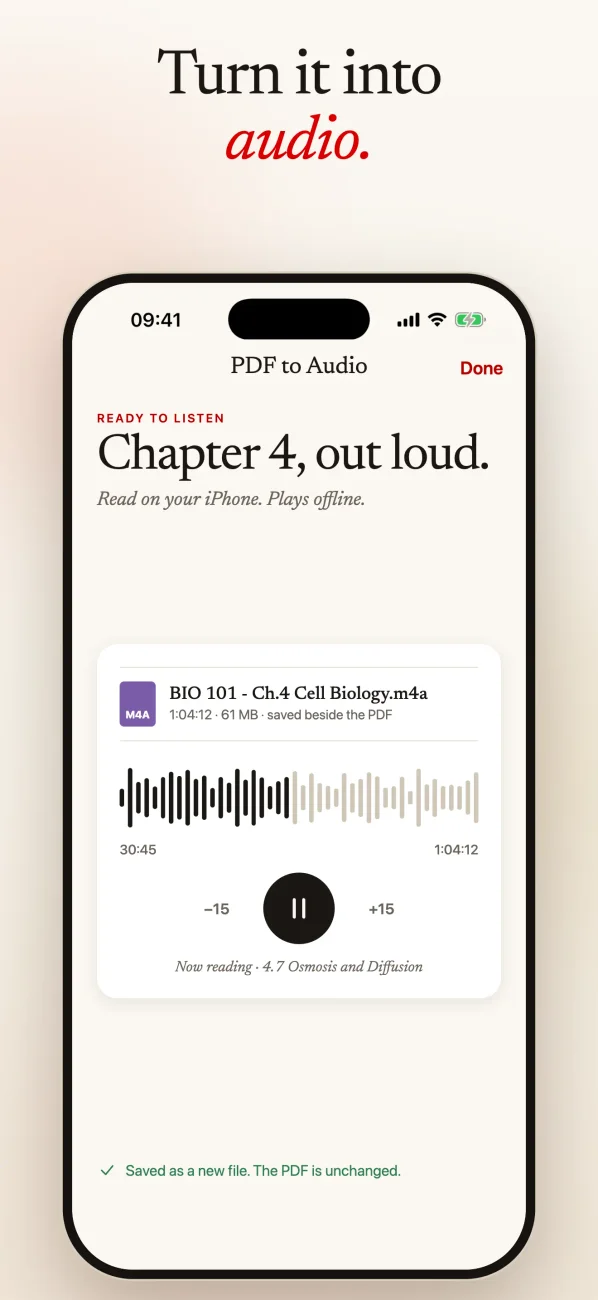
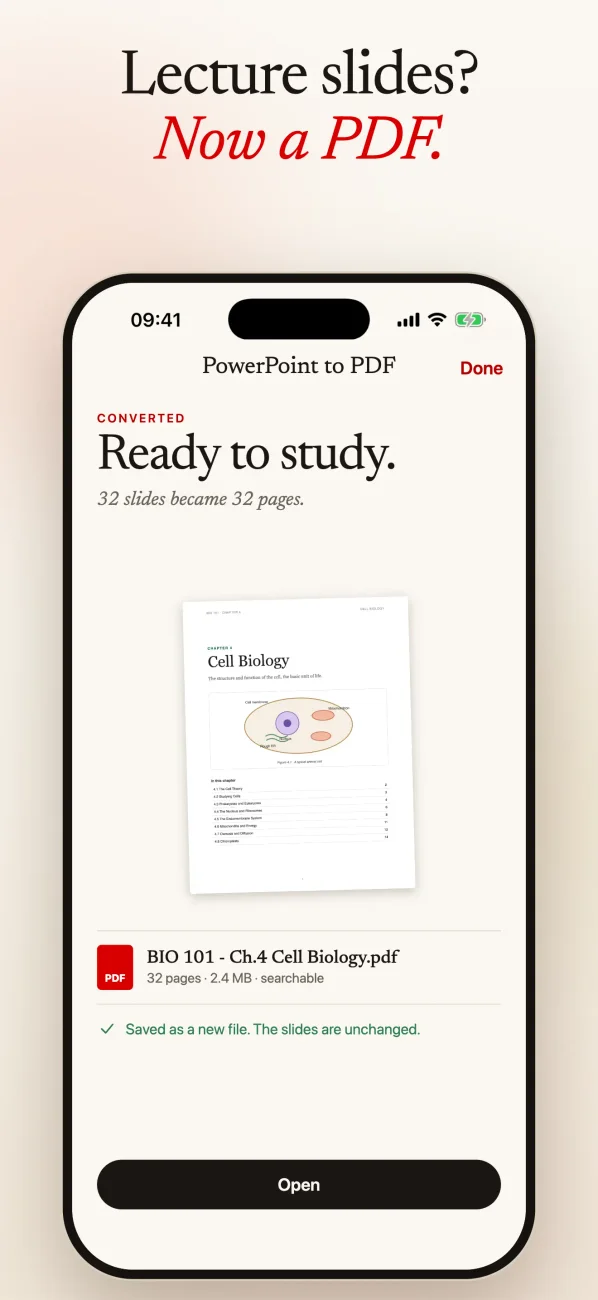
- PDF to Word, Excel, PowerPoint, JPG and audio
- Office files (Word, Excel, PowerPoint) to PDF
- Edit Word, Excel and PowerPoint files
- Import from iCloud, Drive, Dropbox and more
OPTIMIZE & PROTECT
- Compress, with the real before and after size
- OCR, watermarks, page numbers and Bates numbering
- Password-protect or unlock a PDF
- Privacy Check: find emails, phone numbers and card numbers
TEMPLATES & AI
- 36 templates for resumes, letters, invoices, planners and slides
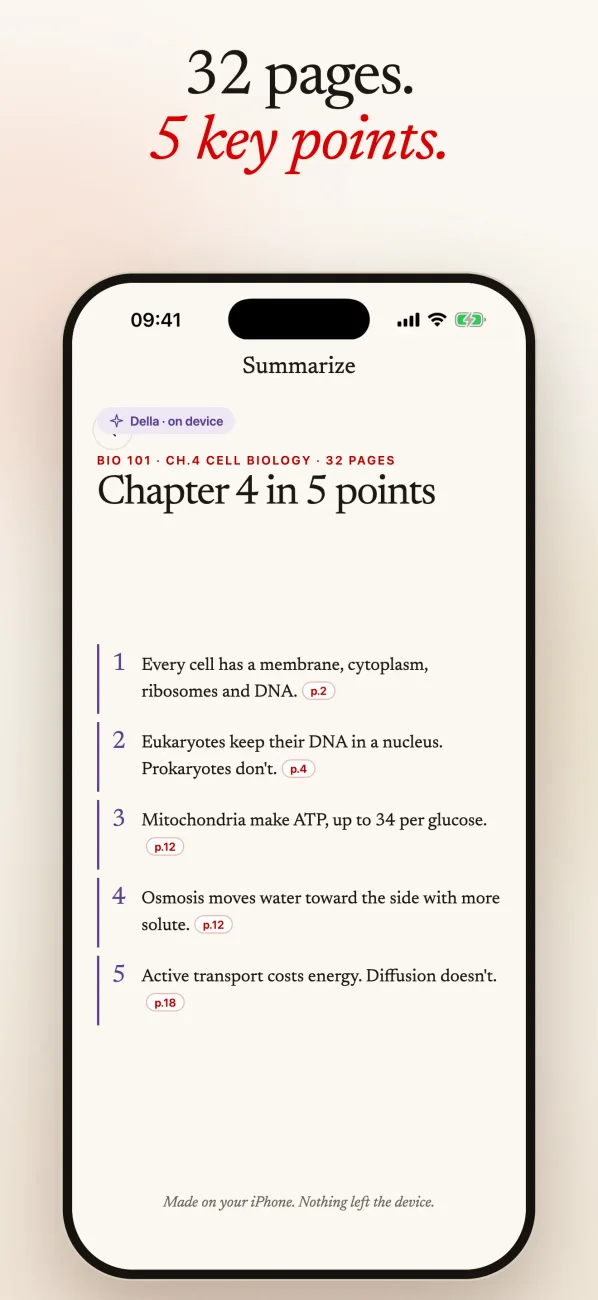
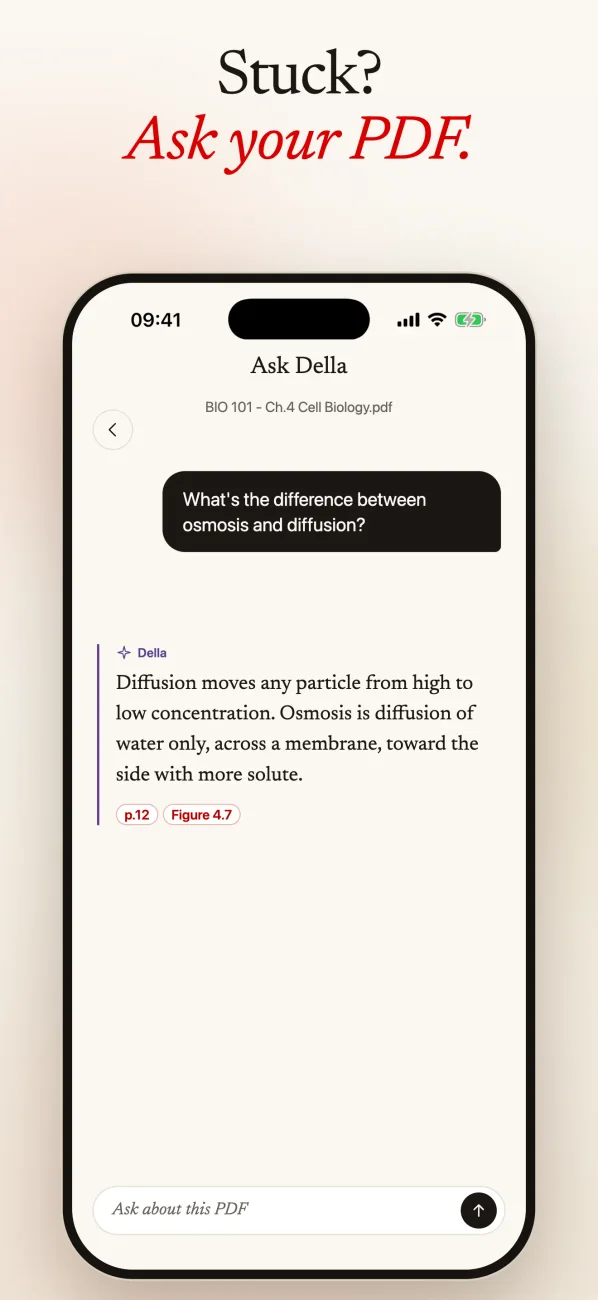
- Della: summaries and answers from your document, on your device. Needs Apple Intelligence (iPhone 15 Pro or newer)
ALSO INCLUDED
- Translate, compare two documents, remove image backgrounds, upscale images and read QR codes
Terms of Use (EULA):
https://www.apple.com/legal/internet-services/itunes/dev/stdeula/
What’s new
Version 4.1 · Nov 9, 2026
Bring your PDFs to life, the way PDFMagic's longtime users remember.
- Audio notes: record a lecture or meeting right on the page, keep writing while it records, and play it back with a tap. The recording stays inside your PDF.
- Shapes: rectangle, ellipse, line, polygon and connected lines.
- Select, move and resize your marks, and add pictures to any page.
- Squiggly underline, pen sizes and custom colours.
- New Note: handwrite on blank, lined, grid or dotted paper, with Apple Pencil support.
- iPad: open up to three documents side by side.
- Fixed: Edit PDF and Translate on rotated pages.
App privacy
What iCubemedia Inc. declares on the App Store about how this app handles data.
-
Data used to track you
May be used to track you across apps and websites owned by other companies.
- Other data
-
Data not linked to you
May be collected but is not linked to your identity.
- Other data
Privacy practices may vary, for example with the features you use or your age.
Information
- Seller
- iCubemedia Inc.
- Category
- Business
- Version
- 4.1
- Updated
- Nov 9, 2026
- Released
- May 5, 2014
- Size
- 16.6 MB
- Requires
- iOS 17.0 or later
- Age rating
- 4+
- Price
- Free
- In-app purchases
- Yes
- Languages
- English, Arabic, Danish, Dutch, French, German, Italian, Japanese, Korean, Portuguese, Russian, Simplified Chinese + 2 more
- Copyright
- © iCubeMedia Inc.
You might also like
-
 PDF Max Pro - Edit, Sign PDFsScan, OCR, Research & Study
-
 Minimalistic Countdown TimerLarge & Simple Countdown Timer
-
 Trading Journal ProPnL Log, Ledger, ROI & Tracker
-
 Voice Recorder Plus Pro :MemosAudio Record,Voice Transcribe
-
 PDF Editor: Document AssistantEdit, Sign & PDF Converter App
-
 NoteWorthy: Smart NotesPrivate on-device AI
-
 MDScan LitePro-scanner & secure archive
-
 PDF Reader Pro Edition®Annotate,edit & sign PDFs
-
 FlatNoteMarkdown notes. No account.
-
 Private Writer Markdown EditorOffline Notes. No Cloud. Lock