PDFScan: Doc & File Scanner
Private. Offline. No sign-in.
Designed for iPhone, iPad, iPod touch
In-app purchases
- Age rating4+
- CategoryProductivity
- DeveloperAnn ANN WAMBUI NJUGUNA
- LanguagesEnglish
- Size39.8 MB
Links to the official App Store page
Download.org hosts no file of PDFScan: Doc & File Scanner. The button opens its official App Store page, published by Ann ANN WAMBUI NJUGUNA. Listing last checked on Nov 8, 2026.
Screenshots
About
Scan anything into a clean PDF — then actually work with it.
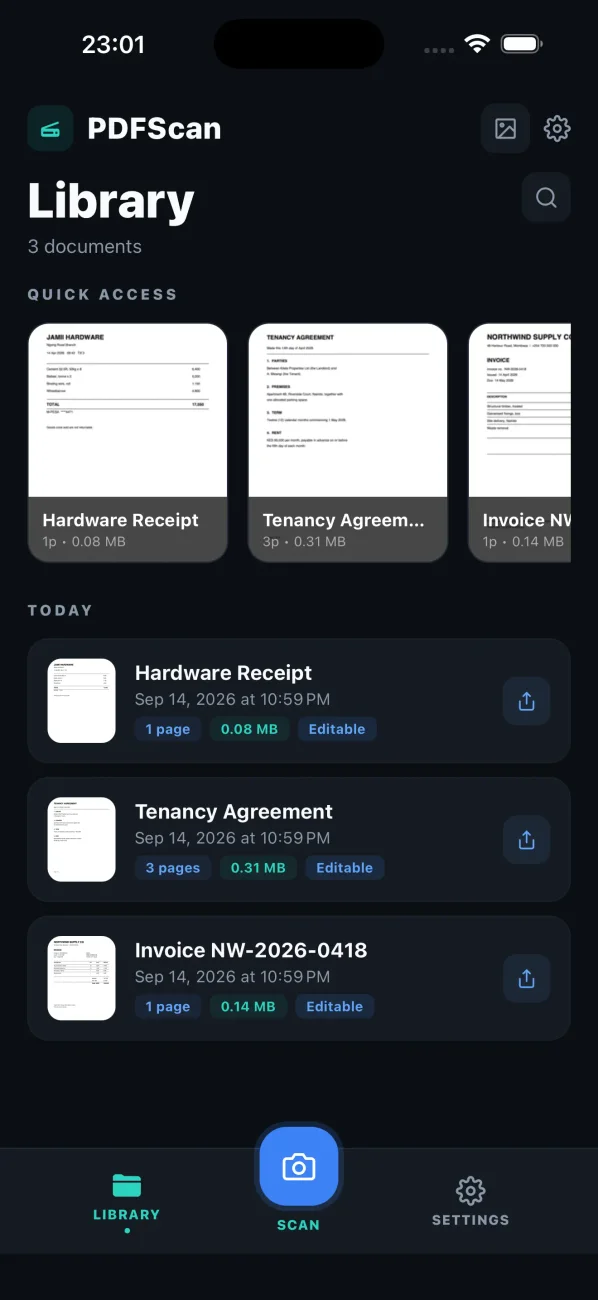
PDFScan turns your camera into a document scanner: automatic edge detection, perspective correction, and sharp output in seconds. Everything happens on your device. No account, no sign-in, nothing uploaded. Perfect for receipts, invoices, contracts, ID copies, school notes and paperwork.
SCAN
• Automatic edge detection and perspective correction
• Capture several pages in one pass
• Import photos from your library
• Low, medium and high quality presets, so files stay small enough to email
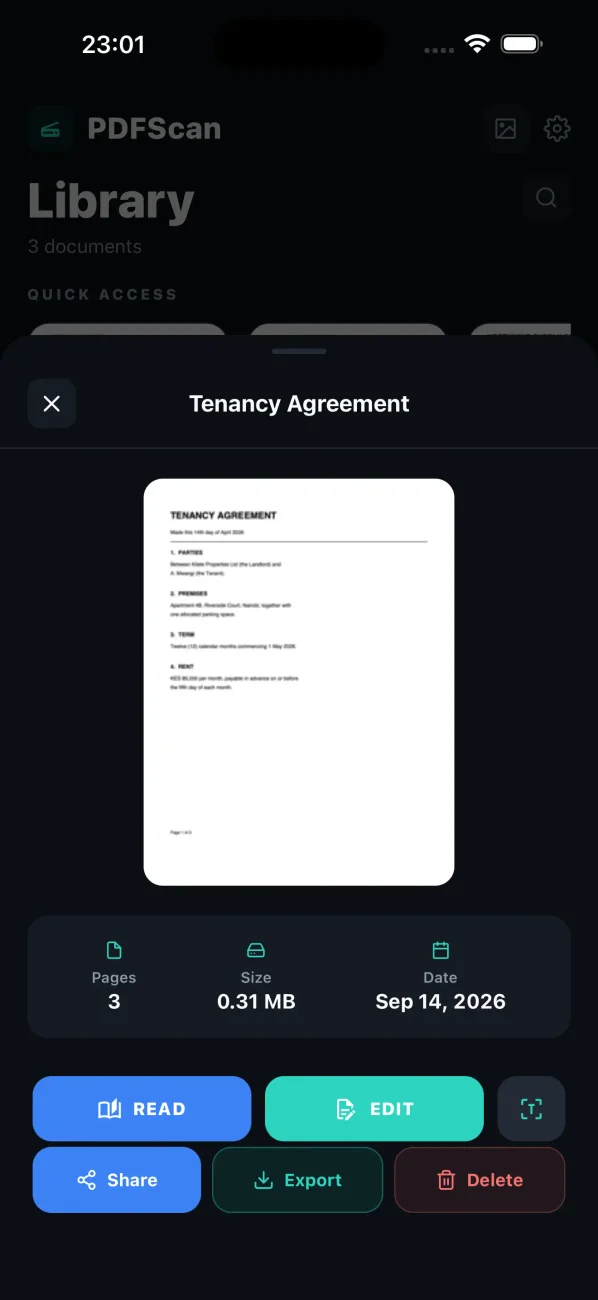
EDIT PAGES
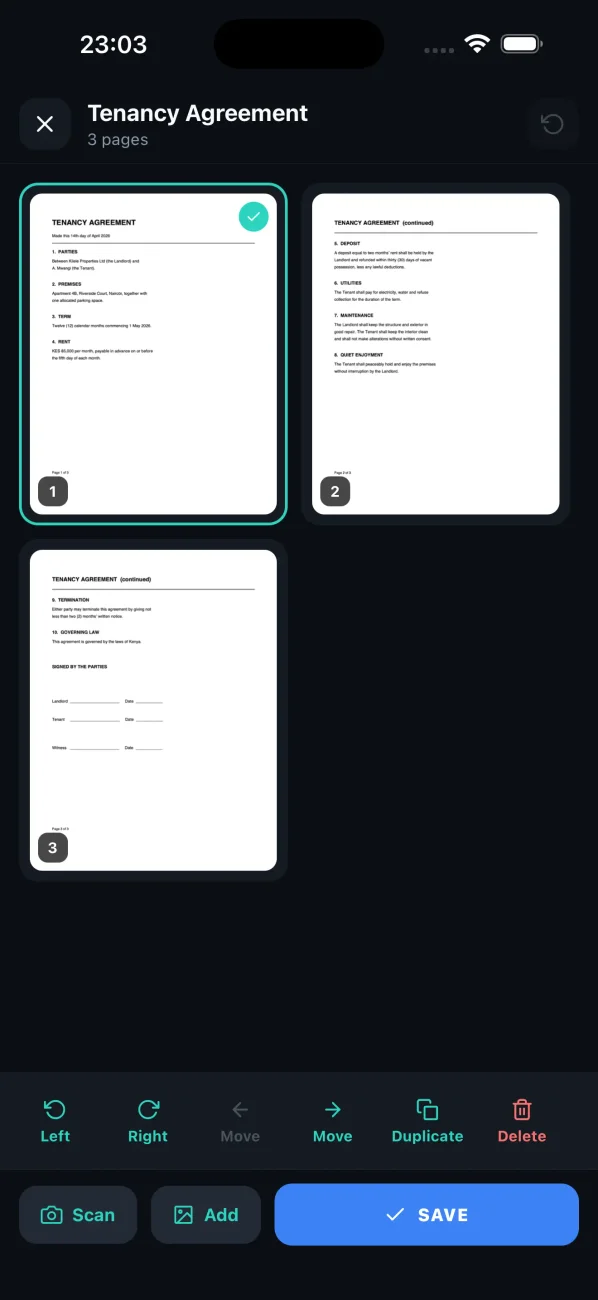
• Reorder, rotate, duplicate or delete pages
• Add pages by scanning or from your photos
• Rename a document and rebuild the PDF
• Undo while you work
READ PDFs
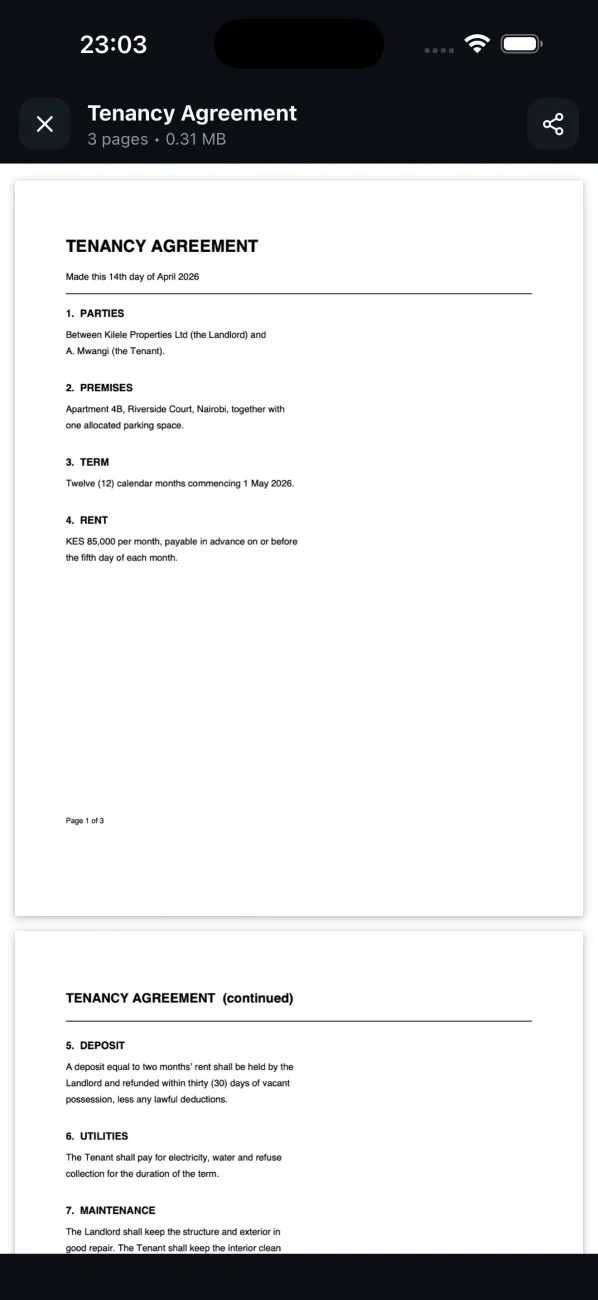
• Open any PDF, including ones sent from Files, Mail or the share sheet
• Scroll and pinch to zoom
• Import PDFs into your library to keep everything together
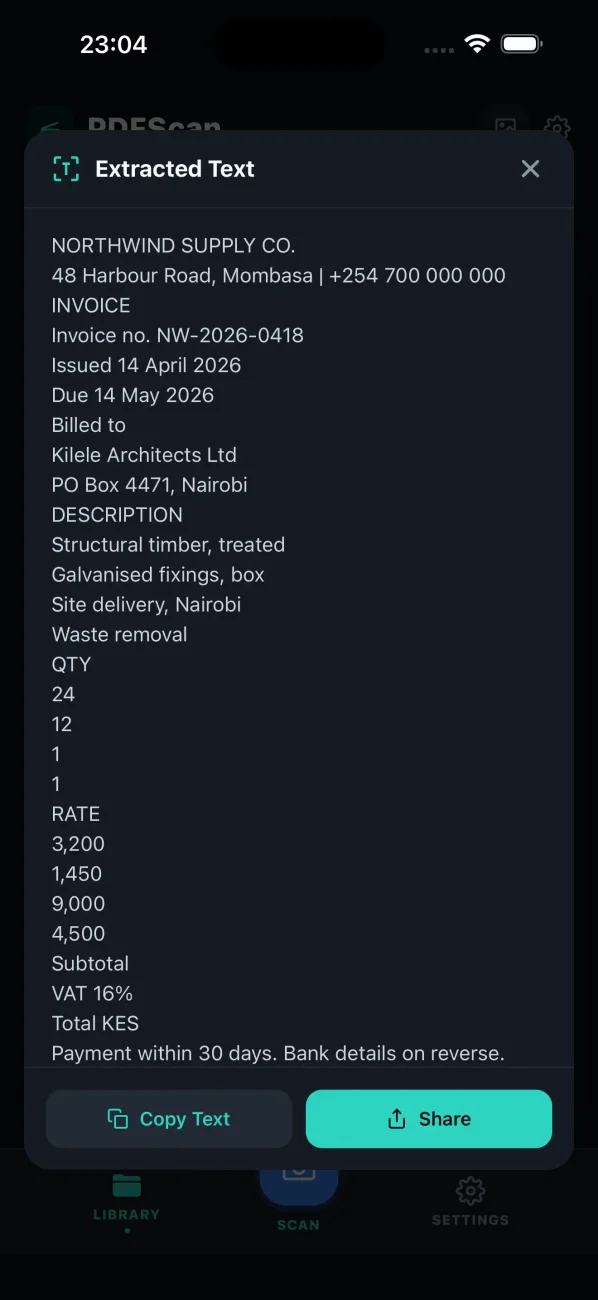
EXTRACT TEXT
• On-device text recognition pulls the words out of a scan
• Copy the text, or share it as a .txt file
• Works offline — no image ever leaves your device
SHARE
• Merge several documents into a single PDF
• Export pages as JPEG or PNG
• Send anywhere through the standard share sheet, including WhatsApp, Mail and Messages
PRIVATE BY DESIGN
Your documents stay in the app's own storage on your device. There is no account, no cloud sync, and nothing is uploaded for processing.
FREE, WITH AN OPTIONAL UPGRADE
Everything above is free. PDFScan Pro removes the ads and the small "Scanned with PDFScan" credit printed in the bottom margin of generated PDFs, available as a monthly subscription or a single one-time purchase. Prefer to stay free? Watch one optional short video, or share the app with a friend, to hide ads for an hour. Nothing is taken away if you stay on the free tier.
PDFScan Pro is available as a $0.99 per month auto-renewing subscription, or as a $4.99 one-time purchase. Payment is charged to your Apple ID at confirmation of purchase. The subscription renews automatically unless cancelled at least 24 hours before the end of the current period. Manage or cancel it at any time in your Apple ID settings.
Terms of Use (EULA): https://www.apple.com/legal/internet-services/itunes/dev/stdeula/
Privacy Policy: https://www.notion.so/elviskirui/Privacy-Policy-for-PDFScanner-362d665fdb86800e95f9d402e4e5d974
What’s new
Version 1.3.0 · Oct 10, 2026
• Rate PDFScan and share it with a friend from Settings. Sharing hides ads for an hour
• Watch one optional short video to hide ads for an hour
• Ads never appear in the middle of a scan
• Free PDFs now carry a small tappable "Scanned with PDFScan" credit. Pro removes it
• Stability and speed improvements
App privacy
What Ann ANN WAMBUI NJUGUNA declares on the App Store about how this app handles data.
-
Data not linked to you
May be collected but is not linked to your identity.
- Location
- Identifiers
- Usage data
- Diagnostics
Privacy practices may vary, for example with the features you use or your age.
Information
- Seller
- Ann ANN WAMBUI NJUGUNA
- Category
- Productivity
- Version
- 1.3.0
- Updated
- Oct 10, 2026
- Released
- Jul 31, 2026
- Size
- 39.8 MB
- Requires
- iOS 15.1 or later
- Age rating
- 4+
- In-app purchases
- Yes
- Languages
- English
- Copyright
- © 2026 Sabu Studios
You might also like
-
 Ai Translate Speech TranslatorVoice, photo & text translator
-
 ERPNext WorkflowWorkflow
-
 Minpick5 minutes lost just deciding
-
 Pocket Scan: Offline ScannerScan. Search. Sign. Listen.
-
 Quiz Ai for Google ClassroomCreate Quiz for Google Forms
-
 Oken PDF Scanner : ScannerOKScan Document, Doc Converter
-
 OKEN - Doc Scanner, PDF ScanCam scanner - Scan & Share
-
 Pharos Secure ReleaseProductivity
-
 صوتك وصلProductivity
-
 Traumasoft MDTProductivity