
PDFShare
PDF SharePlay with Whiteboard
Designed for iPhone, iPad
Free · In-app purchases
- Age rating4+
- CategoryProductivity
- Developer勇 崔
- LanguagesEnglish
- Size2.9 MB
Links to the official App Store page
Download.org hosts no file of PDFShare. The button opens its official App Store page, published by 勇 崔. Listing last checked on Nov 23, 2026.
Screenshots

About
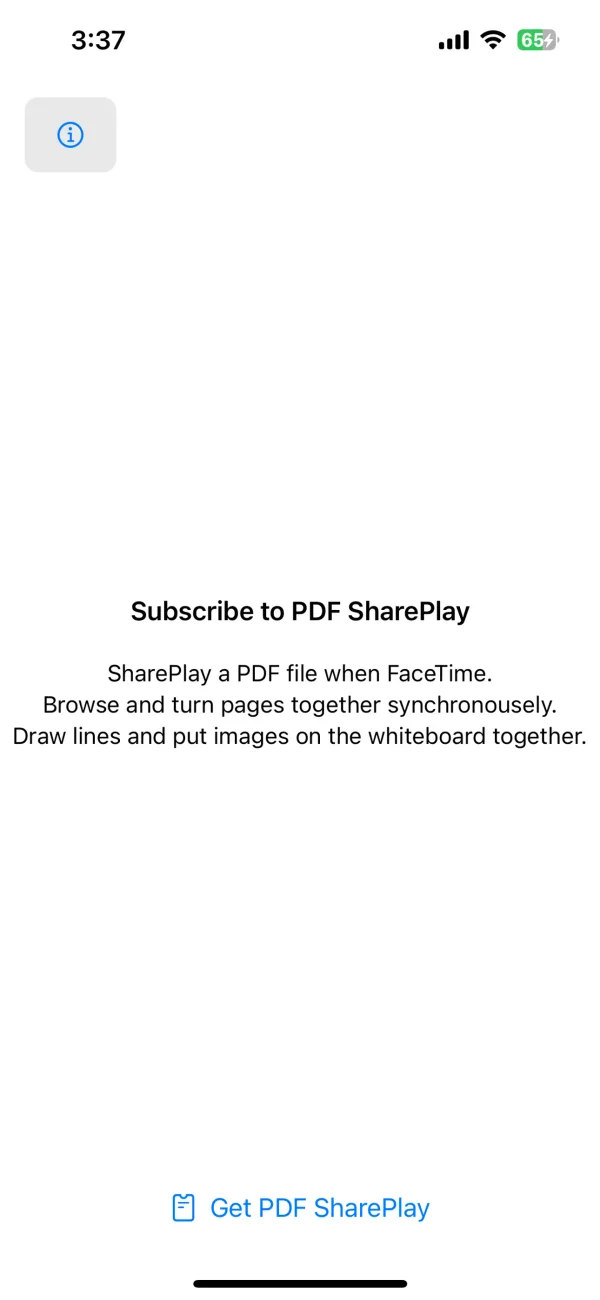
SharePlay a PDF file when FaceTime.
When having FaceTime with some friends, one person copies and pastes a PDF file into the SharePlay session.
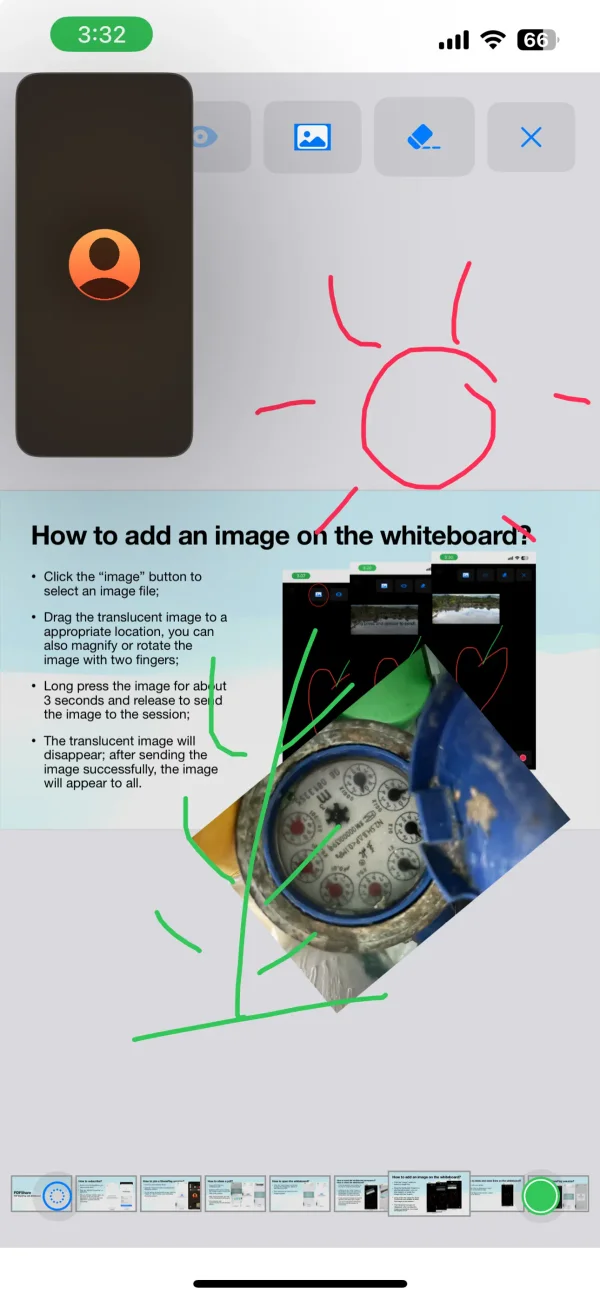
Then everyone can synchronously browse and flip pages.
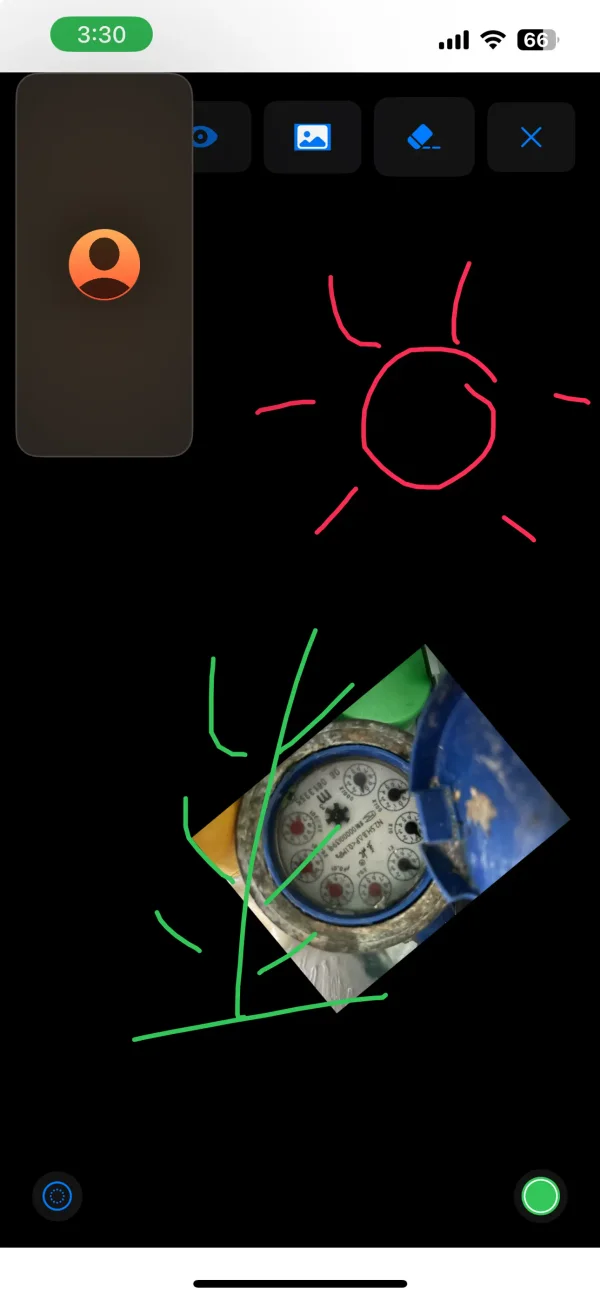
Click a button can switch to Whiteboard Mode.
Then you can draw lines together with your friends. You can switch colors when drawing.
You can place images on the whiteboard.
Before sending an image, you can move, magnify, or rotate the image.
After adjusting an image, press it and hold for about 3 seconds, then release to share the image with everyone.
You and your friends or family can make a beautiful picture wall on the whiteboard together.
=== EULA ===:
[standard Apple Terms of Use (EULA)](https://www.apple.com/legal/internet-services/itunes/dev/stdeula/)
What’s new
Version 5.7 · Nov 20, 2026
Bug fixes.
Minor UI enhancements.
App privacy
What 勇 崔 declares on the App Store about how this app handles data.
-
Data not collected
The developer does not collect any data from this app.
Privacy practices may vary, for example with the features you use or your age.
Information
- Seller
- 勇 崔
- Category
- Productivity
- Version
- 5.7
- Updated
- Nov 20, 2026
- Released
- Oct 3, 2023
- Size
- 2.9 MB
- Requires
- iOS 17.0 or later
- Age rating
- 4+
- Price
- Free
- In-app purchases
- Yes
- Languages
- English
- Copyright
- © 2023 Yong Cui
You might also like
-
 focuseenfocuseen
-
 PDFiles: PDF Scanner & OCRScan to Files, No Subscription
-
 Image to PDF: Photo ScannerScan, Merge & Export
-
 Image to PDF Converter OfflinePhoto to PDF Maker - Offline
-
 i41CXRPN Calc
-
 PDF Scanner and Editor +.PDF Scan, Edit, Fill and Sign
-
 Sun MapperMake sun maps for your garden!
-
 PDF Editor: PDF fill and signEdit PDF, reader & viewer
-
 AI Assistant: Learn & WritePrivate AI tutor and helper
-
 Citer: Paper Format & CitationScholarly Academic Writing App