
PDFX: Editor, Reader & Signer
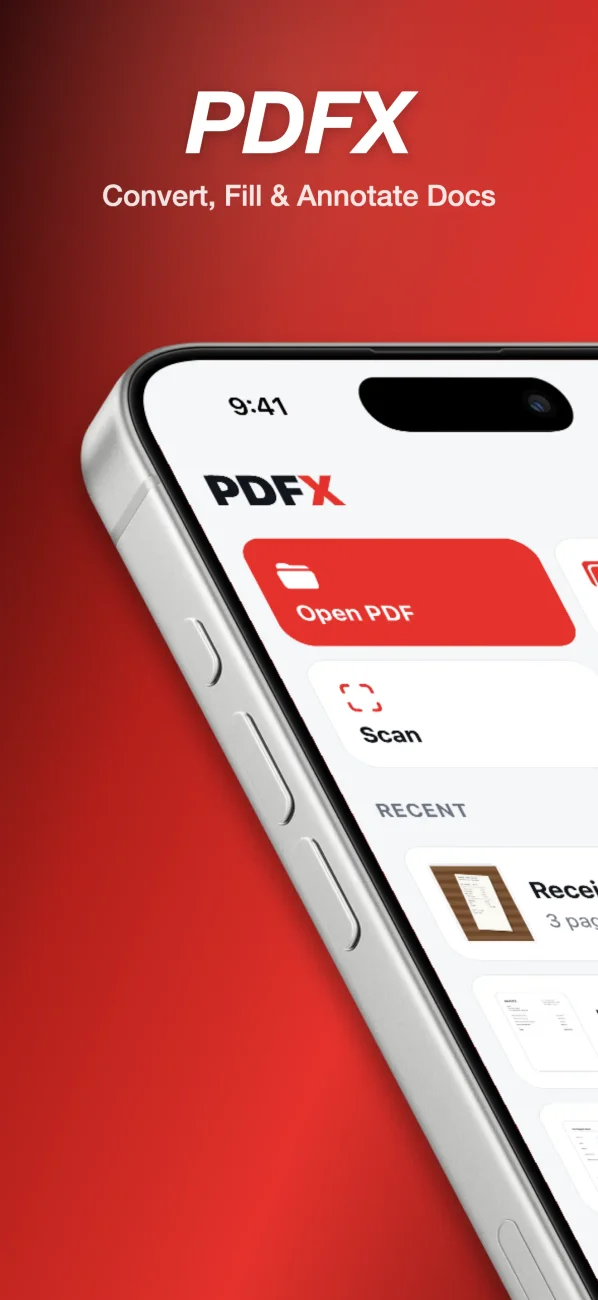
Convert, Fill & Annotate Docs
Designed for iPhone, iPad
Free · In-app purchases
- Age rating4+
- CategoryProductivity
- DeveloperYOU SEUNGMIN
- LanguagesEnglish+ 43 more
- Size83.8 MB
Links to the official App Store page
Download.org hosts no file of PDFX: Editor, Reader & Signer. The button opens its official App Store page, published by YOU SEUNGMIN. Listing last checked on Nov 26, 2026.
Screenshots

About
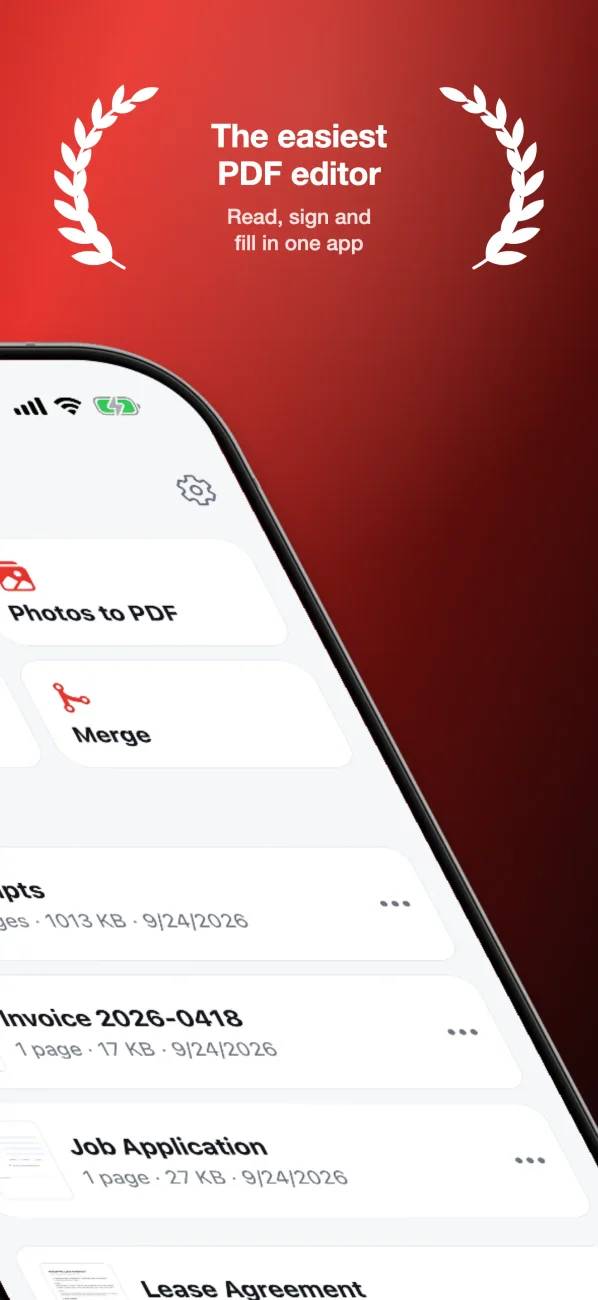
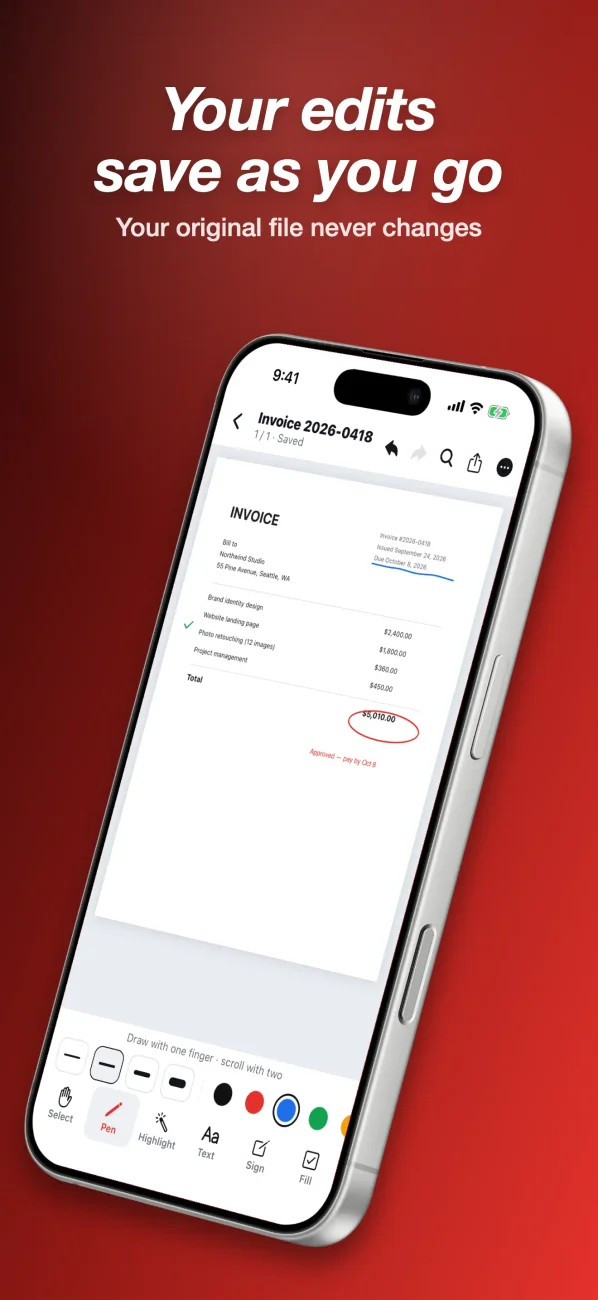
PDFX opens your PDFs so you can read, mark up, sign and fill them on your phone. There is no account and no server: files are opened, edited and recognized on your device, and your original file is never changed.
READ
• Open PDFs from Files, email or any app with “Open in PDFX”
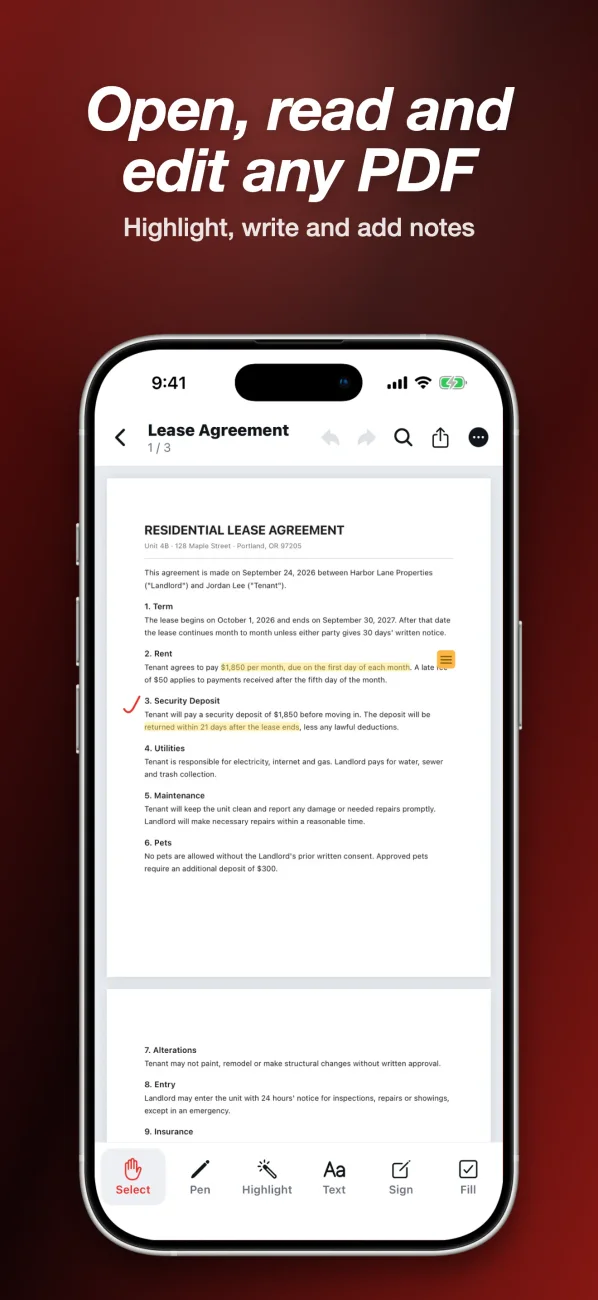
• Search the text, zoom in, and jump between pages
• Big files open quickly, page by page
• Password-protected PDFs open with the password
MARK UP
• Pen, marker and highlighter — the highlighter snaps to the text line
• Add text, notes, boxes, circles, lines and arrows
• White-out, images, eraser and undo
• Every change saves as you go
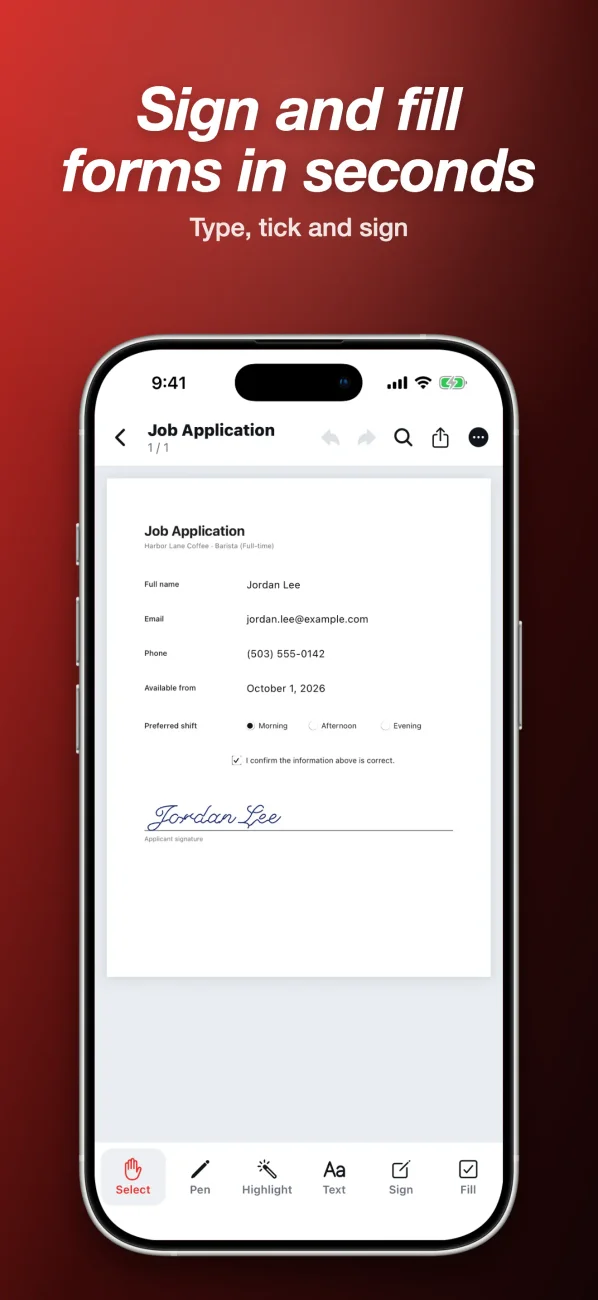
SIGN AND FILL FORMS
• Draw your signature once and place it on any page
• Type into form fields, tick checkboxes and choose options
• Add √, ×, ● marks and today’s date
ORGANIZE PAGES
• Rotate, delete, duplicate and reorder pages
• Save selected pages as a new file
• Add blank pages, photos or pages from another PDF
• Merge several PDFs into one
CONVERT AND SHARE
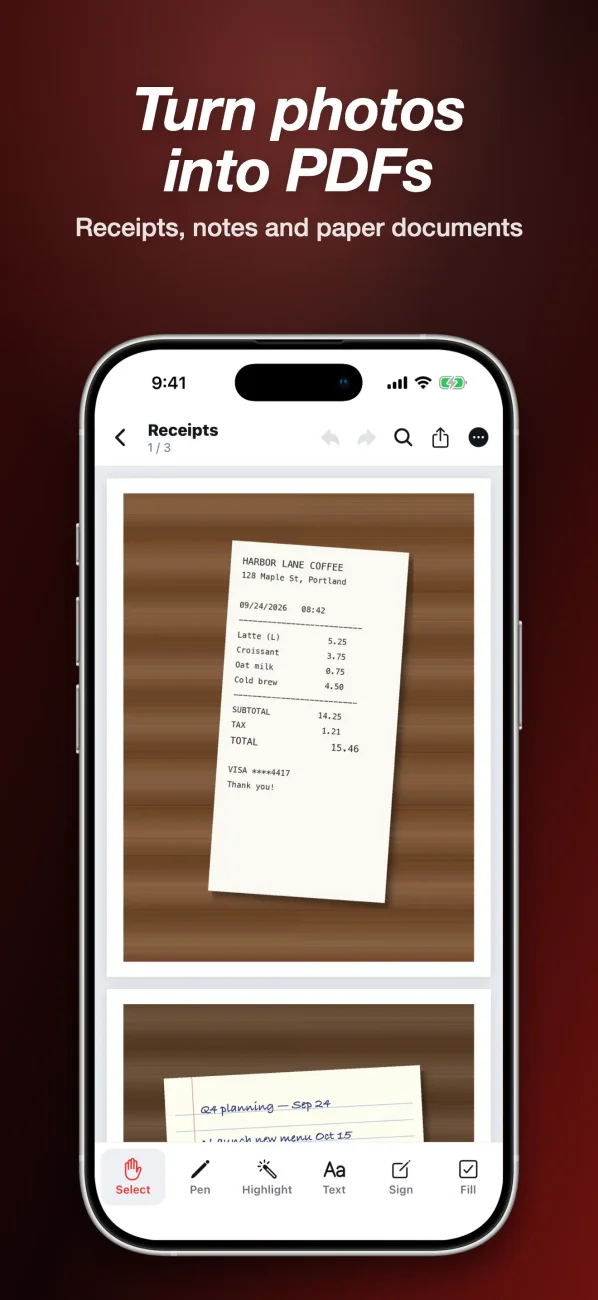
• Turn photos into a PDF, or scan paper documents with the camera
• Recognize text on a page and copy or share it
• Reduce file size for email (pages are saved as images in the smaller copy)
• Save pages as images, print, or share the finished PDF
FREE WITH ADS, OR PRO
PDFX is free with ads. PDFX Pro removes all ads. Choose a monthly subscription or a one-time lifetime purchase.
Text recognition languages depend on your device.
Privacy Policy: https://dsm0829.github.io/pdfx-privacy/
Terms of Use: https://www.apple.com/legal/internet-services/itunes/dev/stdeula/
What’s new
Version 1.0.3 · Nov 24, 2026
Text you type on a page is no longer lost when you switch tools, go back, or leave the app, and Undo removes a new text box in one step. Deleting the pages you were viewing no longer leaves a blank screen, and files with the same name can now be merged. Damaged files now show a clear message, Reduce file size tells you when a PDF is already small, and printing is more stable.
App privacy
What YOU SEUNGMIN declares on the App Store about how this app handles data.
-
Data used to track you
May be used to track you across apps and websites owned by other companies.
- Location
- Identifiers
- Usage data
-
Data linked to you
May be collected and linked to your identity.
- Location
- Identifiers
- Usage data
-
Data not linked to you
May be collected but is not linked to your identity.
- Diagnostics
Privacy practices may vary, for example with the features you use or your age.
Information
- Seller
- YOU SEUNGMIN
- Category
- Productivity
- Version
- 1.0.3
- Updated
- Nov 24, 2026
- Released
- Oct 2, 2026
- Size
- 83.8 MB
- Requires
- iOS 16.4 or later
- Age rating
- 4+
- Price
- Free
- In-app purchases
- Yes
- Languages
- English, Arabic, Bengali, Catalan, Croatian, Czech, Danish, Dutch, Finnish, French, German, Greek + 32 more
- Copyright
- © 2026 YOU SEUNGMIN
You might also like
-
 VoiceDraft: Offline AI NotesPrivate Voice to Text & Draft
-
 PackScan: PDF ScannerScan, edit and share PDFs
-
 Paperlo: PDF Filler & SignerRead, Merge & eSign Forms
-
 VARAK PDF Editor & ScannerEdit Text, Sign & Fill Forms
-
 Textify: Convert PDF to TextScanned PDF OCR & Read Aloud
-
 Docs & PDF Editor & ScannerSpreadsheets & Presentations
-
 Remelio - Relationship ManagerYour Personal CRM-Contacts App
-
 Capacity: AI AgentBuilds and grows your business
-
 PDF Scanner & Doc EditorScan, OCR & Merge PDF Files
-
 EditPDF | PDF Editor & SignEdit & E-Sign PDF Files