
PDFz: PDF Scanner & Editor
Sign, Fill Forms, Convert, OCR
Designed for iPhone, iPad
Free · In-app purchases
- Age rating4+
- CategoryProductivity
- DeveloperKhaled Khalifa
- LanguagesEnglish+ 43 more
- Size45.5 MB
Links to the official App Store page
Download.org hosts no file of PDFz: PDF Scanner & Editor. The button opens its official App Store page, published by Khaled Khalifa. Listing last checked on Nov 21, 2026.
Screenshots

About
PDFz turns your iPhone into a complete PDF office: scan, edit, sign, fill forms, convert and share — in English and Arabic, side by side.
SCAN ANYTHING
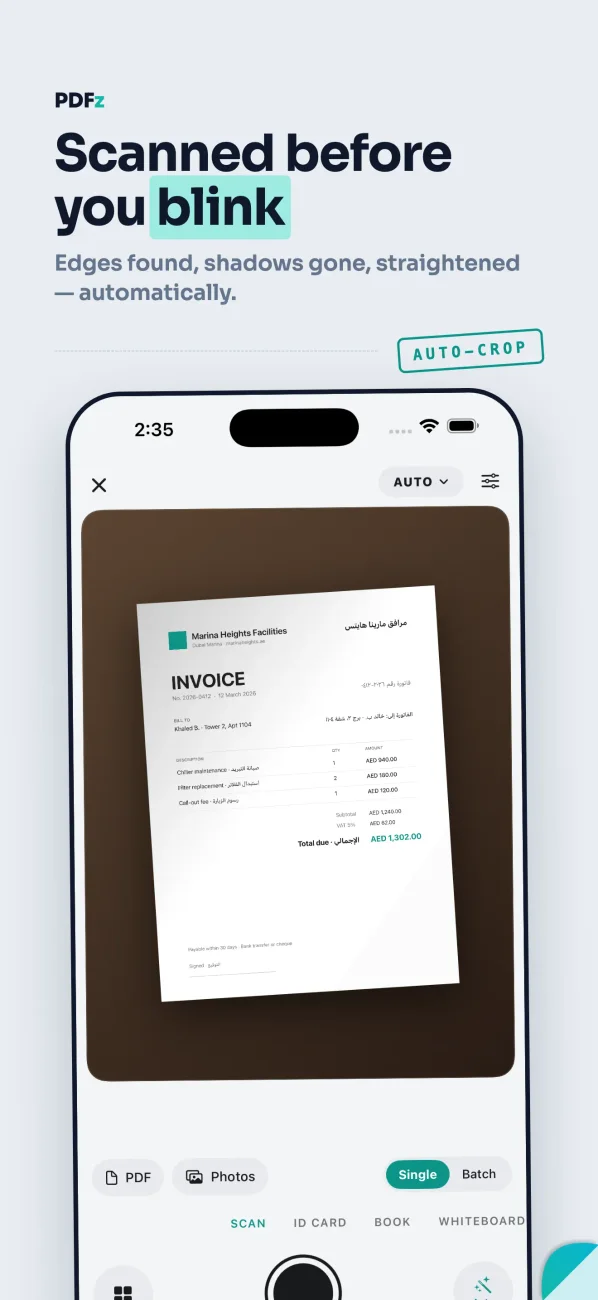
• Point the camera. The page is found, straightened and cleaned before you lift your thumb.
• Filters for shadows, handwriting and colour. Multi-page in one go.
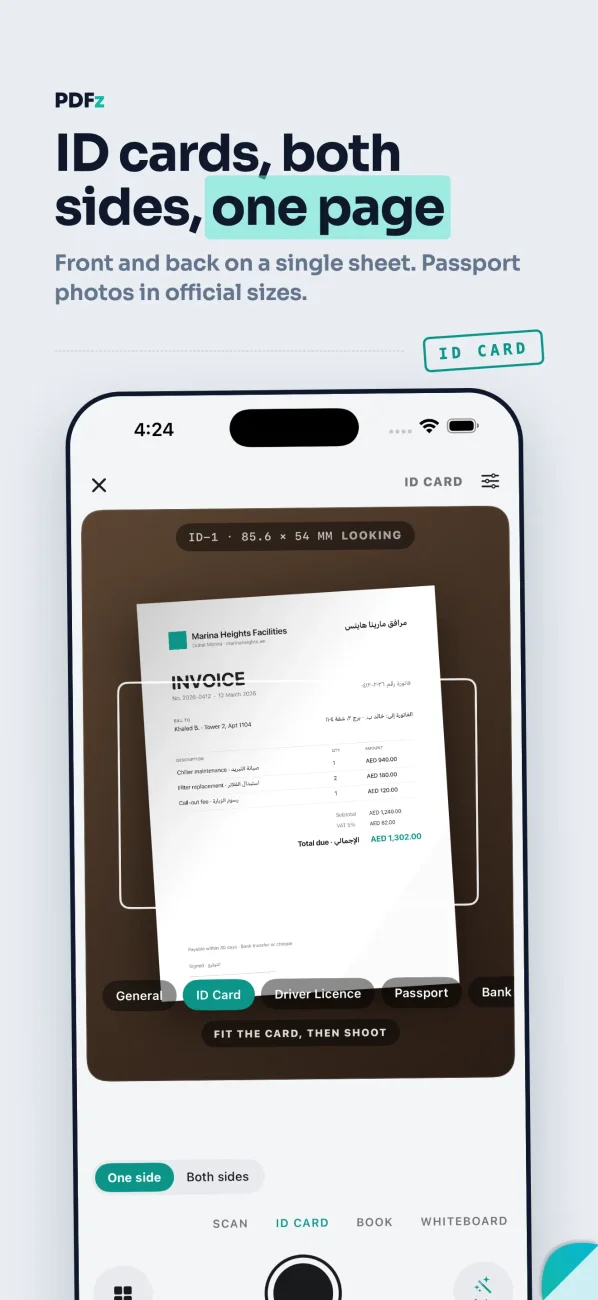
• ID cards: front and back on a single page. Passport and visa photos in official sizes.
• Long receipts stitched from several shots. Books split into left and right pages.
EDIT IT LIKE A DOCUMENT, NOT A PICTURE
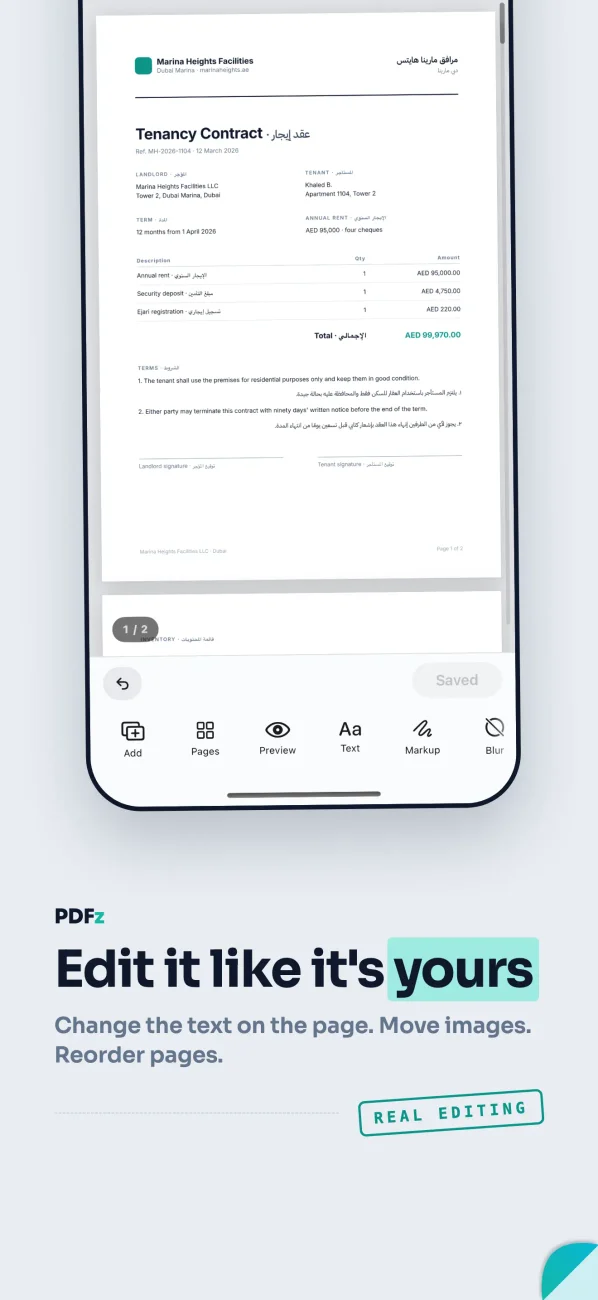
• Edit the text that is already on the page. Move and resize images. Add, reorder and rotate pages.
• Text, markup and signatures are live layers you can move — not pixels you have to redo.
• Watermark, page numbers, permanent redaction, full undo history.
SIGN AND FILL
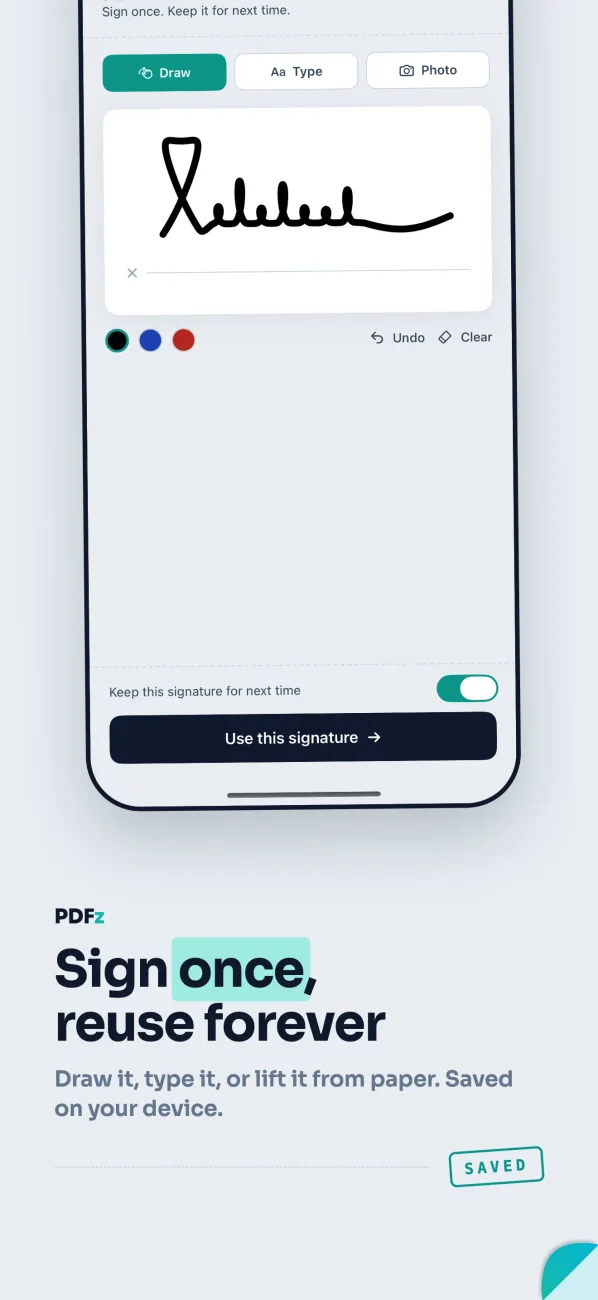
• Draw your signature, type it, or lift it from paper. It stays saved on the device.
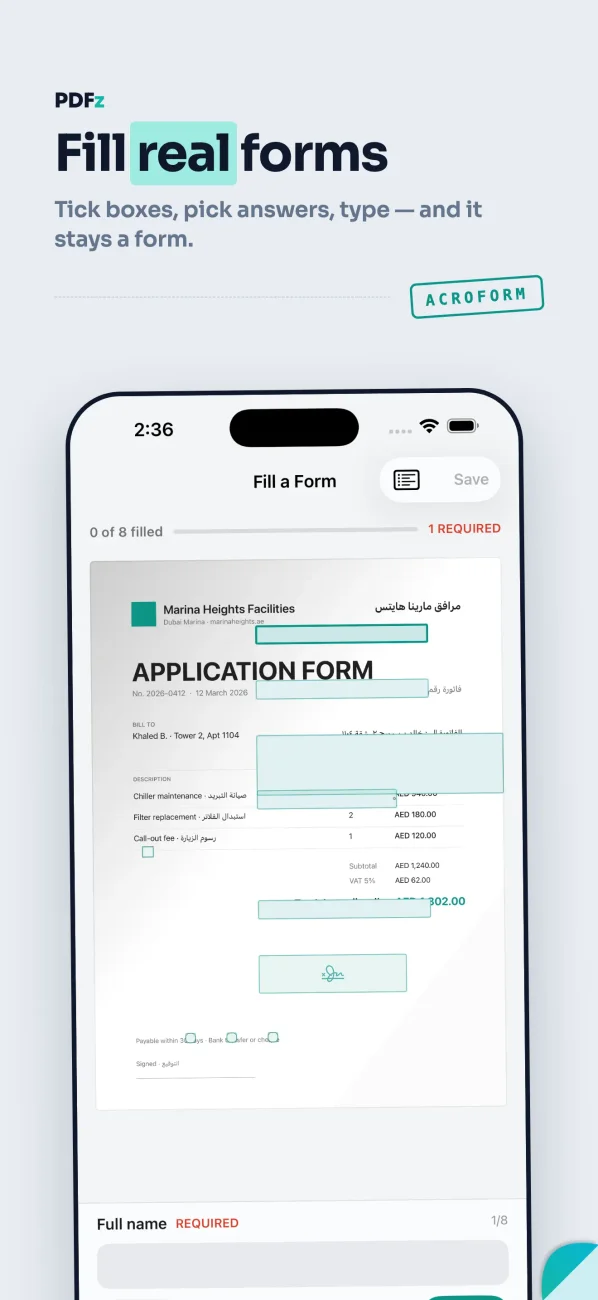
• Fill real PDF forms: tick boxes, dropdowns, required fields — and it stays a form.
• Start from a blank page and build your own form.
CONVERT
• PDF to Word, Excel and PowerPoint with layout, tables and bilingual text kept in reading order. Processed on the PDFz server and deleted the moment it finishes.
• Images to PDF, PDF to images, one long image, print.
ORGANISE AND FIND
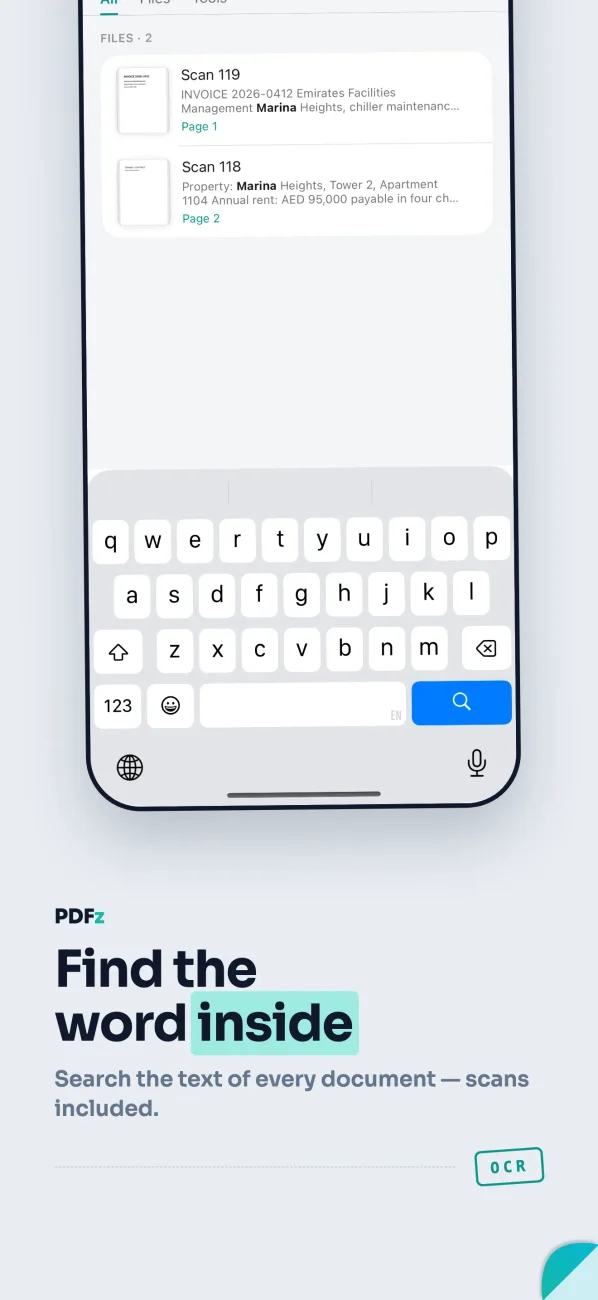
• Search the words inside every document — OCR included.
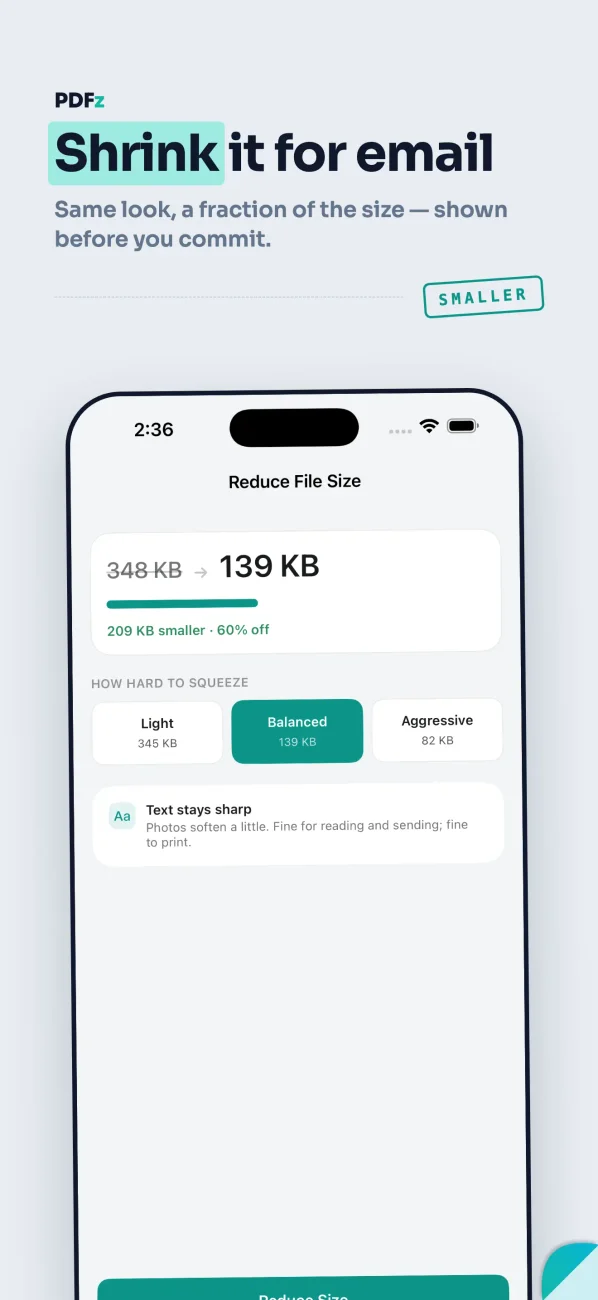
• Merge, split, extract pages. Compress with the new size shown before you commit.
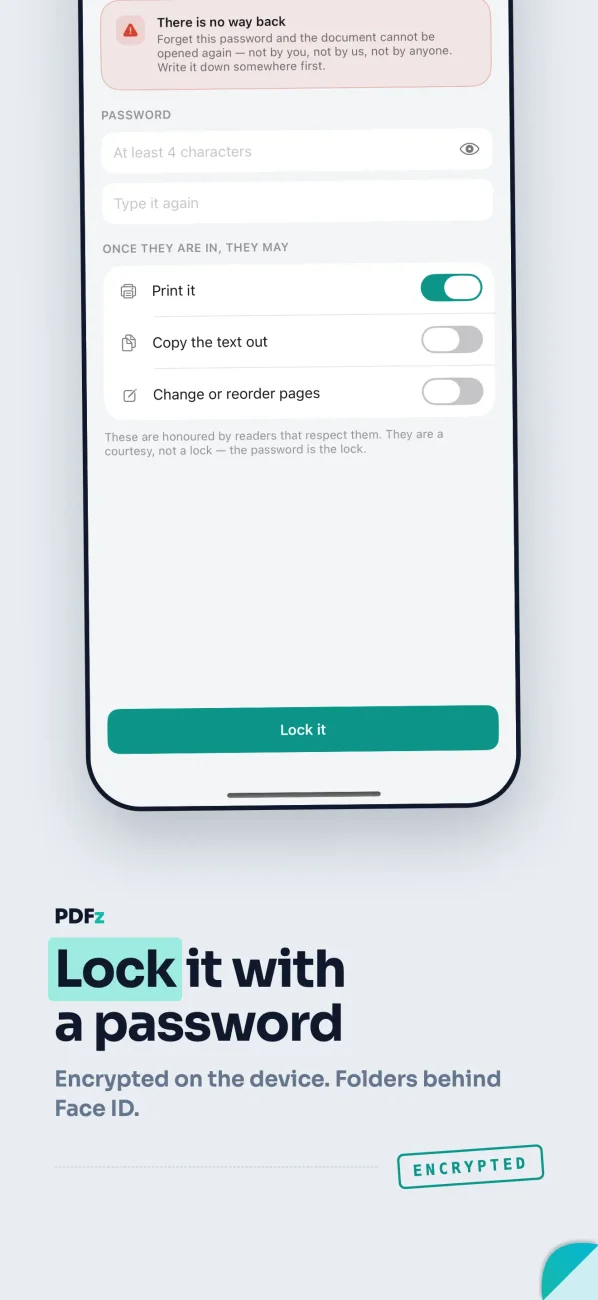
• Password-protect any PDF. Lock folders with Face ID.
• Share over Wi-Fi to any browser on your network. No cloud account.
TRANSLATE
• Translate a whole document on the page and save it, or translate live through the camera.
MADE FOR ARABIC AND ENGLISH
Right-to-left layout, bilingual pages that stay side by side, Arabic and English OCR. Available in 49 languages.
PRIVACY
No account. Scanning, editing, signing and OCR run on the device. Conversion files are deleted from the server as soon as your download is ready.
PDFz PLUS
Some features need PDFz Plus — weekly, monthly or yearly, with a free trial. Payment is charged to your Apple ID account. The subscription renews automatically unless cancelled at least 24 hours before the end of the current period; manage or cancel in Settings. Terms of Use: https://www.apple.com/legal/internet-services/itunes/dev/stdeula/
What’s new
Version 2.0.3 · Oct 5, 2026
Polish and fixes throughout the app.
App privacy
What Khaled Khalifa declares on the App Store about how this app handles data.
-
Data not linked to you
May be collected but is not linked to your identity.
- Usage data
- Diagnostics
Privacy practices may vary, for example with the features you use or your age.
Information
- Seller
- Khaled Khalifa
- Category
- Productivity
- Version
- 2.0.3
- Updated
- Oct 5, 2026
- Released
- Oct 17, 2025
- Size
- 45.5 MB
- Requires
- iOS 18.0 or later
- Age rating
- 4+
- Price
- Free
- In-app purchases
- Yes
- Languages
- English, Arabic, Bengali, Catalan, Croatian, Czech, Danish, Dutch, Finnish, French, German, Greek + 32 more
- Copyright
- © A6 Digital Information Technology
You might also like
-
 Shared Grocery Shopping ListsEasy Shopping Widgets & Watch
-
 Time Pencil: Day PlannerTime Blocking & Daily Schedule
-
 Pomodoro Timer: Pomidor FocusADHD Study Timer & Planner
-
 GoalSteps | Goal TrackerTrack Habits. Achieve Goals.
-
 Esse: AI Video SummarizerSmart YouTube Transcript Tool
-
 Fexo All File ConverterConvert HEIC, PDF, MP3, MP4
-
 All Document Reader ProOpen PDF, Word, Excel, ZIP,RAR
-
 Notes for Dynamic Notch IslandInstant Note Widget for 18 Pro
-
 PDF Editor & Scanner:PDF ToolsScan, Edit & Manage PDFs
-
 Kutu: Bookmark ManagerSave Links & Read Later