- Age rating4+
- CategoryLifestyle
- DeveloperTimothy Hudgins
- LanguagesEnglish
- Size76.6 MB
Links to the official App Store page
Download.org hosts no file of PearGuard. The button opens its official App Store page, published by Timothy Hudgins. Listing last checked on Nov 8, 2026.
Screenshots
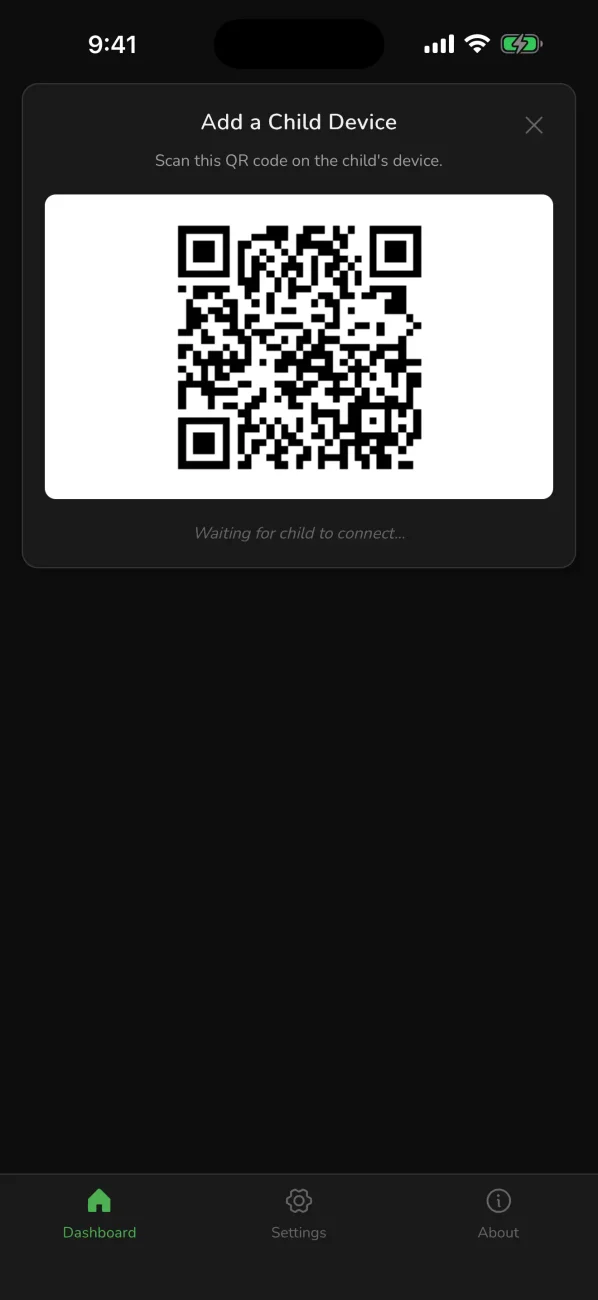


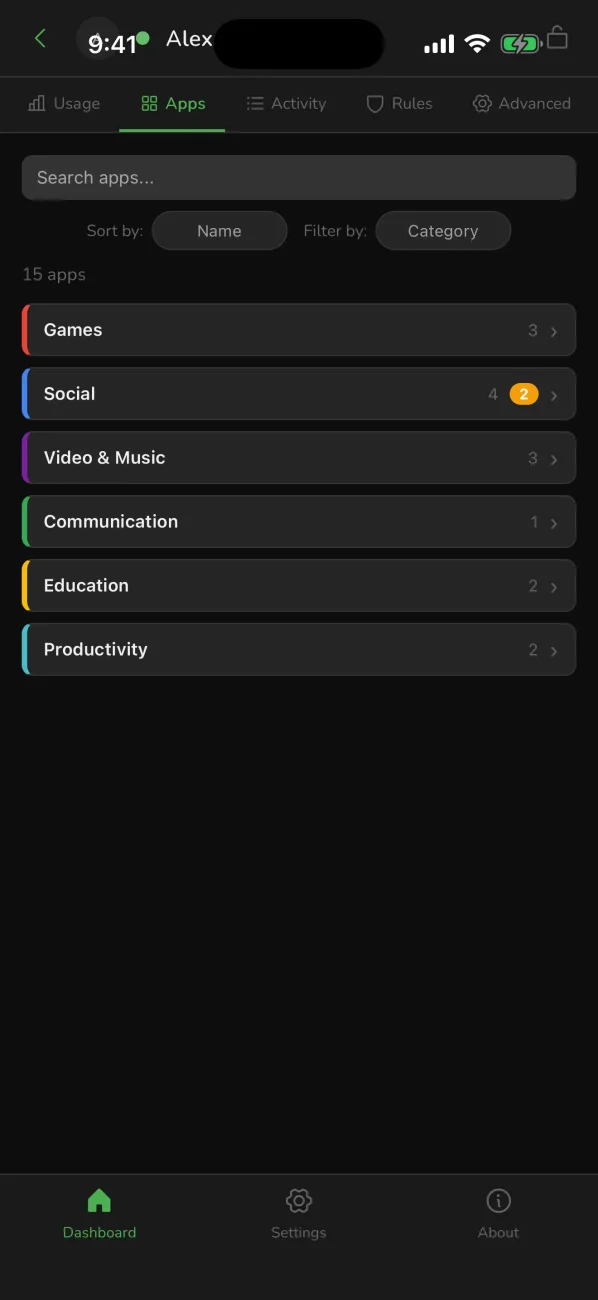
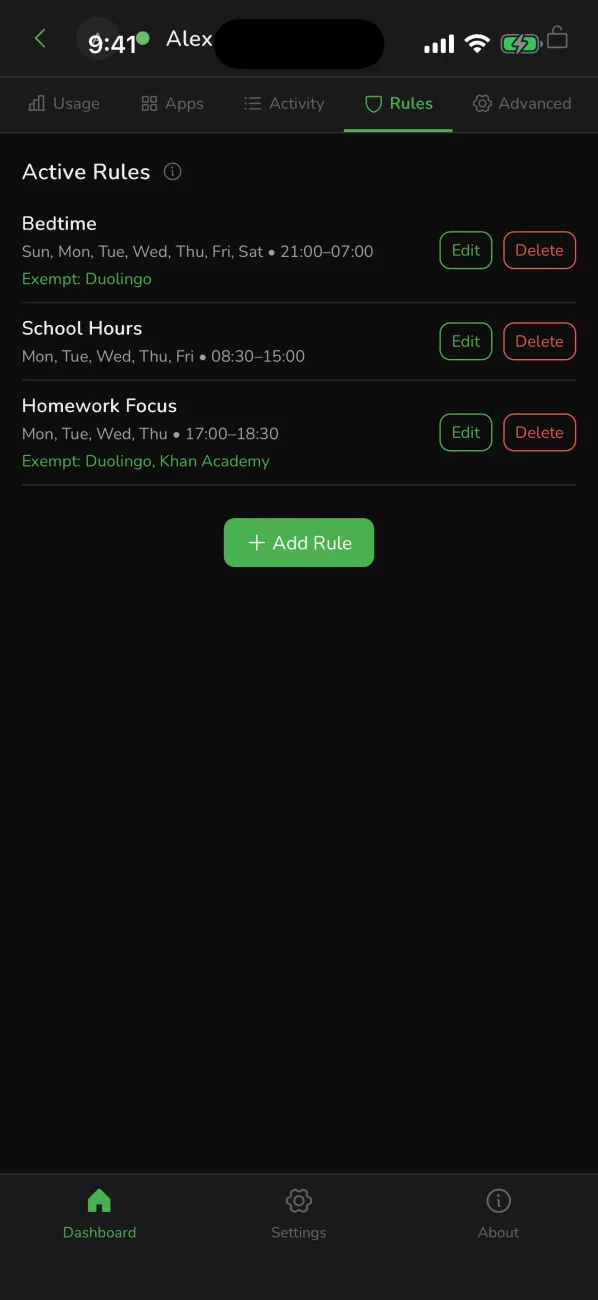

About
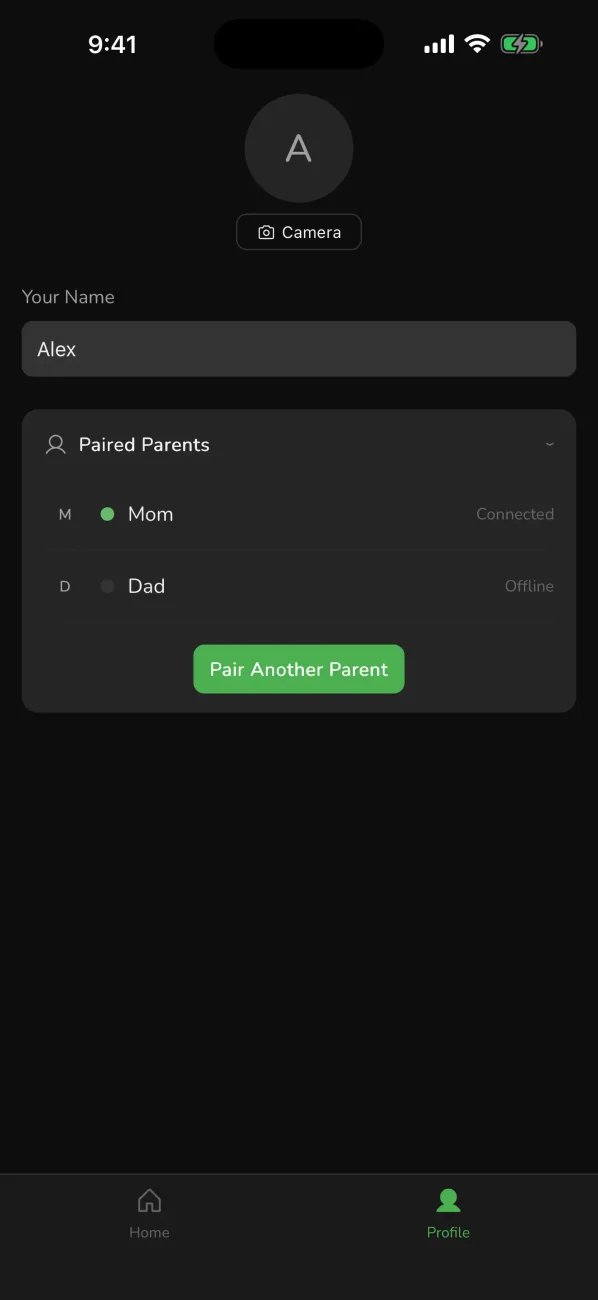
PearGuard is a privacy-focused, peer-to-peer parental control app. The parent device pairs directly with the child device — no accounts, no servers, no subscriptions. Your family's activity data lives only on the devices you pair.
PearGuard is designed for families where the child uses an Android device. The parent can use Android or iOS.
FEATURES
Screen Time Limits
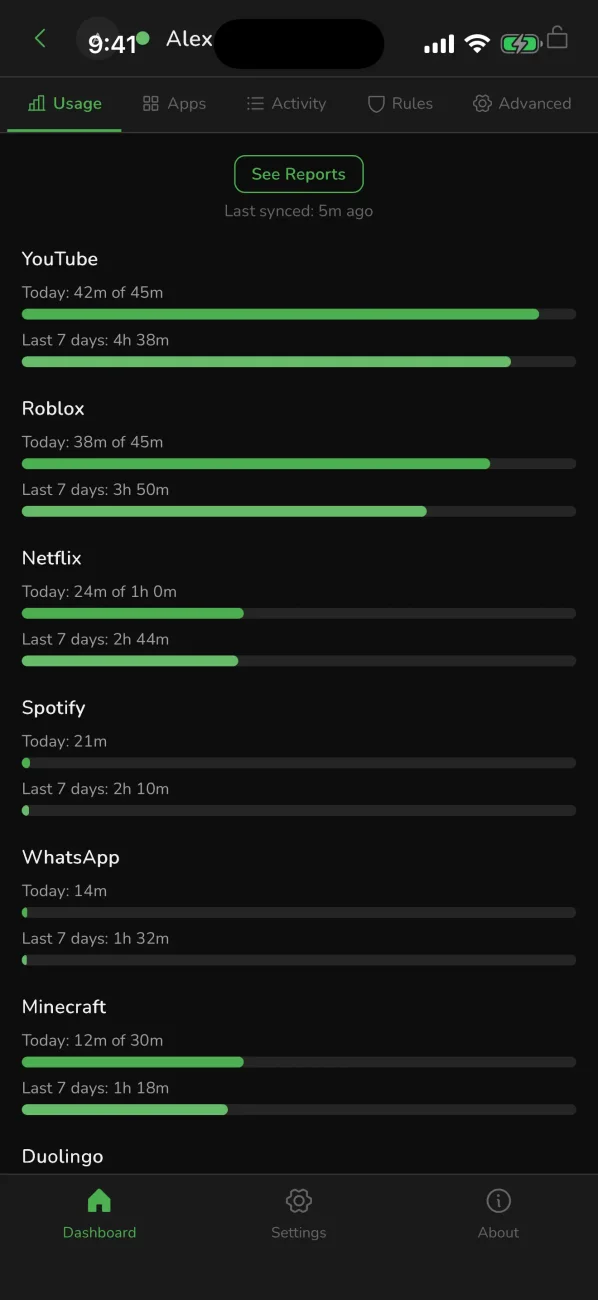
Set daily time budgets and bedtime windows on the child device.
Per-App Policies
Allow, block, or time-limit individual apps by category or one at a time.
Activity View
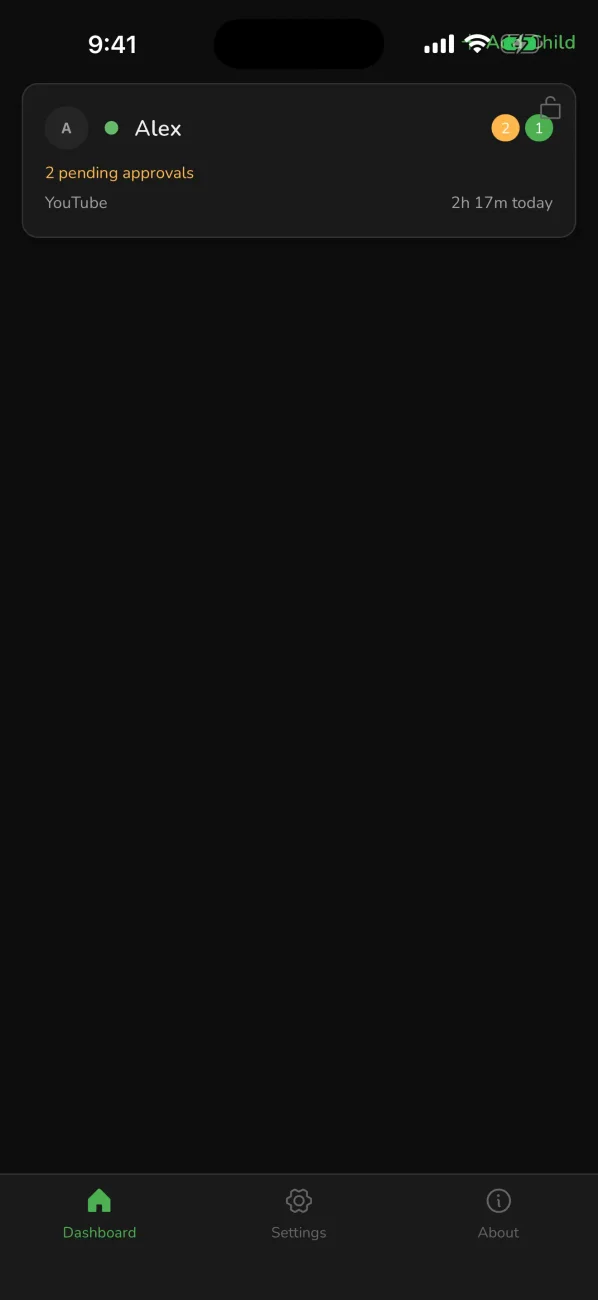
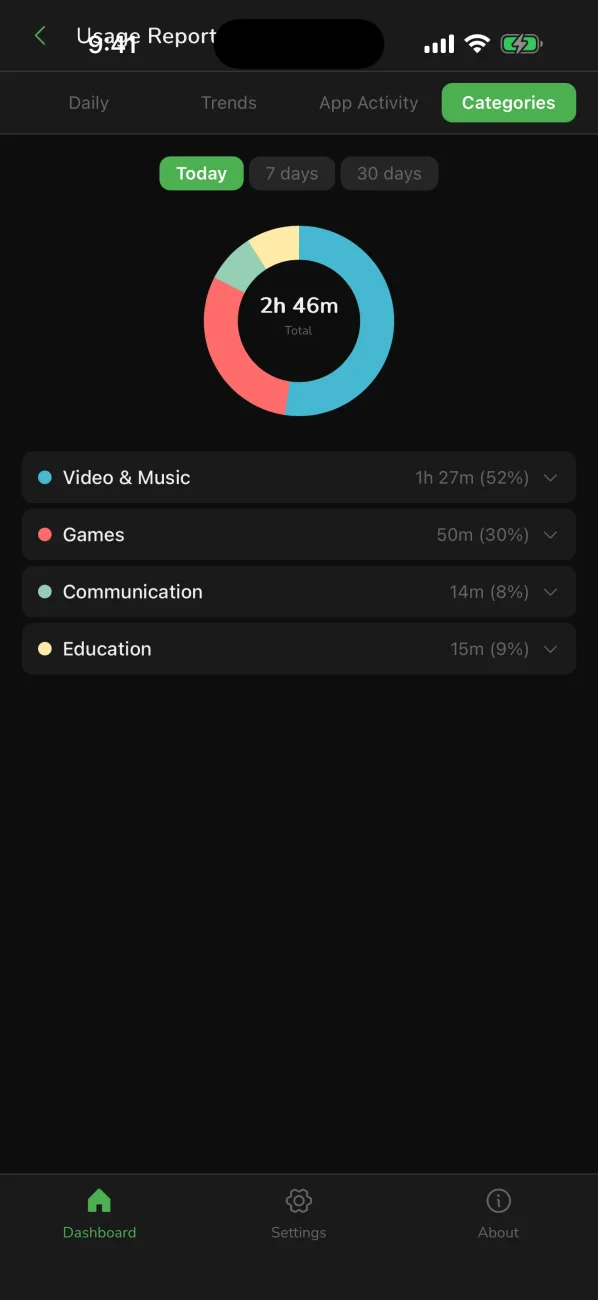
See what's been used and when, directly from the parent device.
Time Requests
The child can request extra time; the parent approves or denies from their device.
Privacy First
No account creation. No email address. No tracking. No ads. Activity never leaves the paired devices.
Open Source
PearGuard is free and open source. Source code is available on GitHub.
PERMISSIONS
Camera — used to scan QR invite codes when pairing with a child device.
Photo Library — used to set profile photos.
What’s new
Version 1.0.28 · Oct 31, 2026
PearGuard v1.0.28
Bug Fixes
- App blocking and screen time work again on Ubuntu 26.04 and other Linux PCs running the newest versions of GNOME (49, 50 and 51). Before, remaining time never counted down there and the child was wrongly told to log out
- If a future version of GNOME ever stops PearGuard's blocking from working, the child now sees an honest message that PearGuard needs an update, instead of being told to log out
Privacy
- Scanning a QR code no longer uses Google's scanning library. Codes are read inside the app, and nothing about your scans goes to Google
- PearGuard asks for fewer permissions. Contacts and storage access are gone
App privacy
What Timothy Hudgins declares on the App Store about how this app handles data.
-
Data not collected
The developer does not collect any data from this app.
Privacy practices may vary, for example with the features you use or your age.
Information
- Seller
- Timothy Hudgins
- Category
- Lifestyle
- Version
- 1.0.28
- Updated
- Oct 31, 2026
- Released
- Apr 26, 2026
- Size
- 76.6 MB
- Requires
- iOS 15.1 or later
- Age rating
- 4+
- Price
- Free
- Languages
- English
- Copyright
- © 2026 PeerLoom LLC
You might also like
-
 FawnGuard: Parental ControlScreen Time & App Blocker
-
 OneLimit: My Screen TimeSee your screen time budget
-
 Jiayin FamilyFamily life service platform
-
 Sentinel Kids AppParental Control & Safety
-
 Junior: Powered by KidopalRemote Family Device Manager
-
 Vettly Companion: Teen SafetyScam, Link & Message Checker
-
 SteadyBounds: Parental ControlScreen Time for Parents
-
 Kiddowall: Parental ControlScreen time, web filter & GPS
-
 ArtBox: Save Your Kids ArtScan, Save & Relive Memories
-
 OmoSafeScreen time, location and SOS