Peek-a-View
Read-only photo gallery
Designed for iPhone, iPad, iPod touch
Free · In-app purchases
- Age rating4+
- CategoryPhoto & Video
- DeveloperLimitliss LLC
- LanguagesEnglish
- Size4.3 MB
Links to the official App Store page
Download.org hosts no file of Peek-a-View. The button opens its official App Store page, published by Limitliss LLC. Listing last checked on Nov 20, 2026.
Screenshots

About
Save your photos from accidental — or deliberate! — deletion by toddlers, clients, or anyone that can't be trusted.
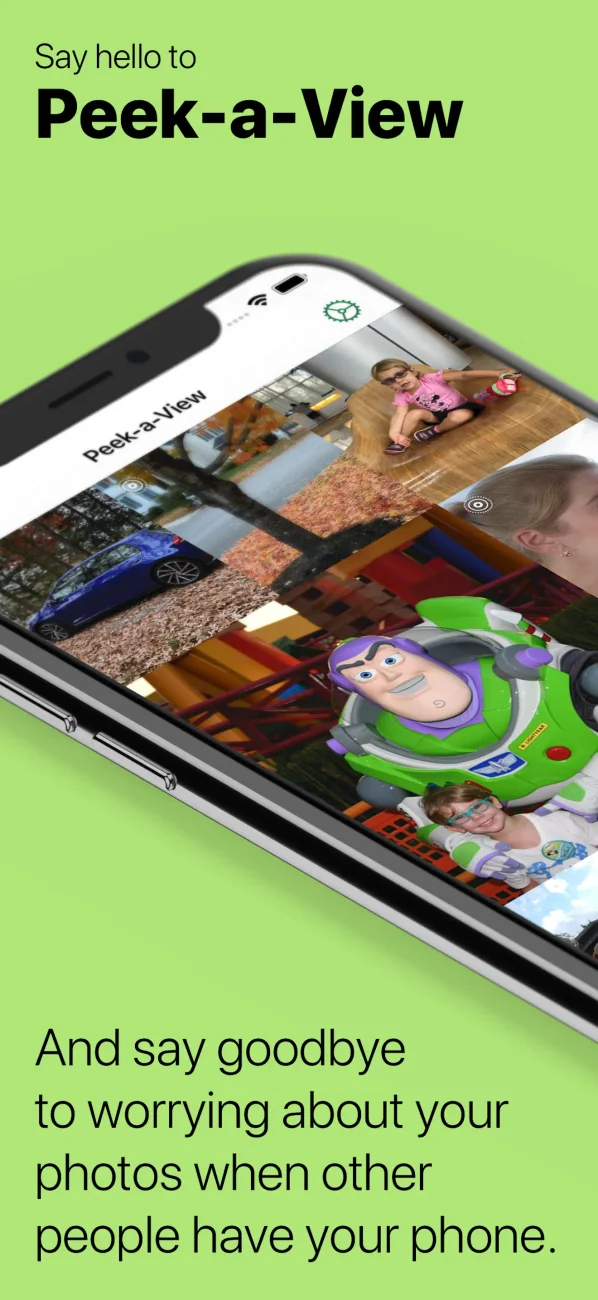
Peek-a-View is a read-only photo gallery. Using Peek-a-View, you can always feel safe sharing your photos with anyone, because there is literally no way to have Peek-a-View delete your photos. In fact, Peek-a-View does not write ANY data back to your photo library.
When paired with the Guided Access feature on iOS and iPadOS, you can lock your device into Peek-a-View, ensuring that the only thing that device can do is look at photos, until you decide otherwise.
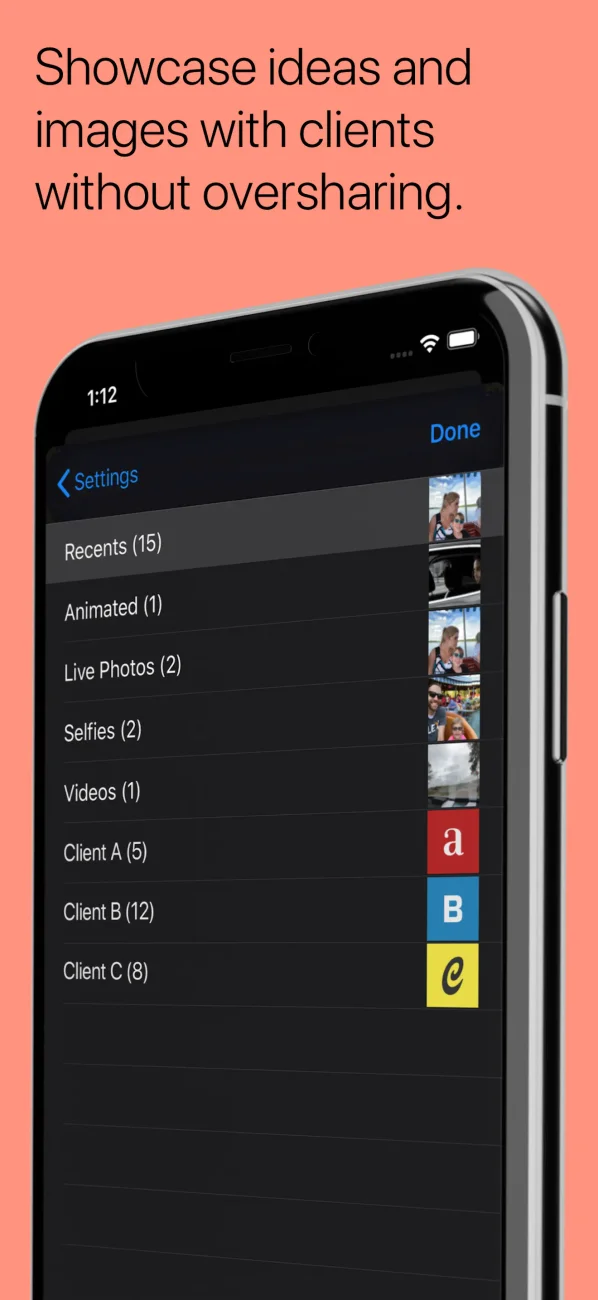
By default, Peek-a-View will show your most recent photos in your photo gallery, but it can be configured to only show a specific album. Furthermore, access to Peek-a-View's settings is automatically restricted when Guided Access is started.
Peek-a-View will show you your 20 most recent photos for free; a one-time in-app purchase will remove that limitation.
Peek-a-View fully supports Dark Mode, Dynamic Type, Live Photos, videos, and animated GIFs. With purchase, it also supports several alternative icons.
Born from a trip to an amusement park with a very independent toddler, Peek-a-View was written so that my wife and I can give our phones to our precocious two-year-old and know that she won't accidentally delete any of our precious memories.
Without Peek-a-View, we'd have to hope that she didn't figure out how to delete anything, or spend time fiddling with the Guided Access settings to block out the delete features on the Photos app.
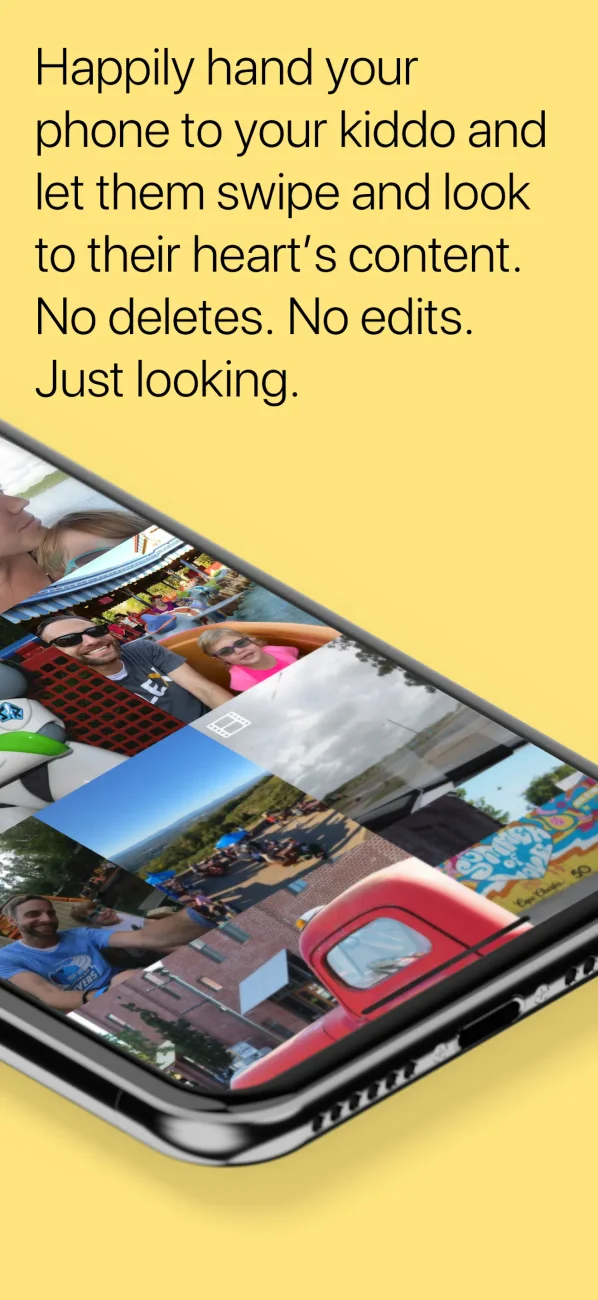
With Peek-a-View, we can simply open the app, start Guided Access, and hand her the phone. No deletion, no modifications, no worries.
Privacy Policy: https://www.caseyliss.com/peek-a-view-privacy
What’s new
Version 2025.2 · May 6, 2025
This version fixes some wonkiness around rotation, particularly around still images.
App privacy
What Limitliss LLC declares on the App Store about how this app handles data.
-
Data not linked to you
May be collected but is not linked to your identity.
- Identifiers
- Usage data
Privacy practices may vary, for example with the features you use or your age.
Information
- Seller
- Limitliss LLC
- Category
- Photo & Video
- Version
- 2025.2
- Updated
- May 6, 2025
- Released
- Feb 5, 2020
- Size
- 4.3 MB
- Requires
- iOS 15.4 or later
- Age rating
- 4+
- Price
- Free
- In-app purchases
- Yes
- Languages
- English
- Copyright
- © 2020 Limitliss LLC
You might also like
-
 No Peeking: Lock your photosA photo album with privacy
-
 Little Eyes GalleryRead-Only Photo Gallery
-
 Image Search Engine FindMySnapAI Photo Finder & Cleaner
-
 SplitCropRemove inner areas of images
-
 Cassette: Home Video PlayerRetro VHS
-
 Photoscope: Best Photo PickerChoose Perfect Shots
-
 drumroll: see your life flashPhoto & Video
-
 Blur ID - Hide Chat ScreenshotAuto blur face, avatar & text
-
 Annotable: Annotation & MarkupImage Annotation & Markup
-
 Kino - Pro Video CameraGrade Log Movies with LUTs