Peel Cutout: Background Eraser
Photo & video sticker maker
Designed for iPhone
Free · In-app purchases
- Age rating12+
- CategoryPhoto & Video
- DeveloperMohamed Alhammadi
- LanguagesEnglish+ 1 more
- Size29.2 MB
Links to the official App Store page
Download.org hosts no file of Peel Cutout: Background Eraser. The button opens its official App Store page, published by Mohamed Alhammadi. Listing last checked on Nov 24, 2026.
Screenshots


About
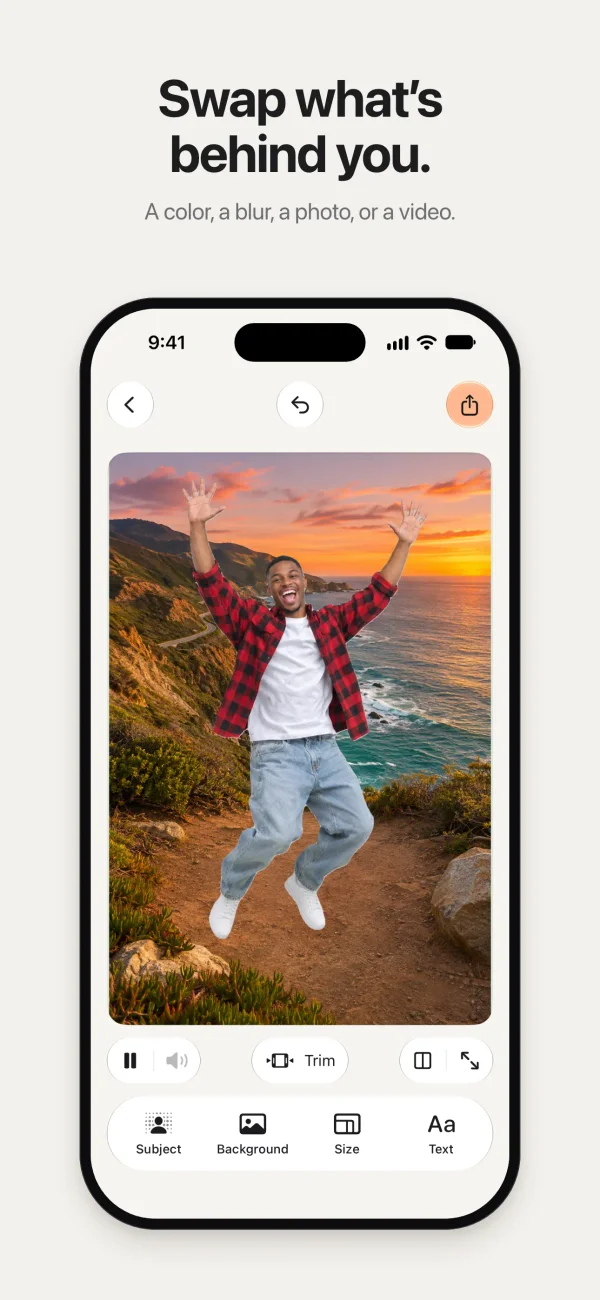
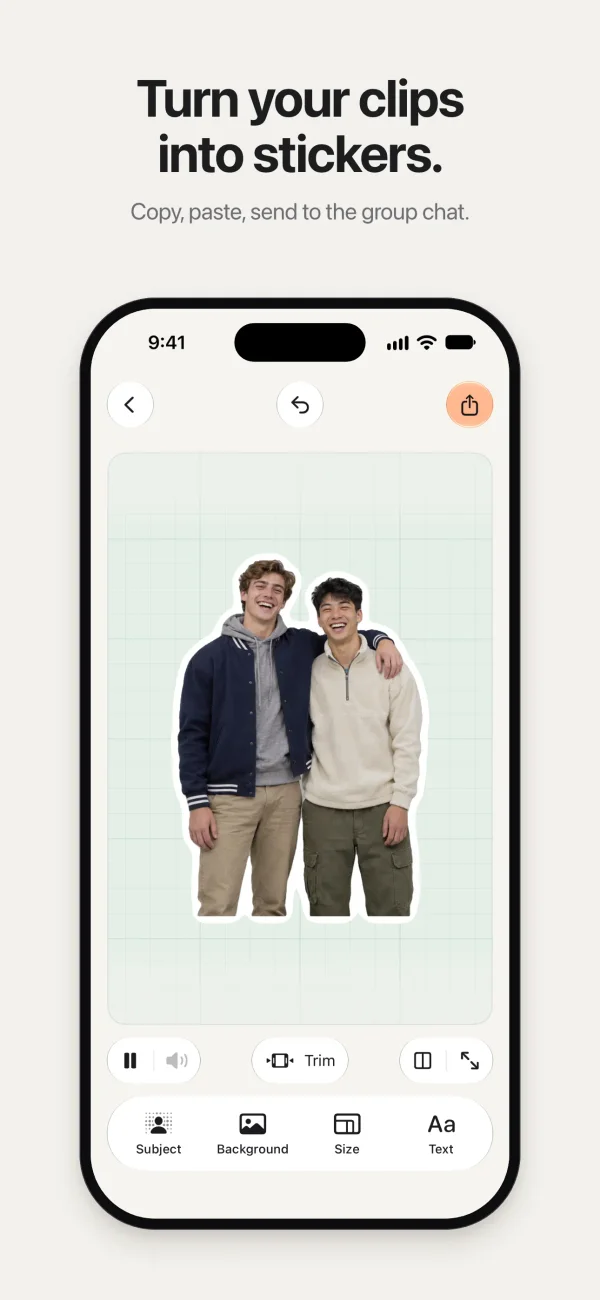
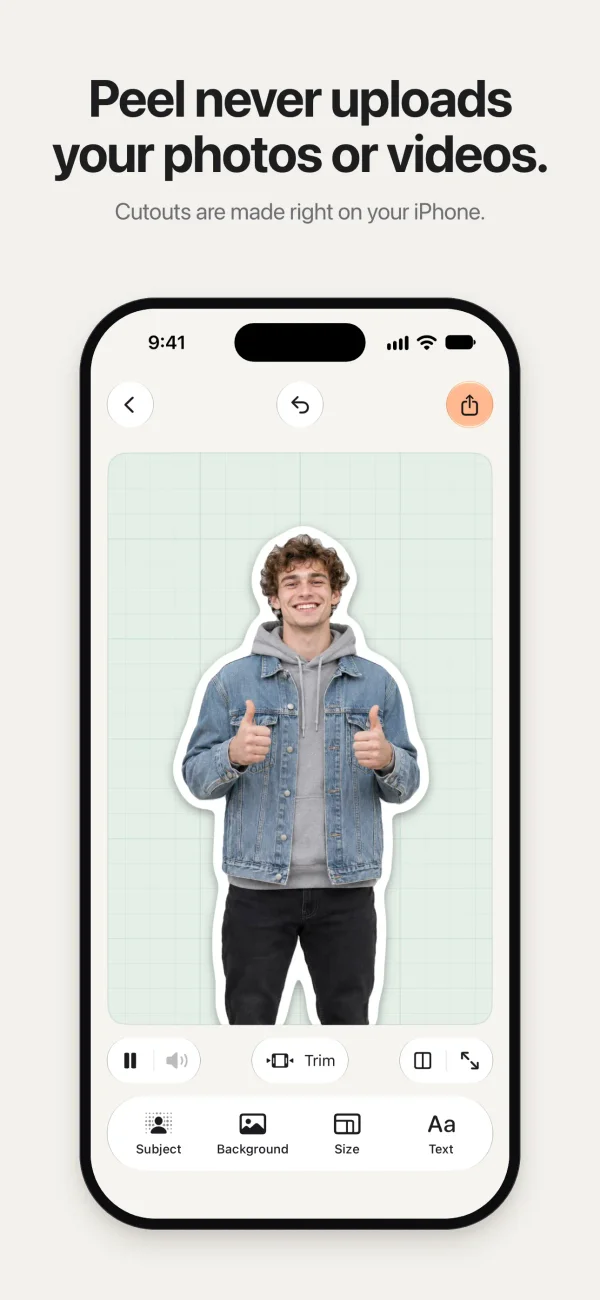
Peel cuts the background out of your photos and videos, right on your iPhone. Choose a photo or a video, watch the background disappear, then make it yours: add text, a white sticker outline and a soft shadow, and put anything you like behind it. Save it as a sticker, a GIF, a picture or a transparent video.
Peel never uploads your photos or videos. The cutting happens on the device with Apple's built-in frameworks, and no account is needed.
CUT OUT
• Choose a photo or a video and Peel lifts out the subject.
• In a video, tap a person to remove them from the shot.
• Soften or widen the edge, and clean up green-screen spill.
MAKE IT A STICKER
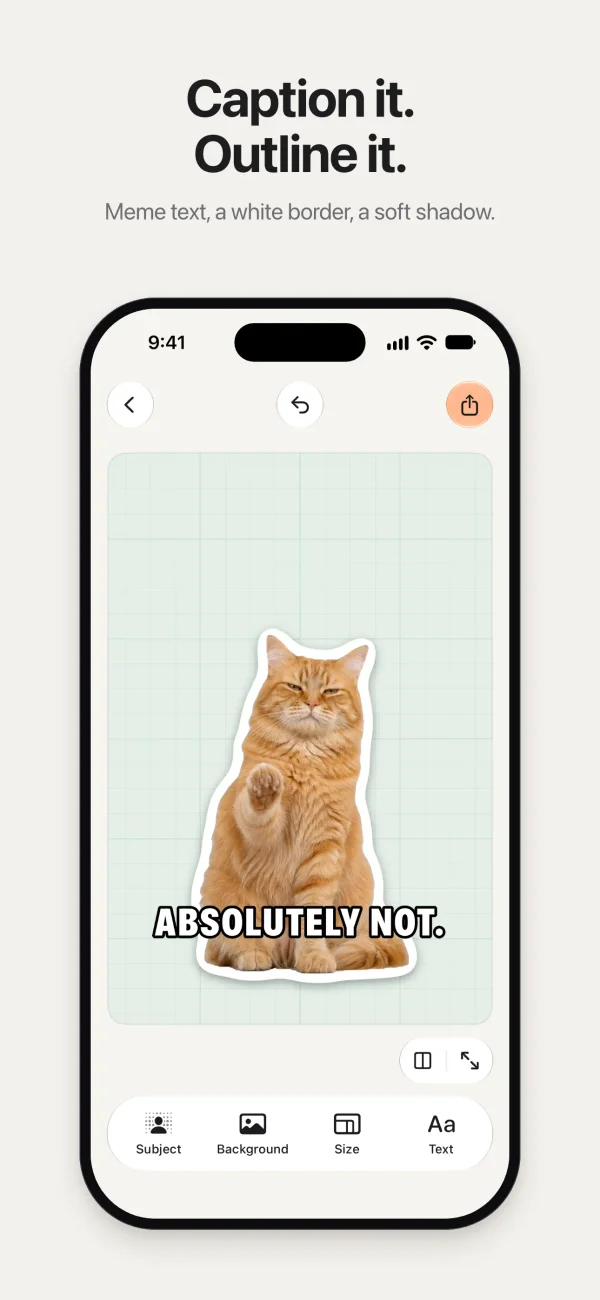
• Text: add a caption in Meme or Boxed style, then choose Bold, Rounded or Classic lettering. Drag the text into place.
• Outline: add a thin or thick white outline, with an optional soft shadow.
NEW BACKGROUND
• Keep it transparent, or put a color, a photo, a video or a blur behind it.
• Over a photo or video background, drag the cutout with one finger, pinch to resize it and twist to rotate it.
• Save a green-screen version for editors that don't support transparency.
SIZE, TRIM AND SPEED
• Choose Original, a Snapchat or Instagram story size, Sticker, or the background's size, then fit or fill the frame. Story sizes keep your clip's full quality, up to 4K.
• Trim a video to the moment you want with a filmstrip and two handles.
• Set the speed to ½×, 1×, 2× or 3×.
EXPORT
• Video in 720p, 1080p or 4K, with real transparency.
• Animated GIFs.
• Pictures: a see-through PNG, or a JPEG over a background.
• Stickers for Snapchat: tap Snapchat and Peel copies the sticker and opens the app, ready to paste. A video makes a moving sticker, a photo a still one.
• Send a finished video with a background straight to Snapchat.
• Save to Photos or share anywhere.
MY WORK
• Peel keeps a copy of what you save, share or copy in My work, on your iPhone only, ready to send again. Delete one, or clear them all in Settings.
MADE FOR iPHONE
• App language: English and Arabic.
• Light and dark appearance, following your iPhone.
• Supports Dynamic Type, VoiceOver and Reduce Motion.
• Undo, Redo, and Compare to check the result against the original.
FREE, WITH ADS
Every feature is free. Peel shows ads from Google AdMob. Remove ads is a one-time purchase that turns them off for good. No subscription.
Privacy policy: https://alhammadi-de.github.io/peel/privacy/
What’s new
Version 1.3.2 · Nov 23, 2026
Bug fixes and minor improvements.
App privacy
What Mohamed Alhammadi declares on the App Store about how this app handles data.
-
Data used to track you
May be used to track you across apps and websites owned by other companies.
- Location
- Identifiers
- Usage data
-
Data linked to you
May be collected and linked to your identity.
- Location
- Identifiers
- Usage data
- Diagnostics
-
Data not linked to you
May be collected but is not linked to your identity.
- Diagnostics
Privacy practices may vary, for example with the features you use or your age.
Information
- Seller
- Mohamed Alhammadi
- Category
- Photo & Video
- Version
- 1.3.2
- Updated
- Nov 23, 2026
- Released
- Nov 5, 2026
- Size
- 29.2 MB
- Requires
- iOS 26.0 or later
- Age rating
- 12+
- Price
- Free
- In-app purchases
- Yes
- Languages
- English, Arabic
- Copyright
- © 2026 Ahmed Ali
You might also like
-
 Kyupeen: Pet Sparkle AIPets, plushies, people: aha!
-
 Green Screen Video: BackdropAI Background Changer & Eraser
-
 Fond Live: Green Screen VideoBackground Remover & Changer
-
 Snippie: Moving Sticker MakerAnimated stickers from video
-
 PRINT DOT - Halftone RisographColour screen print and zines
-
 VideoX: Video Editor & CutoutSpeed Ramp, Tracking & Effects
-
 Background Eraser: Photo VideoGreen Screen & Image Cutout
-
 Captionry: Auto CaptionsSubtitle & Translate Videos
-
 ByeCut: AI Video EditorJust talk. It edits itself.
-
 Cutaway: Video Editor with AIAI makes the cut. You edit it.