PeerPause: Screen Time Control
Ask Friends to Unlock Apps
Designed for iPhone
Free · In-app purchases
- Age rating17+
- CategoryProductivity
- DeveloperAndrei Tarce
- LanguagesEnglish+ 43 more
- Size81.4 MB
Links to the official App Store page
Download.org hosts no file of PeerPause: Screen Time Control. The button opens its official App Store page, published by Andrei Tarce. Listing last checked on Nov 20, 2026.
Screenshots


About
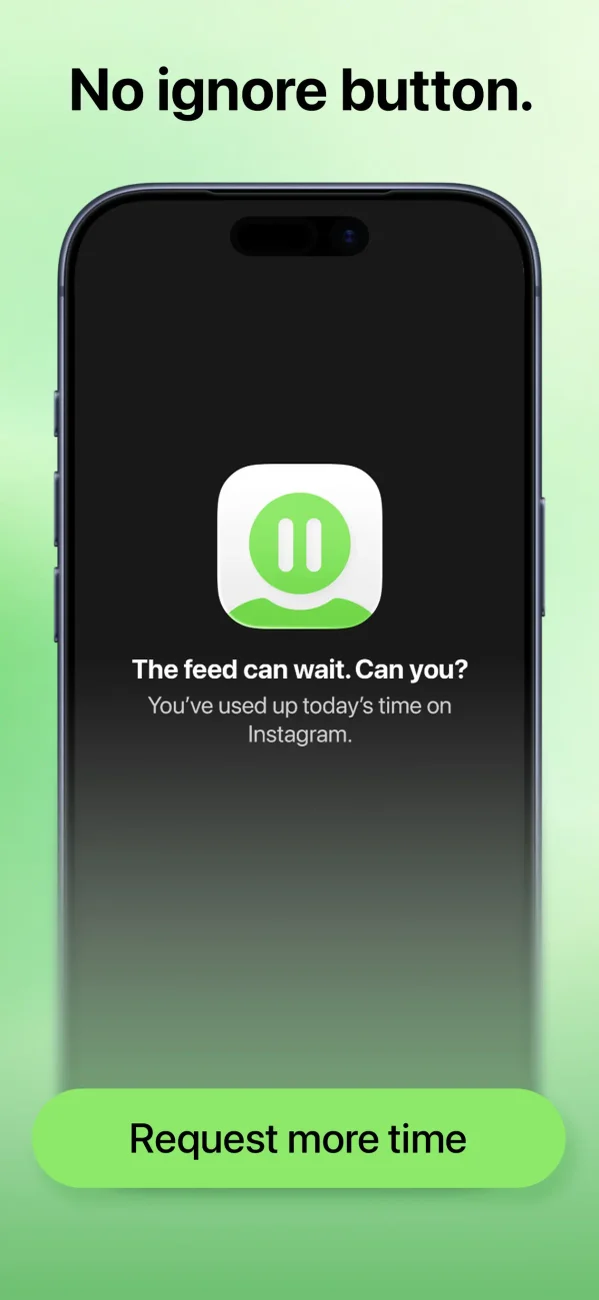
Screen time limits only work when you can't quietly undo them. PeerPause fixes that by putting one person you trust between you and the "just five more minutes" button.
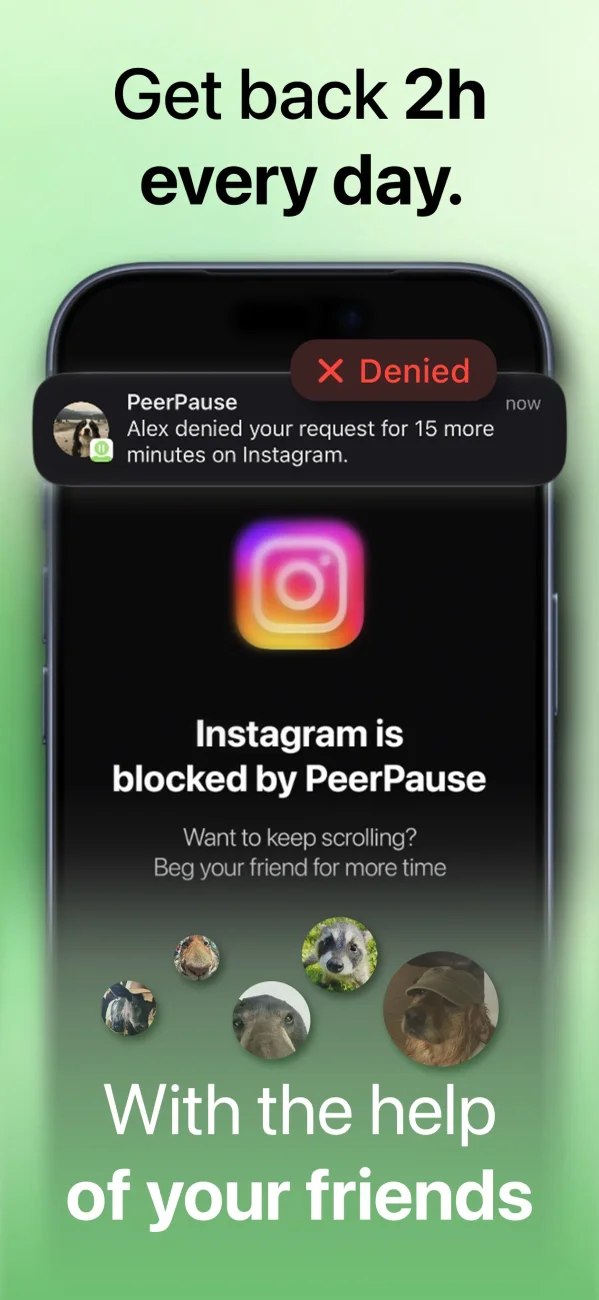
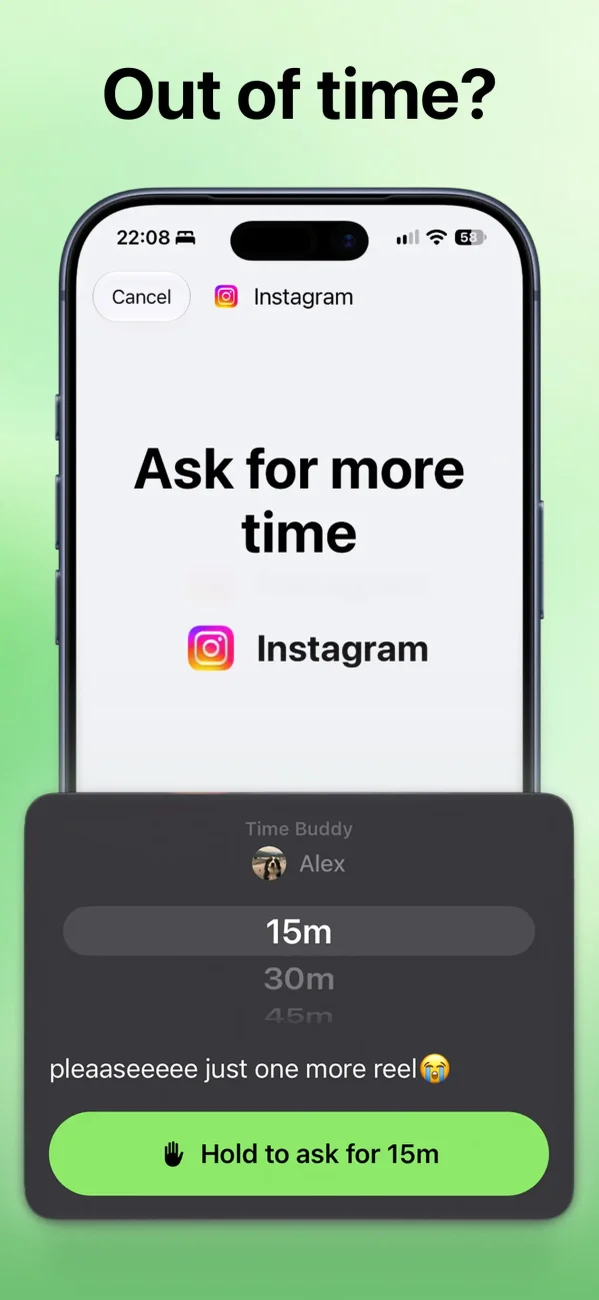
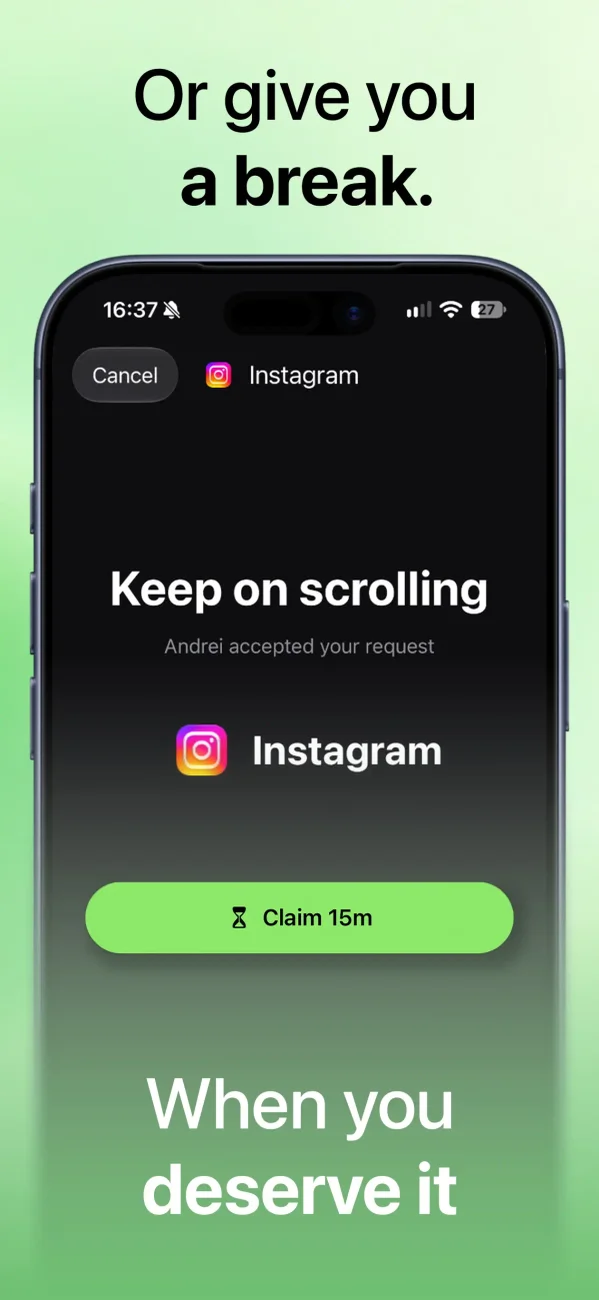
Set a daily limit for the apps that eat your day. When the time is gone, the app locks. If you genuinely need longer, you send a request to your Time Buddy — a friend, partner, or sibling who taps accept or deny. No secret override, no deleting the limit at 1am.
HOW IT WORKS
1. Pick the app that distracts you most.
2. Set its daily limit.
3. Add a Time Buddy.
4. When you hit the limit, the app locks.
5. Ask for more time, with a note if you want.
6. Your Time Buddy decides.
WHAT YOU GET
• Blocking for social, video, game, dating, and shopping apps
• Daily limits built on Apple's Screen Time
• Time extension requests, answered by a real person
• Requests and answers right in iMessage
• Buddy confirmation before a limit is changed or removed
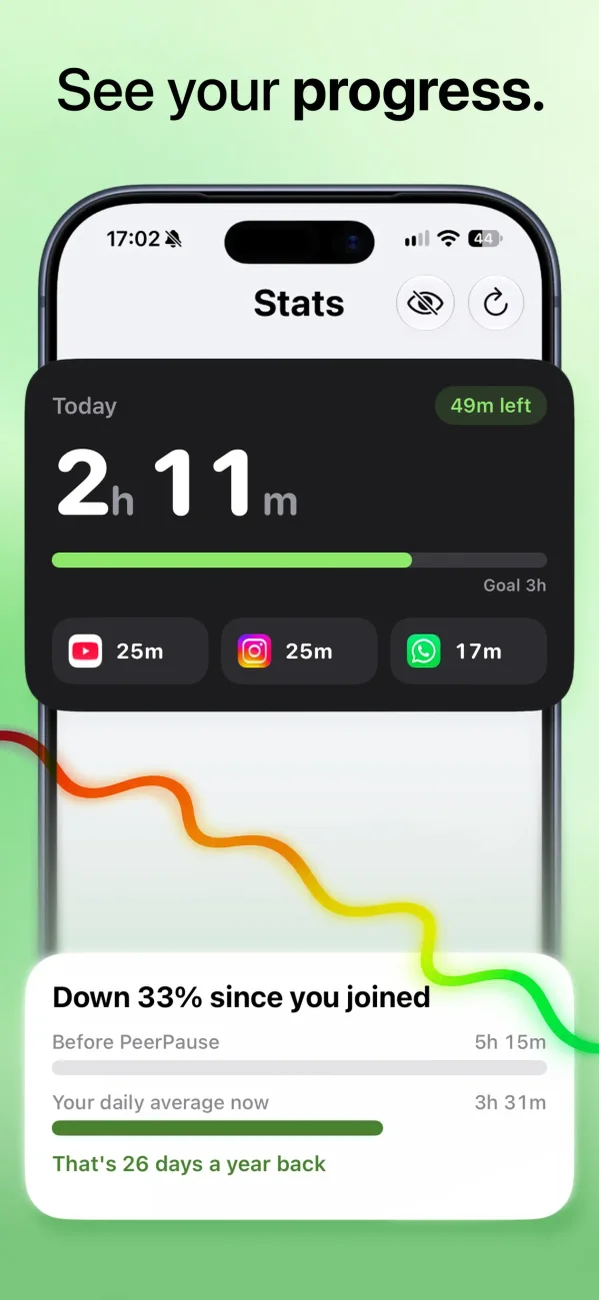
• Streaks and insights that show what's actually improving
• No instant self-override when you hit the limit
WHY A BUDDY BEATS WILLPOWER
Every other blocker lets you turn it off. That is the whole problem — the moment you want to break the limit is exactly the moment you are least able to argue with yourself. Handing that one decision to someone else takes about two seconds and changes the outcome.
Your Time Buddy is not a parent or a monitor. They see the app name, how much time you asked for, and any note you send. They cannot see your messages, your browsing, your photos, or what you do inside any app. Your Screen Time data stays on your device.
BEING SOMEONE'S TIME BUDDY
Answering requests for a friend costs nothing — install PeerPause, get added, and tap accept or deny when they ask. A PeerPause Pro subscription is what lets you create and manage your own limits.
Pause first. Scroll less. Take your time back.
TERMS OF USE
https://www.apple.com/legal/internet-services/itunes/dev/stdeula/
What’s new
Version 1.3.2 · Nov 16, 2026
Small fixes and under-the-hood improvements to keep PeerPause running smoothly. Thanks for your continued support and feedback!
App privacy
What Andrei Tarce declares on the App Store about how this app handles data.
-
Data linked to you
May be collected and linked to your identity.
- Contact info
- User content
- Usage data
- Diagnostics
-
Data not linked to you
May be collected but is not linked to your identity.
- Usage data
Privacy practices may vary, for example with the features you use or your age.
Information
- Seller
- Andrei Tarce
- Category
- Productivity
- Version
- 1.3.2
- Updated
- Nov 16, 2026
- Released
- May 18, 2026
- Size
- 81.4 MB
- Requires
- iOS 26.0 or later
- Age rating
- 17+
- Price
- Free
- In-app purchases
- Yes
- Languages
- English, Arabic, Bengali, Catalan, Croatian, Czech, Danish, Dutch, Finnish, French, German, Greek + 32 more
- Copyright
- © PeerPause
You might also like
-
 LockPact: Screen Time PartnerFriend-locked app blocker
-
 Friends67: Screen Time ControlApp Blocker With Your Friends
-
 Screen FreedomScreen Time Accountability
-
 ScreenPact: Your Focus PartnerStay Focused Together
-
 Para: Screen Time ControlScreen Time Focus Friends
-
 SelfBlock: Screen Time BuddyApp Blocker Friends Unlock
-
 Pauza: screen time controlApp blocker, challenge friends
-
 Grounded: Screen Time BlockerLimits a real friend approves
-
 Tether: Focus & AccountabilityApp Blocker with Real Friction
-
 ScrollCop: Block Apps & FocusScreen Time Limit & Control