Performance Clock: PortaTempo
Tempo Utility and Setlist Tool
Designed for iPhone, iPad
$4.99
- Age rating4+
- CategoryMusic
- DeveloperJoshua Totemwongse
- Size33.2 MB
Links to the official App Store page
Download.org hosts no file of Performance Clock: PortaTempo. The button opens its official App Store page, published by Joshua Totemwongse. Listing last checked on Nov 27, 2026.
Screenshots

About
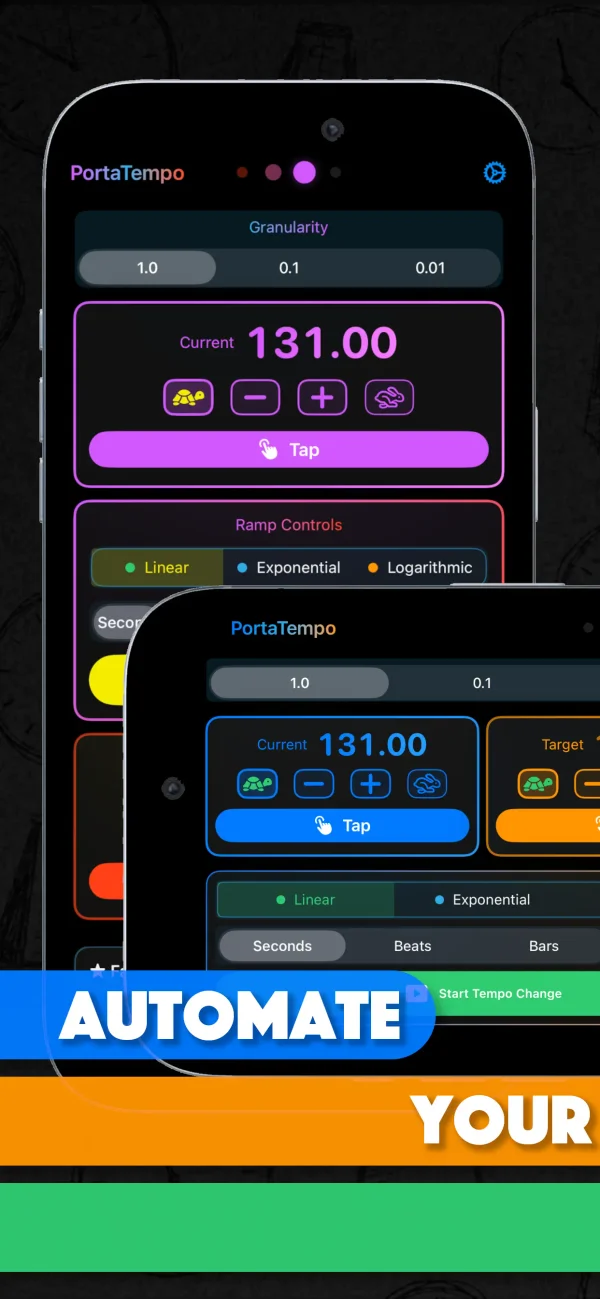
PortaTempo is a performance clock and setlist manager built for musicians whose hands are already full. Instead of reaching over to nudge a tempo knob or button between songs, set your next BPM and let PortaTempo glide you there automatically - so both hands stay on the gear that's actually driving the room.
STAY LOCKED TOGETHER
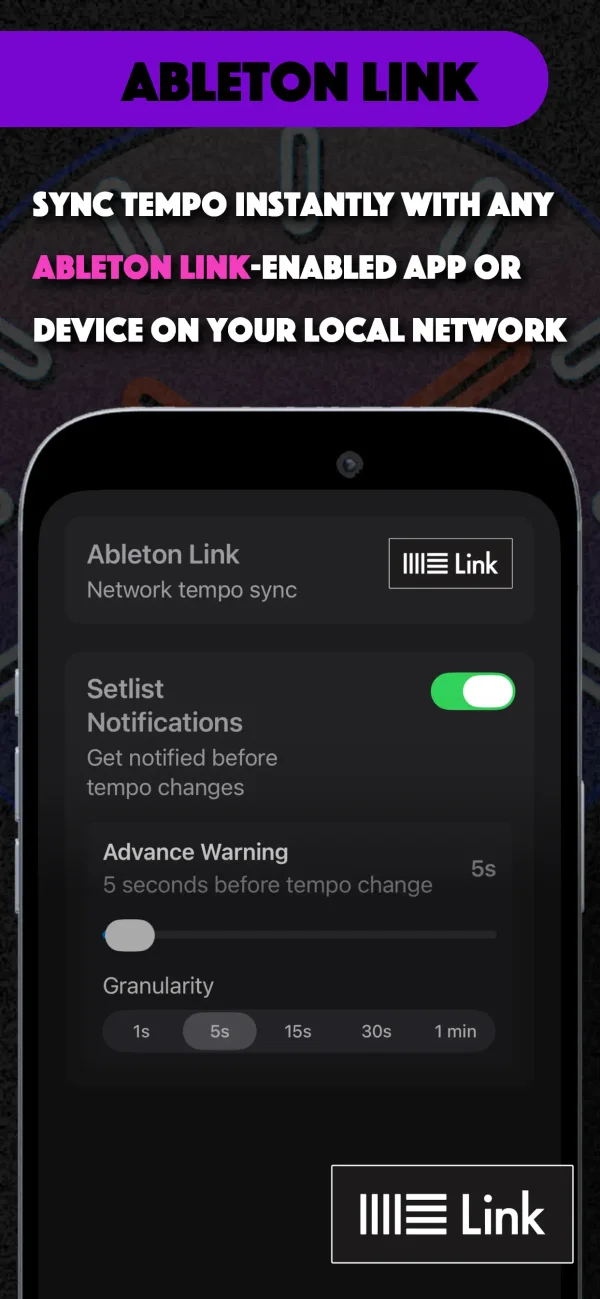
• Sync tempo instantly with any Ableton Link-enabled app or device on your local network - DAWs, other Link apps, sequencers, and Link-enabled hardware like Eurorack modules - with no cables and no manual re-syncing
• Join or leave a Link session at any time without interrupting playback
CHANGE TEMPO, HANDS-FREE
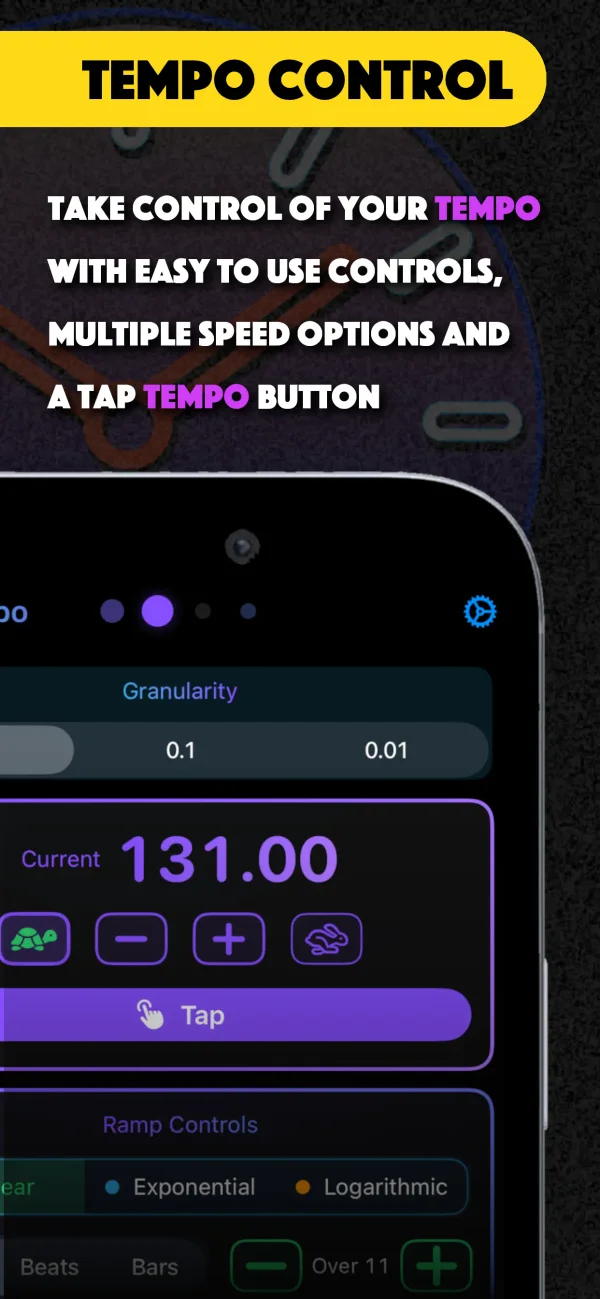
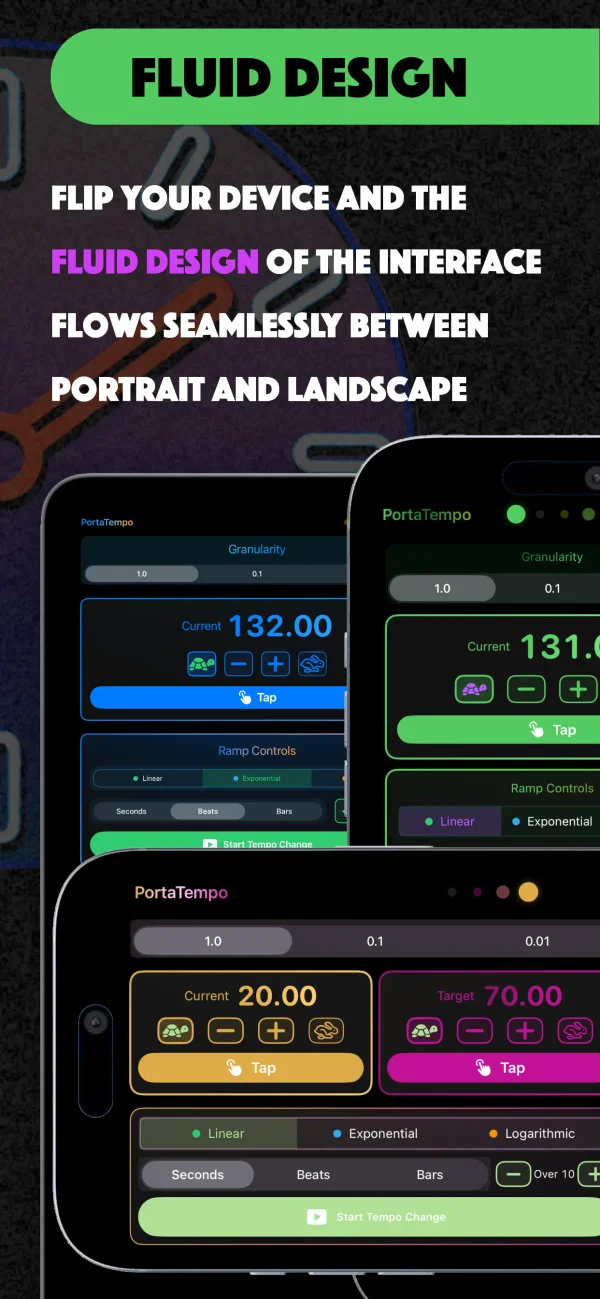
• Move from one BPM to the next smoothly using linear, exponential, or logarithmic ramp curves - exponential eases in and out, logarithmic moves fast and then settles
• Or make the change instantly - a hard cut from one tempo to another when that is what the moment calls for
• Set the ramp duration in seconds, beats, or bars. Beats and bars follow the Link beat grid, so a ramp lands exactly on a beat or bar line
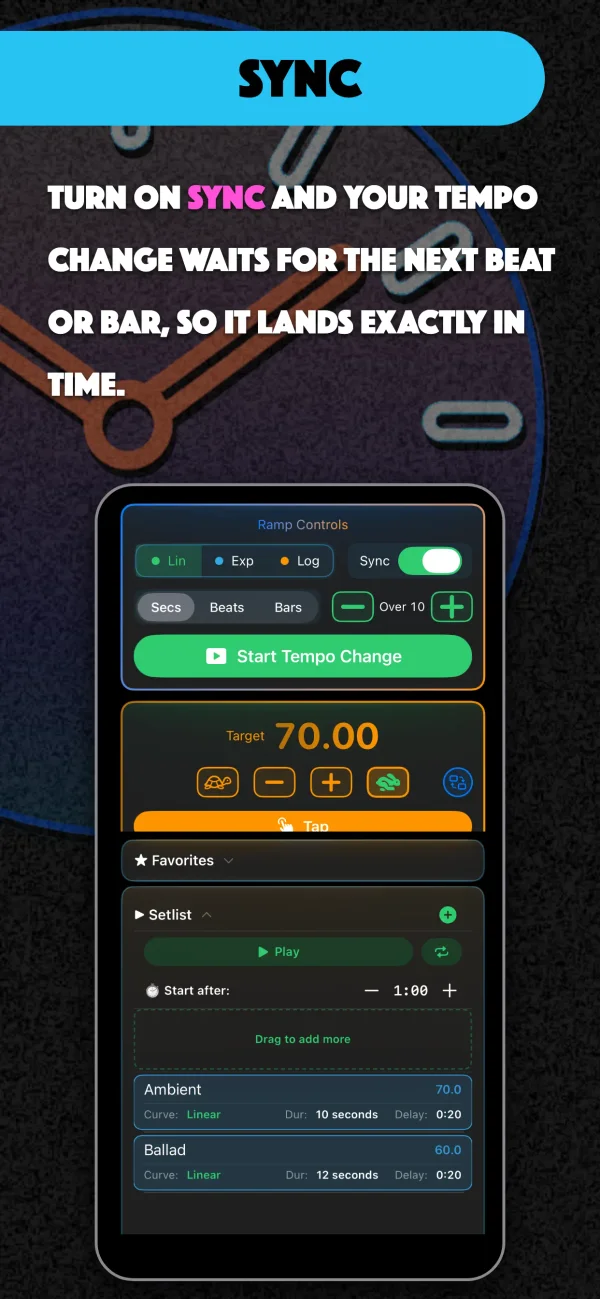
• Turn on Sync to start every ramp on the next beat or bar, so the change lands exactly in time
• Type an exact tempo with the built-in BPM keypad, or tap it in - and swap Current and Target with one button
CONTROL IT YOUR WAY
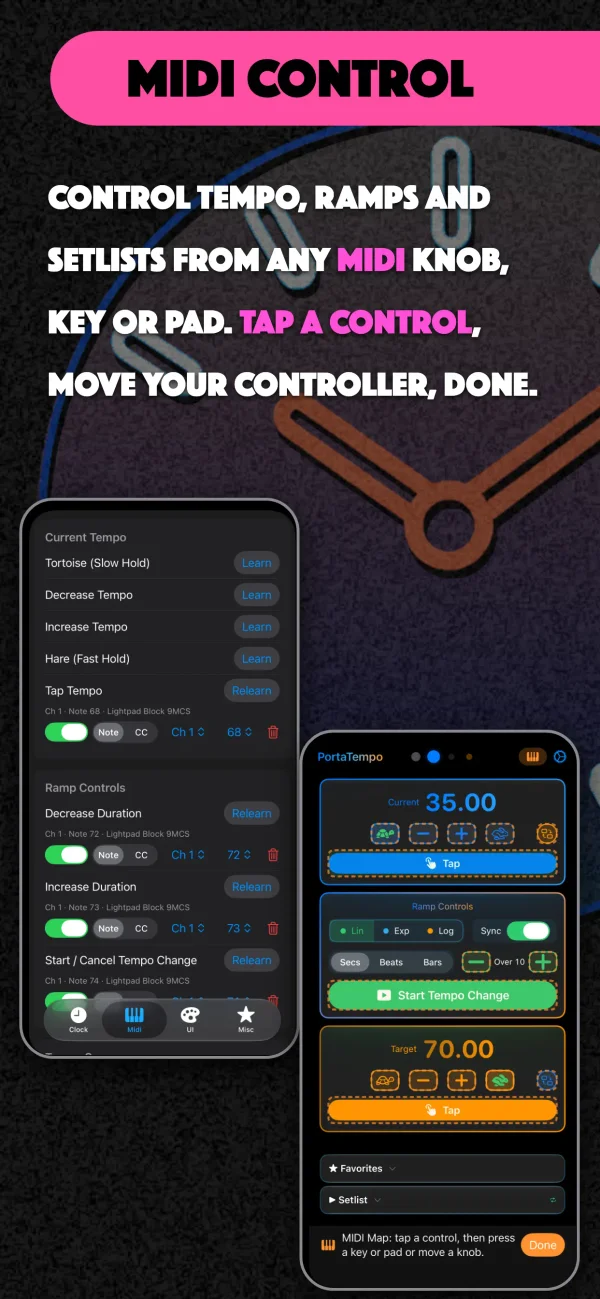
• Map any MIDI controller to PortaTempo with Learn - assign notes or CCs to tempo, ramp, and setlist controls in seconds
• Live Map Mode lets you tap a control on screen, move a knob or press a pad, and you are mapped
• Connect USB or Bluetooth MIDI gear, pair controllers right in the app, and see every connected device and its last message in the new MIDI settings
• Send MIDI CC messages at the start, progress, and end of every tempo ramp (and when one is cancelled), so MIDI-aware apps and gear can react to your tempo changes
BUILD YOUR SET
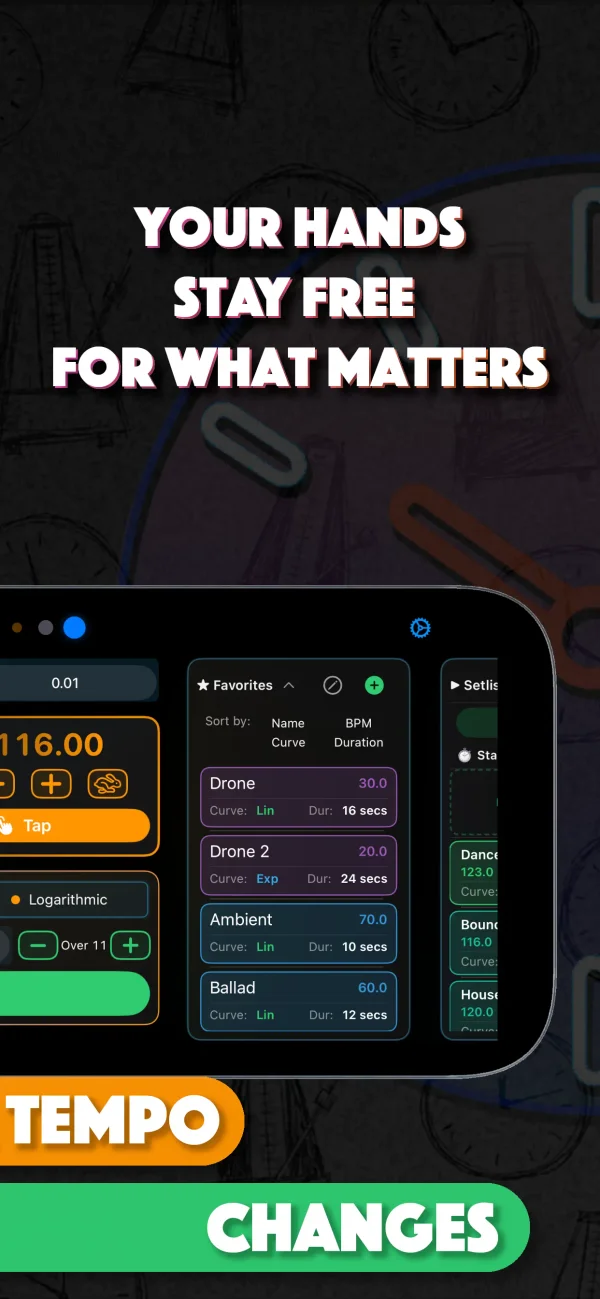
• Save your go-to tempo changes as Favorites - each one remembers its target tempo, ramp duration, unit, and curve, so you can recall a whole tempo change in one tap
• Start from 17 built-in presets spanning Drone to Speedcore (20-300 BPM), and sort your Favorites by name, BPM, curve, or duration
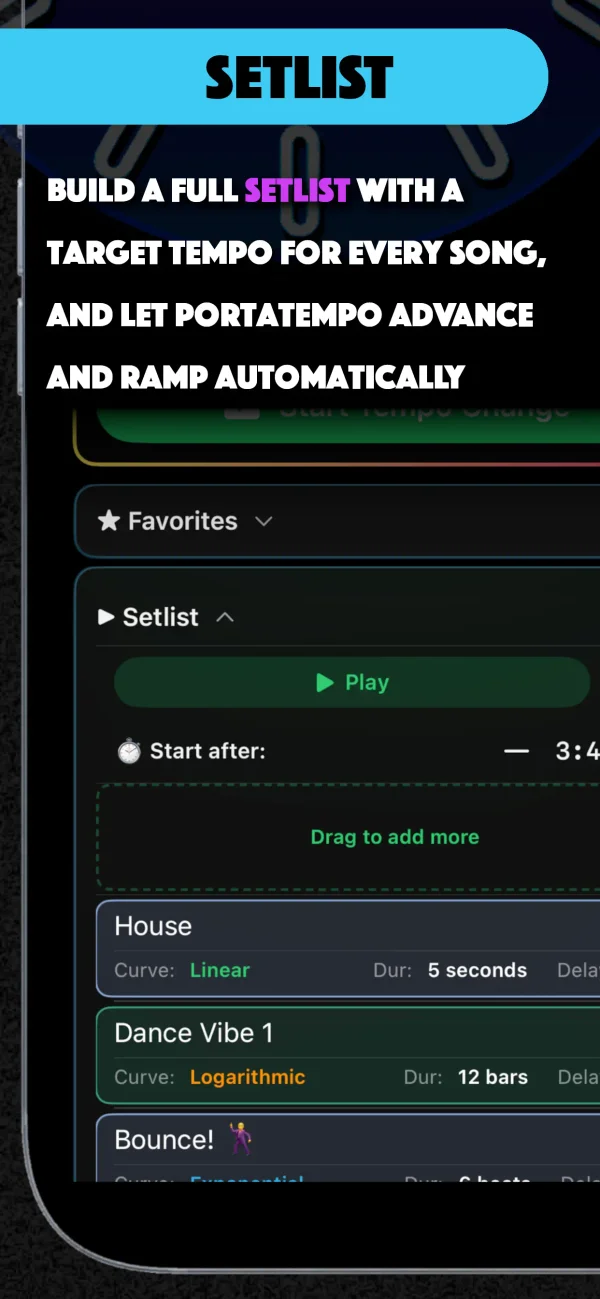
• Build a full Setlist with a target tempo for every song, and let PortaTempo advance and ramp automatically as you move through the set, with a live countdown to what is coming next
• Choose how long each item waits before it starts, from 10 seconds to 60 minutes
• Loop your Setlist to create a rhythmic tempo sway - swing between 75 and 80 BPM every 30 seconds for an evolving, hypnotic groove
• Get a local notification with a customizable advance warning before each scheduled tempo change, so you are never caught off guard
MAKE IT YOURS
• Customize the colors for current tempo, target tempo, and highlights to match your rig or your set
• Fine-tune the ramp glow effect with 7 sliders covering radius, intensity, pulse speed, movement, and fade timing, plus 5 animation styles to choose from
• Hit randomize to instantly reshuffle every glow parameter - or turn on auto-randomize to get a fresh look on every ramp
• A full manual is built right into the app
USE IT INSIDE YOUR DAW
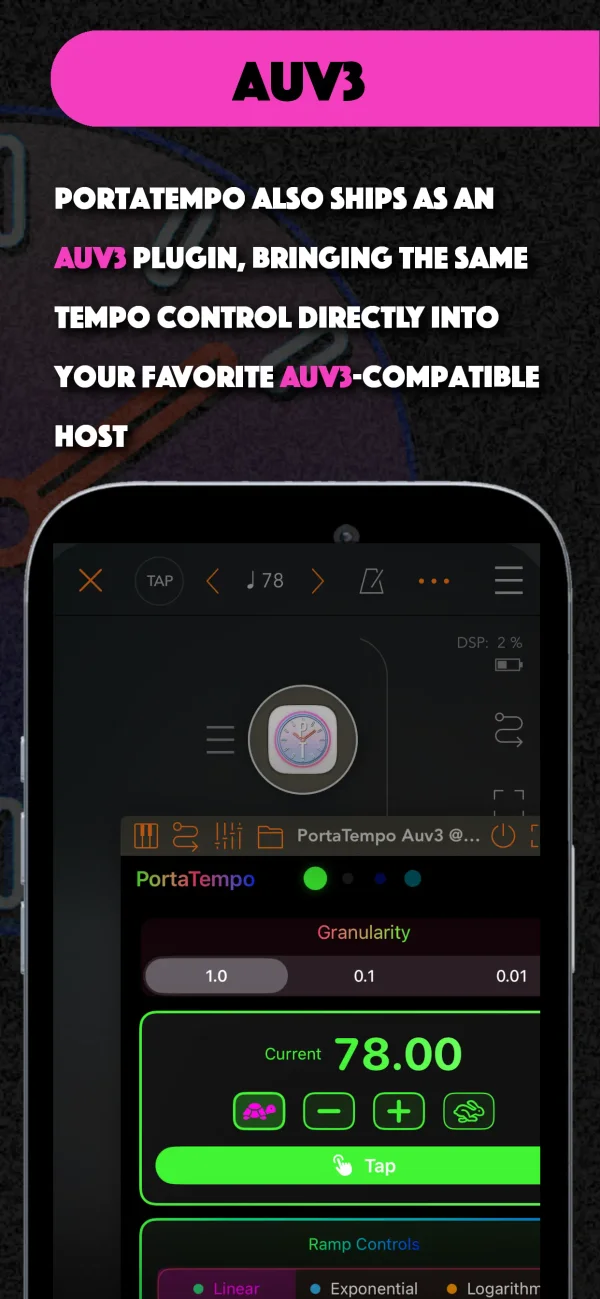
• PortaTempo also ships as an AUv3 plugin, bringing the same tempo control directly into your favorite AUv3-compatible host
• MIDI control works in the app. In the plugin, your host takes over: target tempo, duration, curve, Sync, and start/cancel are all exposed as AUv3 parameters for automation
EVERYTHING YOU NEED, NOTHING YOU DON'T
• One purchase unlocks PortaTempo on iPhone, iPad, and as an AUv3 plugin
• No subscription - ever
• Family Sharing enabled, so your household can share one purchase
• Runs in the background so your clock keeps going while PortaTempo is out of view
Questions? help@synthfamdsp.com
Join our community on Discord
https://www.synthfamdsp.com/#community
What’s new
Version 1.03 · Nov 26, 2026
PortaTempo 1.03 puts your tempo under your fingers. Control it from the gear you already play, start tempo ramps exactly on the beat, and automate it from your DAW.
MIDI CONTROL, MAPPED YOUR WAY
Imagine nudging a knob on your controller and watching the tempo glide, without touching the screen.
• Map any MIDI note or CC to the tempo, ramp, swap, and setlist controls
• Works with USB and Bluetooth MIDI. Pair controllers right in the app, and see every connected device in the new Midi tab in Settings
• Tap Learn, press a key or move a knob, and it is mapped. Relearn, switch off, or remove any mapping at any time
• Live Map Mode: tap the MIDI Map button, tap any control on screen, then press a key or pad on your device. The control flashes green when it is mapped
• Hold a key to keep stepping the tempo up or down, and check the Last Message readout in Settings to see exactly which number a knob sends
• Choose Replace Others or Keep Both when a key is already mapped, so one key can trigger several controls
• MIDI mapping works in the PortaTempo app. The AUv3 plugin does not take MIDI input
TELL YOUR OTHER GEAR WHAT IS HAPPENING
Imagine a filter sweep that rides your tempo change from the first beat to the last.
• Turn on MIDI Ramp Output in Settings to send CC messages when a ramp starts, as it runs, when it ends, and if it is cancelled
• Progress sweeps from 0 to 127 as the ramp runs, so you can map it to a knob or fader in other MIDI-aware apps and gear
• Pick any MIDI channel and CC number. The messages come from a MIDI source named PortaTempo
RAMPS THAT LAND ON THE BEAT
Imagine a tempo change that arrives exactly on the downbeat, every time.
• Turn on Sync and a ramp waits for the next beat or bar before it starts. Choose Beat or Bar in Settings
• Ramps measured in beats or bars now follow the Link tempo beat by beat, even if the tempo is also changed from somewhere else
TYPE IT, TAP IT, SWAP IT
• New BPM keypad: tap the tempo number and type an exact tempo, with up to two decimals. It opens wherever it fits best on your device
• Tap outside the keypad to apply the tempo, or tap the X to discard it
• New Swap button on the Current and Target cards exchanges the two tempos in one tap
INSIDE YOUR DAW
Imagine tempo ramps written right into your host's automation lanes.
• Control PortaTempo from your host: the AUv3 plugin now exposes Target Tempo, Duration, Duration Type, Curve Type, Sync, and Ramp Start/Cancel for automation, plus read-only Ramp Progress, Current Tempo, and ramp status
• Ramp MIDI output goes through your host's MIDI output, if it provides one
• Fixed AUv3 parameters bouncing back to their old values
LEARN IT FAST
• A full manual is now built into the app. Open it from the Welcome screen, or tap the PortaTempo title to reach it from the About screen
SMOOTHER EVERYWHERE
• Fixed tempo changes stalling while scrolling
• Improved performance and bug fixes
App privacy
What Joshua Totemwongse declares on the App Store about how this app handles data.
-
Data not linked to you
May be collected but is not linked to your identity.
- Location
- Usage data
Privacy practices may vary, for example with the features you use or your age.
Information
- Seller
- SynthFam DSP LLC
- Category
- Music
- Version
- 1.03
- Updated
- Nov 26, 2026
- Released
- Aug 26, 2026
- Size
- 33.2 MB
- Requires
- iOS 26.0 or later
- Age rating
- 4+
- Price
- $4.99
- Copyright
- © 2026 SynthFamDSP LLC
You might also like
-
 Tempo Cue LiveMusic
-
 M8FXMusic
-
 J-17 Poly SynthPoly Synthesizer & Sequencer
-
 HarmonyKeenHarmonize your melodies
-
 MIDIPenDraw MIDI CC with a pencil
-
 KA mini BangDiChinese BangDi instrument
-
 SGA EclipseMusic
-
 near wandering synthesizerEvolving ambient instrument
-
 Compa: Groovebox CompanionSampler, MIDI Sequencer & DAW
-
 Magic TinesHybrid Modeling Tine Piano