
- Age rating4+
- CategoryUtilities
- DeveloperGazi Wasif Akram
- LanguagesEnglish
- Size31.0 MB
Links to the official App Store page
Download.org hosts no file of Peyara Remote Mouse. The button opens its official App Store page, published by Gazi Wasif Akram. Listing last checked on Nov 15, 2026.
Screenshots

About
Peyara Remote Mouse – Wireless Mouse & Keyboard
Turn your iPhone into a wireless mouse and keyboard for your Windows, Linux, or macOS computer with Peyara Remote Mouse.
Navigate your computer, type text, control media playback, and share clipboard content directly from your phone over a wireless connection.
Easy Setup in 3 Steps
1. Download the Desktop Client
Visit the official website to download the desktop client:
https://peyara-remote-mouse.vercel.app/
2. Install and Launch
Install the desktop client on your computer and launch it.
3. Scan and Connect
Scan the QR code displayed in the desktop client using the app on your phone. Follow the on-screen instructions to complete the connection.
Key Features
Wireless Connectivity
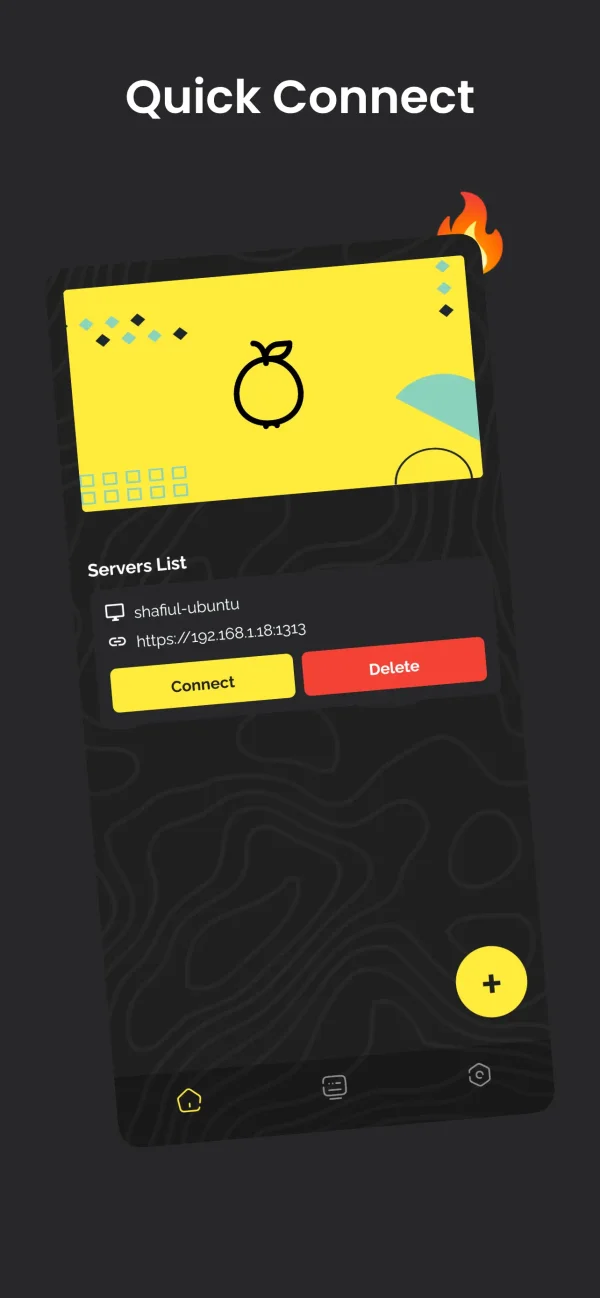
Connect to your computer by scanning a QR code.
Automatically detect available servers.
Switch between devices with ease.
Enjoy convenient wireless control of your computer.
Touchpad Controls
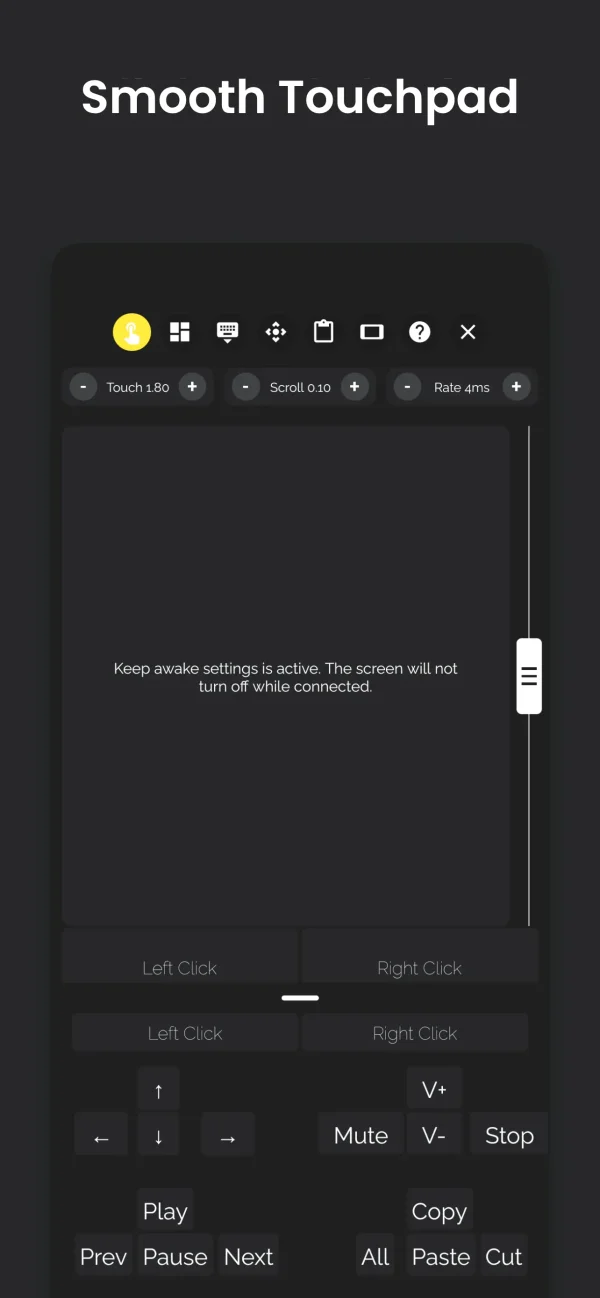
Tap to click.
Double-tap support.
Two-finger tap for right-click.
Two-finger scrolling.
Three-finger gesture for click and drag.
Wireless Keyboard
Type on your computer using your phone's virtual keyboard.
Enter text without needing a physical keyboard connected to your computer.
Media Controls
Adjust media volume.
Play and pause media.
Stop playback.
Skip to the previous or next track.
Clipboard Sharing
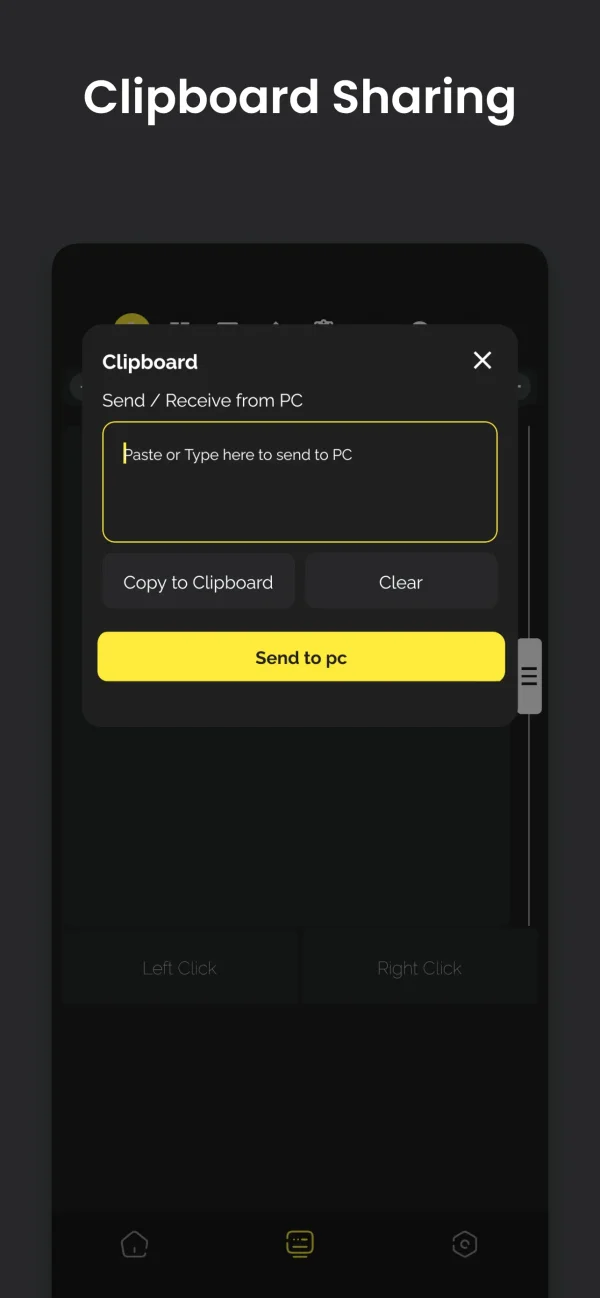
Send text from your phone to your computer.
Copy URLs, notes, and text from your computer to your phone.
Copy text to the clipboard with a single tap.
Open-Source Project
Peyara Remote Mouse is supported by open-source desktop and server components. Explore the source code:
Desktop Client: https://github.com/ayonshafiul/peyara-mouse-client
Rust Server: https://github.com/ayonshafiul/peyara-rust-server
Simple, Convenient, Wireless
Use your phone as a touchpad and keyboard to control your computer, manage media, and transfer text with Peyara Remote Mouse.
What’s new
Version 5.4 · Nov 9, 2026
- improved mouse movements
- quick settings toggle
- auto import for shortcut deck profiles
App privacy
What Gazi Wasif Akram declares on the App Store about how this app handles data.
-
Data not collected
The developer does not collect any data from this app.
Privacy practices may vary, for example with the features you use or your age.
Information
- Seller
- Gazi Wasif Akram
- Category
- Utilities
- Version
- 5.4
- Updated
- Nov 9, 2026
- Released
- Mar 20, 2025
- Size
- 31.0 MB
- Requires
- iOS 15.1 or later
- Age rating
- 4+
- Price
- Free
- Languages
- English
- Copyright
- Copyright © Gazi Wasif Akram 2025 Licensed under the MIT License
You might also like
-
 Laser MouseUtilities
-
 Mouse LinkMobile Remote Mouse & Keyboard
-
 BT Remote: Keyboard & TrackpadBluetooth Keyboard & Trackpad
-
 Remote App - Mouse, KeyboardWireless Control for PC/Mac
-
 Mobile Mouse Remote - CloudComputer Trackpad & Keyboard
-
 Mouse EasyUse your device as a mouse
-
 Tracepad - Mouse & TrackpadKeyboard for Mac, iPad, PC
-
 btkbduniversal Bluetooth keyboard
-
 Unified RemoteControl your computer
-
 Mobile Mouse Bluetooth RemoteWireless Touchpad & Keyboard