
Unified Remote
Control your computer
Designed for iPhone, iPad
Free · In-app purchases
- Age rating4+
- CategoryUtilities
- DeveloperUnified Intents
- LanguagesEnglish
- Size3.6 MB
Links to the official App Store page
Download.org hosts no file of Unified Remote. The button opens its official App Store page, published by Unified Intents. Listing last checked on Nov 17, 2026.
Screenshots



About
THE ONE-AND-ONLY REMOTE FOR YOUR COMPUTER
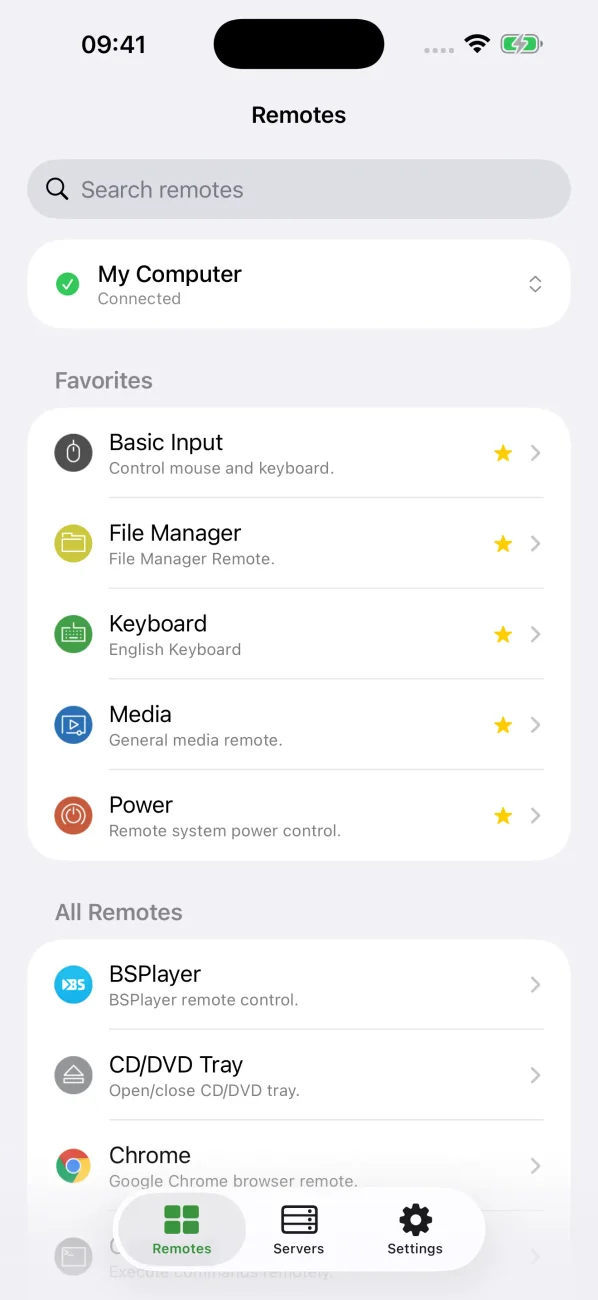
Unified Remote turns your iPhone or iPad into a universal remote control for your Windows PC, Mac, or Linux computer. Preloaded with support for 100+ programs — mouse and keyboard, media players, presentations, screen mirroring, file browsing, power control, and much more.
Completely redesigned from the ground up: a fast, modern app that feels right at home on the latest iPhone and iPad.
CONTROL EVERYTHING
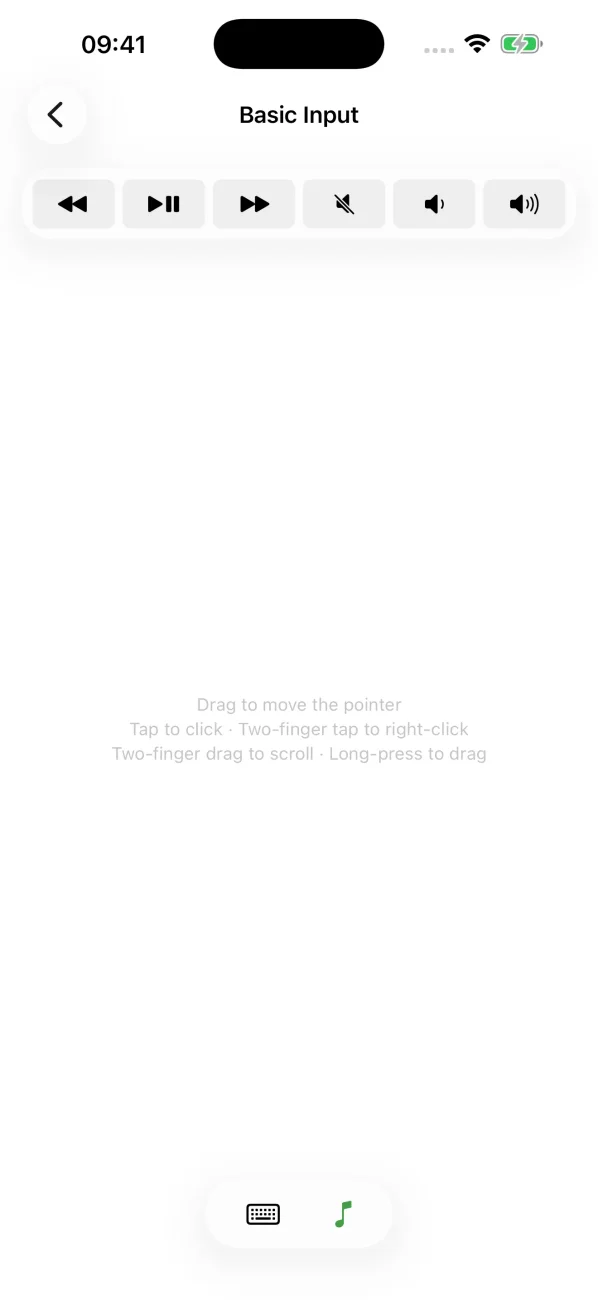
• Mouse — smooth single- and multi-touch trackpad with scrolling, right-click, and drag
• Keyboard — full keyboard input, including modifier keys, function keys, and shortcuts like Cmd+Tab
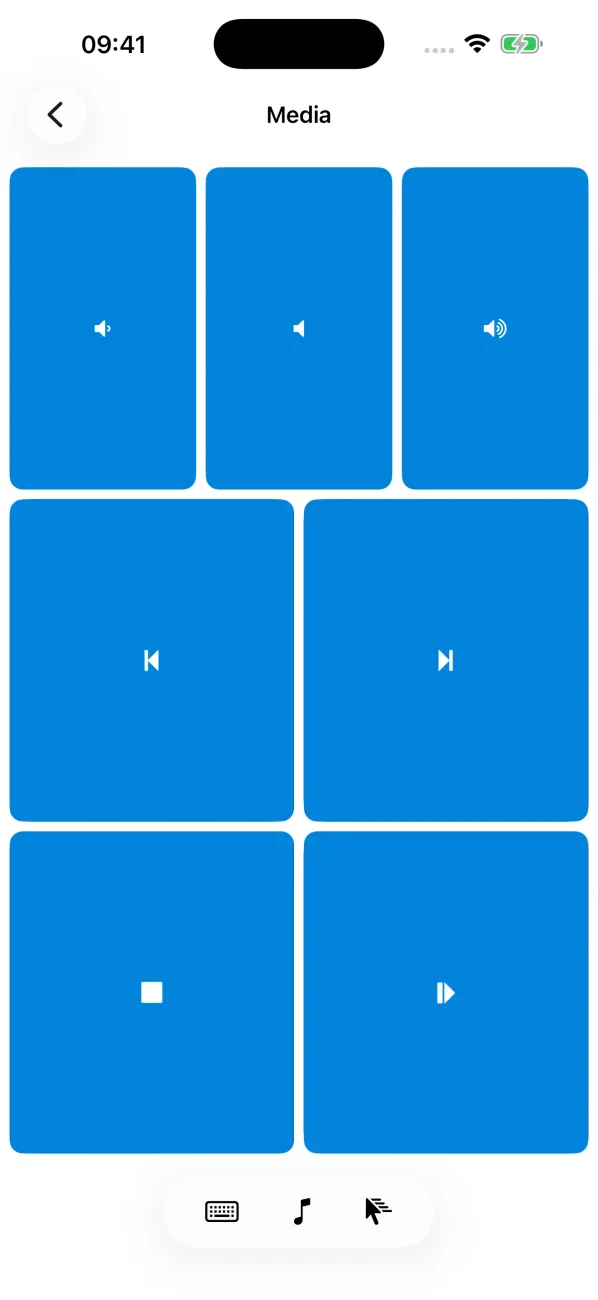
• Media — play/pause, volume, and track controls, always one tap away
• Screen — mirror your computer's display and control it remotely
• Files — browse and manage files and folders
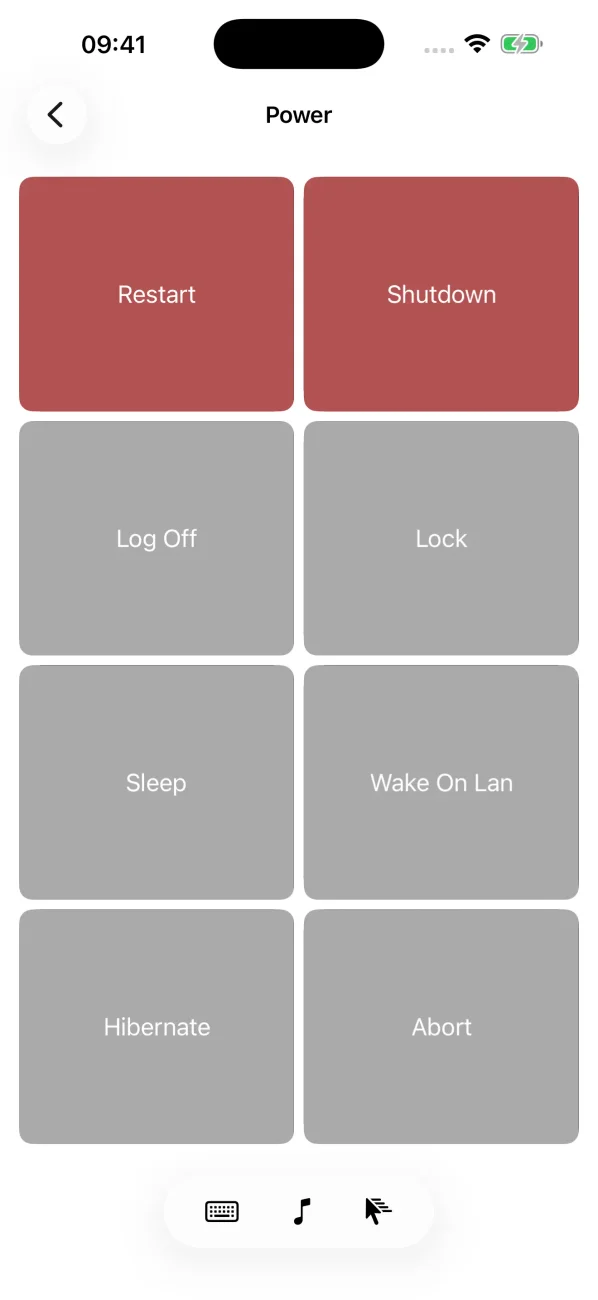
• Power — shut down, restart, lock, and wake your computer (Wake on LAN)
WORKS WITH YOUR APPS
Spotify, VLC, Kodi, Plex, Netflix, YouTube, iTunes, PowerPoint, Keynote, Google Slides, Chrome, Firefox, Safari, and many more — plus custom remotes you can build yourself.
SIRI & SHORTCUTS
Wake your computer, open remotes, send actions, type text, and control the mouse — straight from Siri, the Shortcuts app, or your Home Screen.
MADE FOR iPAD
A dedicated iPad layout with a sidebar for fast switching between remotes — your whole setup, side by side.
EASY SETUP
1. Install the free server on your computer — www.unifiedremote.com
2. Open the app; your computer is discovered automatically
3. Start controlling
Supports Windows, macOS, and Linux — plus Raspberry Pi and Arduino Yún. Connections can be password-protected and encrypted.
FREE & FULL VERSION
The free version includes 18 remotes, including mouse, keyboard, media, and power. A single one-time purchase unlocks every remote and the extended keyboard — no subscriptions.
Questions or feedback? Visit www.unifiedremote.com for help and support.
What’s new
Version 2.4.0 · Oct 20, 2026
Getting ready for iPhone Duo
App privacy
What Unified Intents declares on the App Store about how this app handles data.
-
Data not collected
The developer does not collect any data from this app.
Privacy practices may vary, for example with the features you use or your age.
Information
- Seller
- Unified Intents AB
- Category
- Utilities
- Version
- 2.4.0
- Updated
- Oct 20, 2026
- Released
- Mar 28, 2014
- Size
- 3.6 MB
- Requires
- iOS 18.0 or later
- Age rating
- 4+
- Price
- Free
- In-app purchases
- Yes
- Languages
- English
- Copyright
- © 2026 Unified Intents AB
You might also like
-
 Remote MouseHandy Computer Remote
-
 Wolow - Wake on LANWake your computer up
-
 PC RemoteControls your PC easily
-
 Wake Me Up - Wake-on-LANWake your computer up
-
 Remote, Mouse and Keyboardfor Apple TV, Mac, PC Computer
-
 Mobile Mouse Remote - CloudComputer Trackpad & Keyboard
-
 PPTControlSlides, Notes & Laser Pointer
-
 Off - Shutdown and Wake On LanComputer Remote for PC & Mac
-
 Mobile Mouse Bluetooth RemoteWireless Touchpad & Keyboard
-
 Zank Remote for Smart TVs, BoxUniversal remote for your TVs