
PGPony: PGP & GPG Encryption
Secure Messages, Email, Files
Designed for iPhone, iPad
Free
- Age rating4+
- CategoryUtilities
- DeveloperKevin Stewart
- LanguagesEnglish+ 10 more
- Size22.4 MB
Links to the official App Store page
Download.org hosts no file of PGPony: PGP & GPG Encryption. The button opens its official App Store page, published by Kevin Stewart. Listing last checked on Nov 23, 2026.
Screenshots



About
PGPony makes PGP encryption easy, private, and powerful, and every feature is free.
Generate keys, encrypt to people or to a password, sign and verify, back up your whole keyring, and revoke compromised keys, all from your iPhone and iPad, in eleven languages.
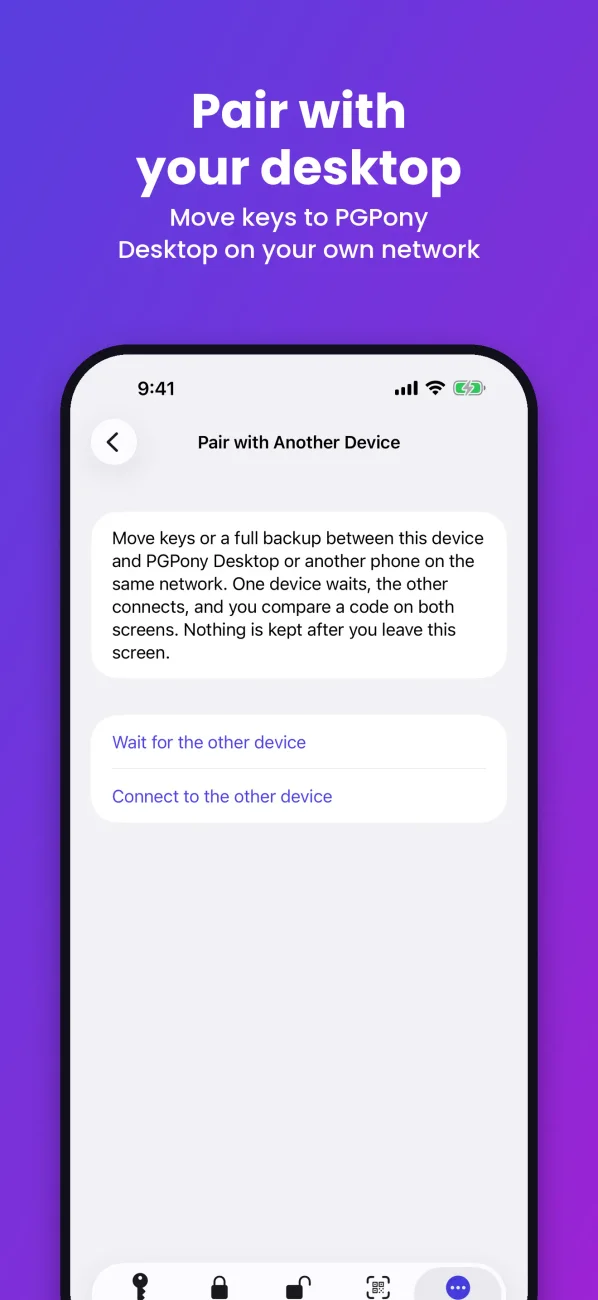
New in 8.4.0: pairing with PGPony Desktop, key certification, Ed448 keys, a PGPony PIN, and Korean, Turkish and Ukrainian, with every screen translated.
POST-QUANTUM
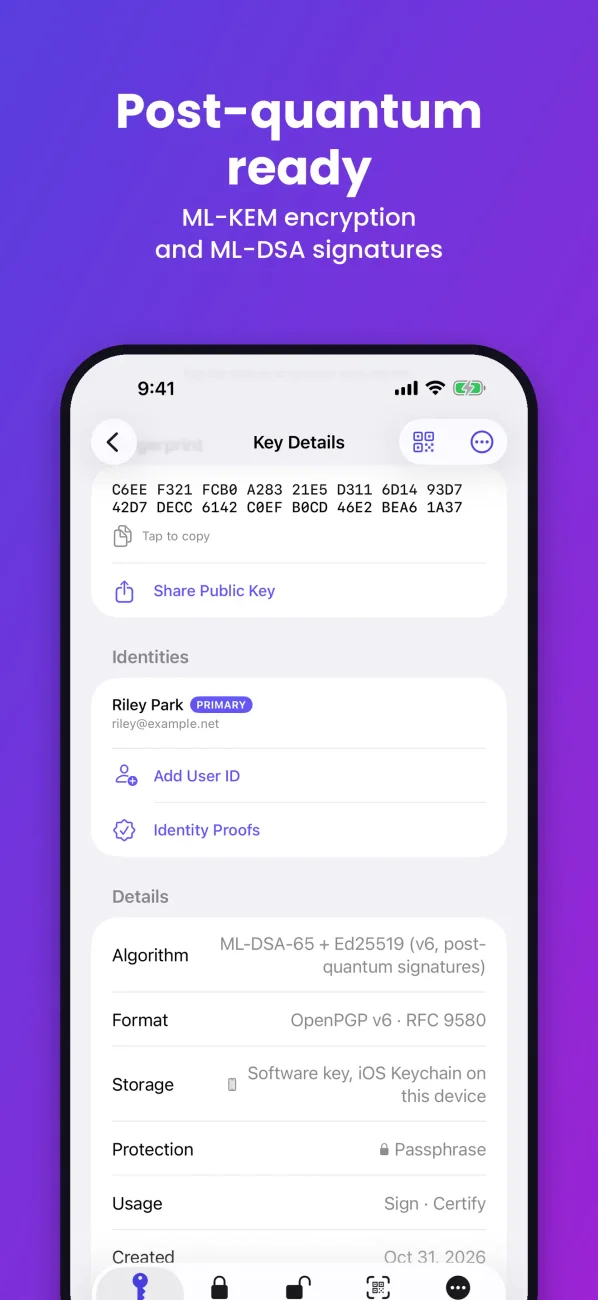
Encrypt with ML-KEM-768 or ML-KEM-1024 paired with X25519, and sign with ML-DSA-65 paired with Ed25519 (RFC 9980), on RFC 9580 (v6) keys or the v4 shape GnuPG 2.5 reads. Add post-quantum subkeys to a key you already have.
HARDWARE SECURITY KEYS
Generate a key pair on the card over NFC, or add an existing card with a tap. Sign, decrypt, and encrypt-and-sign in one step, with RSA and ECC (Ed25519/Curve25519) keys, on YubiKey, Token2, and others, over NFC or USB-C. Full card admin: PINs, factory reset, and Card Details.
ENCRYPT, DECRYPT & SIGN
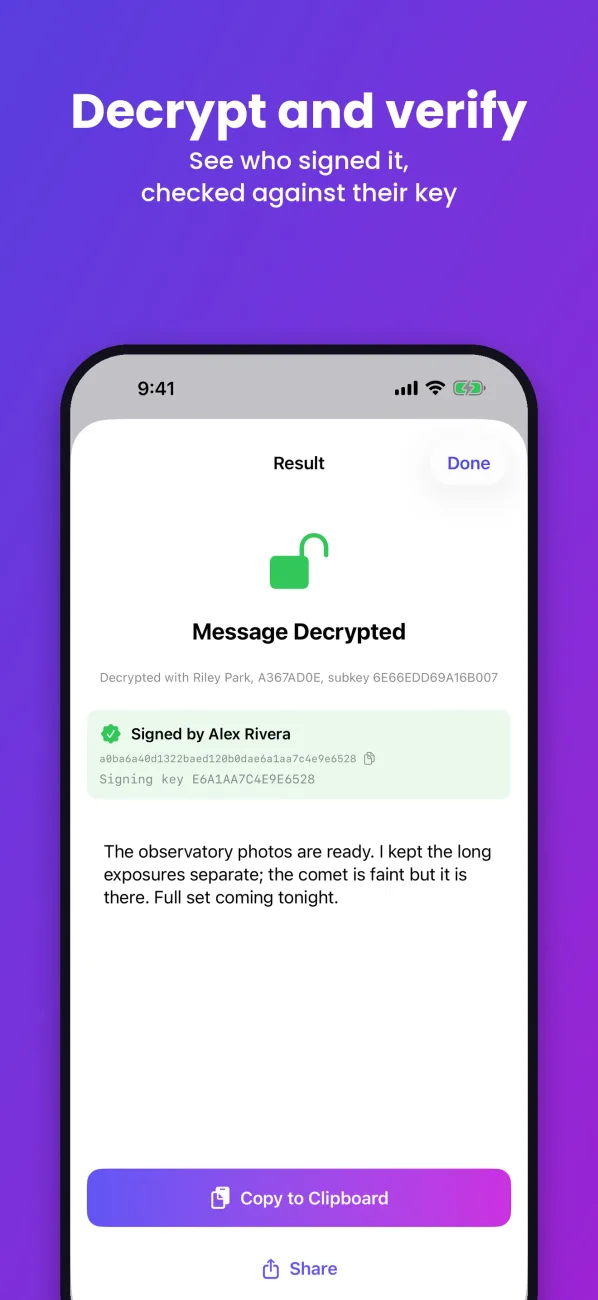
Encrypt messages and files of any size to one or many public keys, or to a password with no keys at all, readable by gpg -c and back. Pick which subkey to encrypt to when a key has more than one. Decrypt with a private key, a hardware key, or a passphrase, and see which of your keys opened the message. Sign without encrypting, including detached signatures, and verify a file against its signature.
GENERATE & MANAGE KEYS
Create keys on a card or in-app: post-quantum, v6 Ed25519, classic Ed25519 + Cv25519, or RSA 2048/4096, with or without an email address. Add, revoke, or remove subkeys (including authentication subkeys) and User IDs. Full OpenPGP v6 (RFC 9580), interoperable with Sequoia PGP and GnuPG. Import from files, clipboard, QR codes, or keyservers. Make revocation certificates and export private keys (GnuPG-compatible).
BACK UP & RESTORE
Save your whole keyring, secret keys included, as one encrypted file. A single backup code opens it, and the same file restores onto another iPhone or iPad. The file stays with you, never on anyone's server.
KEYSERVERS
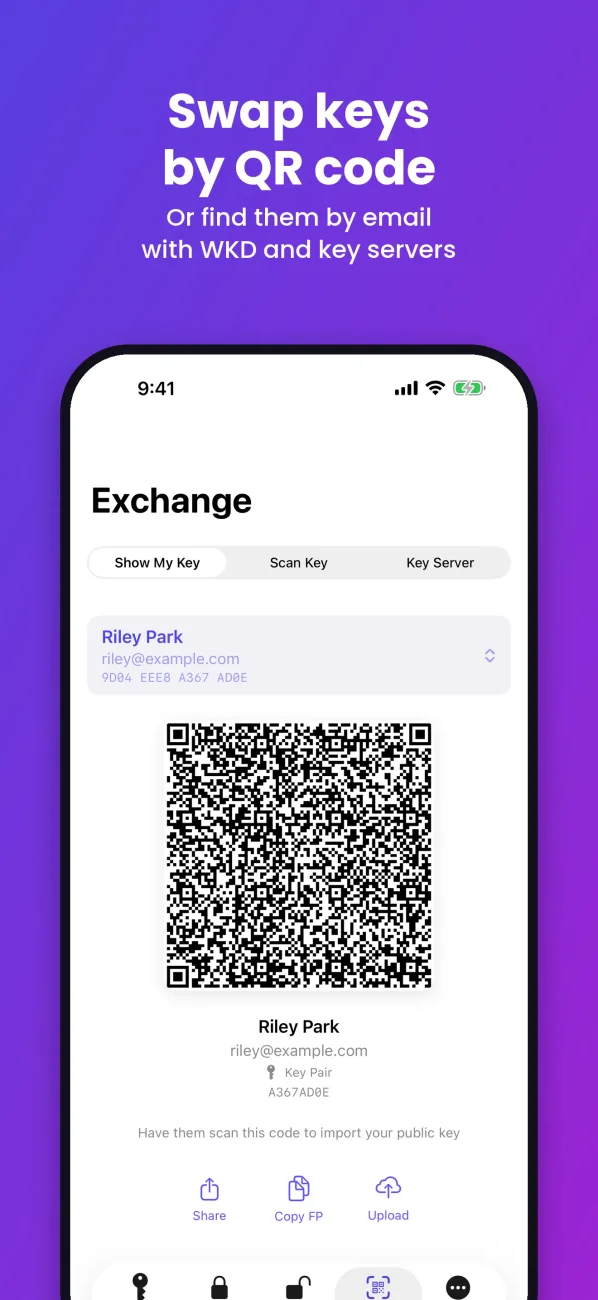
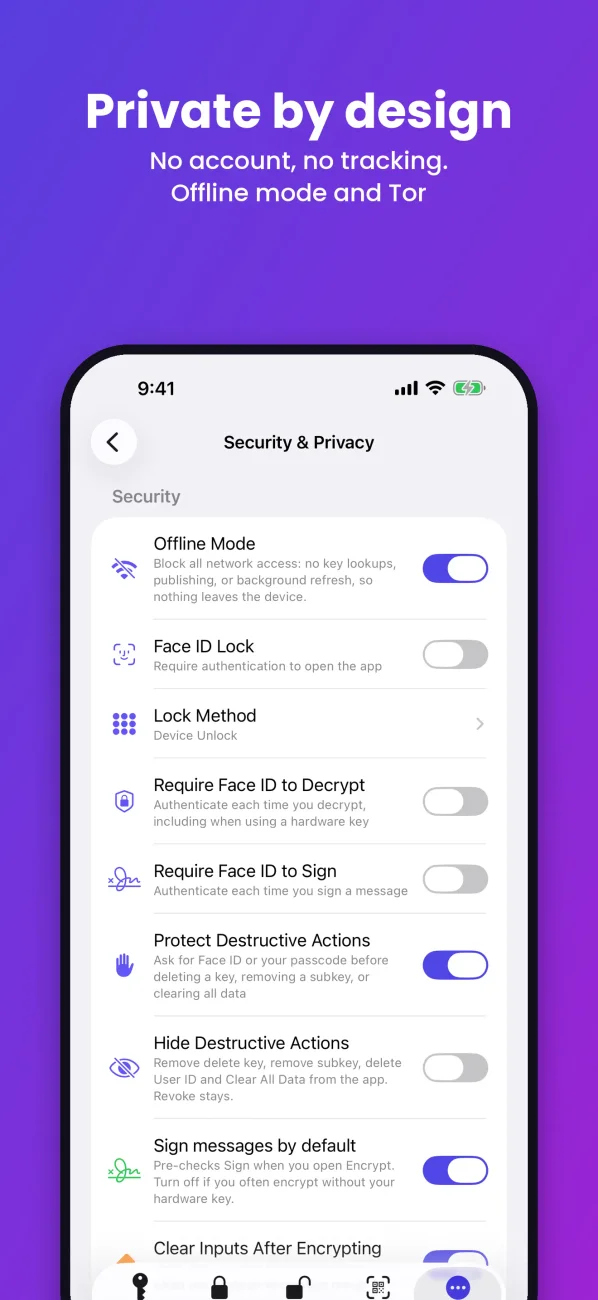
Look up a recipient by email through Web Key Directory, then key servers. Add your own servers, publish to several at once, and upload an updated key straight from Key Detail. Route lookups through Tor or a SOCKS proxy, or turn on offline mode to stop every network request.
PASSWORD STORE
Open a pass (password-store) folder, decrypt an entry with a software or hardware key, and copy it through an auto-clearing clipboard.
SHARE SHEET EXTENSION
Encrypt or decrypt text, encrypt a file, or sign a file in any app: Safari, Files, Notes, Mail.
SECURITY FIRST
Face ID / Touch ID lock with auto-lock. Software keys live in the iOS Keychain. Keys and messages from outside are checked strictly before they are used. No analytics, tracking, accounts, or sign-up. Your private keys never leave your device, and with a hardware key they never leave the card.
ELEVEN LANGUAGES
English, German, Spanish, French, Japanese, Korean, Brazilian Portuguese, Russian, Simplified Chinese, Turkish, and Ukrainian.
Built by an indie developer who cares about your privacy. Your keys, your messages, your data, always yours.
Terms of Use (EULA): https://pgpony.app/eula.html
Privacy Policy: https://pgpony.app/privacy.html
What’s new
Version 8.4.1 · Nov 18, 2026
Settings. Moving between screens in Settings could freeze the app until iOS closed it, most often on Keys & Servers, Pair with Another Device and Recently Deleted. That's fixed. In Key Details, Signing Key is now a menu that opens in place, which fixes a freeze there too.
iPhone Duo. PGPony now runs at full size on iPhone Duo. Unfolded, the keyring shows your keys and the one you picked side by side, Encrypt, Decrypt and Settings keep a comfortable width, and turning the device with a key open keeps it open. Folded, it works like any iPhone.
Hardware keys over USB-C. When a key connected over USB-C turned a request down, PGPony said the connection had dropped. A mistyped PIN now shows how many tries are left, and keys without a KDF setting, such as a YubiKey 5 on firmware 5.1, work over USB-C on iPhone and iPad.
YubiKey NEO. Move to Hardware Key now works on cards whose key settings are fixed, such as the NEO: an RSA 2048 key goes on without PGPony trying to change the card's slots, and the check after the move passes. If a move still fails, the message names the slot, the step and the card's answer.
RSA keys. New RSA 2048 and RSA 4096 keys get an encryption subkey of the same size. They used to get an RSA 3072 one, which a 2048-only card such as the NEO can't hold.
Back Up Keyring. Create Backup could do nothing at all when iOS cancelled the Face ID or passcode prompt before showing it. It now asks again.
Also: on iPad and the unfolded iPhone Duo, Edit for reordering keys is now in the sort menu. Key names and addresses wrap at the largest text sizes instead of being cut off, the QR scanner stays upright when you turn the device, and a misspelled word in Korean is fixed.
App privacy
What Kevin Stewart declares on the App Store about how this app handles data.
-
Data not collected
The developer does not collect any data from this app.
Privacy practices may vary, for example with the features you use or your age.
Information
- Seller
- Kevin Stewart
- Category
- Utilities
- Version
- 8.4.1
- Updated
- Nov 18, 2026
- Released
- Mar 10, 2026
- Size
- 22.4 MB
- Requires
- iOS 17.6 or later
- Age rating
- 4+
- Price
- Free
- Languages
- English, French, German, Japanese, Korean, Portuguese, Russian, Simplified Chinese, Spanish, Turkish, Ukrainian
- Copyright
- © Kevin Stewart 2026
You might also like
-
 Pocket-pgpOffline OpenPGP Encryption
-
 Easy PGPEasyPGP - Secure Encryption
-
 Keywave - PGP EncryptionOffline Keys. No Servers.
-
 iPGMailPGP encryption made easy!
-
 GPG DecryptUtilities
-
 PGPKitPGP encryption that just works
-
 CypherAirOffline OpenPGP Encryption
-
 StealthOS: Private BrowserTor, PGP & Password Manager
-
 Pass - Password StoreUtilities
-
 Ente LockerEnd-to-end encrypted vault