- Age rating4+
- CategoryUtilities
- DeveloperLaurent Ach
- LanguagesEnglish
- Size2.4 MB
Links to the official App Store page
Download.org hosts no file of GPG Decrypt. The button opens its official App Store page, published by Laurent Ach. Listing last checked on Nov 16, 2026.
Screenshots
About
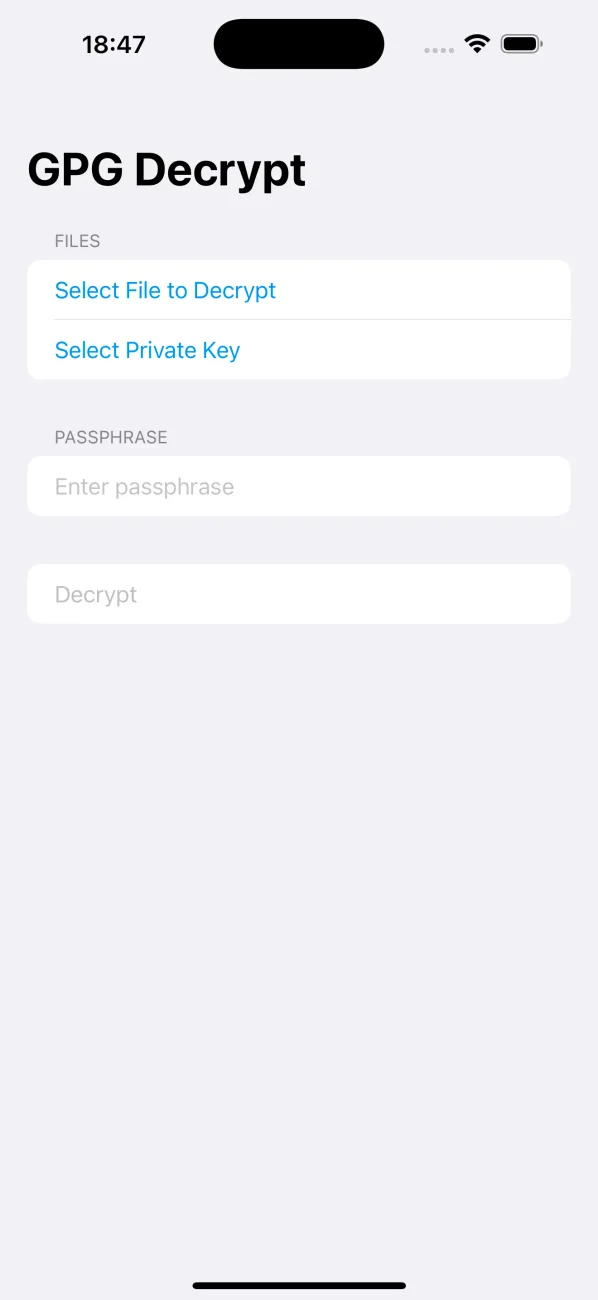
This app is designed to allow you to read on your iPhone, files that have been encrypted on your Mac using GPG. The workflow is:
1. Encrypt a file on your Mac using GPG (AEAD - Authenticated Encryption with Associated Data, is not supported at the moment, see support page).
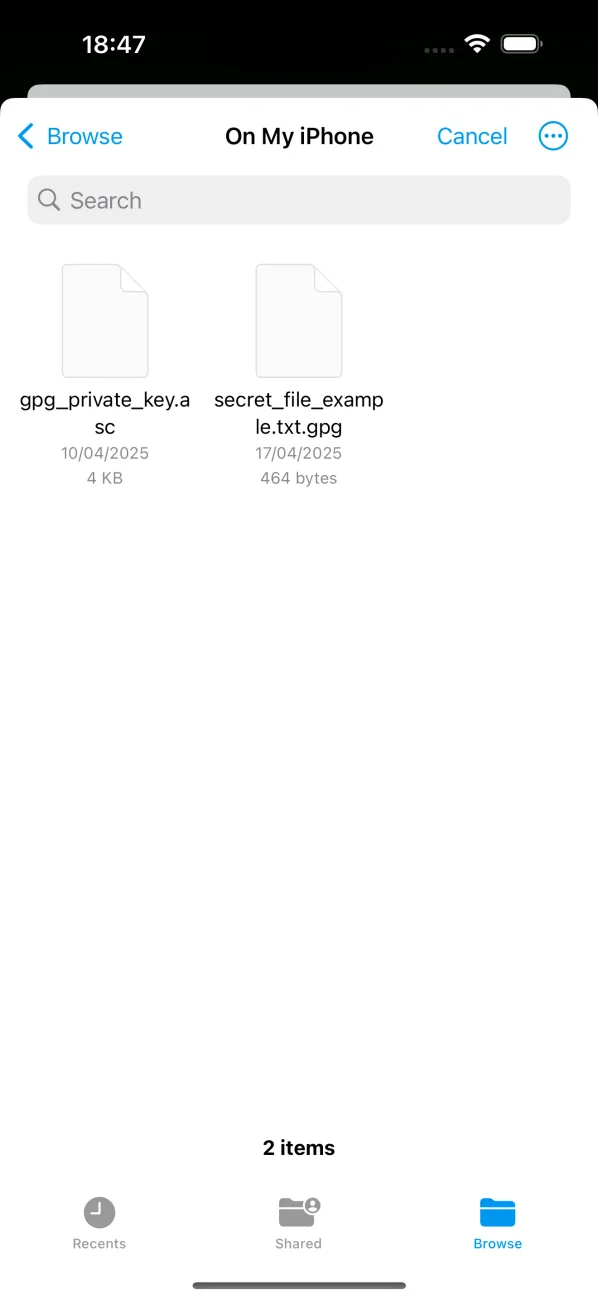
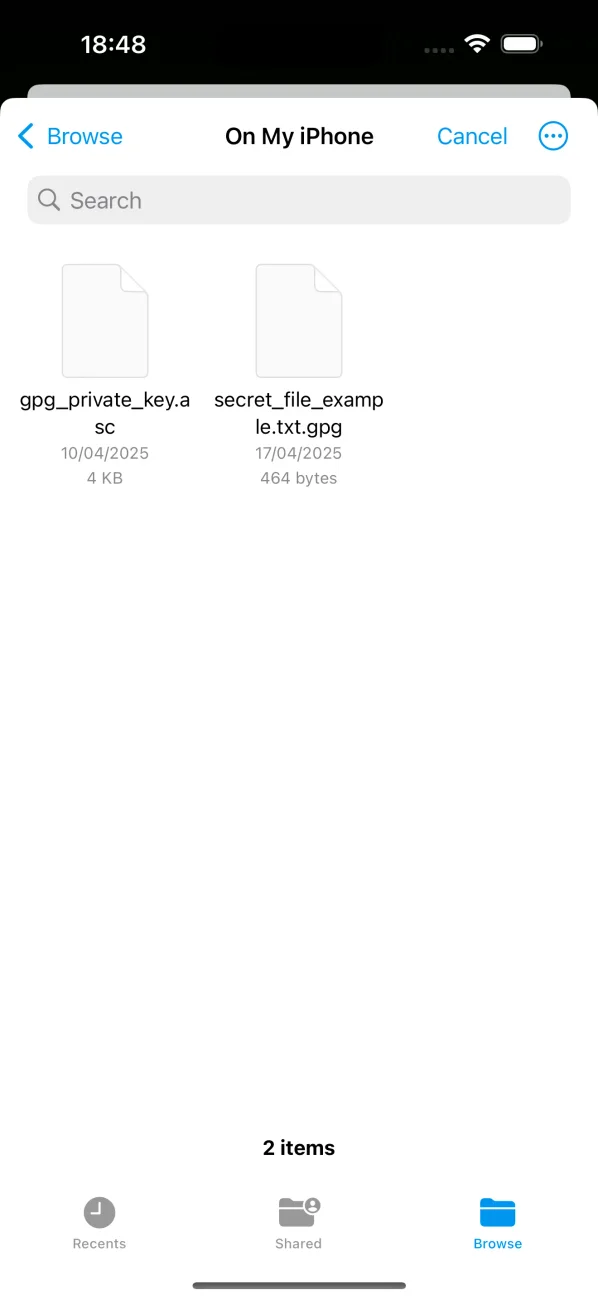
2. Transfer the encrypted file and your private key to your iPhone (using iCloud Drive, Dropbox, Google Drive, or any other cloud storage service)
3. Use this app to decrypt and view the file content on your iPhone
This is particularly useful for securely accessing sensitive documents on your iPhone without storing the decrypted content permanently on the device.
Features
- Decrypt GPG-encrypted files
- Support for private key authentication
- Secure file handling with security-scoped resources
- Display-only decryption (no persistent storage of decrypted content)
Usage
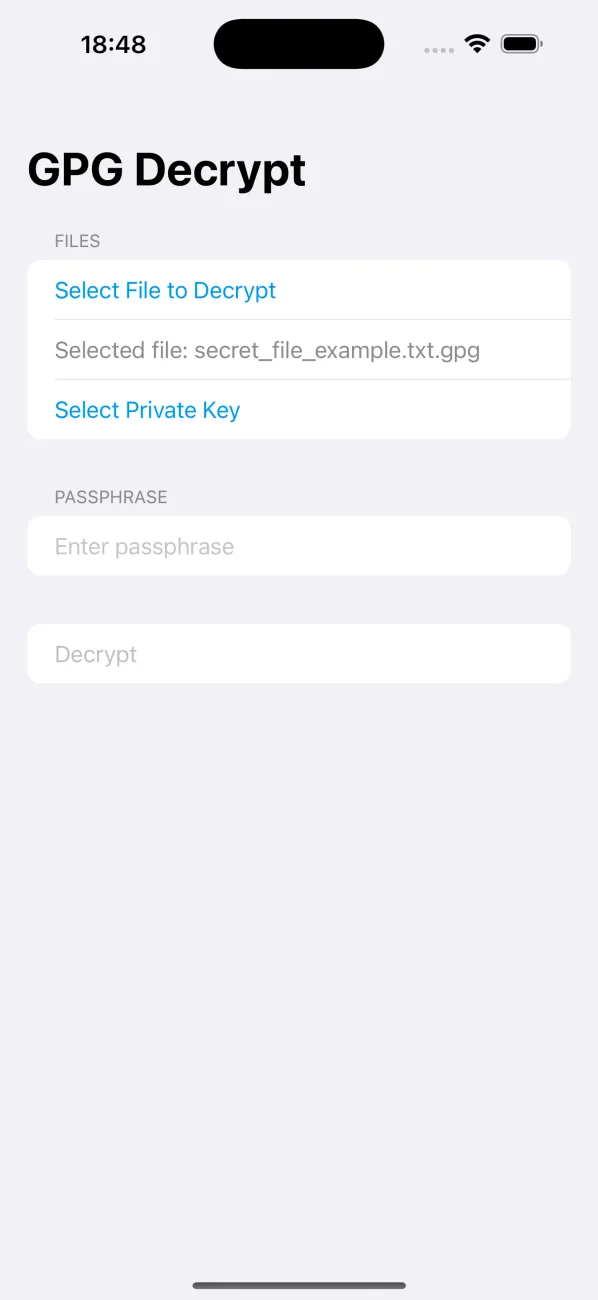
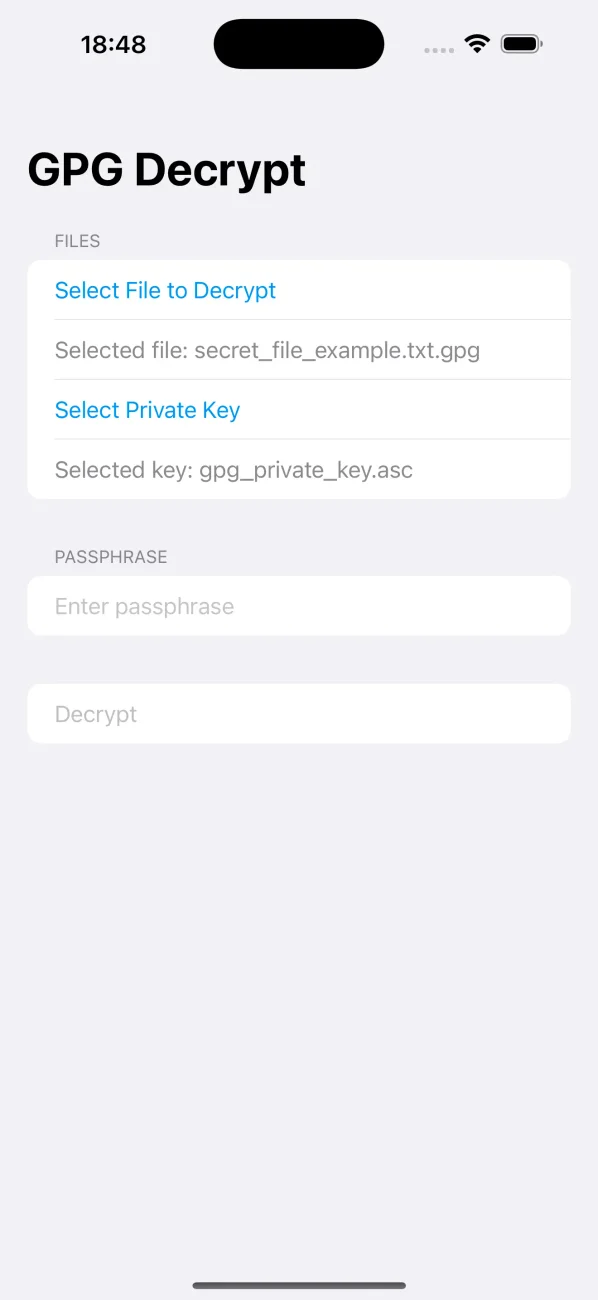
1. Select the encrypted file you want to decrypt
2. Select your private key file
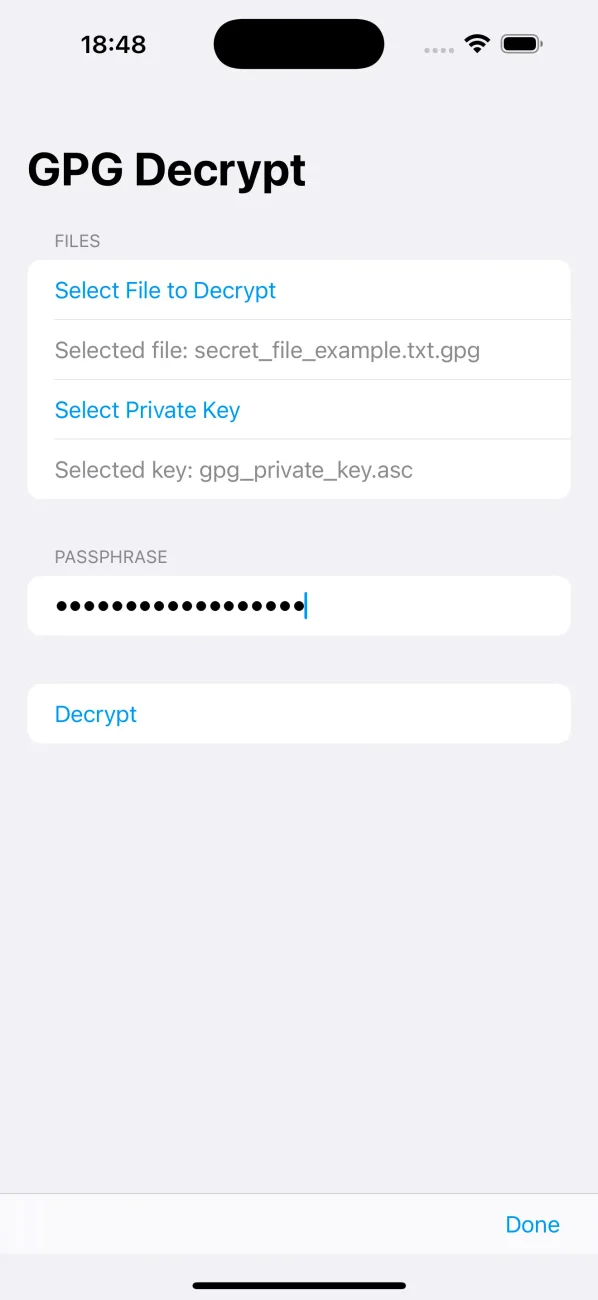
3. Enter the passphrase for your private key
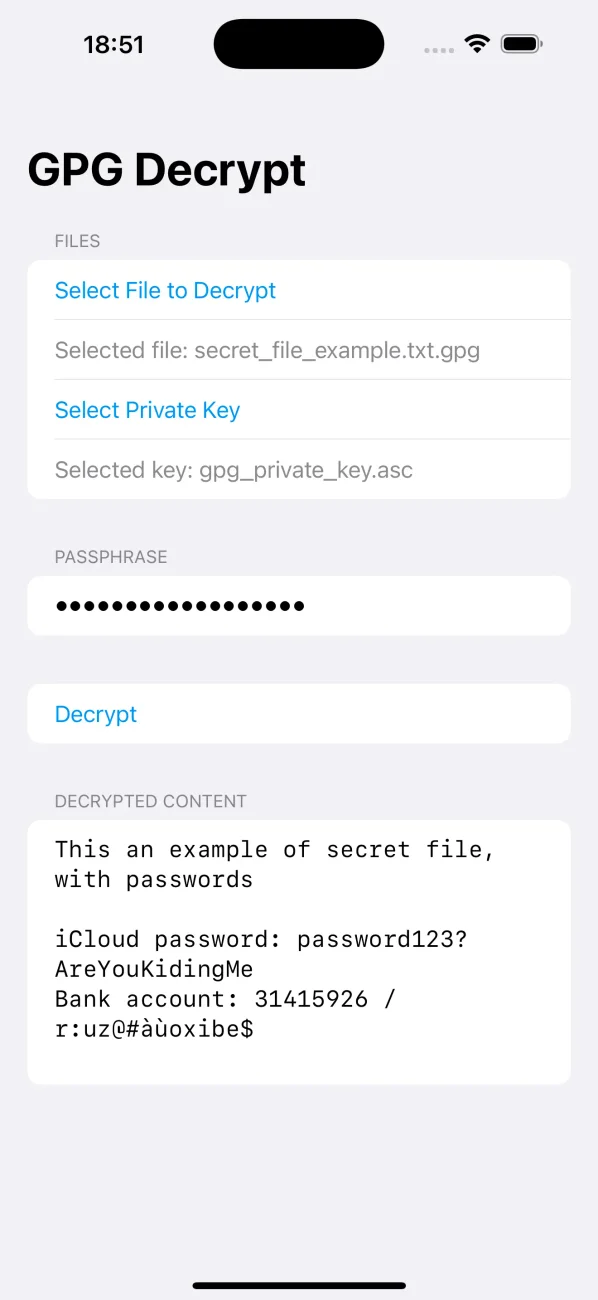
4. Tap "Decrypt" to decrypt the file
5. The decrypted content will be displayed on screen. It is not saved to your device.
GPG ([GNU Privacy Guard](https://gnupg.org/)) is a widely used open-source implementation of the OpenPGP standard.
This app only supports asymmetric encryption (public/private key). It cannot decrypt files that were encrypted using symmetric encryption (password-only encryption).
Using GPG on Mac OS
- Install GnuPG: brew install gnupg
- Generate a new GPG key: gpg --full-generate-key
- Choose option 1 (RSA and RSA)
- Choose 4096 bits
- Choose 0 (key does not expire)
- Enter your name and email
- Enter a secure passphrase
- Export your private key (required for decryption on iPhone): gpg --export-secret-keys --armor your-email@example.com > private_key.asc
- Replace `your-email@example.com` with the email you used when creating the key
- Enter your passphrase when prompted
- The private key will be saved to `private_key.asc`
- Transfer this file to your iPhone for use with the app
- Encrypting a file: gpg --encrypt --recipient your-email@example.com your_file.txt
- This creates `your_file.txt.gpg`
- Transfer this encrypted file to your iPhone for decryption with the app
Decrypting a file on Mac:
gpg --decrypt your_file.txt.gpg > decrypted_file.txt
- This will prompt for your private key passphrase
- The decrypted content will be saved to `decrypted_file.txt`
Transferring files to iPhone
You can transfer the encrypted file and private key to your iPhone using various cloud storage services:
- iCloud Drive
- Dropbox
- Google Drive
- OneDrive
- Or any other cloud storage service that provides iOS file access
Security
- All file operations use security-scoped resources
- Passphrase is never stored
- Files are copied to the app's documents directory for processing
- Decrypted content is only displayed and not saved to the device
- No persistent storage of sensitive information
What’s new
Version 1.1 · May 12, 2025
- Information about limitation regarding AEAD encryption
- New icon
App privacy
What Laurent Ach declares on the App Store about how this app handles data.
-
Data not collected
The developer does not collect any data from this app.
Privacy practices may vary, for example with the features you use or your age.
Information
- Seller
- Laurent Ach
- Category
- Utilities
- Version
- 1.1
- Updated
- May 12, 2025
- Released
- May 9, 2025
- Size
- 2.4 MB
- Requires
- iOS 16.0 or later
- Age rating
- 4+
- Price
- Free
- Languages
- English
- Copyright
- © 2025 Laurent Ach
You might also like
-
 Pocket-pgpOffline OpenPGP Encryption
-
 Easy PGPEasyPGP - Secure Encryption
-
 CryptoFiles: Files EncryptionEncrypt photos, videos, audios
-
 Keywave - PGP EncryptionOffline Keys. No Servers.
-
 PGPony: PGP & GPG EncryptionSecure Messages, Email, Files
-
 TextCrypt - Encrypted StorageEncrypt Notes Files, Passwords
-
 FileCryptorEncrypt any of your files
-
 iPGMailPGP encryption made easy!
-
 CypherAirOffline OpenPGP Encryption
-
 Crypto Tools (De)EncryptionPro Encryption & Forensics