
Photo Holder
One Photo & Swipe Lock
Designed for iPhone, iPad, iPod touch
Free · In-app purchases
- Age rating4+
- CategoryUtilities
- DeveloperRyusuke Uchida
- LanguagesEnglish+ 2 more
- Size24.2 MB
Links to the official App Store page
Download.org hosts no file of Photo Holder. The button opens its official App Store page, published by Ryusuke Uchida. Listing last checked on Nov 18, 2026.
Screenshots
About
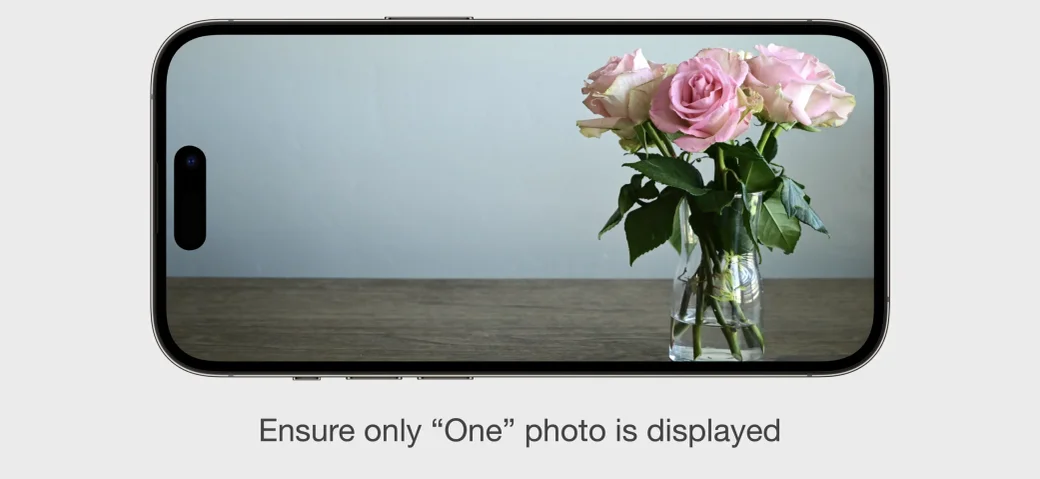
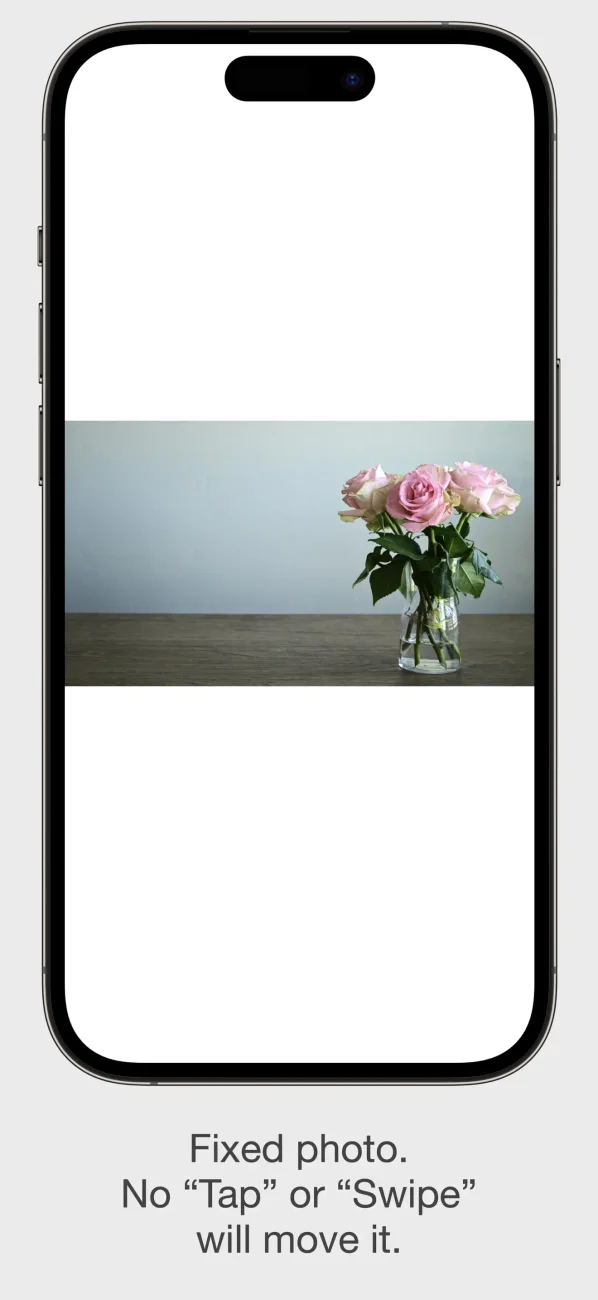
This app fixes only “One” photo,
This app is useful when you want to display only “One” photo.
When displaying a photo in Photos app, Tapping or Swiping the screen will cause the photo to go to another photo.
It is surprisingly difficult to fix a photo so that nothing happens when you tap on it.
Photos displayed with this app do not easily move to other screens even if you Tapping or Swiping the screen with your finger.
So, for example, if you put a photo in your pocket or bag with the photo displayed, it will keep that screen all the time.
+++ This may be useful in the following situations +++
* When you want to display the map image on the map while you are traveling.
* When you are working with a photo for the time being.
* When you want to work on various tasks while displaying the image of a memo all the time.
* When you want to display photos as a photo frame at all times.
* For drawing and sketching.
+++ Advantages +++
* You can see the same picture every time when you start up the app.
* Nothing happens even if you touch the screen.
* Screen does not turn off by itself.
+++ Detailed settings +++
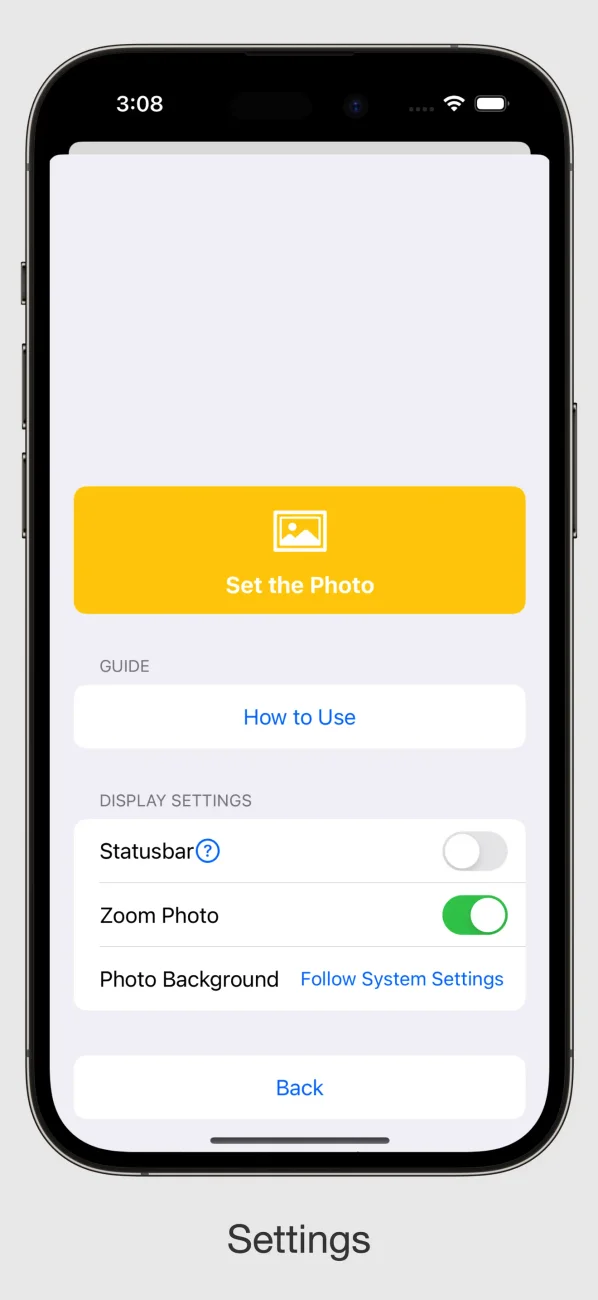
* Zoom on / off
* Statusbar display on / off
* Change background color White / Black / Gray / Blur
+++ How to use +++
Press and hold anywhere on the screen for 2 seconds to bring up the settings screen.
From the settings screen, you can set the photo to be fixed and change the display settings,
The following system-related items will be displayed even while the app is running.
- Control Center
- Swipe from the bottom to return to the home screen
- Volume button
- Side button
- Home bar when the screen is touched
- Notification and call dialogs
- Notification when the battery is low
etc....
There are many uses, aren't there?
We hope you will make use of it!
What’s new
Version 1.4.2 · Nov 14, 2026
* Removed the background from the status bar
Thank you for always using Photo Holder!
App privacy
What Ryusuke Uchida declares on the App Store about how this app handles data.
-
Data used to track you
May be used to track you across apps and websites owned by other companies.
- Location
- Identifiers
- Usage data
-
Data not linked to you
May be collected but is not linked to your identity.
- Location
- Identifiers
- Usage data
Privacy practices may vary, for example with the features you use or your age.
Information
- Seller
- Ryusuke Uchida
- Category
- Utilities
- Version
- 1.4.2
- Updated
- Nov 14, 2026
- Released
- Oct 5, 2024
- Size
- 24.2 MB
- Requires
- iOS 15.0 or later
- Age rating
- 4+
- Price
- Free
- In-app purchases
- Yes
- Languages
- English, German, Japanese
- Copyright
- © 2026 One Tap Apps
You might also like
-
 TracingMatA simple light table app
-
 MeroTalk DM | DM CompatibilityUtilities
-
 PicPic | Swipe to Sort PhotosUtilities
-
 MeroTalk | LINE AnalysisLINE Compatibility Diagnosis
-
 IsTalk - Talk AnalysisUnderstand Your Connection
-
 Lトーーク - トーク分析・振り返りアプリUtilities
-
 ZeroMe(ゼロミー): あの人のAIクローンとチャットEntertainment
-
 CountapUtilities
-
 編み物カウンター2Utilities
-
 カップル記念日・付き合って何日をカウント -恋するDiaryUtilities