PhotoKit Studio
Resize, Compress & Crop Photos
Designed for iPhone, iPad, iPod touch
In-app purchases
- Age rating4+
- CategoryPhoto & Video
- Developerhasan demir
- LanguagesEnglish+ 47 more
- Size90.1 MB
Links to the official App Store page
Download.org hosts no file of PhotoKit Studio. The button opens its official App Store page, published by hasan demir. Listing last checked on Nov 12, 2026.
Screenshots

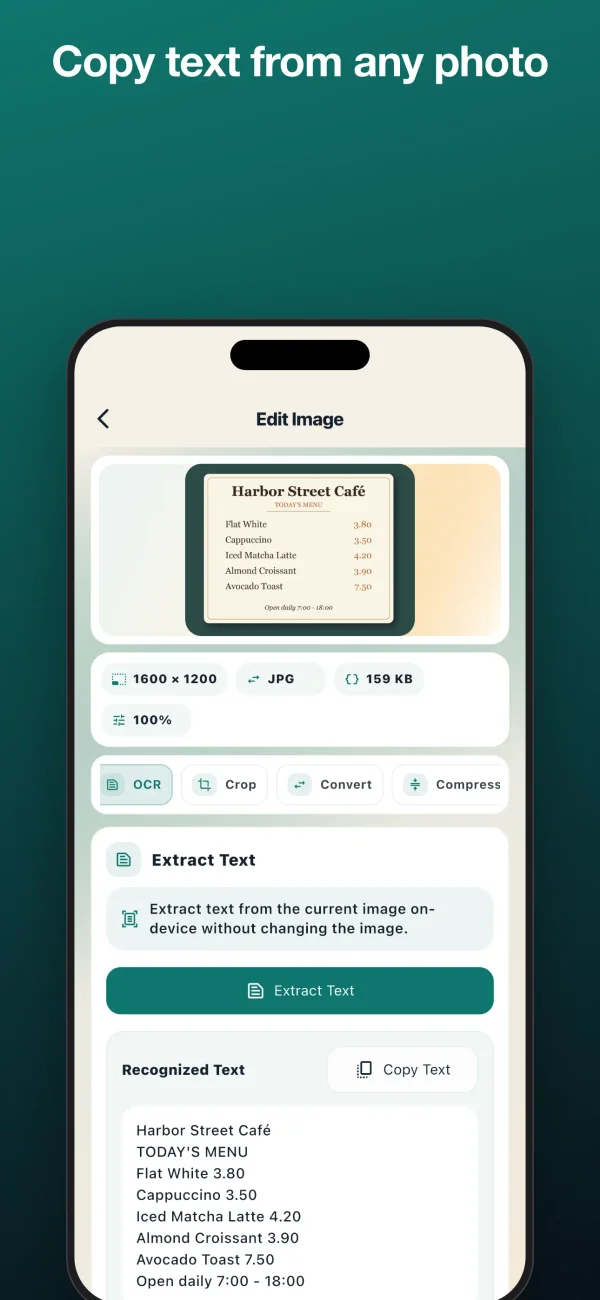
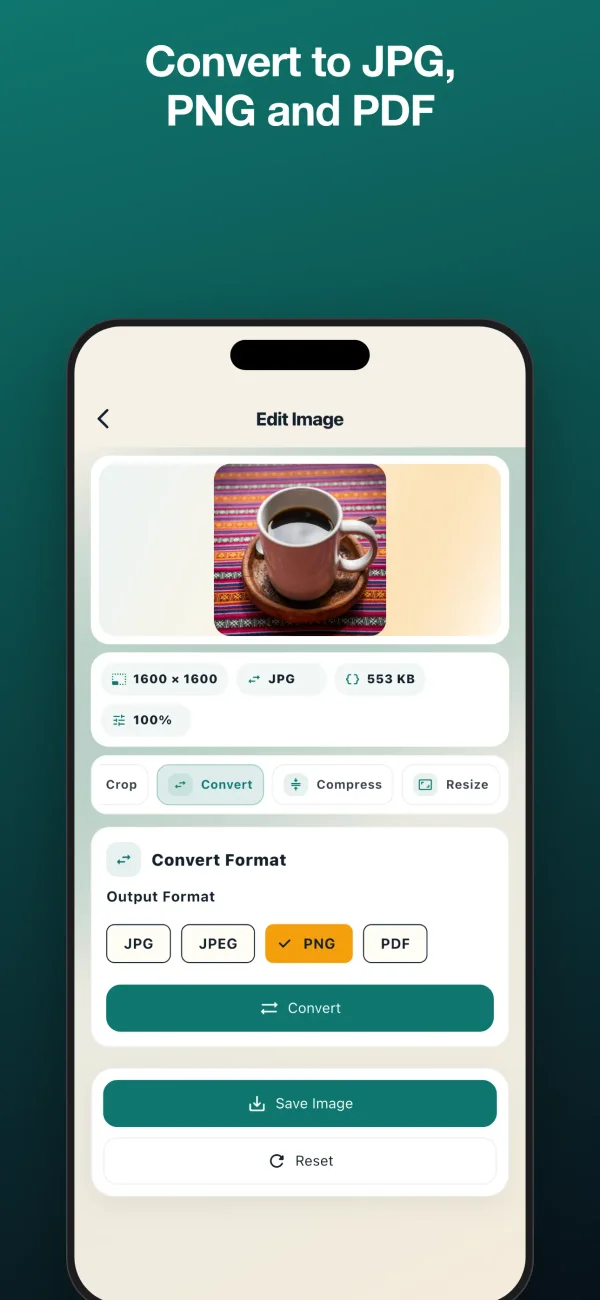
About
Resize, compress and convert your photos in seconds. PhotoKit Studio brings resizing, compression, cropping, format conversion, background removal and text recognition together in one simple app.
Take a photo or pick one from your gallery and start editing straight away. Everything happens on your device; your photos are never uploaded to a server.
WHAT YOU CAN DO
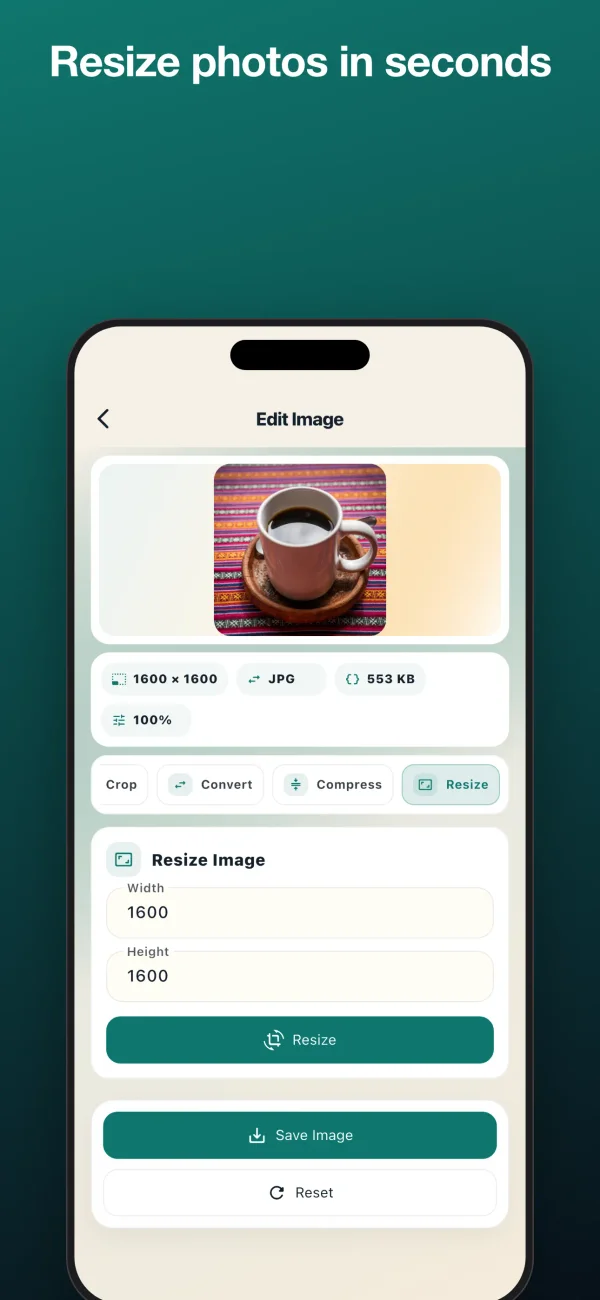
• Resize: Enter the width and height in pixels, and lock the aspect ratio or leave it free.
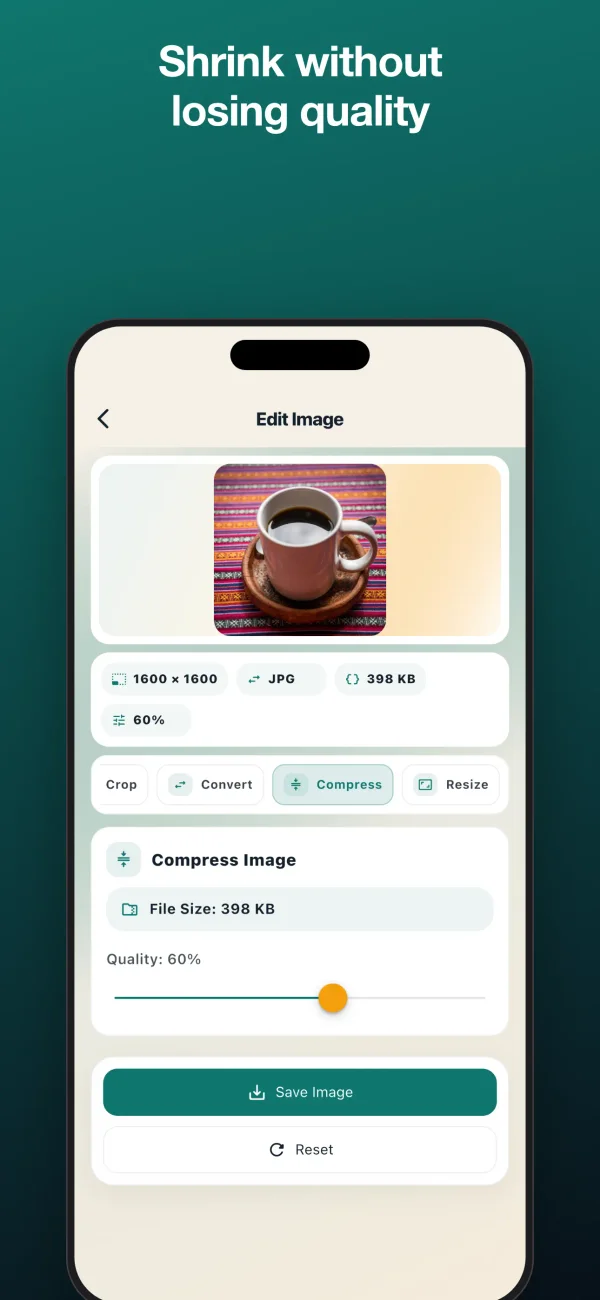
• Compress: Cut the file size with a quality slider and see the result instantly.
• Crop: Pick exactly the area of the photo you want.
• Convert: Save as JPG, PNG or PDF (WEBP is also available on Android).
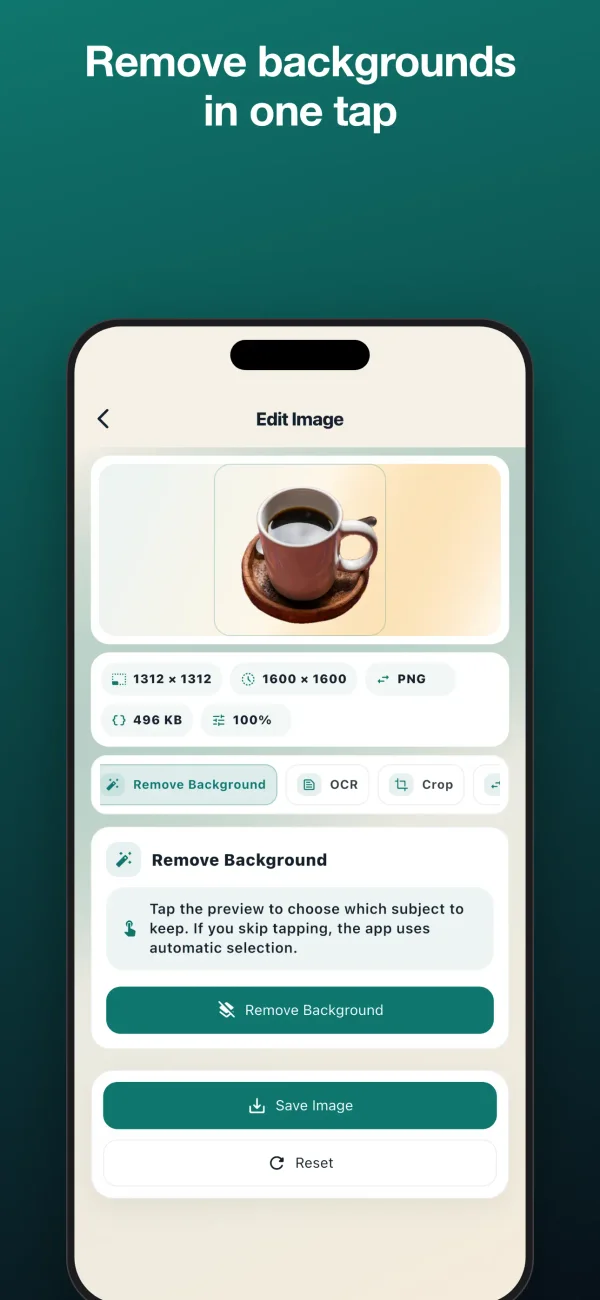
• Remove background: AI finds the main subject, and you can tap to choose which object stays.
• Extract text (OCR): Recognise the text in a photo and copy it with one tap.
• Info: Compare dimensions, quality, format and file size before and after.
WHO IT'S FOR
• Anyone preparing social media and profile pictures
• Anyone optimising website and online shop images
• Anyone who wants smaller files for email and messaging
• Anyone who wants to extract text from documents and photos
• Anyone who wants clean, background-free product photos
PREMIUM
With a Premium subscription you can save without limits and use the app ad-free. Your subscription renews automatically unless it is cancelled at least 24 hours before the end of the current period; you can manage it in your store account settings.
Privacy Policy: https://falara.app/privacy
Terms of Use: https://falara.app/terms
What’s new
Version 1.3.0 · Oct 11, 2026
What's new:
• Filters and adjustments: brightness, contrast, saturation
• Size presets: Instagram, Story, YouTube, passport
• Target file size: compress to the KB you need
• Text watermark
• Background replace: colour, gradient or blur
• Batch mode: convert many photos at once
Try each new feature once for free.
• Free: rotate/flip and remove location & camera data
• Translation improvements and bug fixes
• The app is now available in 80 languages
• Smarter background removal: the main subject is detected better in busy scenes
• Large photos open faster and use less memory
• Photos are imported without being re-encoded when that isn't needed, so there's no loss of quality
• Privacy Policy and Terms of Use links now open in your browser
App privacy
What hasan demir declares on the App Store about how this app handles data.
-
Data not collected
The developer does not collect any data from this app.
Privacy practices may vary, for example with the features you use or your age.
Information
- Seller
- hasan demir
- Category
- Photo & Video
- Version
- 1.3.0
- Updated
- Oct 11, 2026
- Released
- Feb 27, 2025
- Size
- 90.1 MB
- Requires
- iOS 15.5 or later
- Age rating
- 4+
- In-app purchases
- Yes
- Languages
- English, Amharic, Arabic, Armenian, Azerbaijani, Bengali, Bulgarian, Cambodian, Croatian, Czech, Danish, Dutch + 36 more
- Copyright
- © 2022
You might also like
-
 AI Photo Compressor & ResizerCompress your image
-
 Photo Tools: compress, resizePhoto & Picture Resizer
-
 Image Size Reducer - SizeFitPhoto, PDF & Video Compressor
-
 Photo Resizer | Crop, CompressFast Batch Image Editor
-
 CompressifyPhoto & Video
-
 Compress Photos: Resize ImagesImage Compressor & Save Space
-
 Image Converter - HEIC to PNGConvert to JPG PNG File
-
 Photo Compressor - Shrink PicResize & Reduce Image Size
-
 Jilva: AI Photoshoot StudioSelfie to Portrait Generator
-
 Odana AI - Video GeneratorPhoto to AI Video & Animation