
Image Size Reducer - SizeFit
Photo, PDF & Video Compressor
Designed for iPhone
In-app purchases
- Age rating4+
- CategoryPhoto & Video
- DeveloperIlkay Kisayol
- LanguagesFrench+ 32 more
- Size24.1 MB
Links to the official App Store page
Download.org hosts no file of Image Size Reducer - SizeFit. The button opens its official App Store page, published by Ilkay Kisayol. Listing last checked on Nov 12, 2026.
Screenshots

About
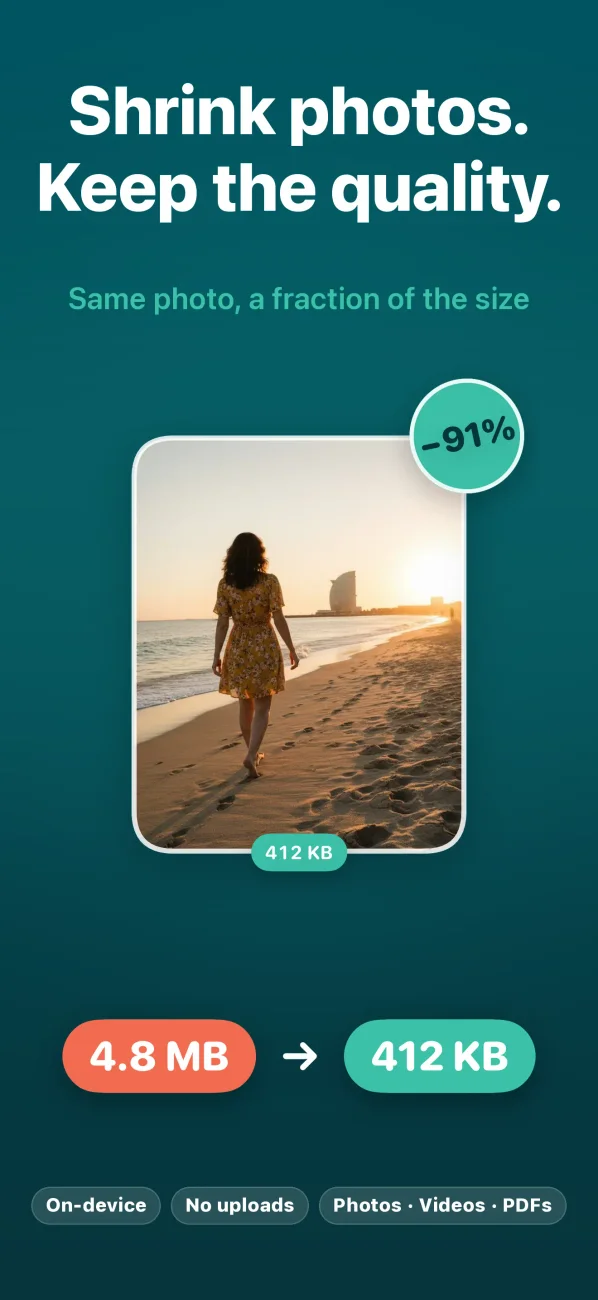
SizeFit makes photos, videos and PDFs smaller – right on your iPhone.
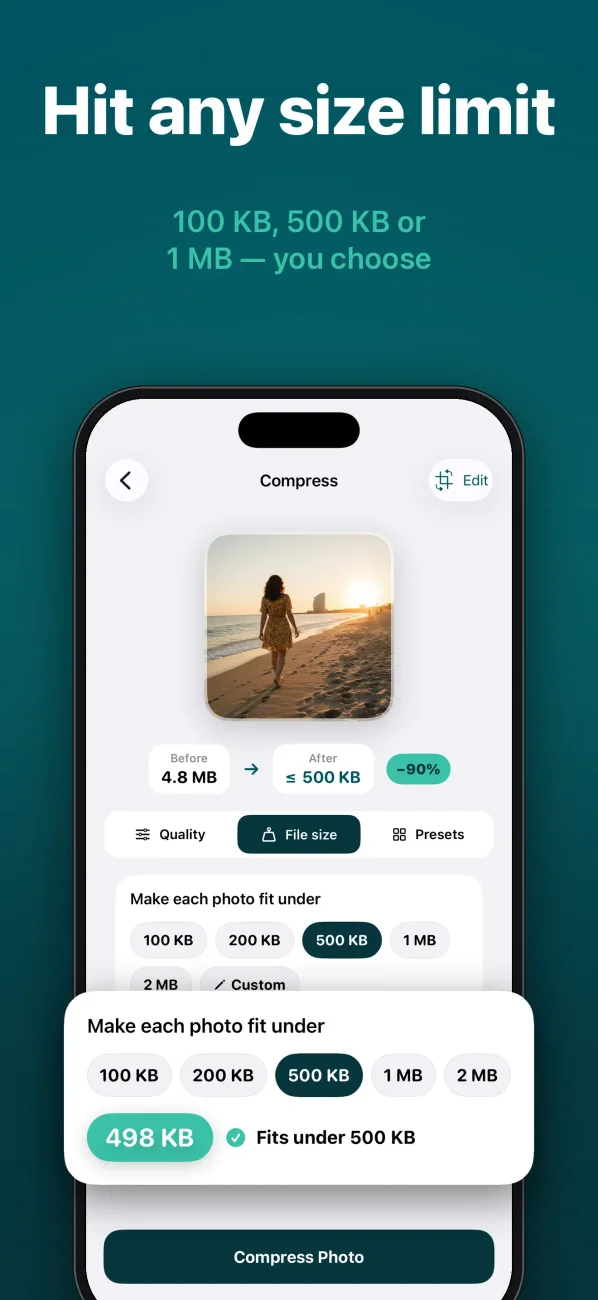
Pick a photo, choose a size and SizeFit does the rest. Need it under 500 KB for a form, an upload or an email? Set the limit and SizeFit finds the best quality that fits.
EXACT FILE SIZE
• Make any photo fit under 100 KB, 200 KB, 500 KB, 1 MB, 2 MB or a size you choose
• SizeFit finds the highest quality that still fits
COMPRESS AND RESIZE
• Quality and resize sliders for JPEG, HEIC and PNG
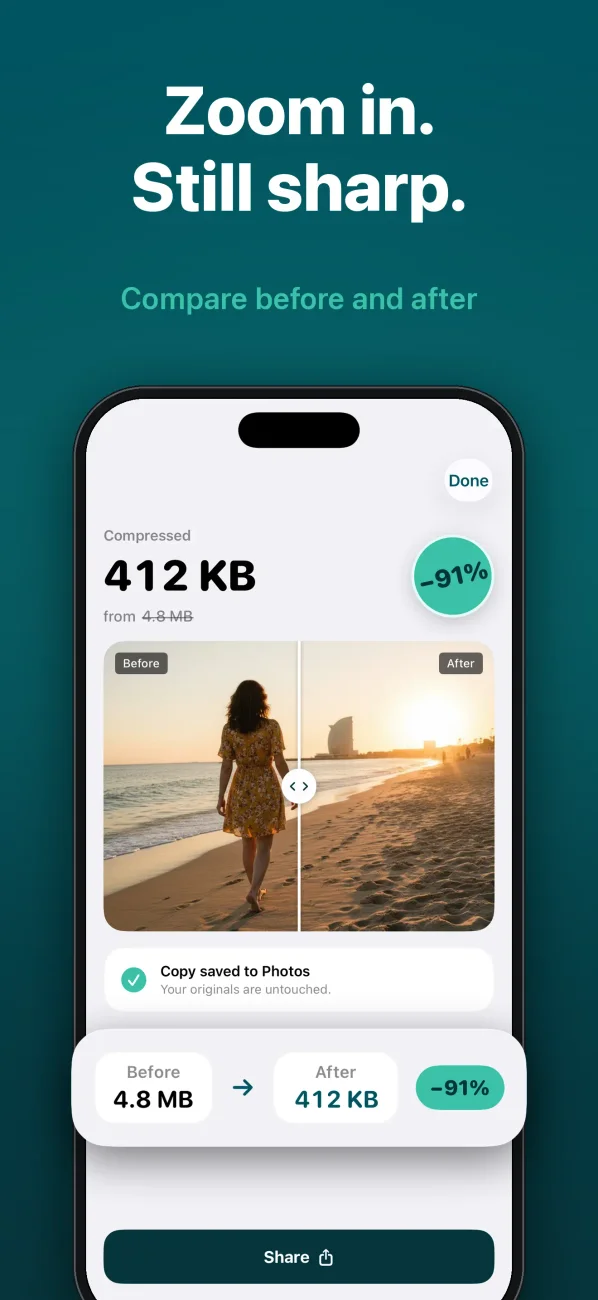
• Before/after slider: zoom in and compare
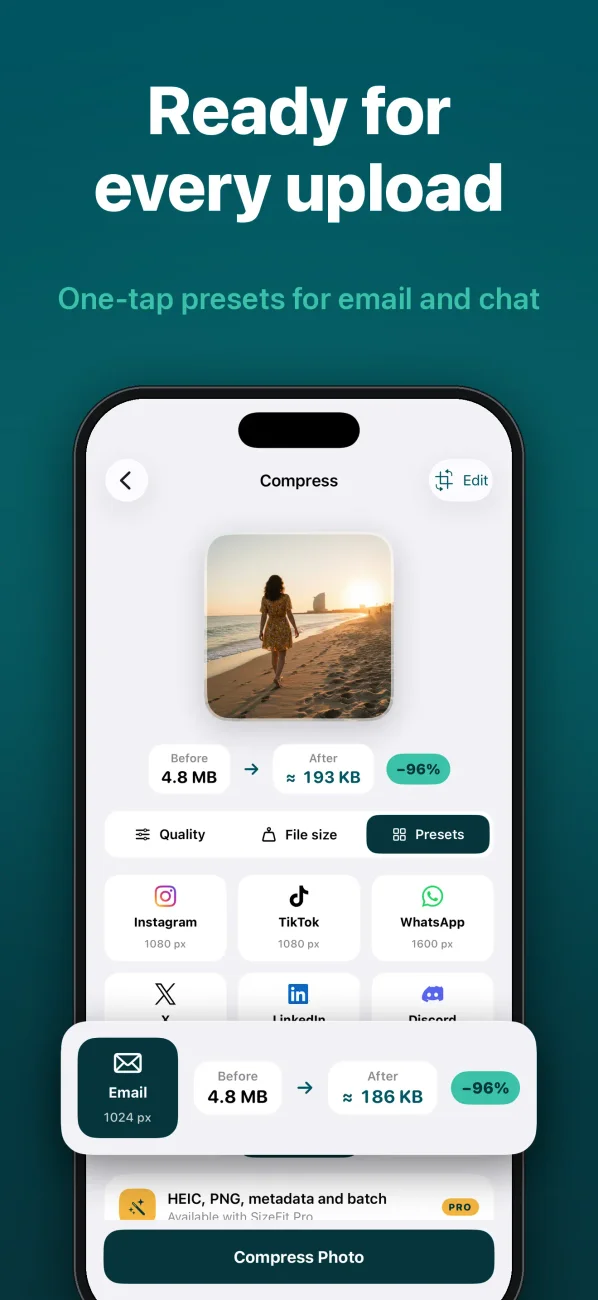
• See the saving at a glance, e.g. 4.8 MB → 412 KB (−91%)
PRESETS FOR EVERY UPLOAD
• One-tap presets for social apps, messaging, email and the web
FREE UP SPACE
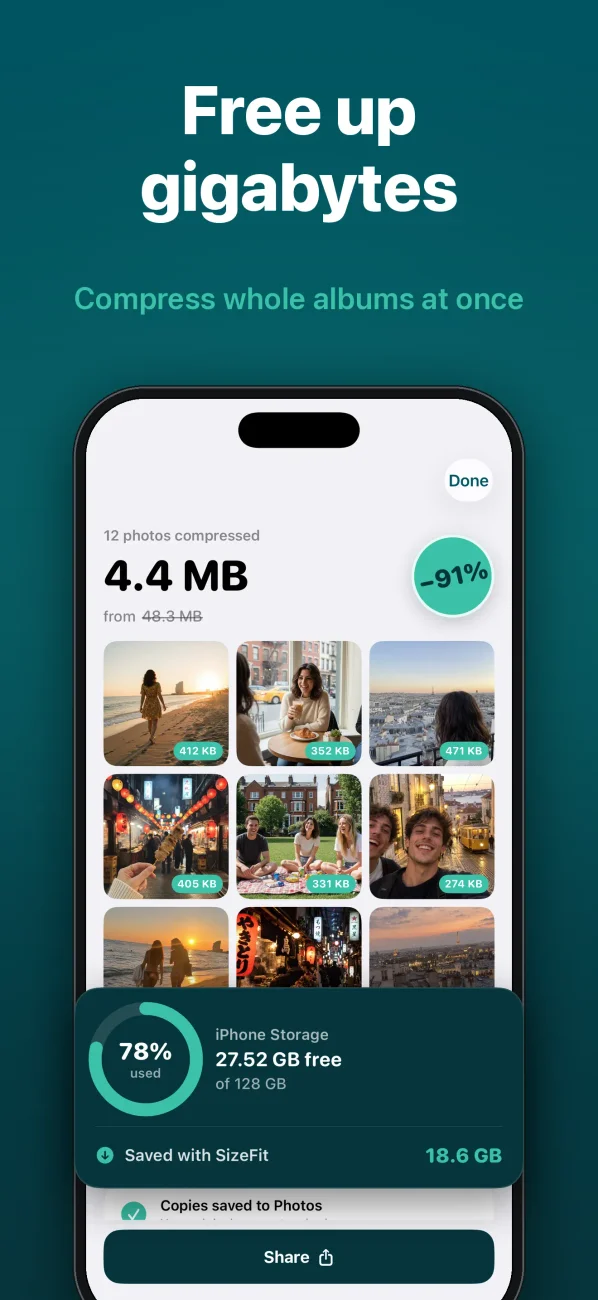
• Find your largest photos and videos, screenshots and near-duplicates
• Compress whole albums at once (Pro)
• Delete the originals after compressing – they move to Recently Deleted, and the copy keeps its original date
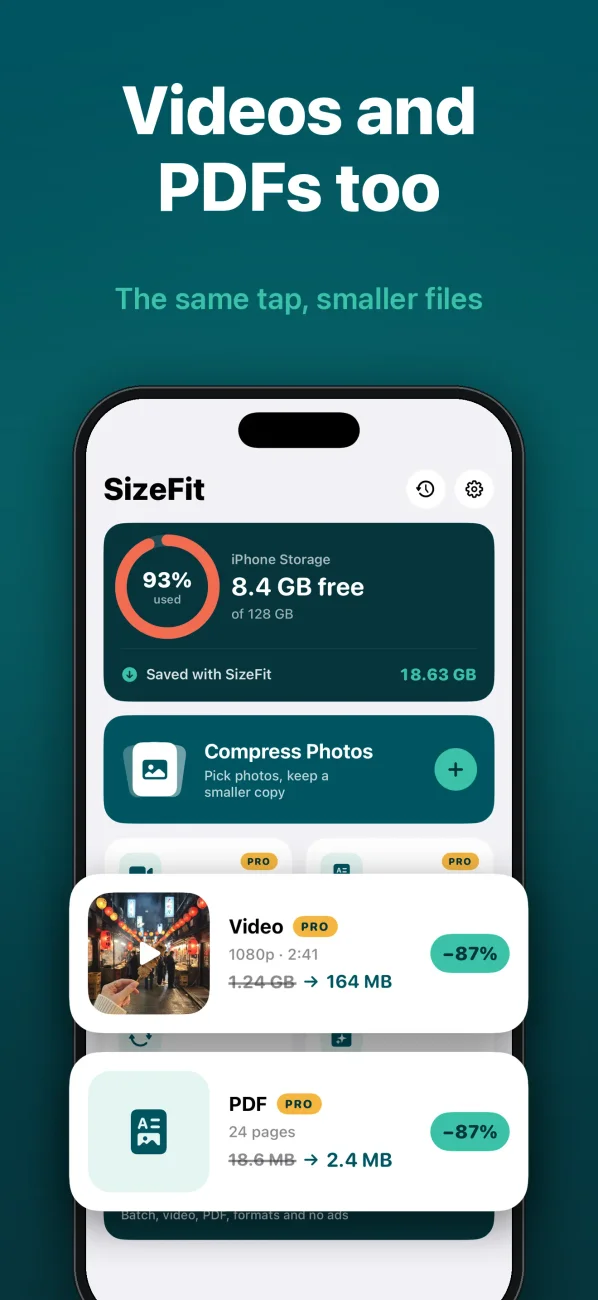
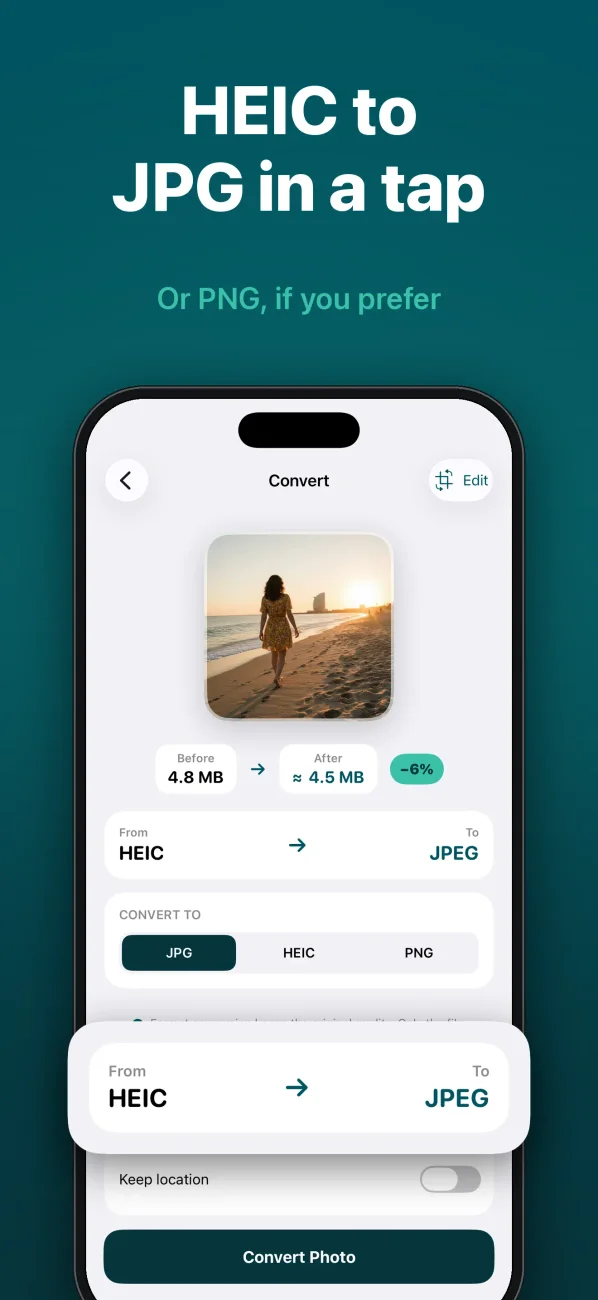
VIDEOS, PDFS AND HEIC
• Compress videos (Pro)
• Compress PDFs (Pro)
• Convert HEIC to JPG or PNG (Pro)
RIGHT WHERE YOU NEED IT
• Share sheet: compress straight from Photos and other apps
• Shortcuts and Siri: "compress to KB"
• Home Screen widget showing the space you've saved
PRIVATE BY DESIGN
Everything happens on your iPhone. No uploads, no account.
SizeFit is free for one photo at a time, with ads. SizeFit Pro unlocks batch, video and PDF compression and HEIC conversion, and removes ads – as a weekly or yearly subscription or a one-off lifetime purchase.
SizeFit Pro is optional. Subscriptions renew automatically unless cancelled at least 24 hours before the end of the period; manage them in your Apple ID settings.
Privacy Policy: https://sizefit.netlify.app/privacy
Terms of Use: https://sizefit.netlify.app/terms
What’s new
Version 1.4.1 · Oct 13, 2026
What's new in SizeFit 1.4.1:
• Exact file size: make any photo fit under 100 KB, 500 KB, 1 MB or your own limit – SizeFit finds the best quality that fits.
• A completely redesigned app, with smoother motion and new screens.
• Delete originals after compressing: they move to Recently Deleted, and the copy keeps its original date.
• SizeFit now speaks more than 30 languages.
Thanks for using SizeFit!
App privacy
What Ilkay Kisayol declares on the App Store about how this app handles data.
-
Data used to track you
May be used to track you across apps and websites owned by other companies.
- Identifiers
- Usage data
-
Data linked to you
May be collected and linked to your identity.
- Identifiers
- Usage data
-
Data not linked to you
May be collected but is not linked to your identity.
- User content
- Usage data
- Diagnostics
Privacy practices may vary, for example with the features you use or your age.
Information
- Seller
- Ilkay Kisayol
- Category
- Photo & Video
- Version
- 1.4.1
- Updated
- Oct 13, 2026
- Released
- Feb 3, 2026
- Size
- 24.1 MB
- Requires
- iOS 17.6 or later
- Age rating
- 4+
- In-app purchases
- Yes
- Languages
- French, German, English, Arabic, Catalan, Simplified Chinese, Traditional Chinese, Korean, Croatian, Danish, Spanish, Finnish + 21 more
- Copyright
- © 2026 SizeFit
You might also like
-
 SnapSize: Compress Photo to KBExact KB, resize, crop, HEIC
-
 Photo Compressor - Shrink PicResize & Reduce Image Size
-
 Image Resizer Pro: CompressBatch resize & HEIC to JPG
-
 Photo Resizer - Resize ImageReduce Photo Size in KB
-
 Compress Photos - PixFitResize Image · HEIC Converter
-
 Image Size & Compress: ReImaResize Photo & Reduce Size
-
 Compress Photos - MB to KBResize Image Compressor
-
 PhotoKit StudioResize, Compress & Crop Photos
-
 Compress Photos: Resize ImagesImage Compressor & Save Space
-
 Video Compressor: Target SizeExact MB for Email & Uploads