
- Age rating4+
- CategoryUtilities
- DeveloperNephritesoft
- LanguagesEnglish
- Size23.4 MB
Links to the official App Store page
Download.org hosts no file of PhotoTrueSize. The button opens its official App Store page, published by Nephritesoft. Listing last checked on Nov 16, 2026.
Screenshots

About
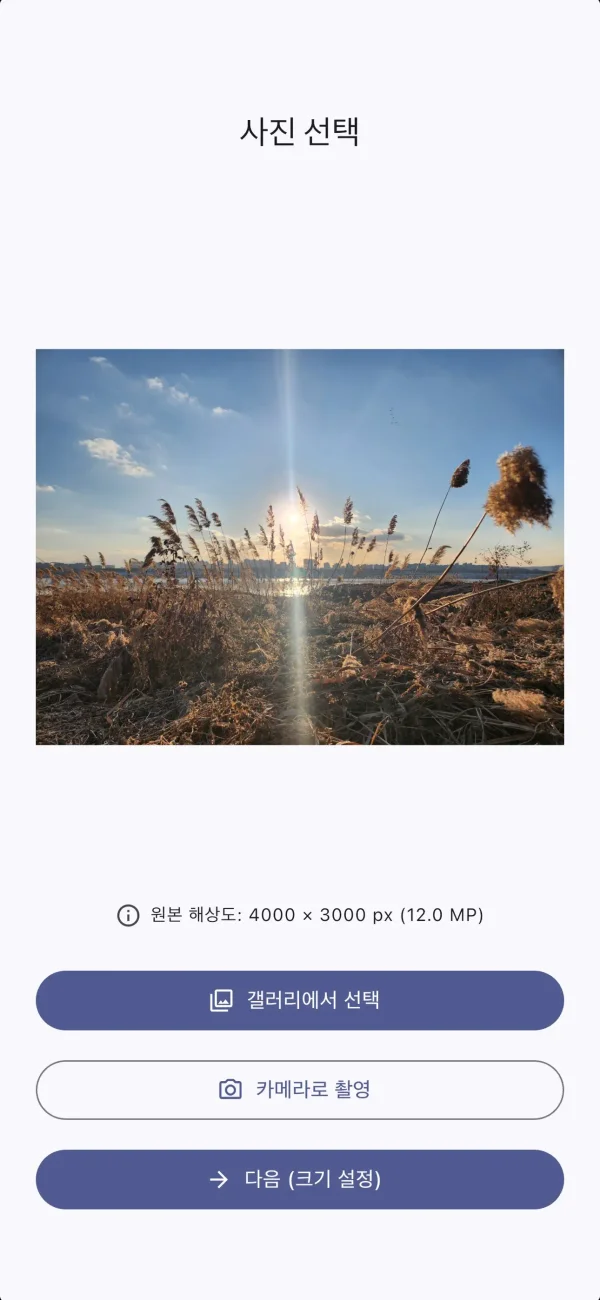
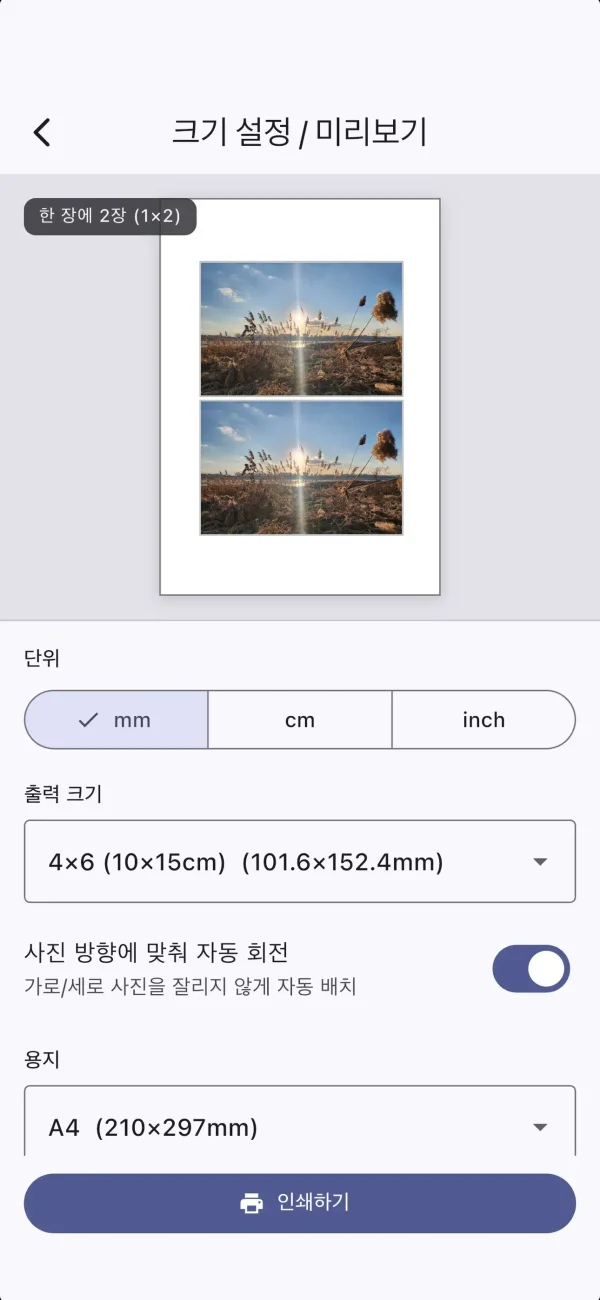
PhotoTrueSize lets you print and save photos at the exact physical size you want — down to the millimeter.
Tired of photos that print stretched to fill an A4 page, or at some random size you can't control? PhotoTrueSize puts you in charge. Choose a standard photo size or enter your own dimensions, and the app lays your photo out at precisely that size, ready to print or save.
KEY FEATURES
• Exact physical sizing — Set the output size in mm, cm, or inches. What you set is what you get.
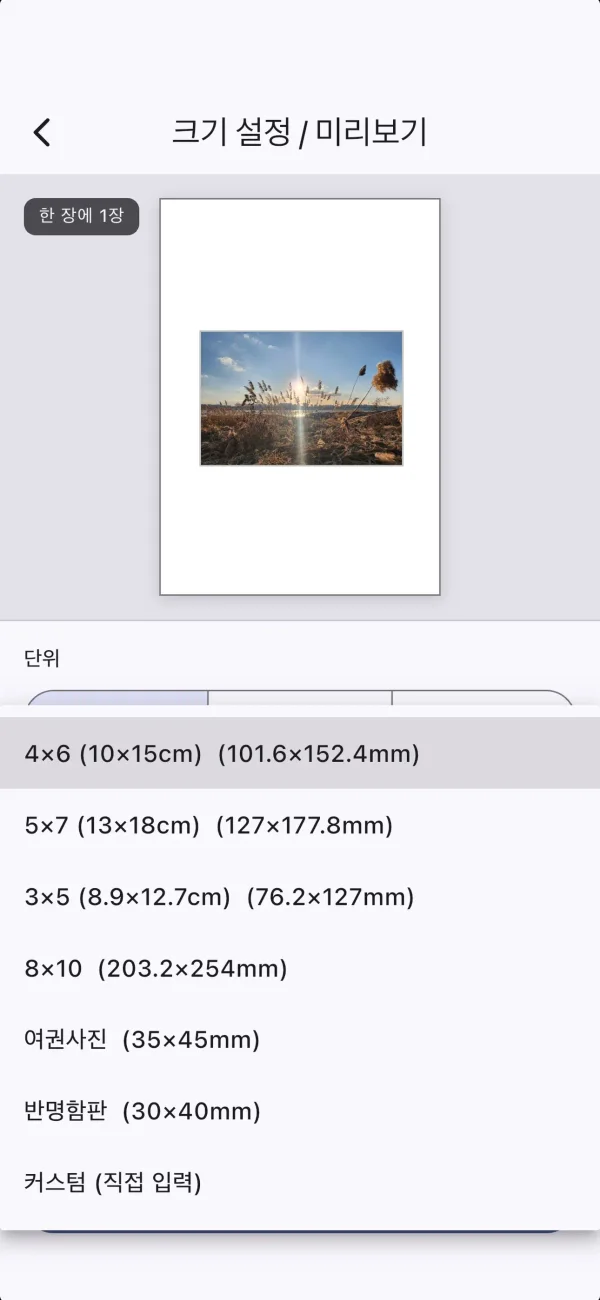
• Standard presets — 4×6, 5×7, 3×5, 8×10, ID/passport photos, and more.
• Custom sizes — Enter any width and height for full control.
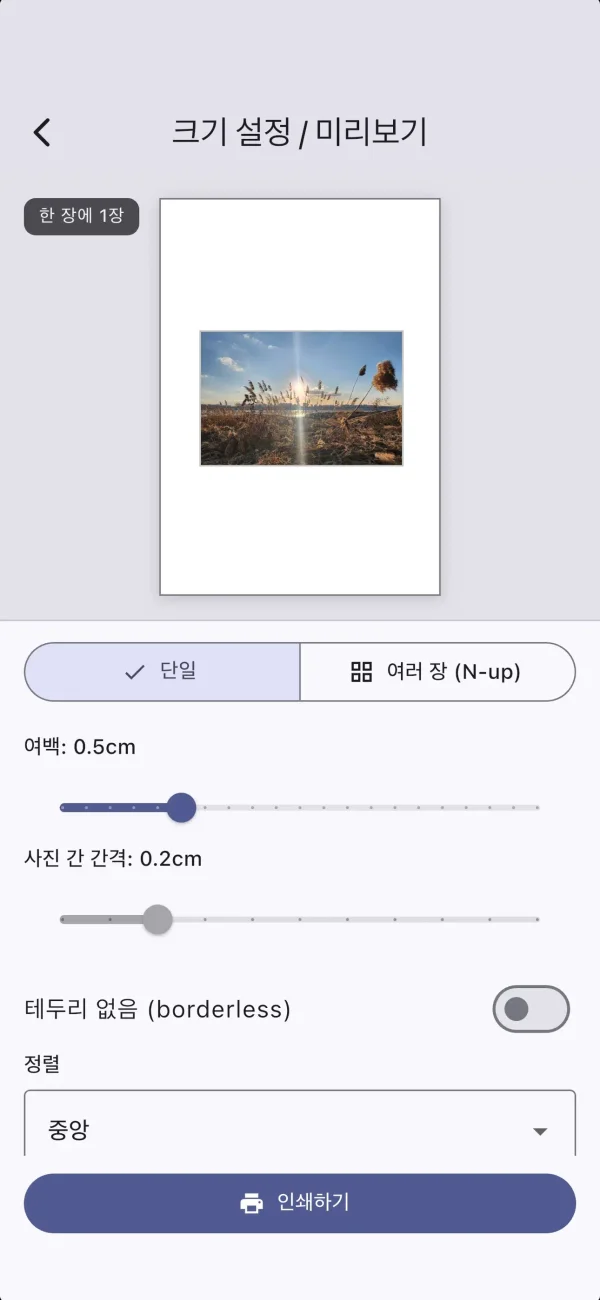
• Fit multiple photos per page — Place several copies on a single A4 sheet to save paper and print cost.
• Choose your paper — A4, A5, A3, Letter, and photo paper sizes.
• Margins & borderless — Adjust margins or go edge-to-edge.
• Live preview — See exactly how your photo sits on the page before printing.
• Resolution warning — The app warns you when a photo is too low-resolution for the size you chose, so you avoid blurry prints.
• Print or save — Send straight to any AirPrint printer, save as PDF, or export as a high-resolution JPG/PNG image (with print DPI embedded).
PRIVACY FIRST
Your photos never leave your device. PhotoTrueSize processes everything locally — no uploads, no accounts, no servers.
NOTE ON PRINT ACCURACY
The app generates output at accurate physical dimensions. Final printed size may vary slightly depending on your printer, paper, and print settings. For best results, choose "Actual size" / "100%" when printing and turn off auto-fit.
PhotoTrueSize is free, supported by ads.
What’s new
Version 1.1 · Oct 8, 2026
What's New
• Adjustable print area — When your photo and print size have different aspect ratios, you can now choose exactly which part gets printed. Tap "Print Area" on the preview, drag to reposition, and pinch to zoom.
• New default layout — One photo per page by default. Choose "Multiple (N-up)" in Layout to fit more on a single sheet.
• Smarter resolution warning — Zooming into a print area now updates the DPI warning based on the actual printed quality.
App privacy
What Nephritesoft declares on the App Store about how this app handles data.
-
Data used to track you
May be used to track you across apps and websites owned by other companies.
- Identifiers
-
Data not linked to you
May be collected but is not linked to your identity.
- Identifiers
Privacy practices may vary, for example with the features you use or your age.
Information
- Seller
- Nephritesoft
- Category
- Utilities
- Version
- 1.1
- Updated
- Oct 8, 2026
- Released
- Jun 24, 2026
- Size
- 23.4 MB
- Requires
- iOS 15.0 or later
- Age rating
- 4+
- Price
- Free
- Languages
- English
- Copyright
- © 2026 Nephritesoft
You might also like
-
 Real Ruler - Accurate MeasureActual-size on-screen ruler
-
 Beauty Stuff: Makeup ExpiryCosmetics expiration tracker
-
 Photo Print Size: Exact InchesWallet, 5x7 & 2x2 on one sheet
-
 AirSizePrecise AR Measurement Tool
-
 Scale and PrintScale files and photos!
-
 MRZ Scanner PROUtilities
-
 Tattoo Image ConverterConvert photo to Stencil Art
-
 DotTime — See time in dotsUtilities
-
 Crop and PrintPDF & Photo Crop for Print
-
 SnapPDFFrom Photos to PDFs in Seconds