
- Age rating+4
- CategoryProductivity
- Developer海泓 罗
- LanguagesPortuguese+ 8 more
- Size43.3 MB
Links to the official App Store page
Download.org hosts no file of PicArk. The button opens its official App Store page, published by 海泓 罗. Listing last checked on Nov 21, 2026.
Screenshots


About
Your camera roll is probably full of screenshots you meant to come back to later.
Products, restaurants, travel bookings, guides, tasks, recommendations and more.
The screenshots keep piling up, but finding the right one later can be difficult.
PicArk is an AI-powered information library built for screenshots.
Add screenshots to PicArk and AI helps understand their content, turning them into information that is easier to organize, search and use.
AI UNDERSTANDS YOUR SCREENSHOTS
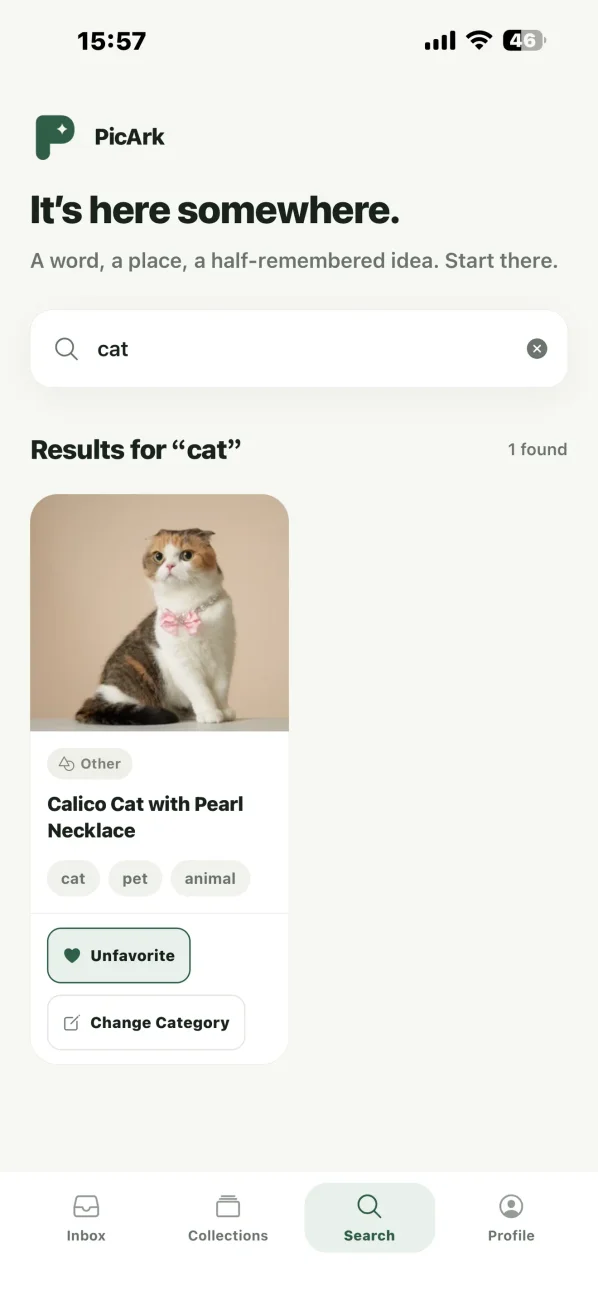
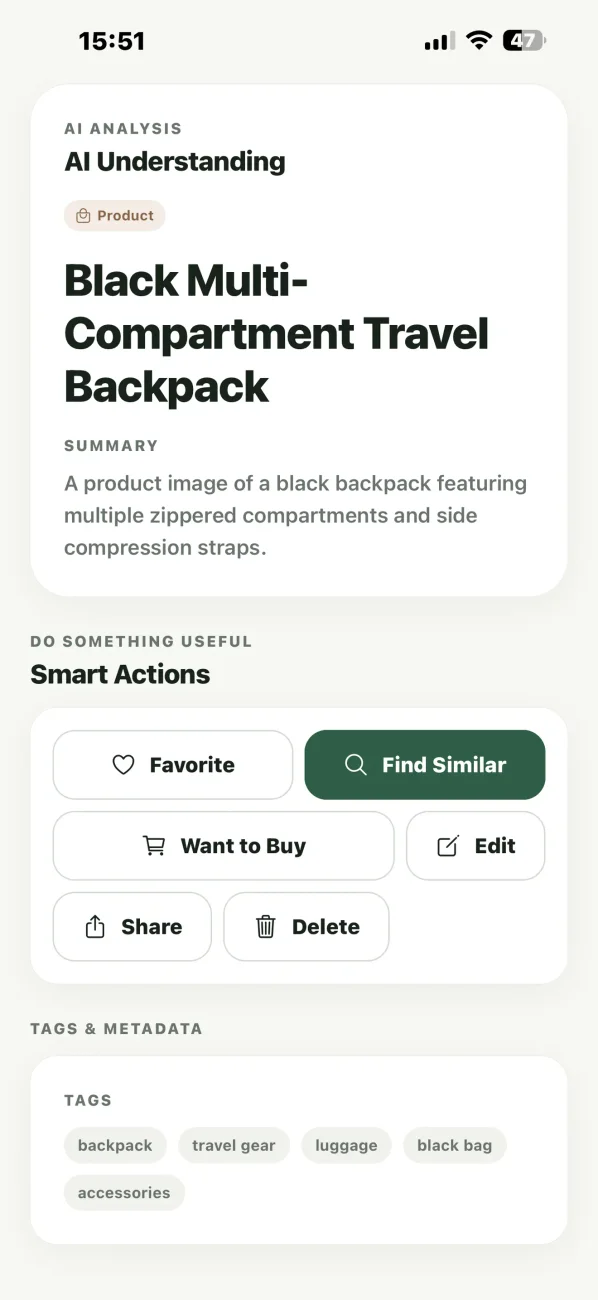
PicArk can analyze screenshot content and generate titles, summaries, categories and tags, turning ordinary screenshots into searchable information.
AUTOMATIC ORGANIZATION
Products, places, tasks, trips, guides, favorites and other information can be organized automatically without complicated folders.
FIND OLD SCREENSHOTS FASTER
Search using titles, summaries, tags and useful information extracted from screenshots.
MAKE TRAVEL SCREENSHOTS USEFUL
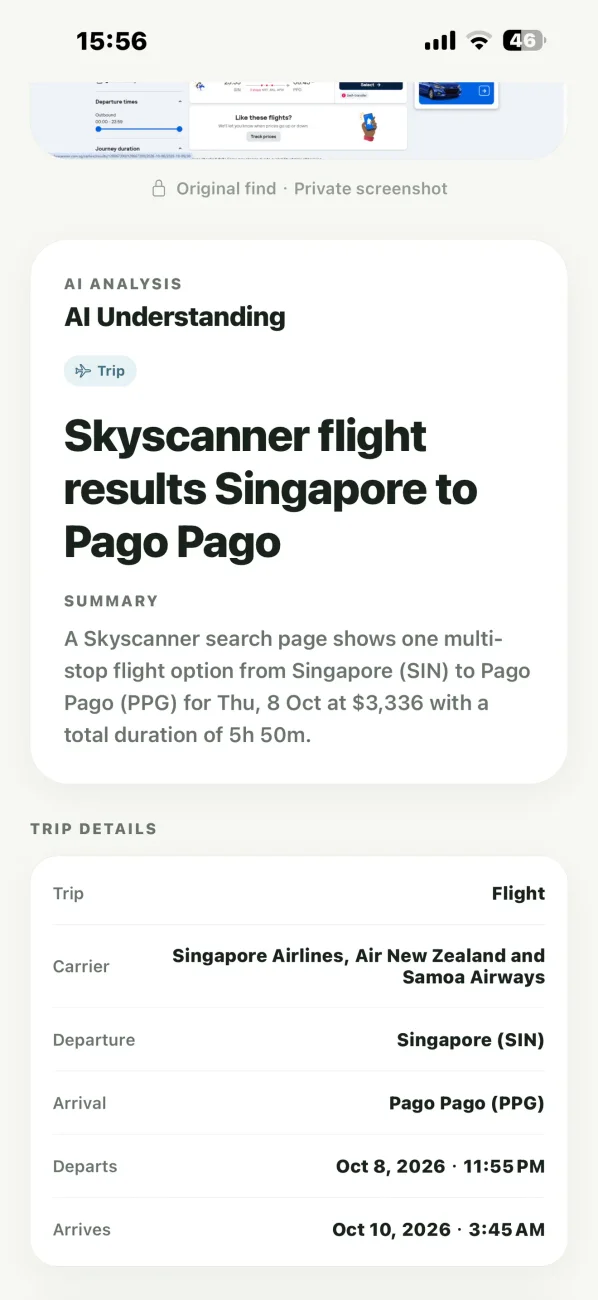
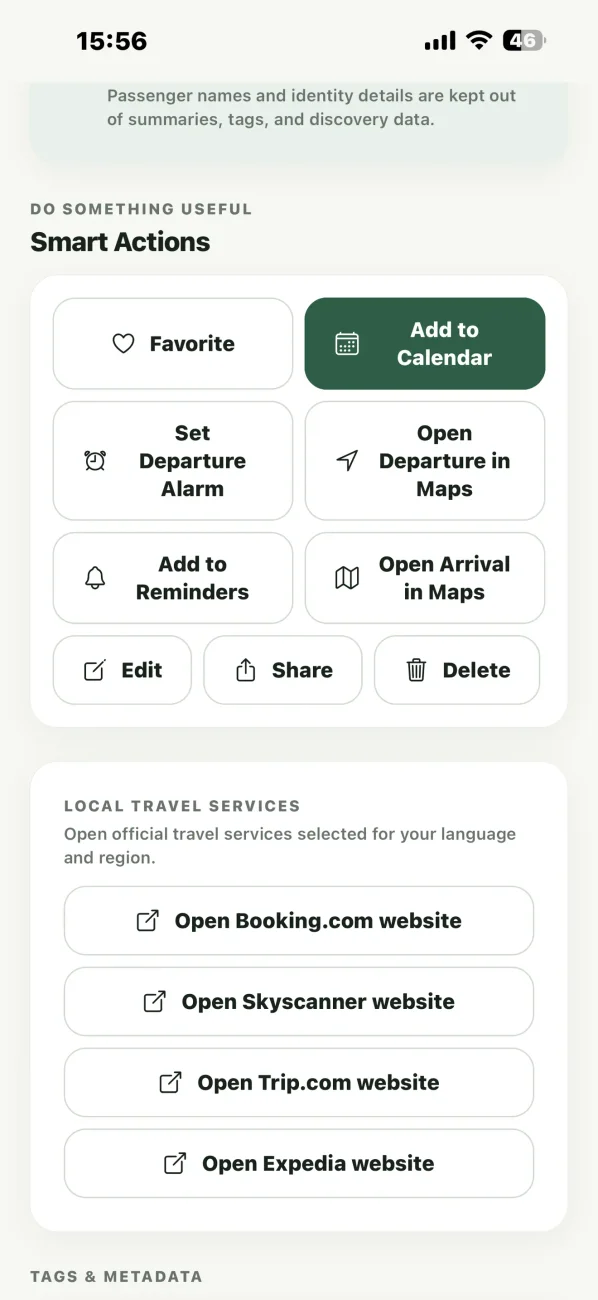
PicArk can identify flights, train tickets, hotels and other travel screenshots and organize details such as dates, locations and transportation information.
DISCOVER PRODUCTS FROM SCREENSHOTS
Identify visible products in fashion, shopping and product screenshots and continue searching through supported shopping platforms.
SAVE WHAT MATTERS
Favorite important screenshots and build your own private information library.
SHARE SAFELY
Share organized information through PicArk links and revoke shared links when you no longer need them.
PRIVACY FIRST
Your screenshots are stored in private space associated with your account. PicArk applies additional protections to screenshots that may contain passwords, keys, identification documents, payment information or other sensitive content.
PICARK PRO
The free plan includes a monthly AI analysis allowance.
PicArk Pro provides a higher monthly AI analysis allowance.
Subscriptions can be restored, managed or cancelled through Apple.
AI-generated information may contain errors. Please verify important dates, locations, flights, prices and other critical information before relying on it.
PicArk isn't about saving more screenshots.
It's about making the screenshots you already saved useful again.
Terms of Use (EULA):
https://www.apple.com/legal/internet-services/itunes/dev/stdeula/
Privacy Policy:
https://picarkapp.com/privacy
What’s new
Version 1.0.1 · Oct 17, 2026
PicArk 1.0.1 brings a more stable and convenient experience:
• Improved Apple and email sign-in experience
• Enhanced screenshot selection and iPad compatibility
• Improved platform handoff experience for shopping, travel, and other content
• Fixed known issues and improved overall stability
App privacy
What 海泓 罗 declares on the App Store about how this app handles data.
-
Data linked to you
May be collected and linked to your identity.
- Purchases
- Contact info
- User content
- Identifiers
- Usage data
- Diagnostics
-
Data not linked to you
May be collected but is not linked to your identity.
- Identifiers
Privacy practices may vary, for example with the features you use or your age.
Information
- Seller
- 海泓 罗
- Category
- Productivity
- Version
- 1.0.1
- Updated
- Oct 17, 2026
- Released
- Oct 5, 2026
- Size
- 43.3 MB
- Requires
- iOS 16.4 or later
- Age rating
- +4
- In-app purchases
- Yes
- Languages
- Portuguese, German, Simplified Chinese, Traditional Chinese, Korean, Spanish, French, English, Japanese
- Copyright
- © 2026 PicArk