
- Age rating4+
- CategoryUtilities
- DeveloperSven Uwe Hanold
- LanguagesEnglish+ 1 more
- Size4.9 MB
Links to the official App Store page
Download.org hosts no file of picaroa. The button opens its official App Store page, published by Sven Uwe Hanold. Listing last checked on Nov 18, 2026.
Screenshots
About
Share files from your own server. No cloud required.
picaroa is the native iOS client for PicoShare, the self-hosted file sharing service. Upload a file, pick an expiry date, and have the link in your clipboard in seconds – no cloud account, no subscription, no tracking.
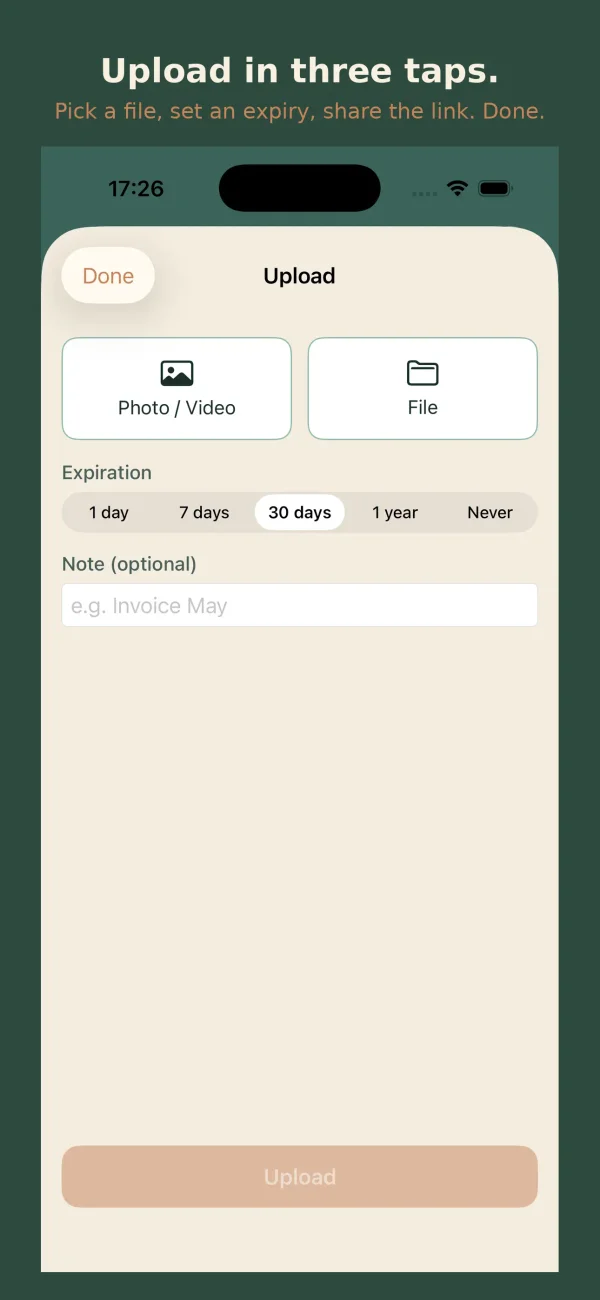
UPLOAD IN THREE STEPS
Pick a file from your photo library or the Files app, set an expiry, tap upload. The share link lands in your clipboard automatically.
YOUR FILES. YOUR SERVER.
picaroa connects exclusively to your own PicoShare instance. No data is sent to third parties. Your shared secret is stored securely in the iOS Keychain – never in plain text.
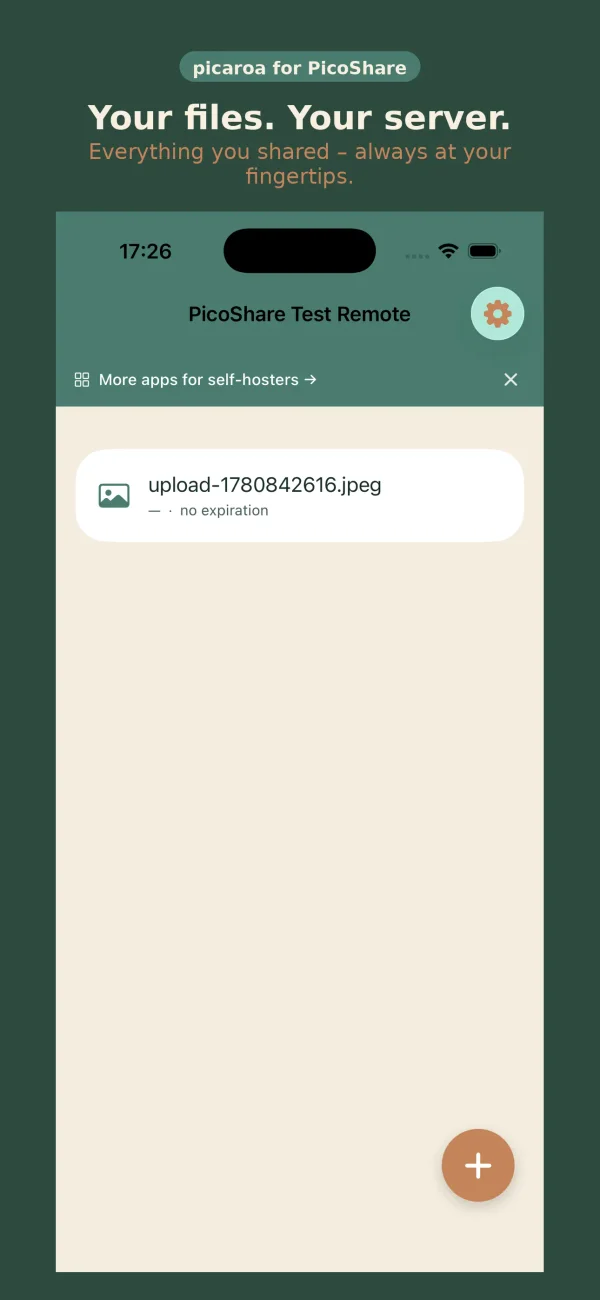
ALL YOUR FILES AT A GLANCE
Every uploaded file in a clean list. Tap any entry to copy the link, open it in Safari, or delete the file. Swipe left to delete directly from the list.
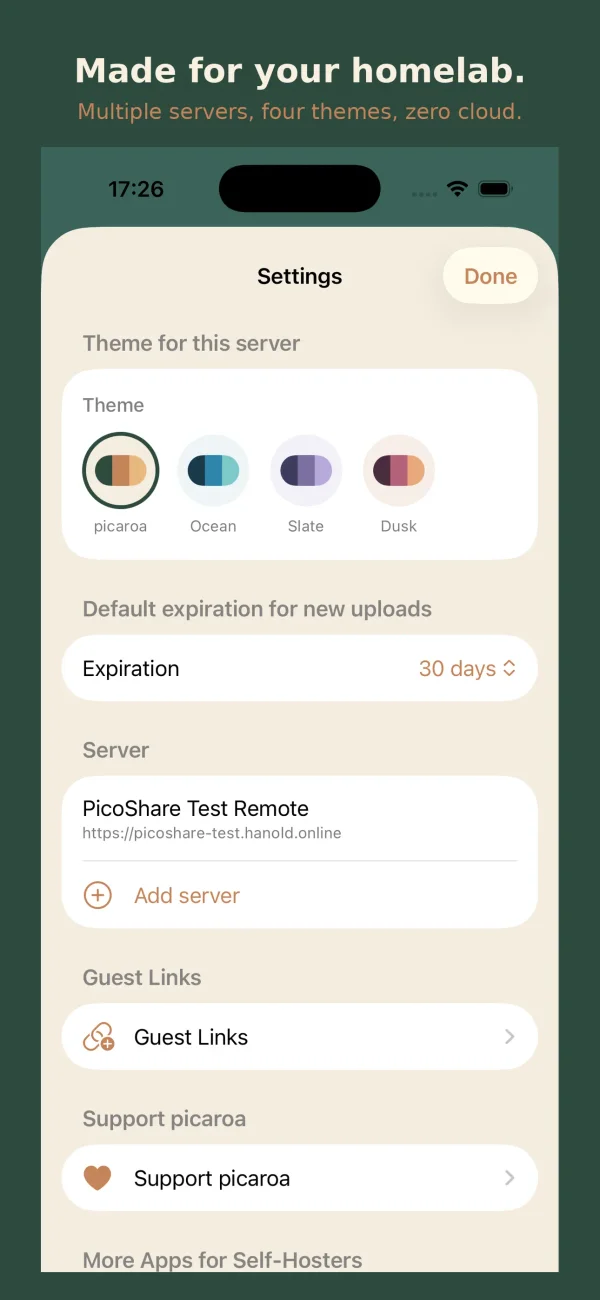
MULTIPLE SERVERS, MULTIPLE THEMES
Manage several PicoShare instances in one app. Each server gets its own colour theme – Picaroa, Ocean, Slate, or Dusk.
EXPIRY OPTIONS
1 day · 7 days · 30 days · 1 year · Never
REQUIREMENTS
A reachable PicoShare instance (home network, VPN, or public). PicoShare is free, open source, and runs with Docker in minutes.
picaroa is free and contains no advertising.
What’s new
Version 1.1 · Jul 6, 2026
New in version 1.1:
• Multi-upload: Select several files and upload them in a single step.
• ZIP archives: Bundle multiple files into one download link — optionally password-protected.
• File preview: View images, PDFs and videos right in the app, no browser needed.
• QR codes: Show any share link as a QR code and hand files from one device to another.
• Search & filter: Search and sort your file list by name, date, size or file type.
• Offline queue: If the server is unreachable, uploads are saved and sent automatically once you're back online.
• EXIF stripping: Optionally remove GPS and camera metadata from images before uploading.
• Download counter: See how often a file has been accessed (when your server supports it).
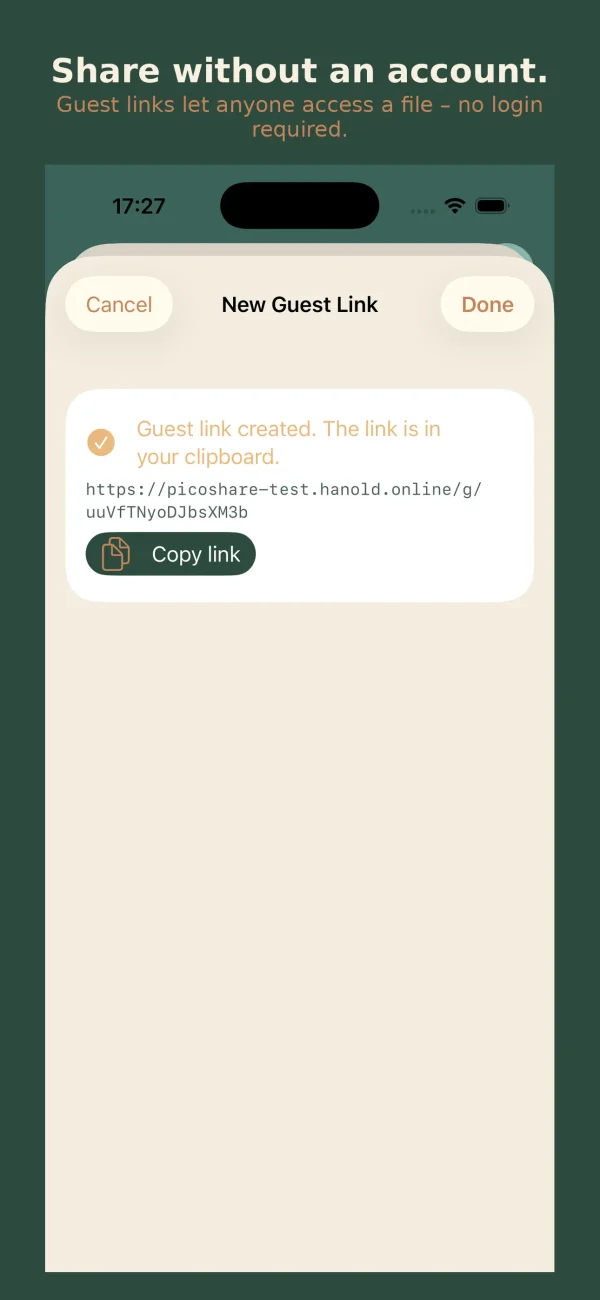
• Guest links: Share, test and edit upload links — plus a streamlined guest upload screen.
• Easier server management: switch between servers and reveal credentials to check them.
• Many refinements across the interface and translations.
App privacy
What Sven Uwe Hanold declares on the App Store about how this app handles data.
-
Data not collected
The developer does not collect any data from this app.
Privacy practices may vary, for example with the features you use or your age.
Information
- Seller
- Sven Uwe Hanold
- Category
- Utilities
- Version
- 1.1
- Updated
- Jul 6, 2026
- Released
- Jul 2, 2026
- Size
- 4.9 MB
- Requires
- iOS 26.5 or later
- Age rating
- 4+
- Price
- Free
- In-app purchases
- Yes
- Languages
- English, German
- Copyright
- © Sven Hanold
You might also like
-
 QR Code Maker with LogoCustom generator & scanner
-
 ScreenLitsPolish your screen
-
 KumaWatchUtilities
-
 StableBit Cloud NotificationsUtilities
-
 Recollect - Save & CurateLife happens, save it.
-
 Super Ear: Hear from DistanceLive Hearing Amplifier.
-
 SecureX NvrSmart Camera & NVR Viewer
-
 Arcade Card ReaderUtilities
-
 Pretty QR Code GeneratorStyle and export with logo
-
 Baking Soda - Tube CleanerBetter video player