
PiccyBot
AI Photo & Video Description
Designed for iPhone, iPad
Free · In-app purchases
- Age rating4+
- CategoryProductivity
- DeveloperSparkling Design and Infotech Private Limited
- LanguagesEnglish+ 32 more
- Size30.9 MB
Links to the official App Store page
Download.org hosts no file of PiccyBot. The button opens its official App Store page, published by Sparkling Design and Infotech Private Limited. Listing last checked on Nov 6, 2026.
Screenshots

About
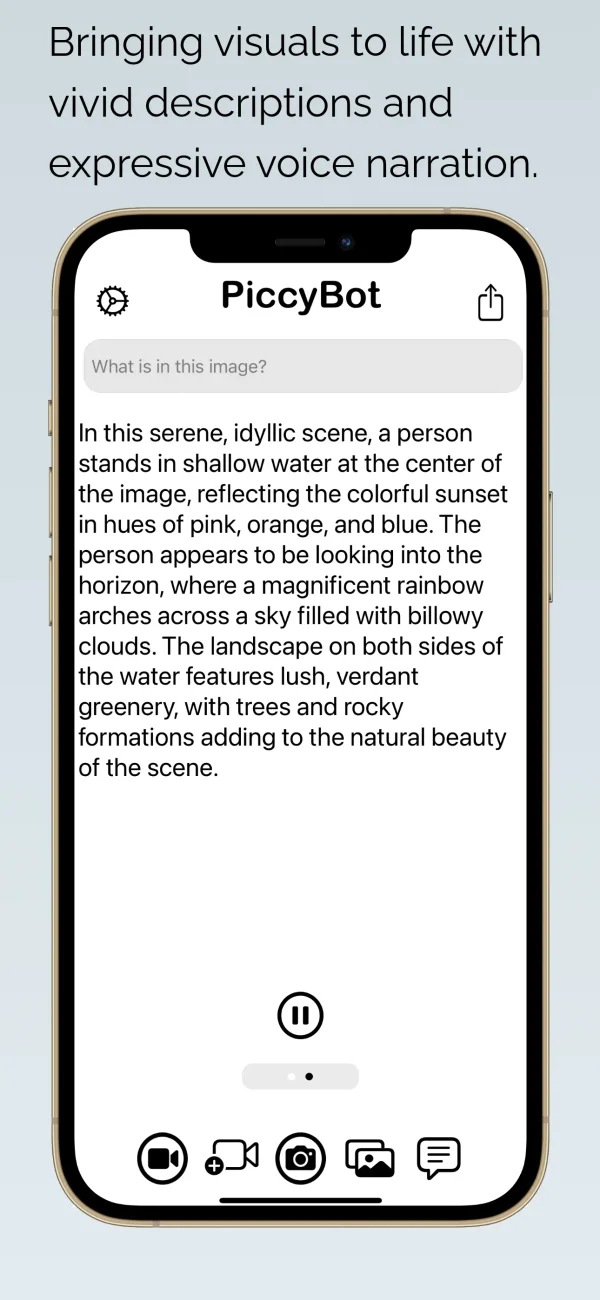
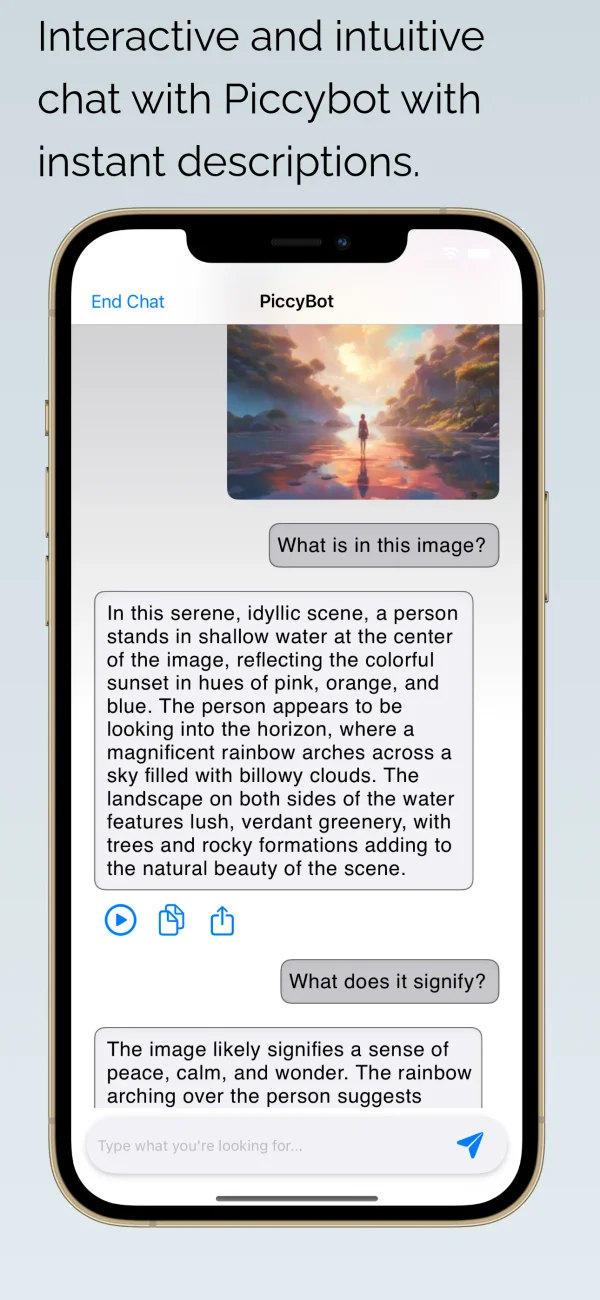
PiccyBot makes media accessible if you are blind or have low vision. Use PiccyBot to convert photos and videos into spoken descriptions, pose questions in the text field, and zoom in for specific details. PiccyBot answers any image or video related query with a clear calm voice.
Key Features:
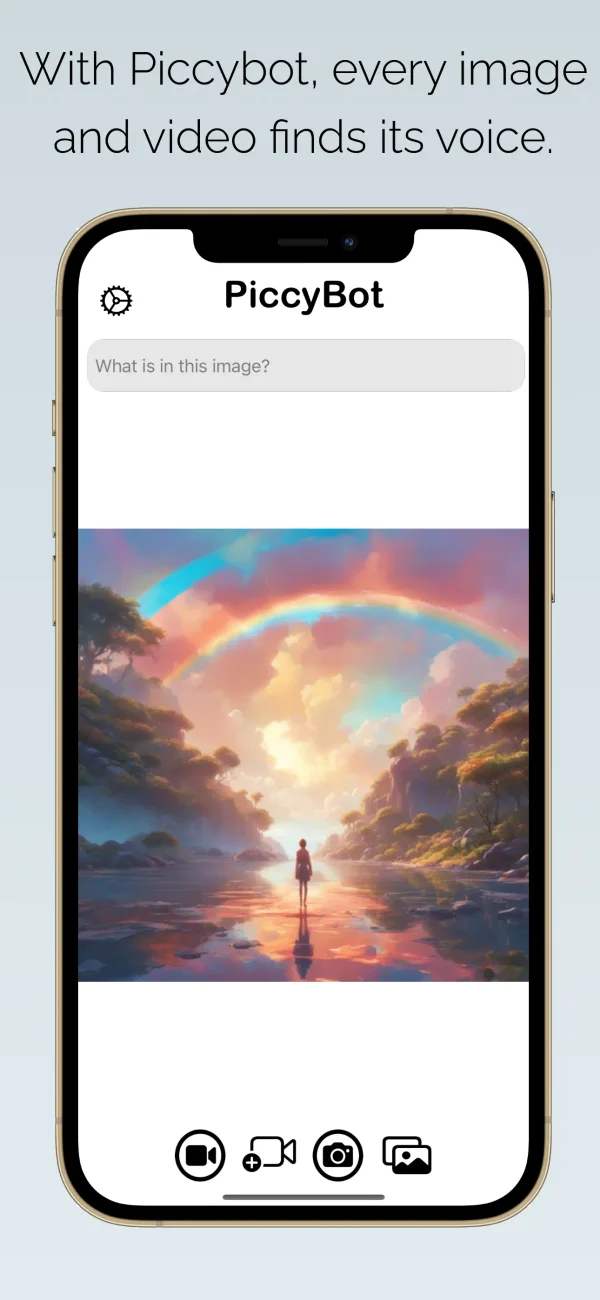
1. Video and Image Description: Launch PiccyBot and either use the camera or select an image or video from your gallery. PiccyBot analyzes the visual content and provides a detailed description.
2. Converse with PiccyBot: Ask follow-up questions about the image or video to get more specific information like "What does this image signify?" or "What colors are in this scene?".
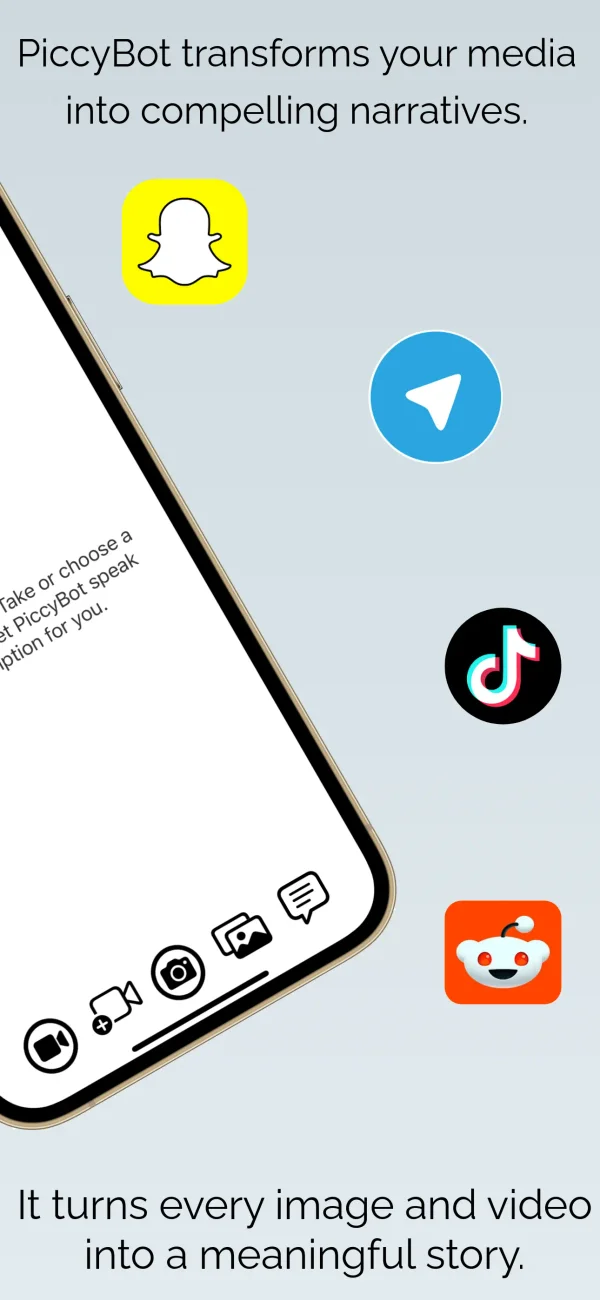
3. Share media from apps: Instantly share photos & videos from your favorite social apps with PiccyBot. Use the share feature of your app and then select PiccyBot to share it to. PiccyBot will then process the video or image and provide the description.
4. Voice Output: A clear, natural-sounding voice reads out descriptions, making it easy to understand visual content.
Unlock Premium Benefits:
1. Experience PiccyBot without interruptions. Enjoy an ads-free environment.
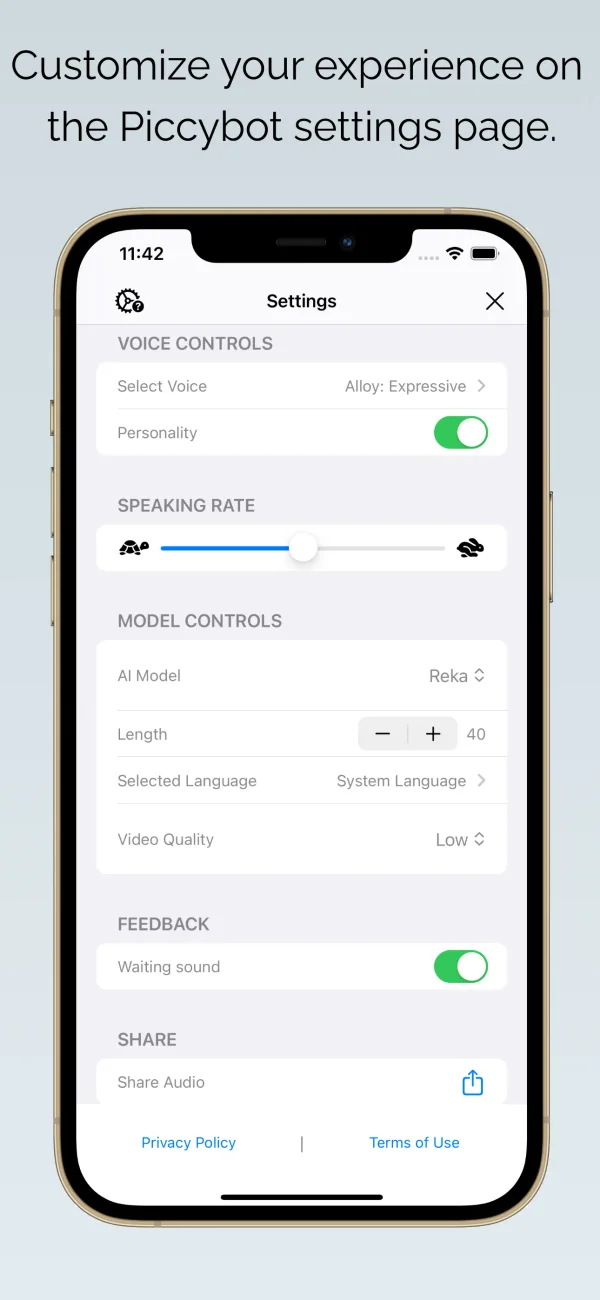
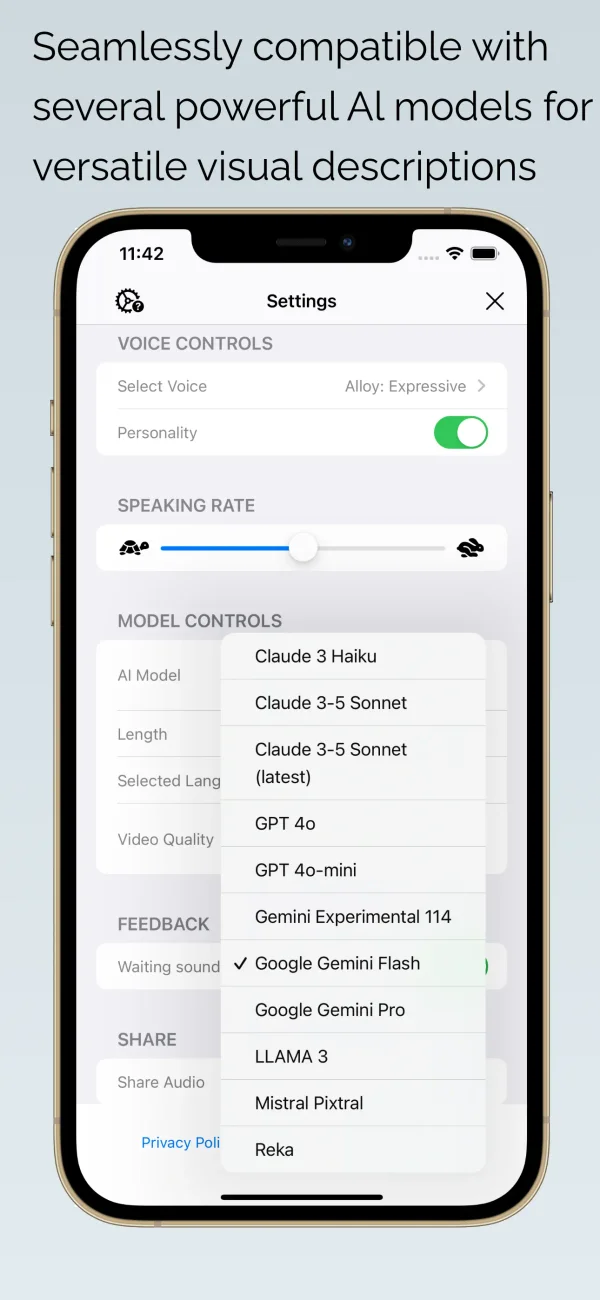
2. Enhance your image and video interpretation with personalised voice choices, adjustable description length, a selection of multiple AI engines and longer and more detailed video descriptions.
3. Choose from 55 languages in the PiccyBot settings to create the description.
4. Multiple Sharing Options: Share as audio only, video with audio mix, or description only.
5. Audio-Video Mixing: Combine original video audio with generated audio descriptions.
Elevate your PiccyBot experience with these exclusive premium benefits, effortlessly managed through your Apple account settings.
An advanced way to use PiccyBot for independent living:
Use PiccyBot to read mail, summarize documents, assist with cooking by reading recipes, organize clothing, troubleshoot tech issues, and explore new hobbies by describing instructions and images. Always verify critical information with a sighted person.
Please refer to the end user license agreement for our app: https://sparklingapps.com/piccybot-eula.html
All data (text descriptions as well as photos and videos) provided to PiccyBot are used only for text and voice generation within the app itself and will not be used in any other way ever.
See our privacy policy here:https://sparklingapps.com/piccybot-privacy.html
Have fun with PiccyBot! For any questions or suggestions, write to us at support@sparklingapps.com.
Check out more details about PiccyBot: https://www.piccybot.com/
What’s new
Version 3.15 · Nov 3, 2026
- Bug fixes and performance improvements
App privacy
What Sparkling Design and Infotech Private Limited declares on the App Store about how this app handles data.
-
Data used to track you
May be used to track you across apps and websites owned by other companies.
- Location
- Identifiers
- Usage data
- Diagnostics
-
Data linked to you
May be collected and linked to your identity.
- Location
- Identifiers
- Usage data
- Diagnostics
Privacy practices may vary, for example with the features you use or your age.
Information
- Seller
- Sparkling Design and Infotech Private Limited
- Category
- Productivity
- Version
- 3.15
- Updated
- Nov 3, 2026
- Released
- Feb 15, 2024
- Size
- 30.9 MB
- Requires
- iOS 17.6 or later
- Age rating
- 4+
- Price
- Free
- In-app purchases
- Yes
- Languages
- English, Arabic, Catalan, Croatian, Czech, Danish, Dutch, Finnish, French, German, Greek, Hebrew + 21 more
- Copyright
- © Sparkling Apps
You might also like
-
 ScribeMeAI Scanner & Visual Assistant
-
 Envision AIread text, docs & find objects
-
 Emvi.aiWorld’s first visual assistant
-
 Supersense - AI for BlindScan text, money and objects
-
 Perspective IntelligencePrivate Agentic On-Device AI
-
 WayAround - Tag and ScanAccessible Labels for Anything
-
 Vision: for blind peopleApp for visual impairment
-
 i PDf accessibleAI text extractor
-
 OrCamProductivity
-
 AI Podcast Maker - PODLMLLM Notes - Text To Speech